Interactive Demo
Try SPARC digital signage software right now
Pair a virtual screen, upload your content, and watch it play. No signup required.
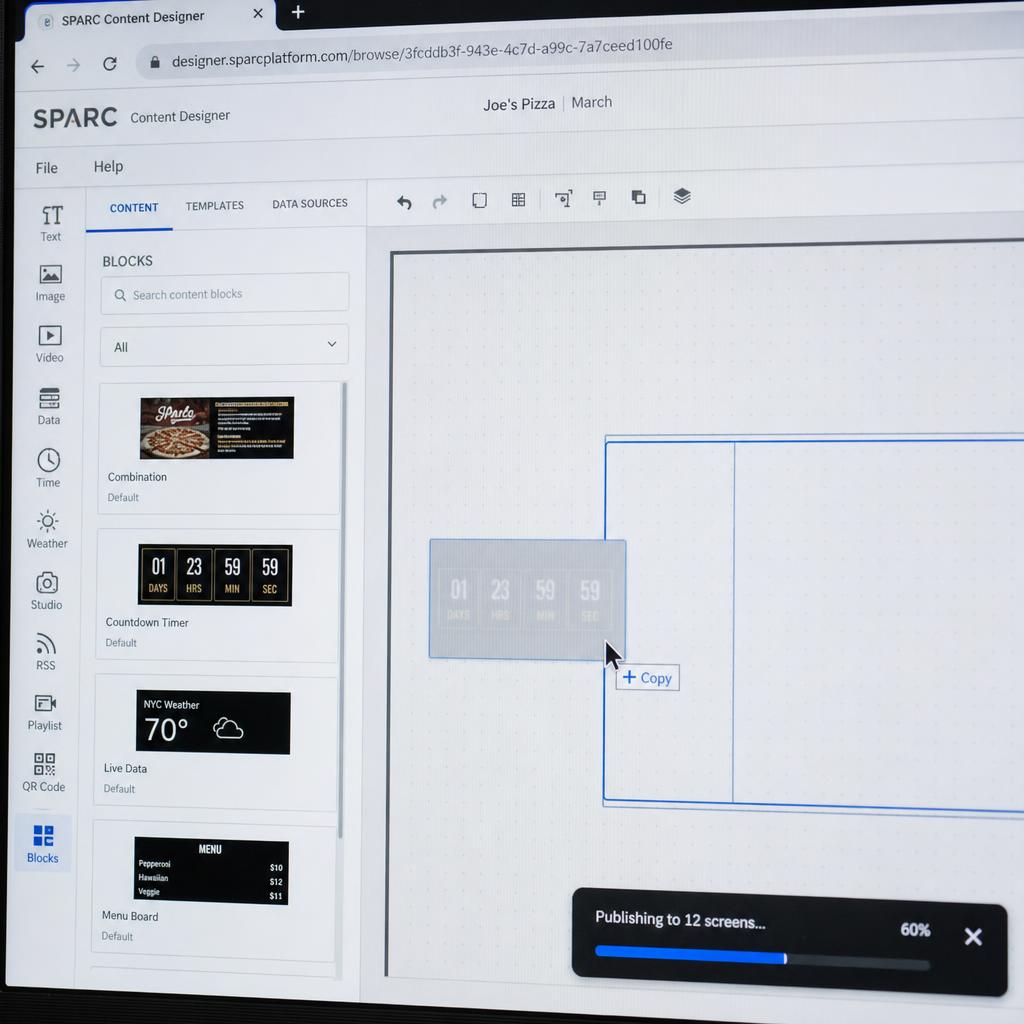
How the interactive demo works
Start by entering any six characters to pair the virtual display. Then add up to three image or video files from your device.
Build a playlist by choosing each item's duration and a fade, slide, or cut transition. Deploy it to see the uploaded content play on the virtual screen, then reset the walkthrough to try again.
1
2
3
4
Pair your screen
Enter the 6-character code shown on your display
For this demo, enter any 6 characters (e.g., DEMO01)