Digital Signage Answers
Browse answers to digital signage questions, grouped by technology, LED technology, content management, and analytics.
Digital Signage Basics questions about digital signage
Is there free digital signage software?
Yes. There are free tiers from commercial vendors and open-source platforms you host yourself. Free software is not the same as free digital signage: the licence fee moves into your own time, your server, and having nobody to call when a screen goes dark on a Saturday.
What is digital signage?
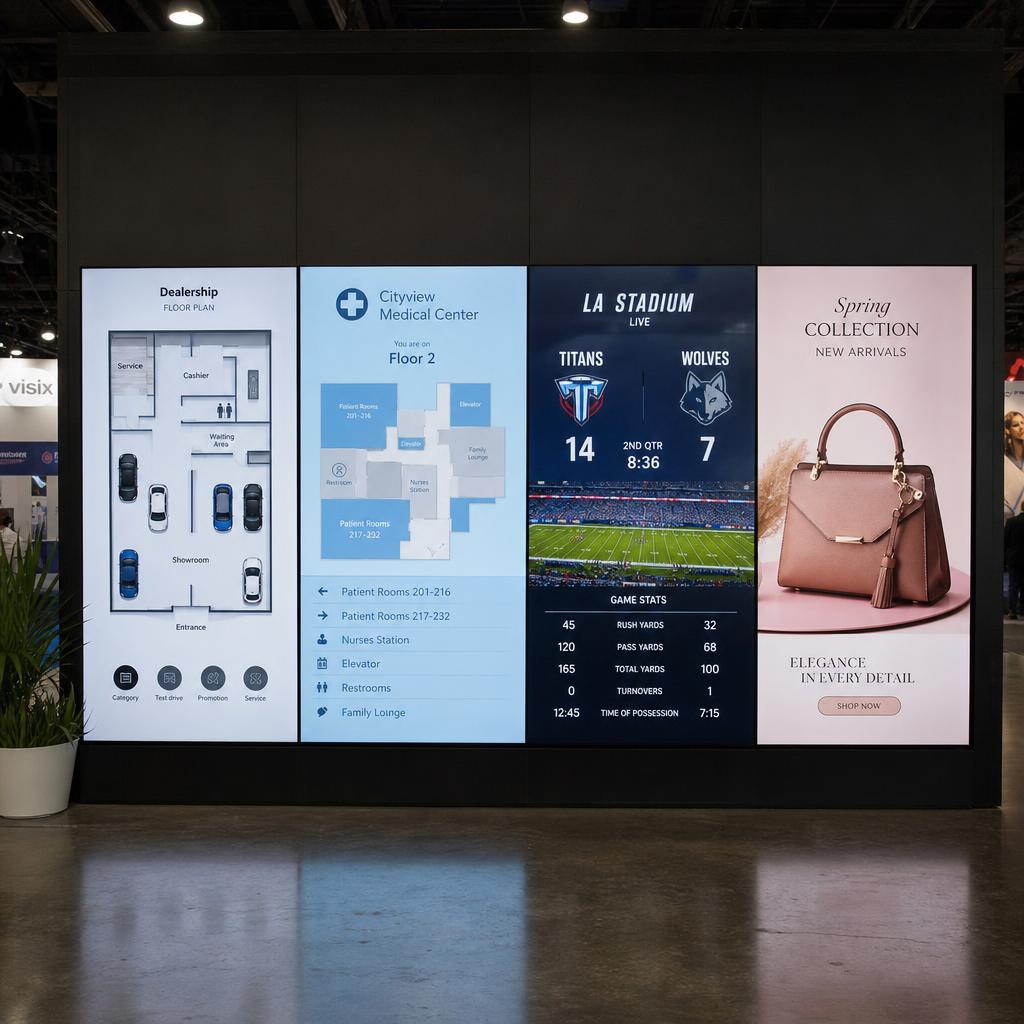
Digital signage is a network of screens whose content is controlled remotely through software, instead of being printed and swapped by hand. A working system has four parts: the display, a media player, the software that schedules content, and the content itself.
How does digital signage work?
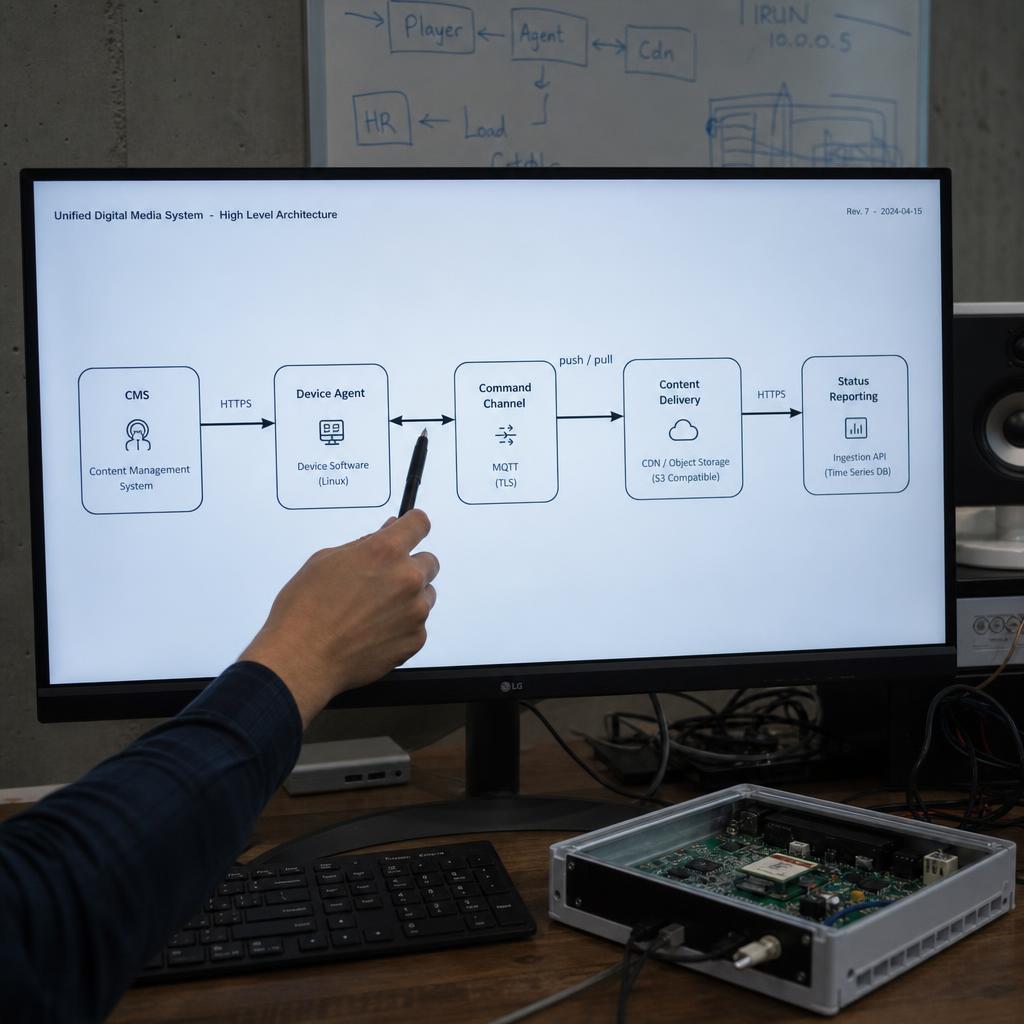
You upload content to cloud software and schedule it. The software sends that content down to a media player at each screen, which stores it locally and plays it. The player reports back what it played and whether the screen is healthy, so you can see the whole network without visiting it.
How do you use digital signage effectively?
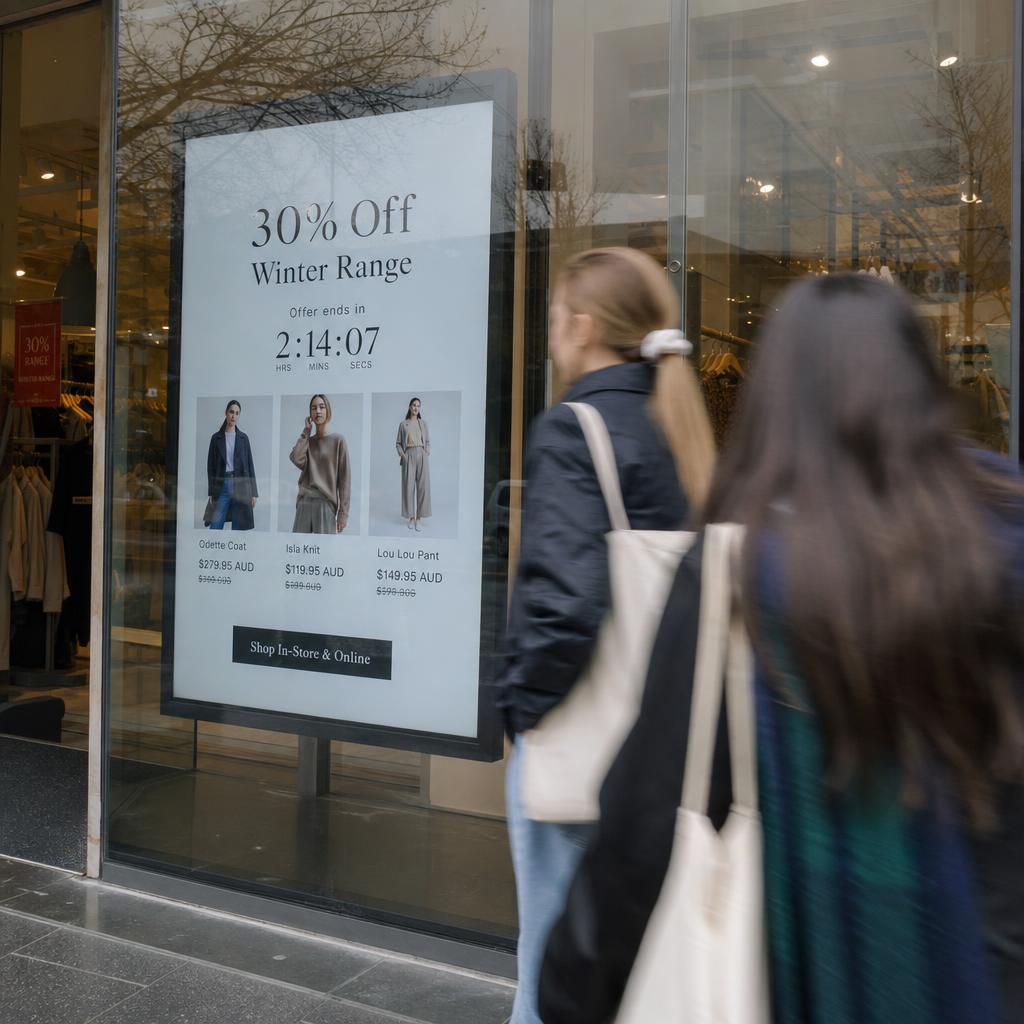
Give each screen one job, write content for how long people actually stand in front of it, and put the content on a schedule so it changes without anyone remembering to change it. Screens fail commercially when they try to say everything to everyone.
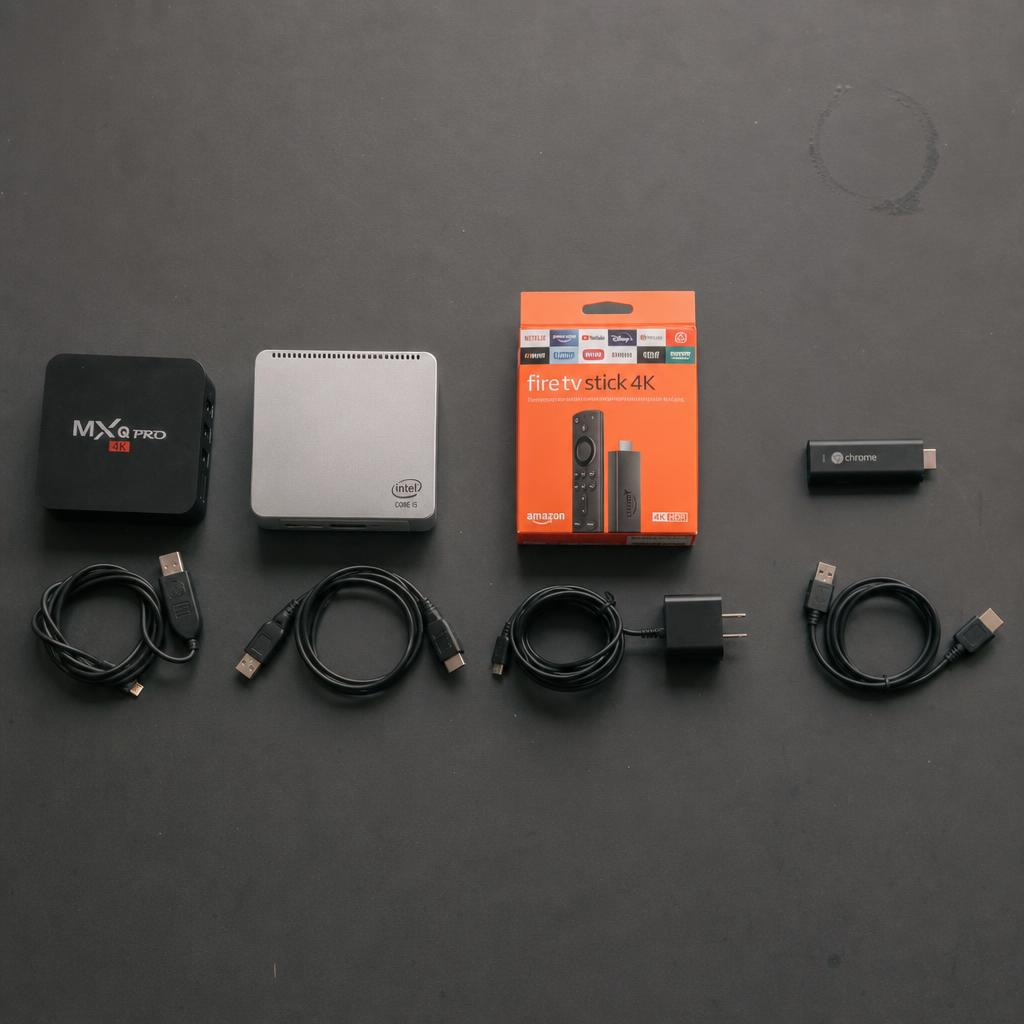
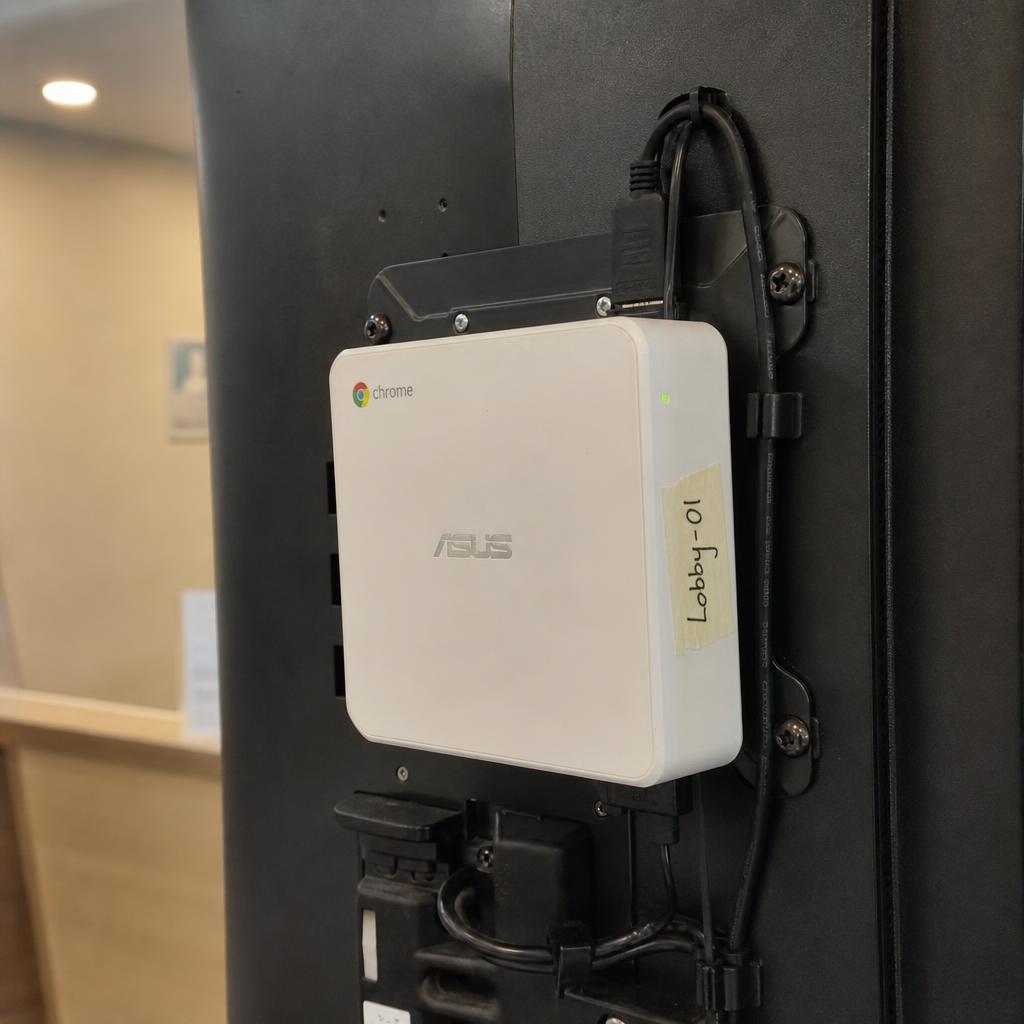
What is a digital signage player?
A digital signage player (or media player) is the small computer behind the screen that downloads content, stores it, plays it on a loop, and reports back to the software. Some commercial displays have one built in, which is called system-on-chip.
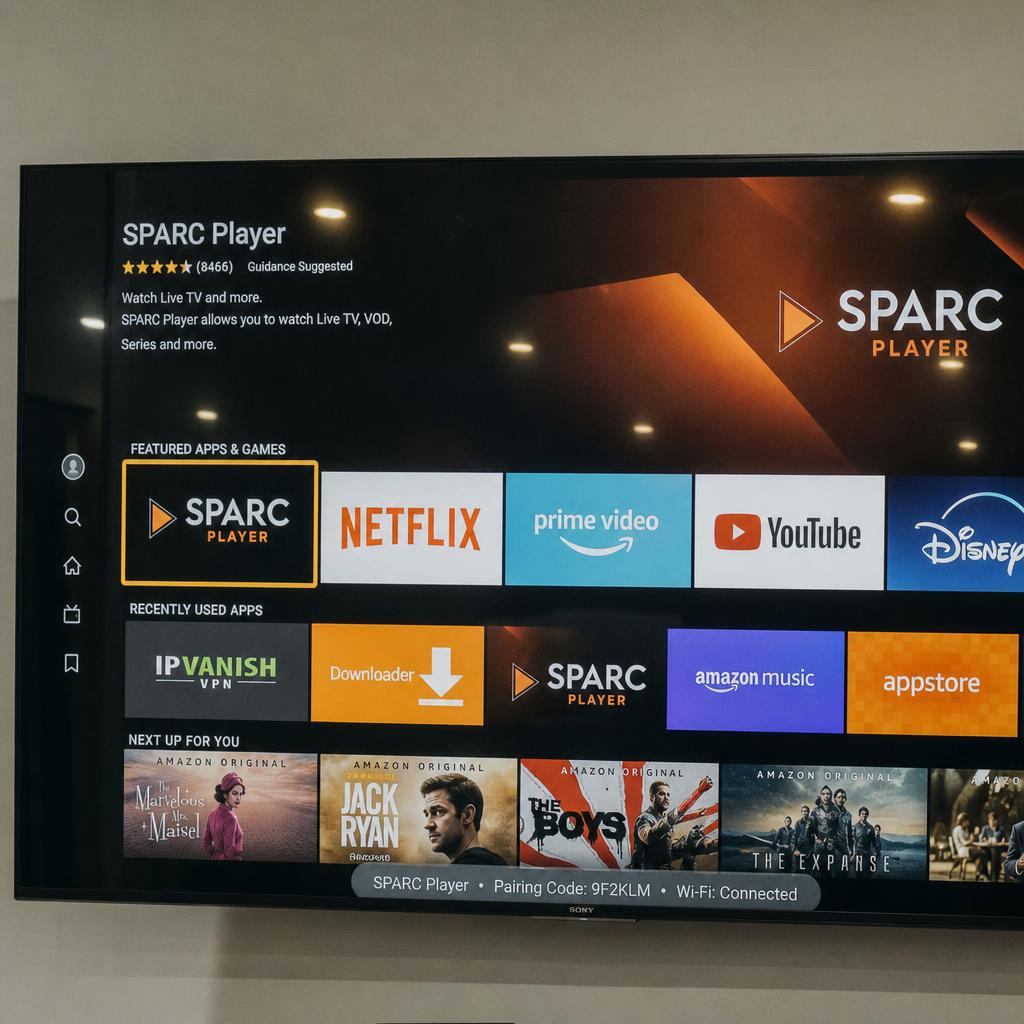
Can you use a normal TV for digital signage?
Yes. Add a media player to a consumer TV and it will run signage software perfectly well. The differences that matter appear over time: consumer panels are rated for fewer daily hours, are dimmer, usually cannot be mounted in portrait, and their warranty generally excludes commercial use.
Technology questions about digital signage
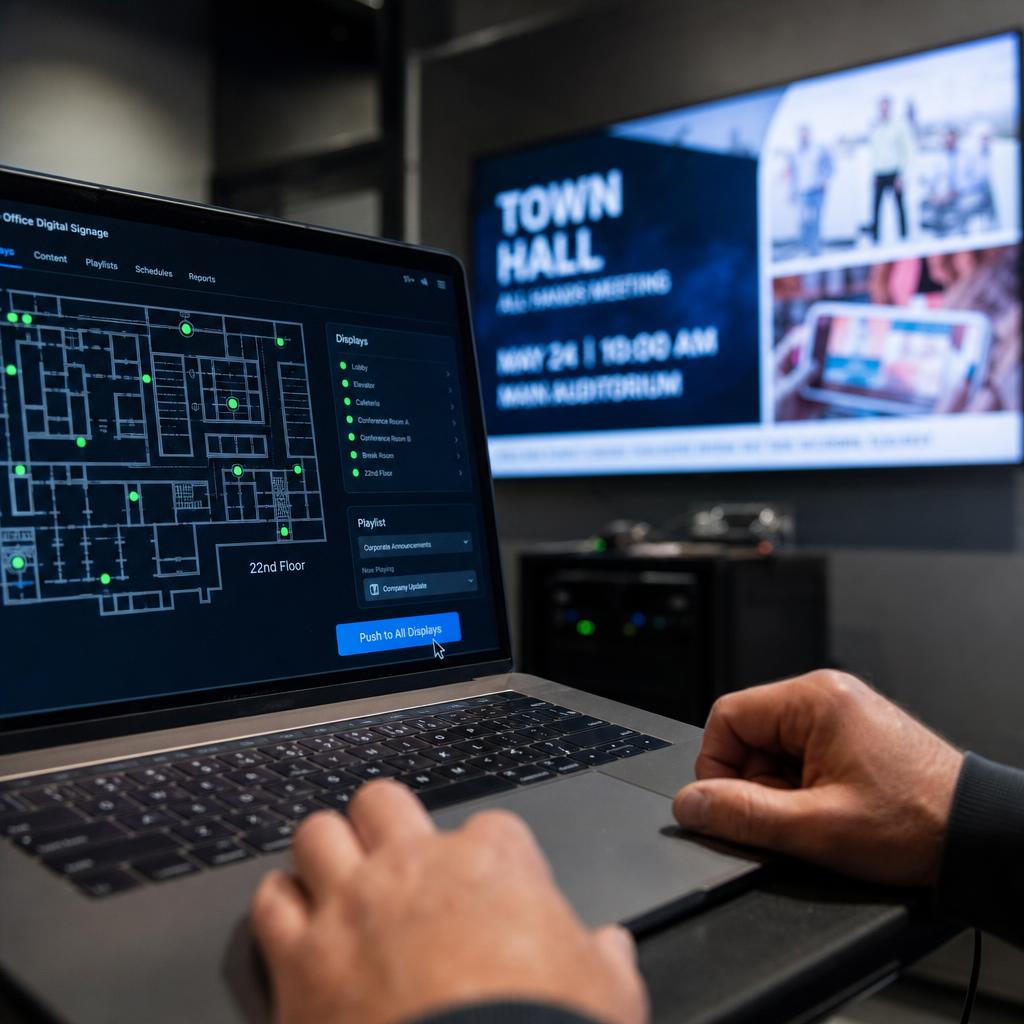
What is real-time screen control?
Real-time screen control is the ability to instantly update, manage, and monitor digital displays from a remote location without delays. Changes appear on screens within seconds of being made in the management system.
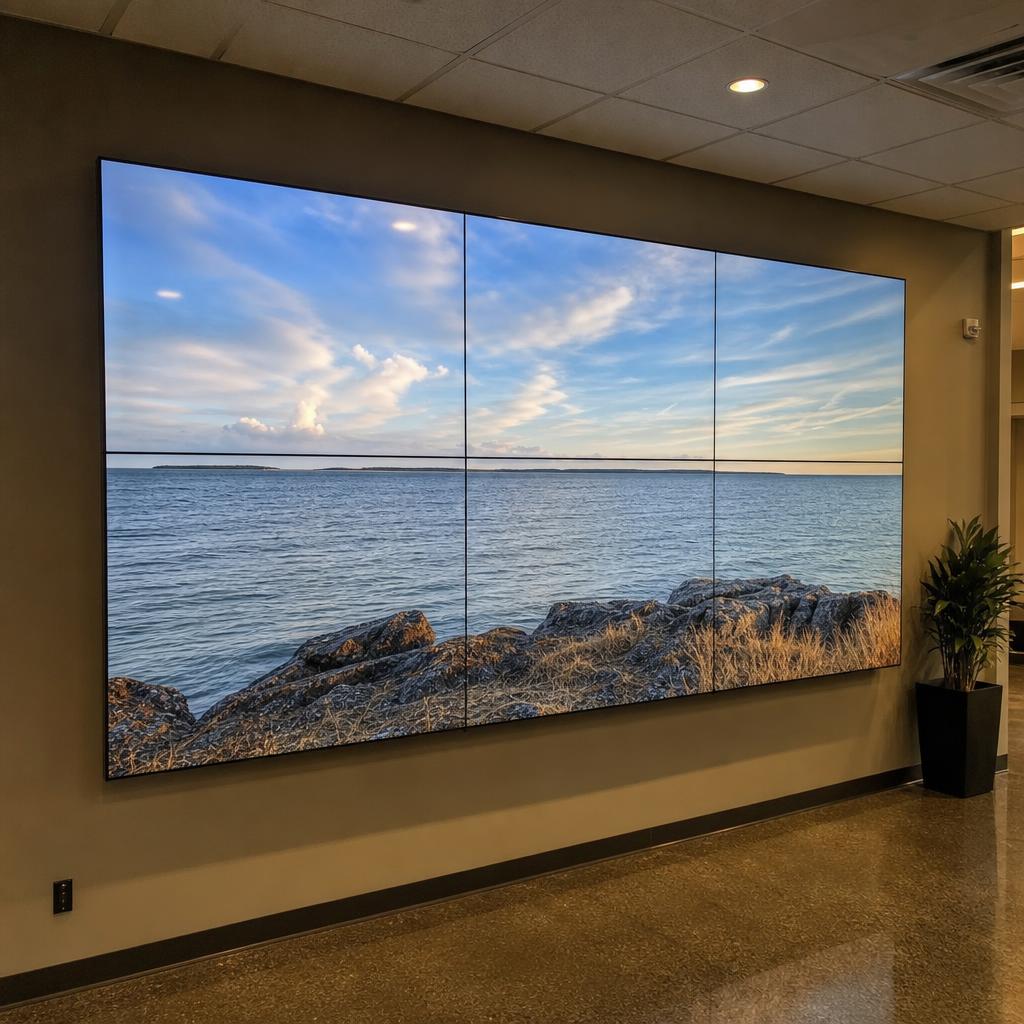
How does synchronised digital signage work?
Synchronised digital signage uses precise timing coordination to ensure multiple displays show content in perfect alignment. This is achieved through shared time references, synchronised playback commands, and continuous drift correction.
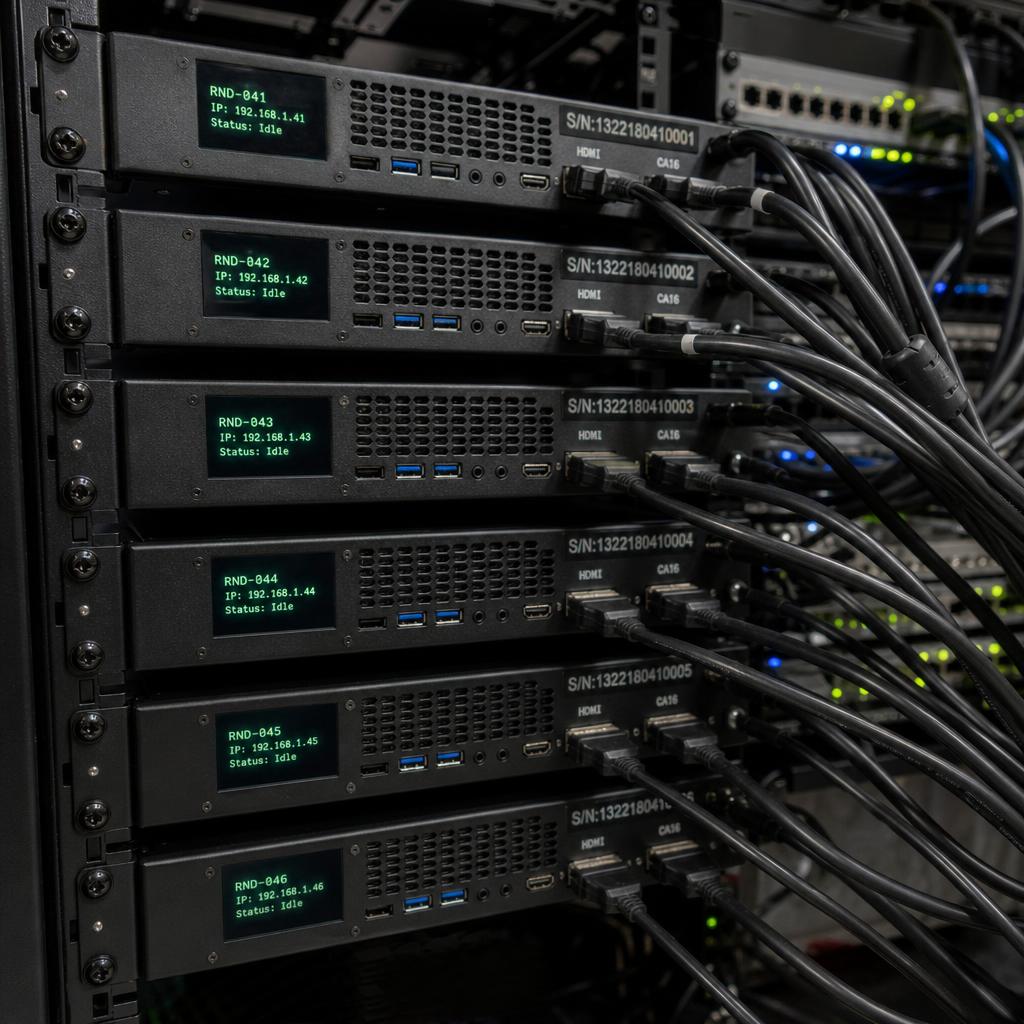
What is multi-node rendering?
Multi-node rendering distributes graphics processing across multiple computers (nodes), with each node rendering a portion of the total output. This enables display configurations larger than any single computer could handle.
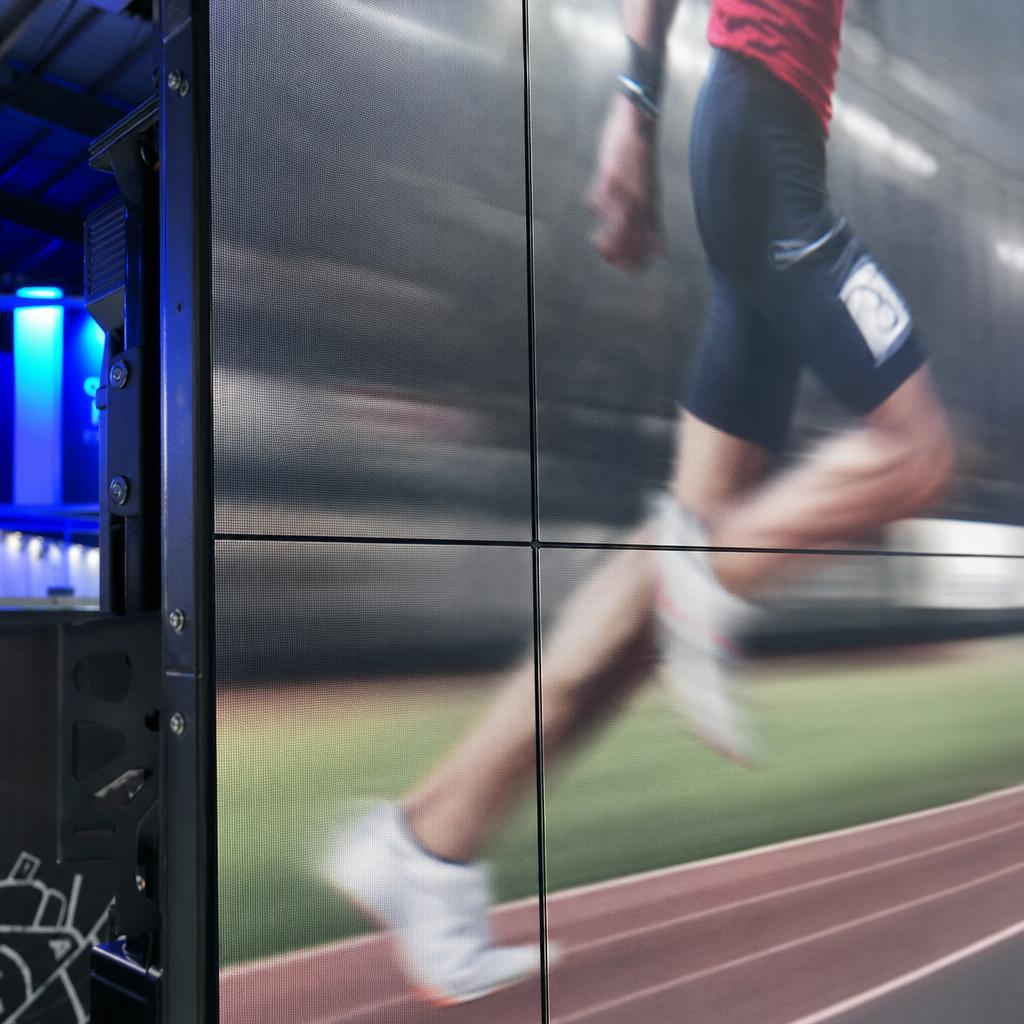
What is frame-accurate playback?
Frame-accurate playback means all synchronised displays show the exact same video frame at the exact same moment. This prevents visible tearing, jumping, or misalignment when content spans multiple environments.
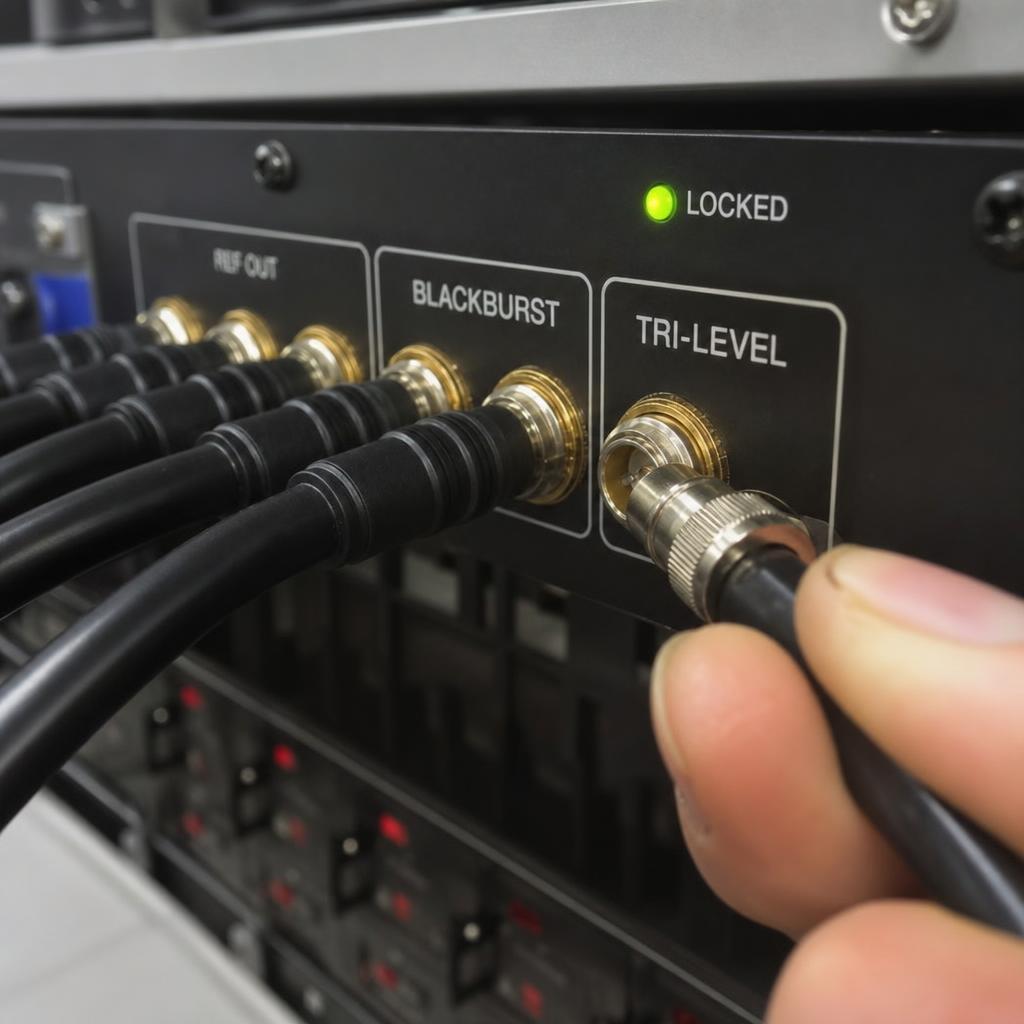
What is genlock synchronisation?
Genlock (generator lock) is hardware-based synchronisation that locks multiple video devices to a common reference signal. It ensures all devices output video frames at exactly the same time, preventing tearing in video walls.
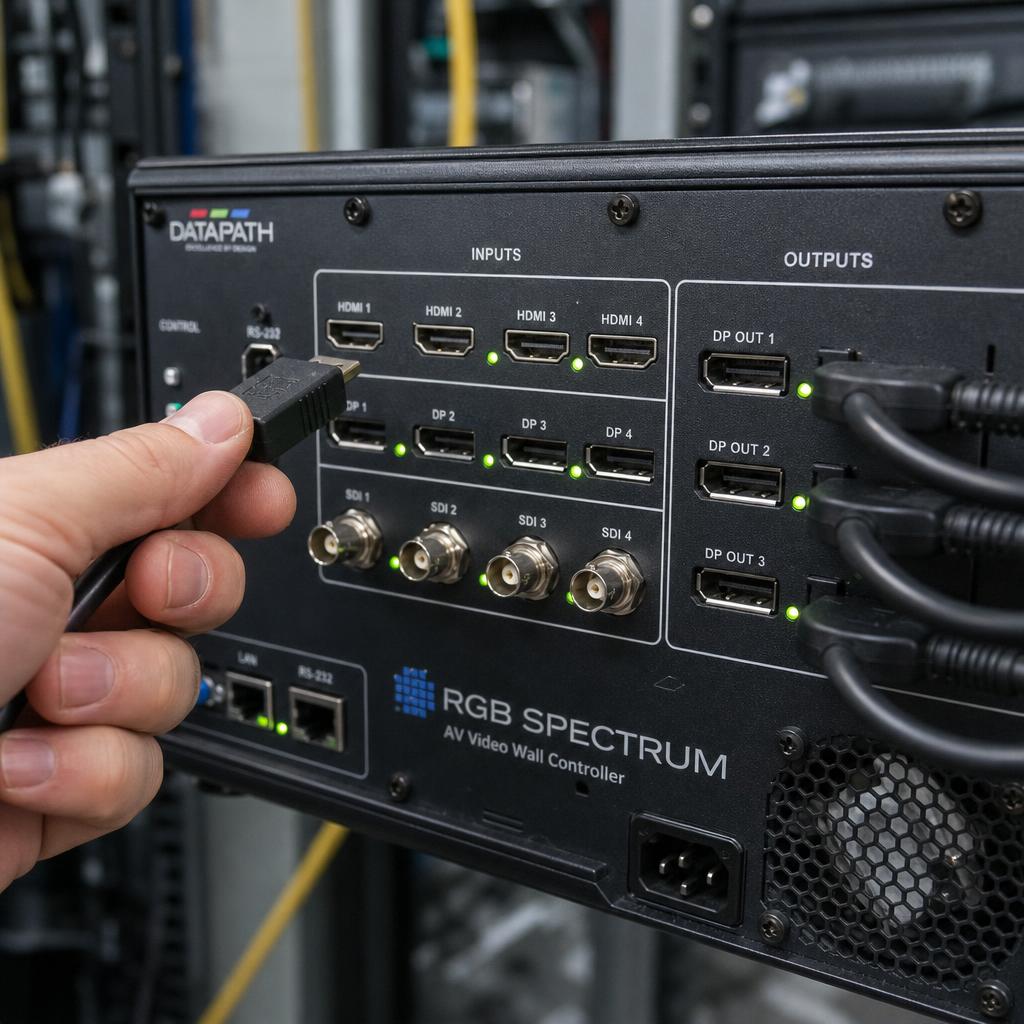
How do video wall controllers work?
Video wall controllers take input video signals, process them (scaling, splitting, rotation), and distribute the output to multiple displays. They handle bezel compensation, content spanning, and often include switching between sources.
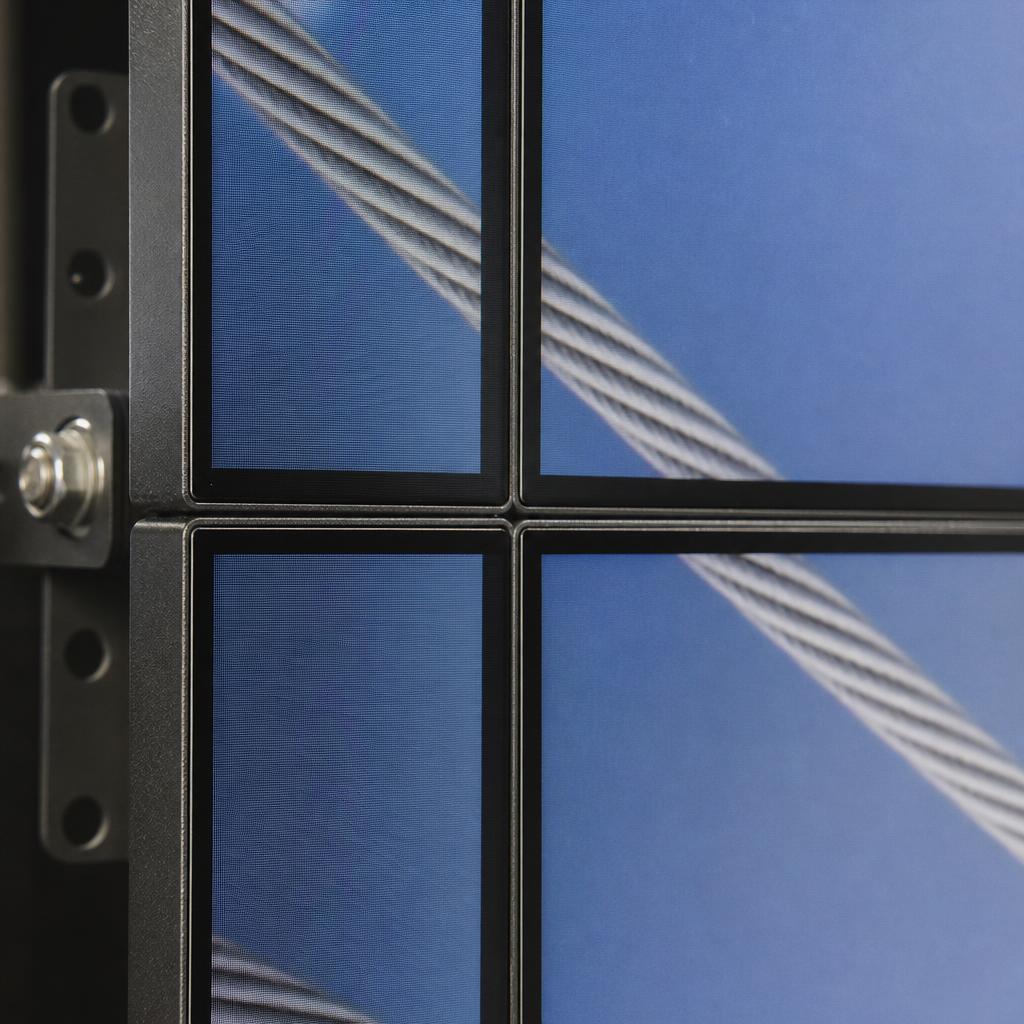
What is bezel compensation in video walls?
Bezel compensation removes pixels from content at display boundaries to account for physical bezels (screen borders), creating the illusion that content continues behind the bezels for a seamless appearance.
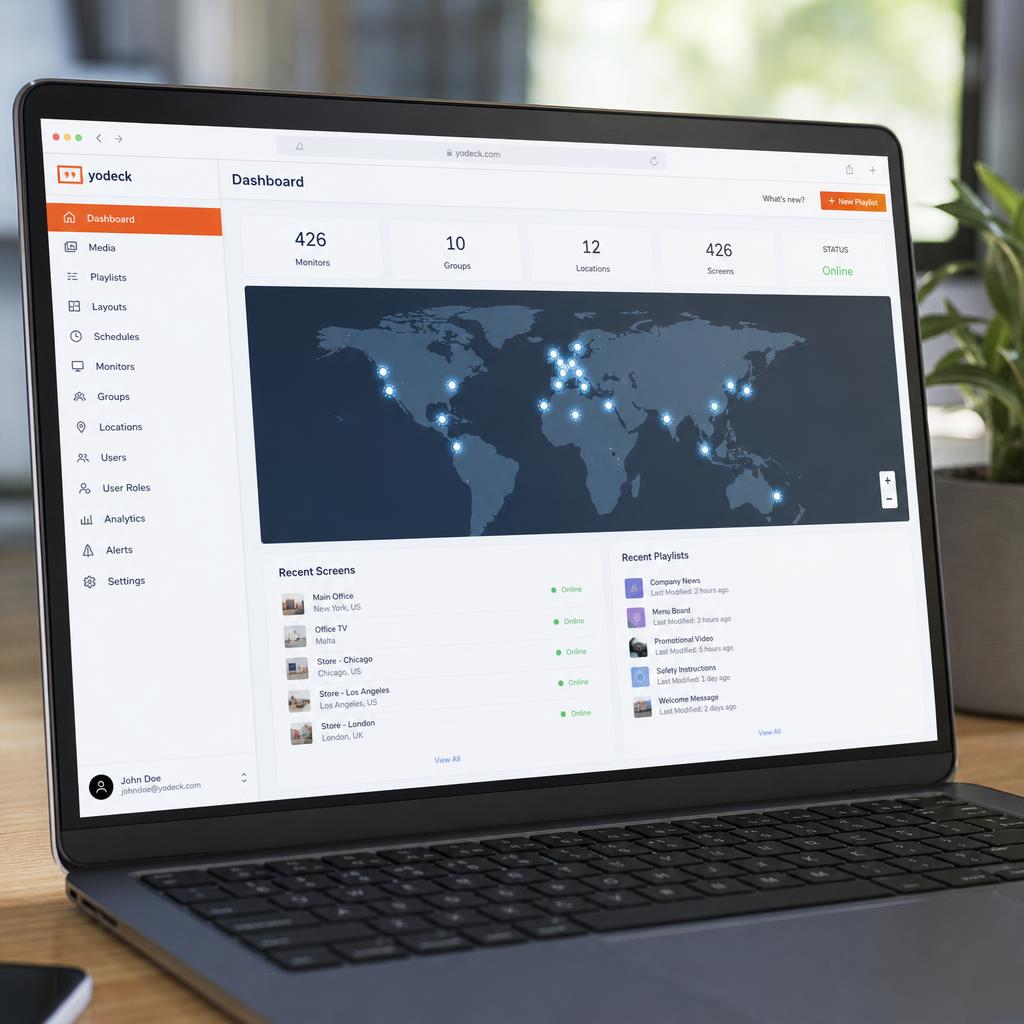
How does remote content delivery work in digital signage?
Remote content delivery pushes updated content from a central cloud CMS to displays anywhere with an internet connection. Content is optimized and cached locally on each player, so playback stays reliable even if connectivity is briefly interrupted.
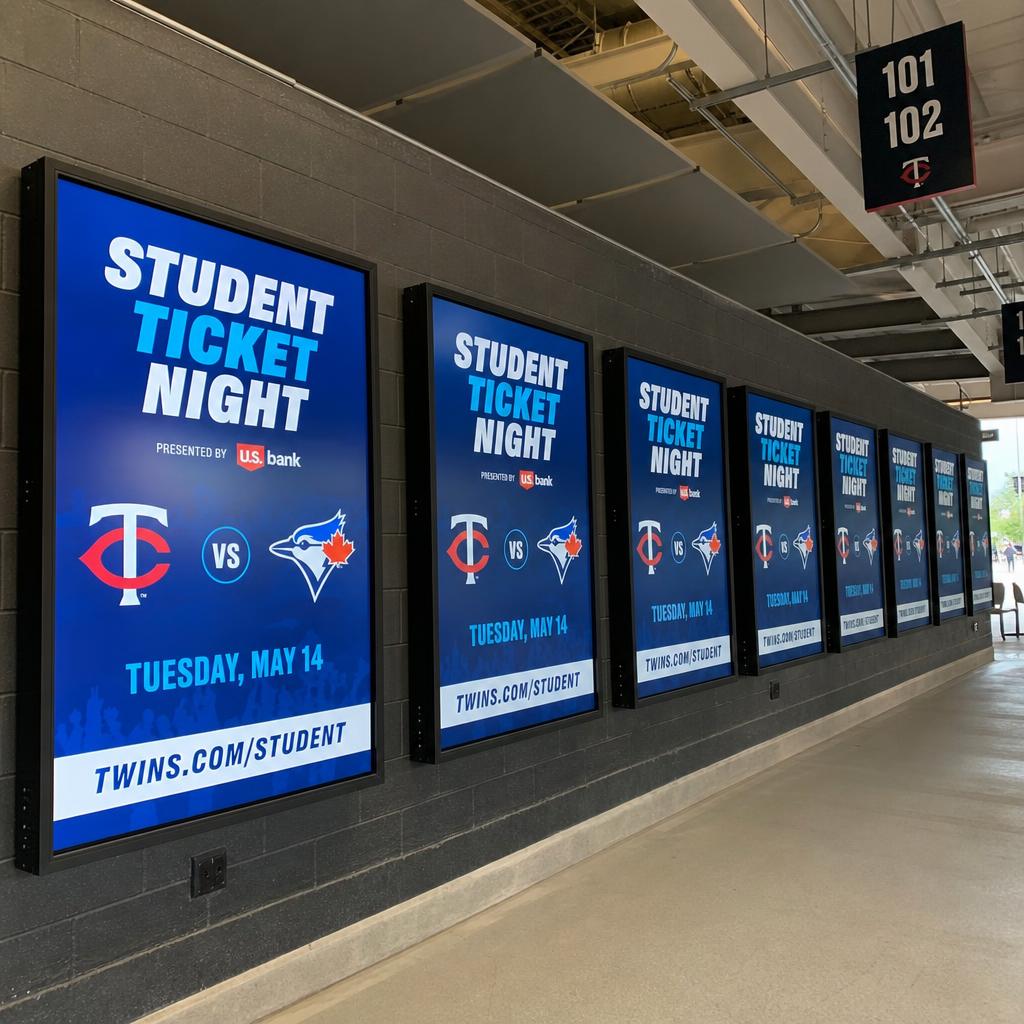
How many displays can be synchronised together?
There's no fixed hard limit — the number of displays that can be synchronised depends on the synchronisation method, network capacity, and content complexity. Software-based systems can coordinate anywhere from a handful of screens to thousands across a global network.
LED Technology questions about digital signage
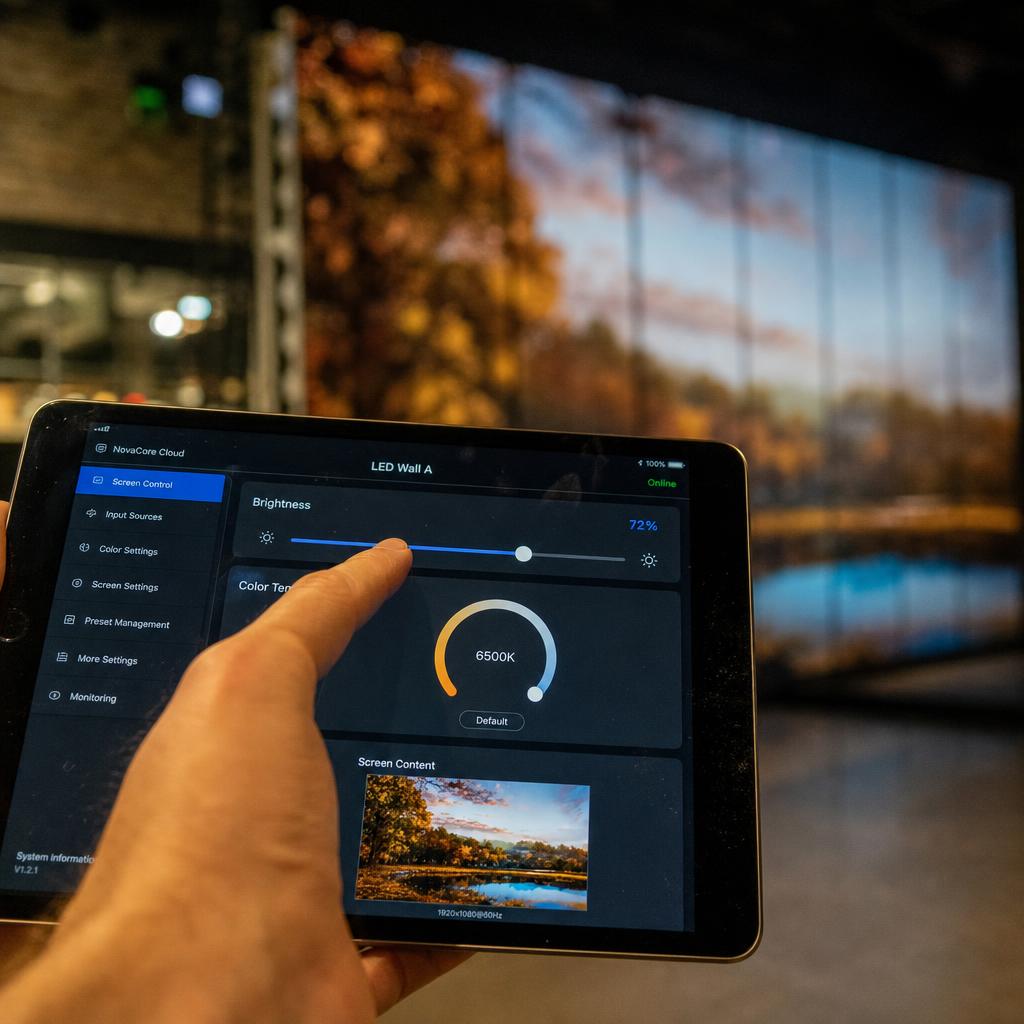
How do I manage LED walls remotely?
Managing LED walls remotely requires network connectivity, integrated control software, and proper monitoring systems. You can update content, adjust brightness, run diagnostics, and troubleshoot issues without on-site visits.
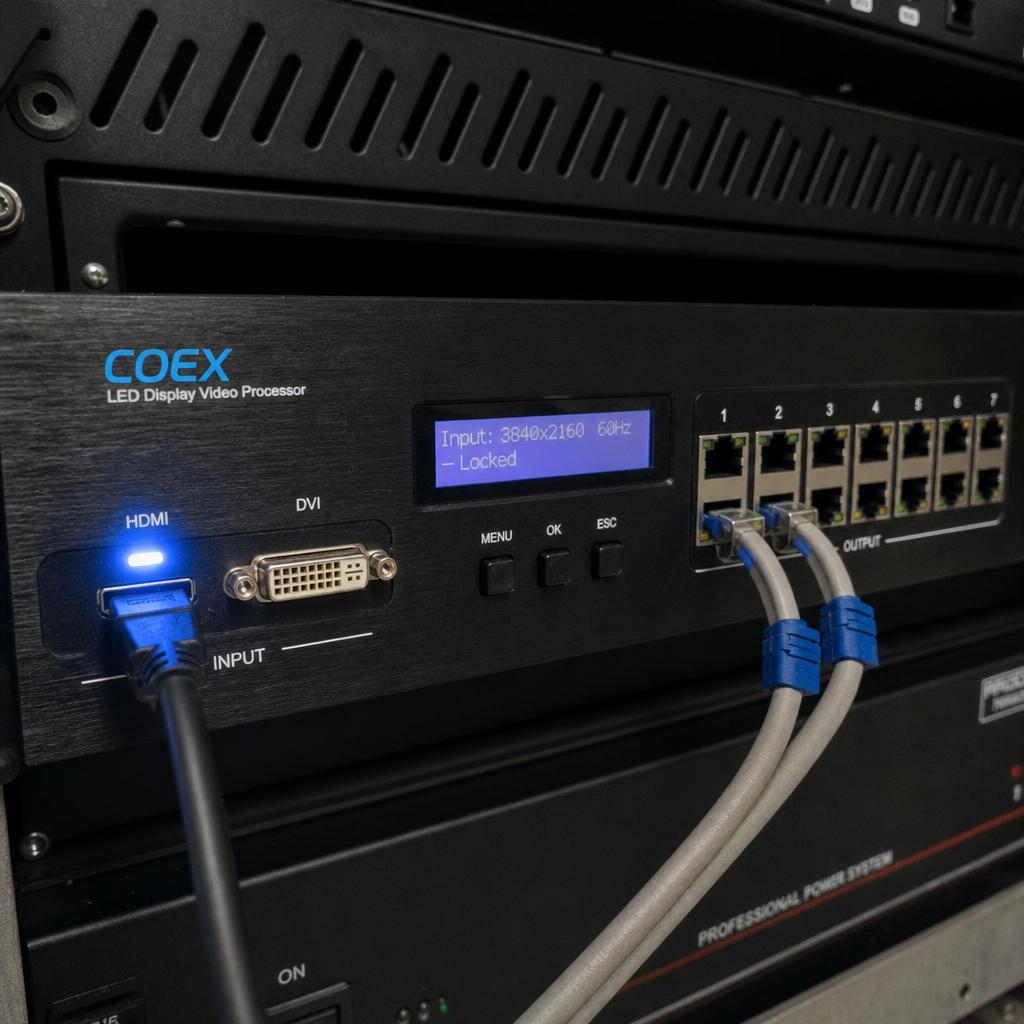
What is an LED processor?
An LED processor (video processor or controller) receives video input, processes it for optimal display, and converts it to the data format that LED panels require. It handles scaling, color correction, and panel control.
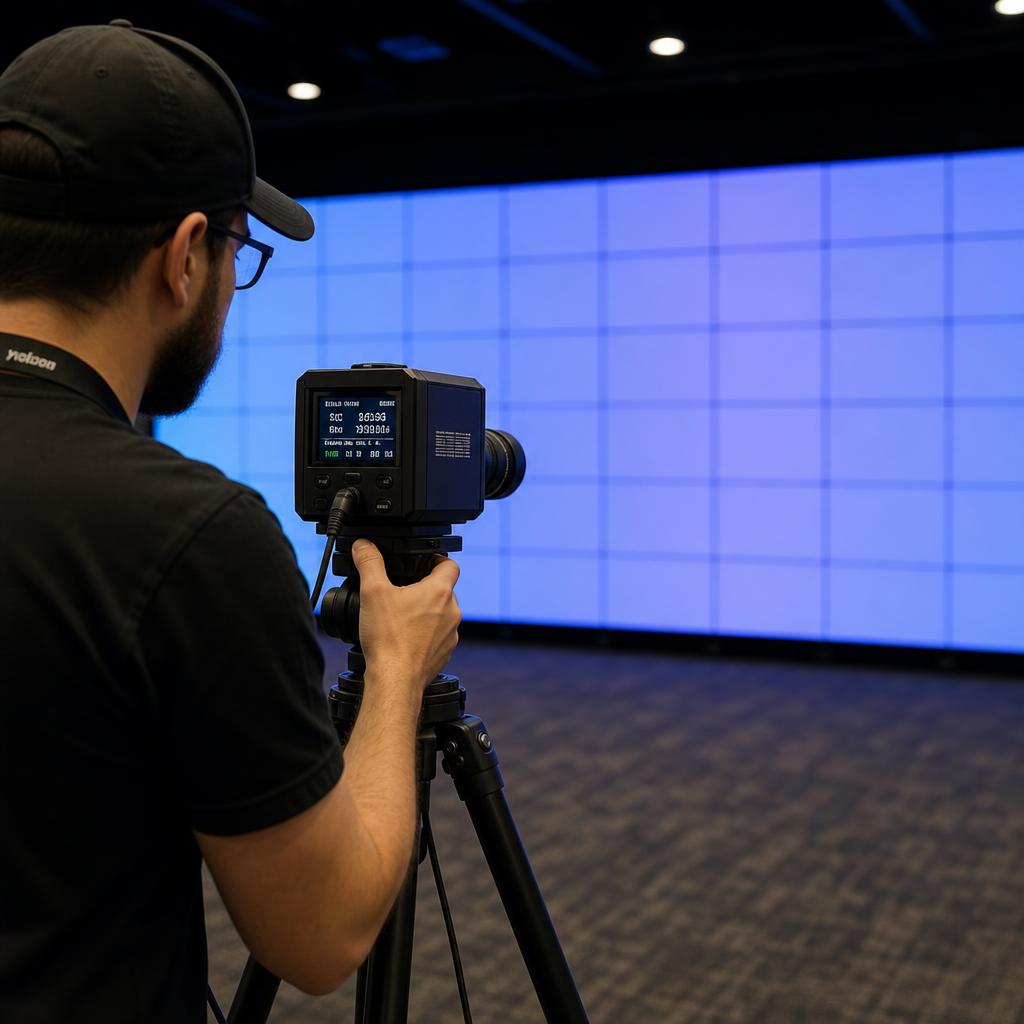
How do I calibrate an LED wall?
Calibrating an LED wall means measuring and correcting brightness and color differences between individual panels and modules so the entire wall displays uniform, consistent images. It's typically done with a calibration camera or sensor and specialized software.
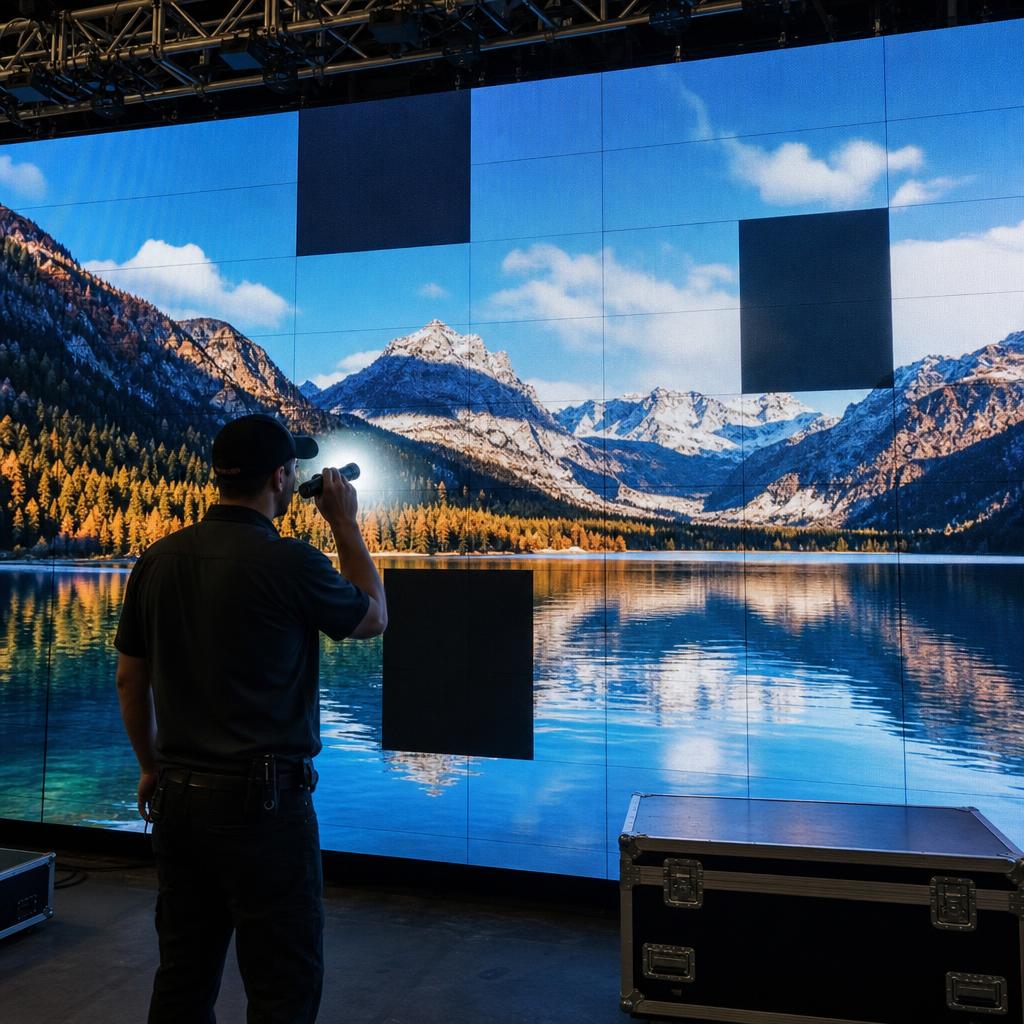
What causes LED wall failures?
LED wall failures are most commonly caused by power supply issues, loose or damaged data cables, overheating, individual LED or driver IC failure, and physical damage to modules. Most can be diagnosed remotely and many can be prevented with routine maintenance.
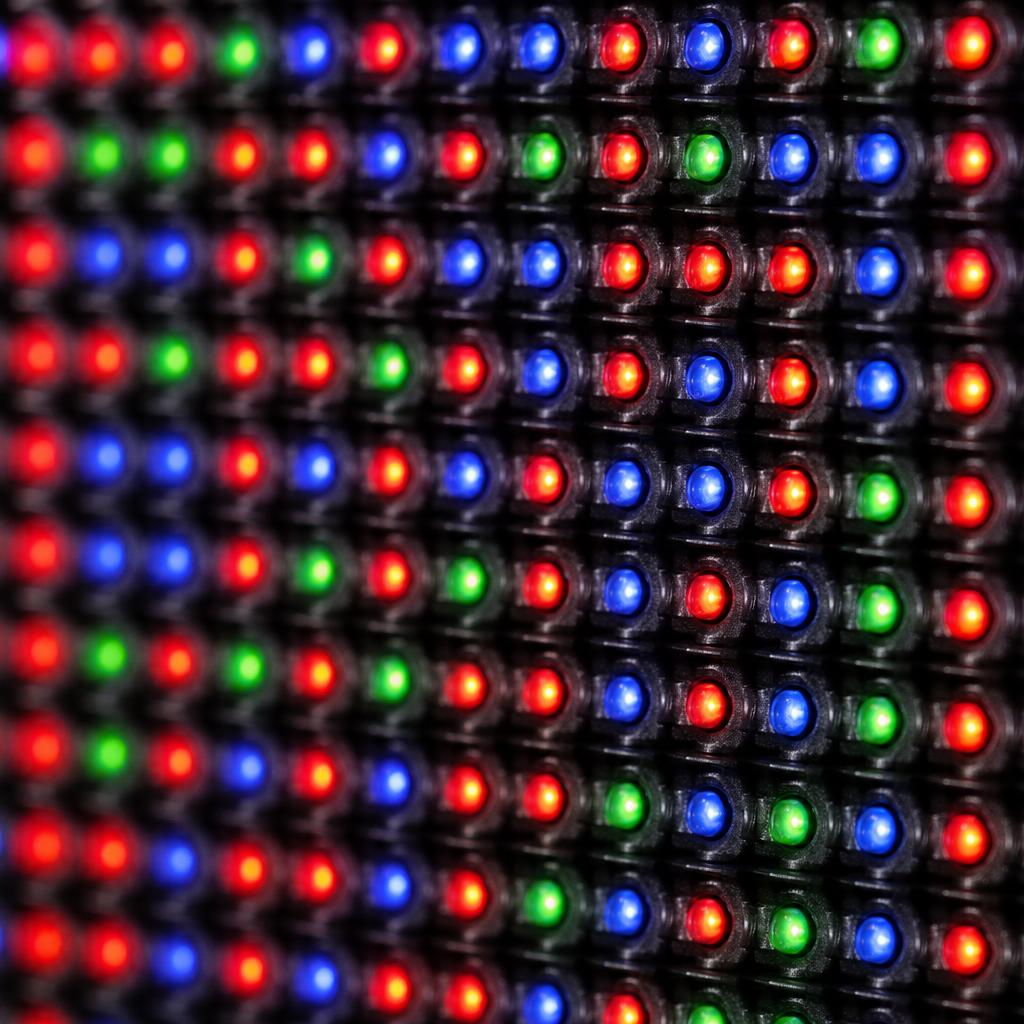
What is pixel pitch in LED displays?
Pixel pitch is the distance, in millimeters, between the center of one LED pixel and the center of the next. A smaller pixel pitch packs more pixels into the same area, producing higher resolution and allowing closer viewing distances, but at higher cost.
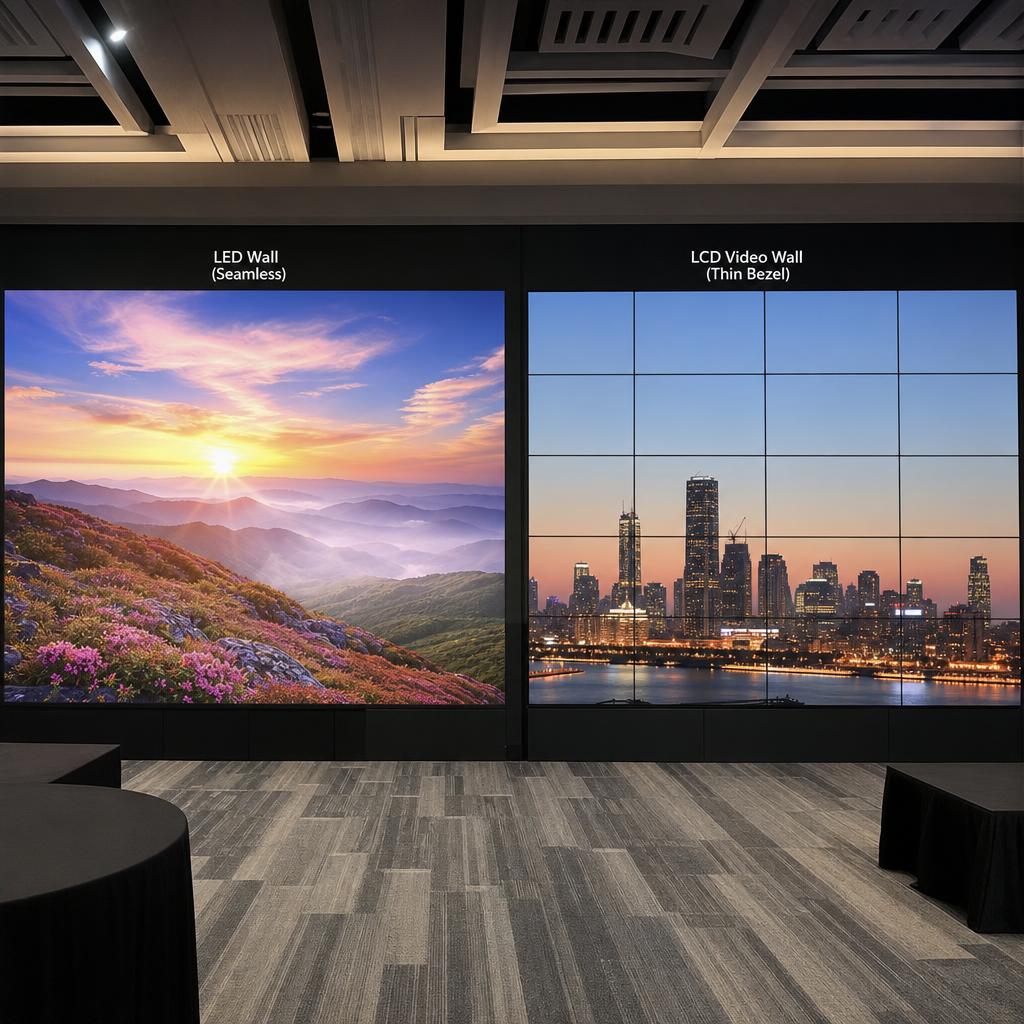
What is the difference between LED and LCD video walls?
LED video walls are built from individual LED modules with no bezels, giving a fully seamless image at higher cost. LCD video walls use standard flat-panel displays with narrow bezels between screens, offering lower cost per square foot but a visible seam pattern.
Content Management questions about digital signage
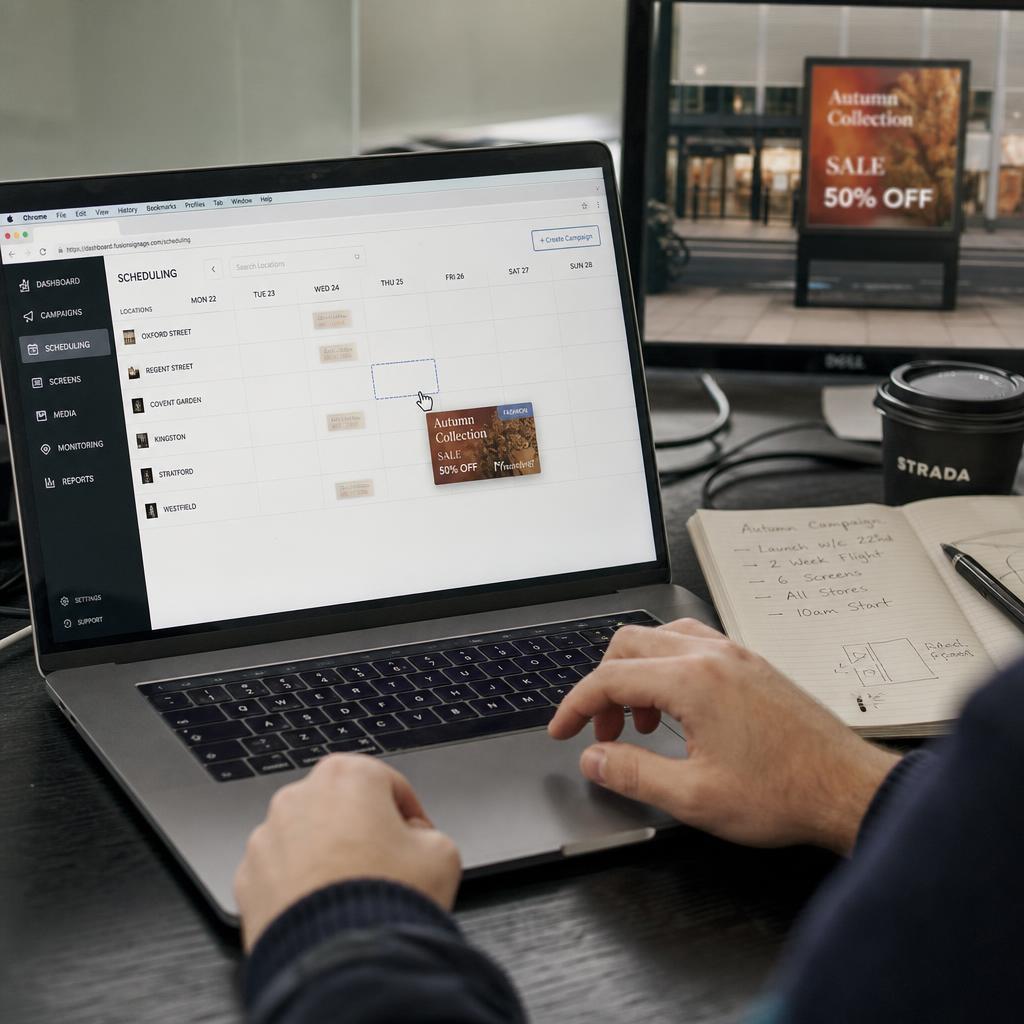
What is a digital signage CMS?
A digital signage CMS (Content Management System) is software that enables you to create, schedule, distribute, and monitor content across a network of displays. It's the central hub that connects content creators with screens.
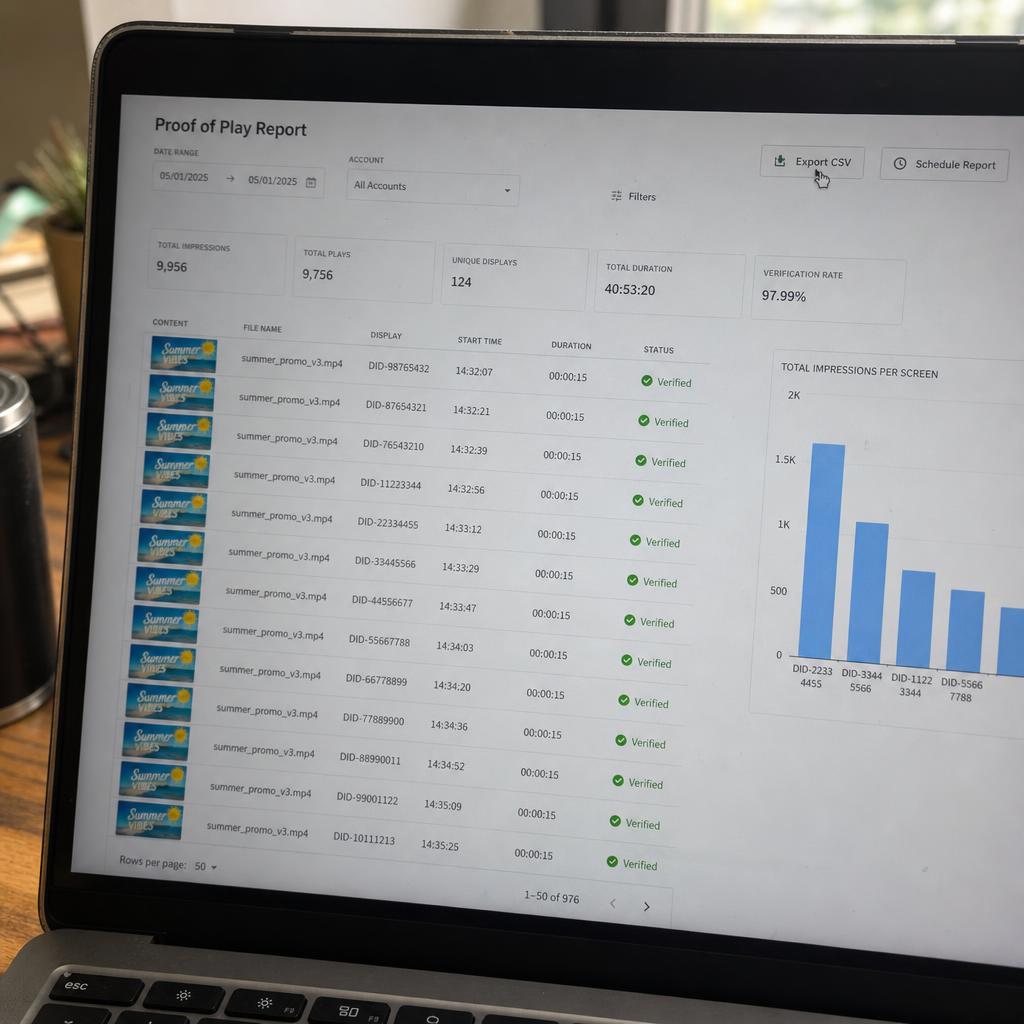
What is proof of play in digital signage?
Proof of play is a detailed log that documents what content was displayed, when it played, for how long, and on which screens. It verifies that scheduled content actually ran as planned.
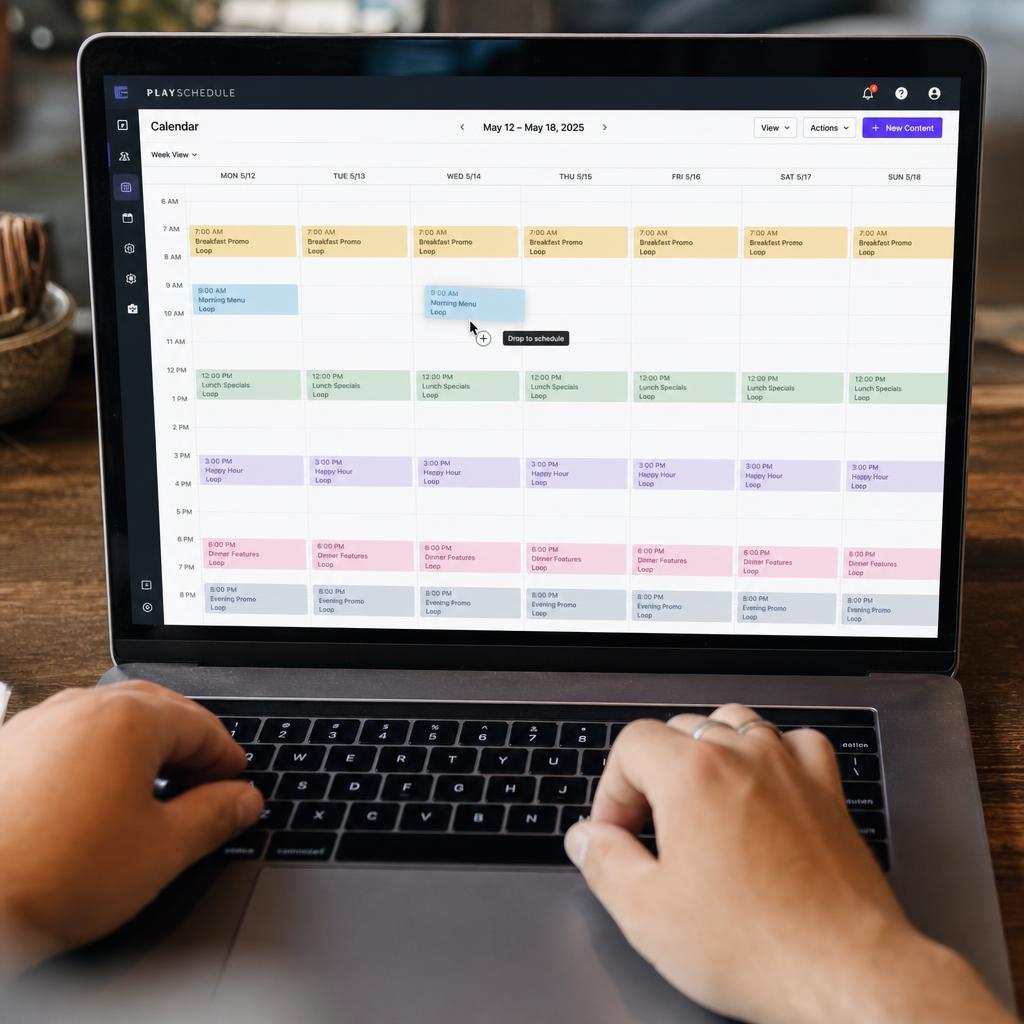
How do I schedule content for video walls?
Schedule experience content by creating playlists, assigning them to displays or groups, and setting time-based rules (dayparting) or date ranges for when content should play.
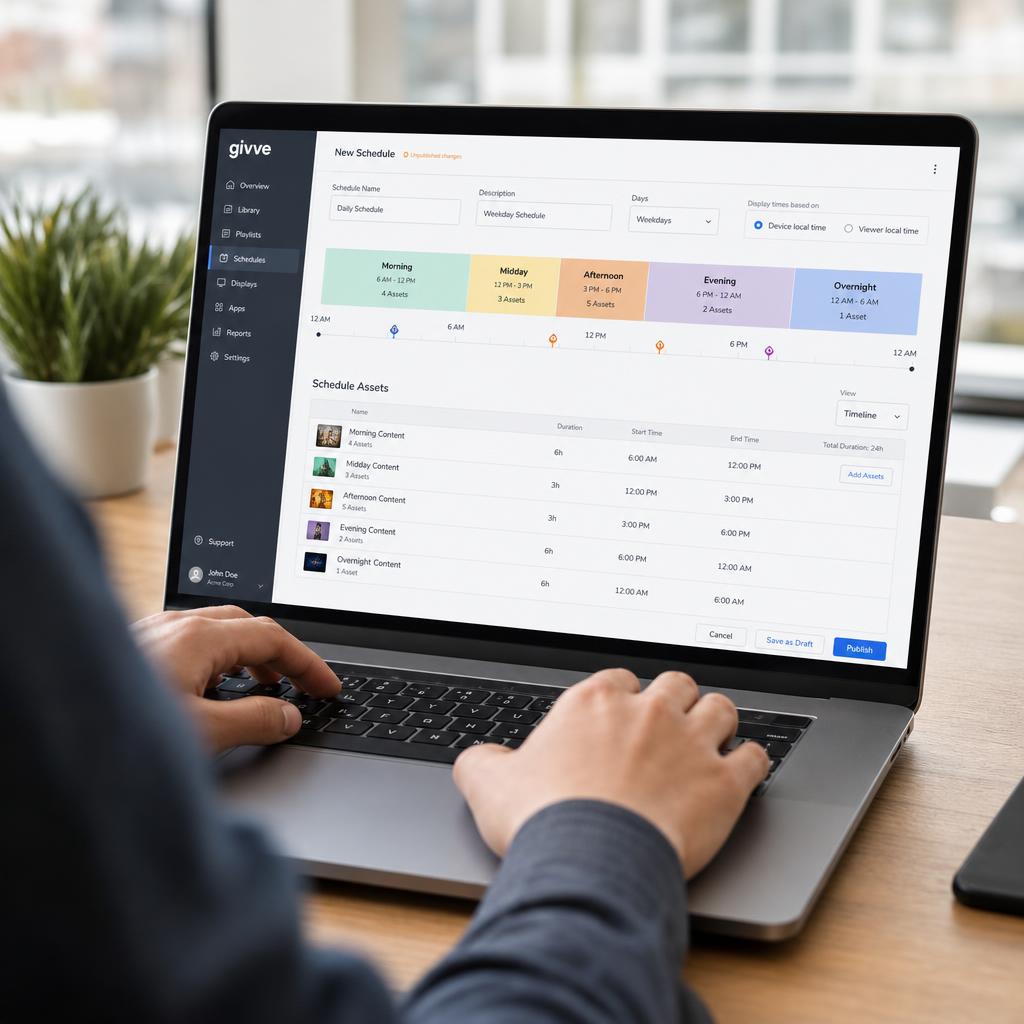
What is dayparting in digital signage?
Dayparting is the practice of scheduling different content to play at different times of day, so screens automatically switch between playlists — for example, breakfast promotions in the morning and dinner specials in the evening.
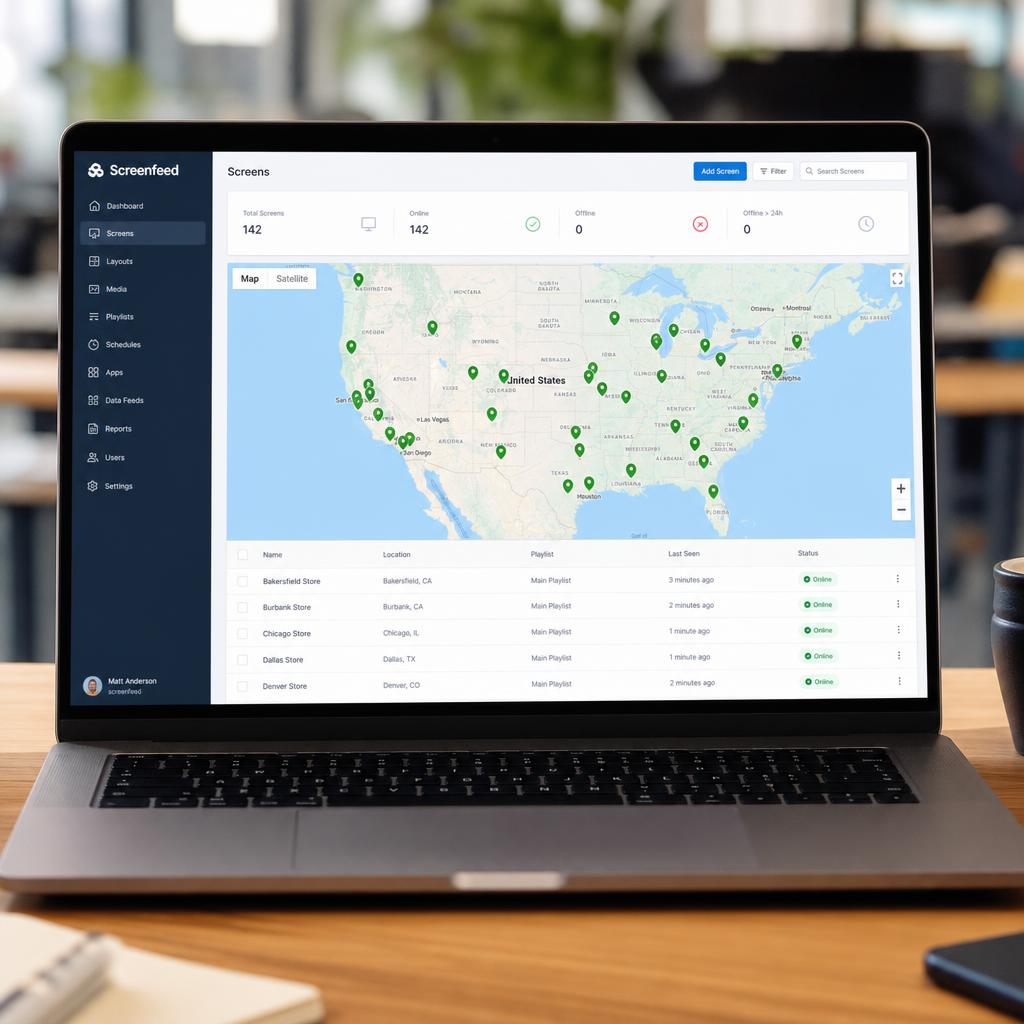
How do I manage content across multiple locations?
Managing content across locations means using a centralized CMS with location grouping, template-based content that adapts to local details, and permission controls that let each site make limited local changes without breaking brand consistency.
Analytics questions about digital signage
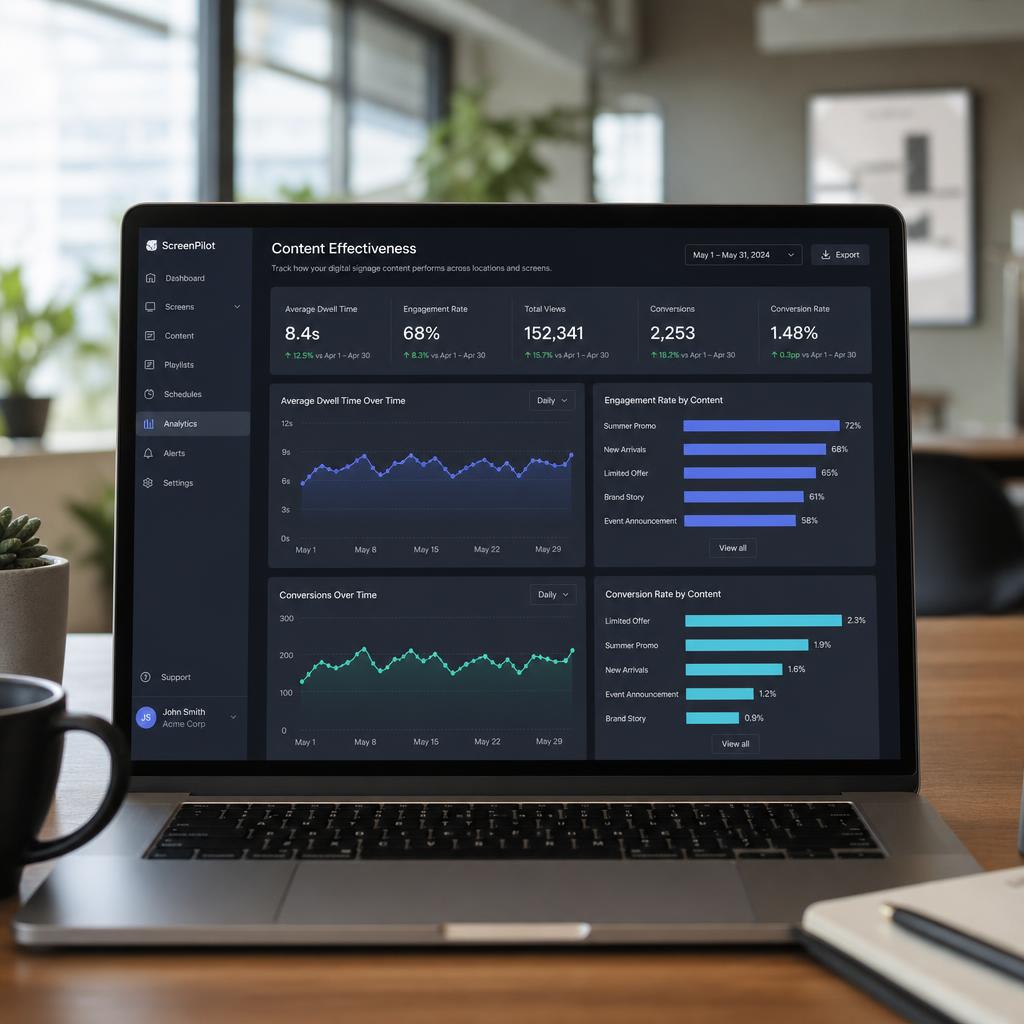
How do I measure content effectiveness on digital signage?
Content effectiveness is measured by combining proof-of-play data (what ran, when, and how often) with engagement signals like dwell time, interaction rates, and conversion metrics, then comparing performance across content variants over time.
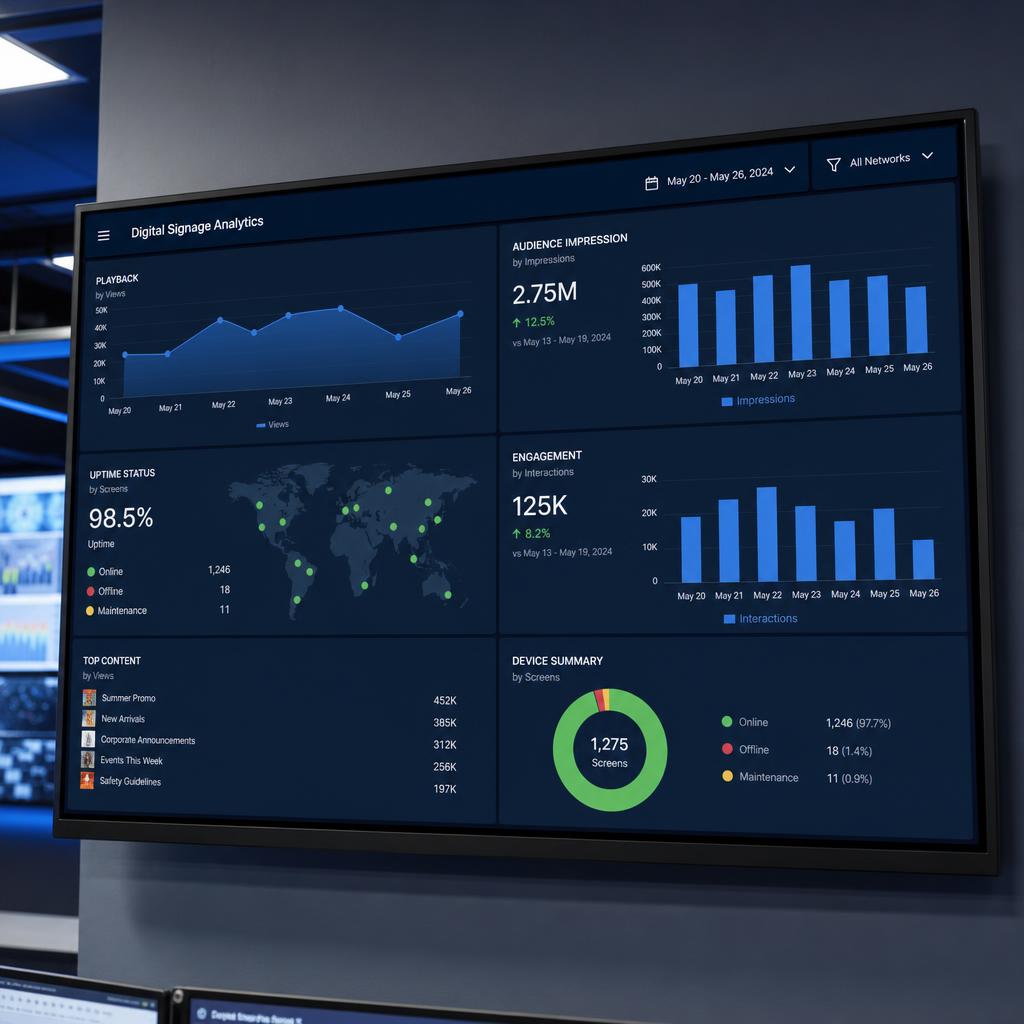
What are digital signage analytics?
Digital signage analytics are the data collected about content playback, audience engagement, and system performance across a display network — covering everything from proof-of-play logs to audience counts, uptime, and content performance comparisons.