Digital Wayfinding Signage and Directory Boards That Stay Accurate
A printed directory is wrong the day a department moves. SPARC runs digital wayfinding signage and digital directory boards from one dashboard, so floor plans, tenant listings, room names and temporary closures update across every screen in the building at once — no reprinting, no one walking the corridors with a label maker.
Digital wayfinding solutions for hospitals, university and corporate campuses, government buildings, museums and multi-tenant offices — digital directory boards, dynamic directional displays and building directories managed from one platform.
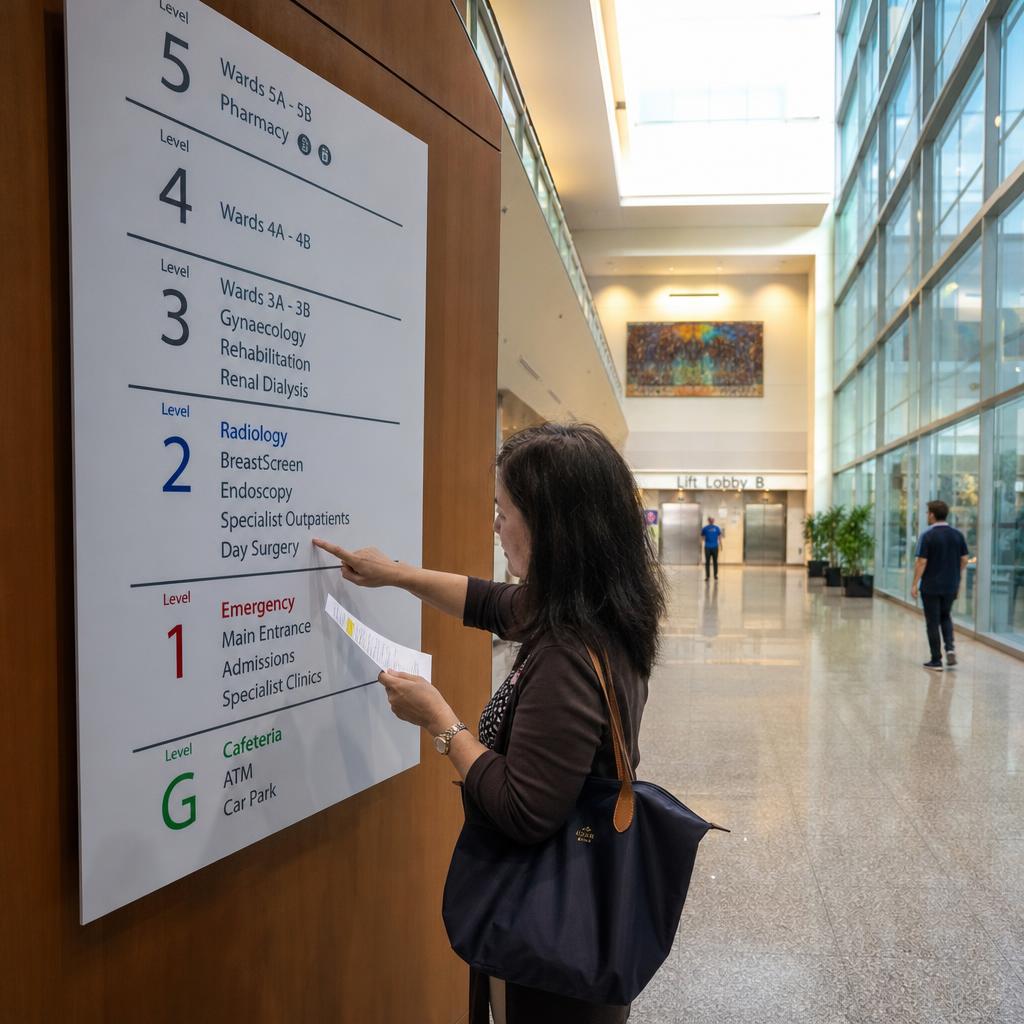
Why Static Wayfinding Signage Fails
Directories are out of date within weeks
Tenants move out, a clinic relocates to another floor, a meeting room gets renamed. Printed directory boards and vinyl signs lag behind every change, and visitors trust the sign over the building.
Temporary changes never make it onto a sign
A closed stairwell, a lift out of service or a relocated entrance during works is exactly when visitors need directions most — and exactly when static signage has nothing to say.
Reception becomes the wayfinding system
When signs can't be trusted, every lost visitor ends up at the front desk. In a hospital or a large campus that's a steady drain on staff who have other work to do.
Every building runs its own version
Multi-site organisations end up with different directory formats, naming and update processes at each location, with no central way to correct an error once.
How SPARC Runs Digital Wayfinding
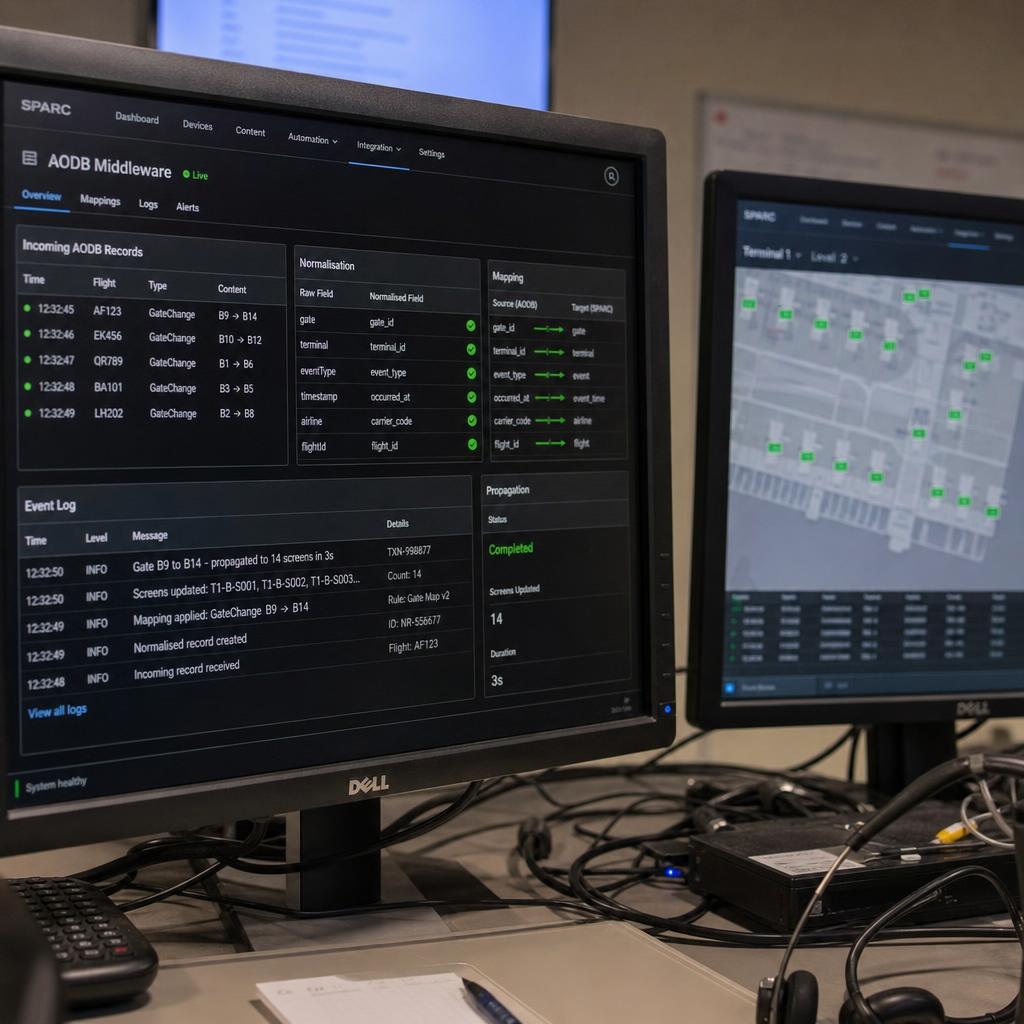
Digital Directory Boards
Tenant, department and room directories that update from one dashboard across every lobby and lift landing. Change a listing once and every directory board in the building reflects it.
Dynamic Directional Displays
Directional screens at entrances, lift lobbies and corridor junctions that change when a route does — temporary closures, works diversions and relocated services shown the moment they apply.
Room Booking and Visitor Integration
Pull live bookings from Microsoft 365, Google Workspace or your room booking system, and connect visitor management so expected guests are welcomed and pointed to the right floor.
Priority and Emergency Override
Authorised users can override every wayfinding screen with evacuation routes or facility-wide notices within seconds — a visual layer that sits alongside your building's actual emergency systems, not a replacement for them.
Multi-Language Rotation
Rotate directions and key notices through the languages your visitors actually speak, configured once per location rather than published by hand for each variant.
One Dashboard Across Every Site
Keep naming, layout and update processes consistent across campuses and buildings, with role-based access so each site manages its own listings inside central brand rules.
Digital Wayfinding Outcomes
A directory change made in one place, reflected on every screen
For an authorised override to reach every wayfinding display
Directories and directions across every building and campus
Digital Wayfinding Use Cases
Digital Wayfinding FAQs
What is digital wayfinding signage?
Digital wayfinding signage uses screens instead of printed signs to direct people through a building — directory boards, directional displays at decision points, and floor maps — managed from software so directions can be updated centrally the moment something changes.
What's the difference between a digital directory board and wayfinding signage?
A digital directory board lists who or what is in a building and where — tenants, departments, rooms. Wayfinding signage guides people along a route to get there. Most buildings need both: a directory at the entrance and directional screens at lift lobbies and corridor junctions.
Can wayfinding screens show temporary closures and diversions?
Yes. Because the content is managed centrally, a closed stairwell, a lift out of service or a relocated entrance can be pushed to the relevant screens immediately and removed when it no longer applies.
Do SPARC wayfinding screens support touch?
SPARC's wayfinding is display-led: directories and directions update automatically without anyone touching the screen. If your project needs visitors to search a directory by touch, talk to our team about your hardware and scope before assuming it's covered.
Can digital wayfinding work with our existing screens?
In most cases. SPARC is hardware-agnostic and works with Android, Windows, Chrome OS and browser-based players, as well as Samsung SMART Signage, LG webOS and BrightSign displays, so existing commercial screens can often be reused.
How much does digital wayfinding cost?
It depends on the number of screens, whether you reuse existing displays, and installation. SPARC quotes in AUD by screen count, with a 14-day free trial. Our guide to digital signage costs in Australia breaks down hardware, software and installation separately.
See Digital Wayfinding live
Australian-owned. AUD pricing. 14-day free trial, no credit card required.