Corporate Digital Signage That Reaches Every Employee
Enterprise offices, multi-site organisations, and distributed teams use SPARC's corporate and workplace digital signage for employee communications that actually land — keeping data visible and visitors guided, without IT tickets, USB drives, or chasing someone to update a screen.
The Employee Communications Challenge
Common pain points that hold corporate back from delivering their full potential.
Critical announcements get buried in email inboxes nobody's reading
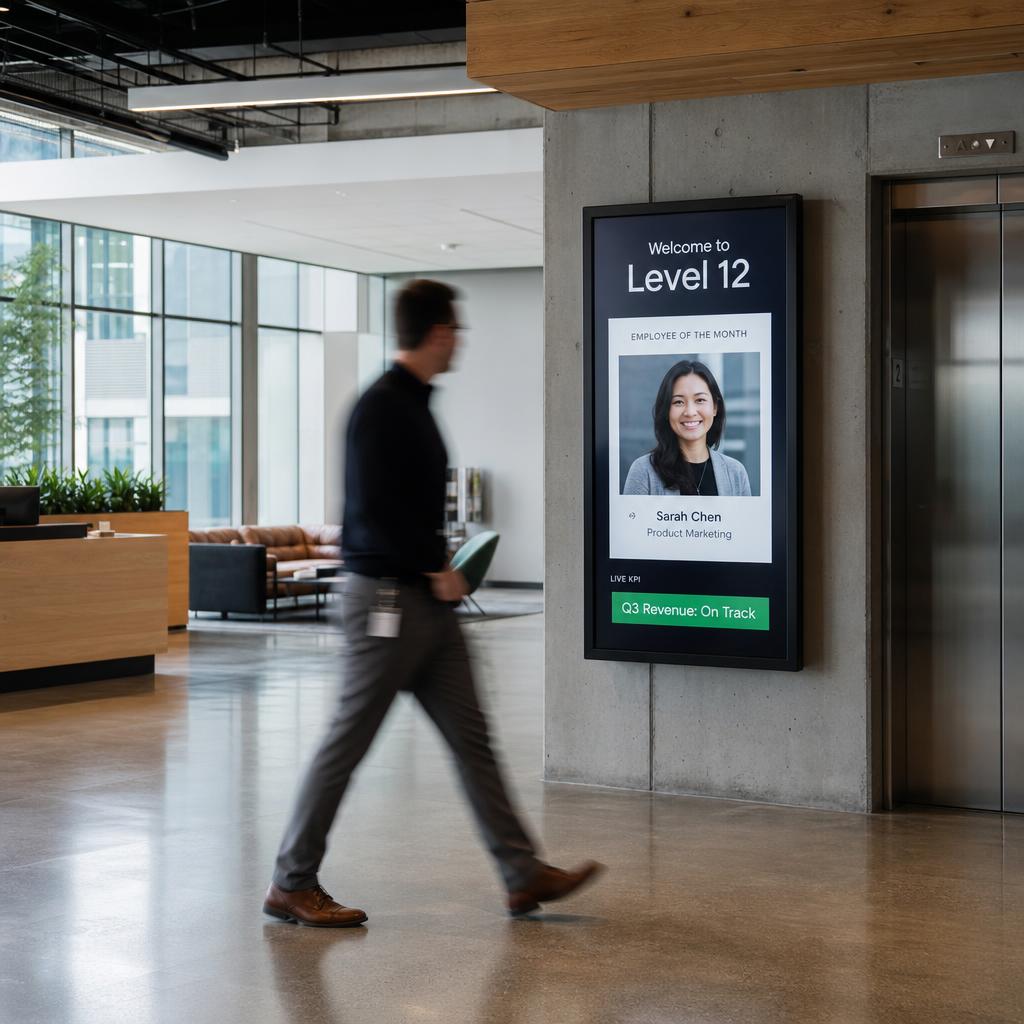
HR posts a policy change. Leadership sends an all-staff update. Safety sends a compliance reminder. Every message competes with 120 other emails — and most employees see it hours later, if at all. Screens in break rooms, corridors, and lift lobbies surface information the moment it matters, to the people who need it, without requiring anyone to open a thing.
Real-time KPI data is locked in BI dashboards that only managers see
Your sales figures, support queue depths, and production targets sit in Salesforce dashboards and Power BI reports that floor staff never open. When a team doesn't see the number they're chasing, they can't respond to it. Operational screens that display live data change behaviour — not because you told people to care, but because the number is in front of them.
Every display update requires an IT ticket and a two-day wait
Someone needs to change the lobby welcome message for a client visit on Thursday. They lodge a ticket Tuesday. IT gets to it Friday. The client has already been and gone. When every content change routes through IT, digital signage becomes the slowest communications channel in the building — slower than printing a sign and taping it to a door.
Visitors and new starters get lost in large campuses and multi-level offices
A client arriving for an 11am board meeting asks reception for directions and gets handed a printed floor map. A new hire on their first day can't find the meeting room listed in their calendar invite. Static signage doesn't adapt to today's layout, today's bookings, or the temporary closure of a stairwell. Dynamic wayfinding that updates from your room booking system solves this permanently.
Meeting room screens are wrong, blank, or running a three-year-old screensaver
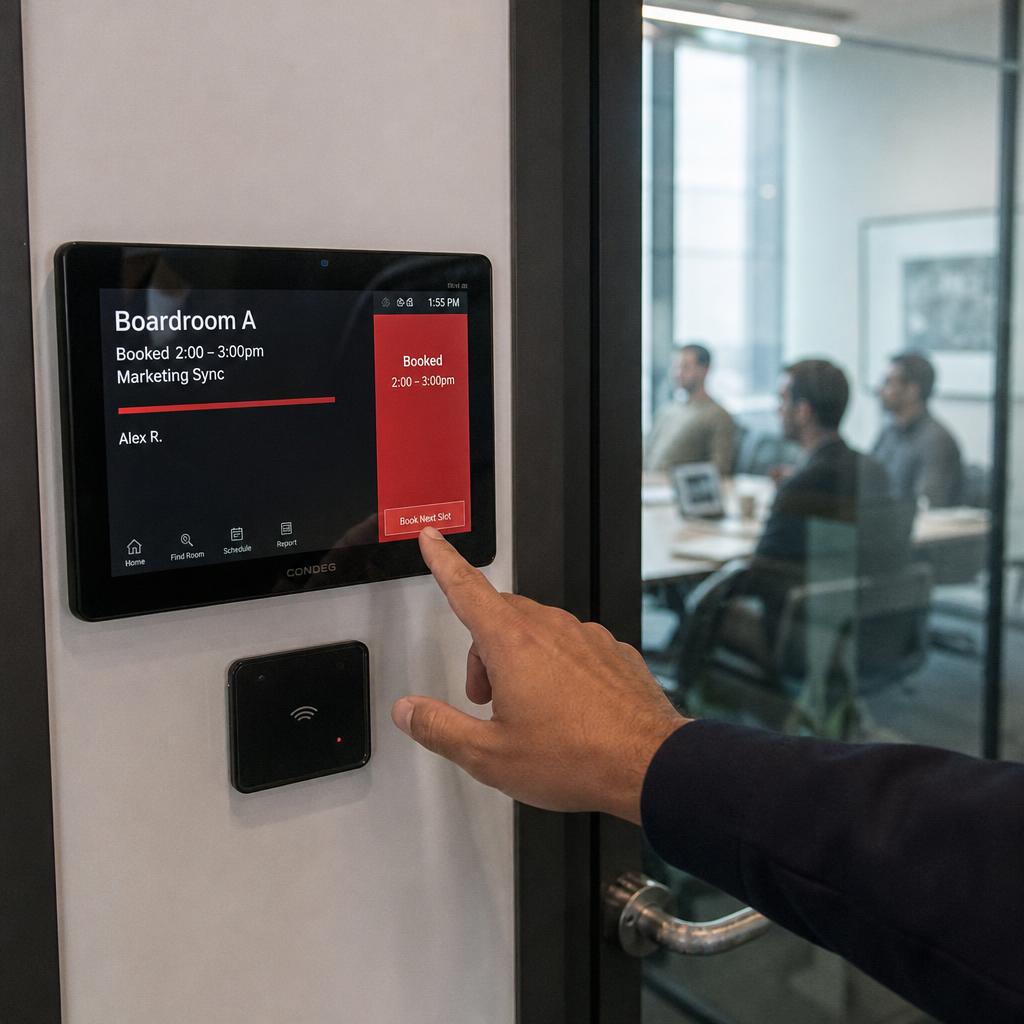
Walk any corporate floor and count how many room screens show the wrong booking, a spinning logo from 2021, or nothing at all. Meeting room signage that doesn't integrate with your calendar system is theatre — it exists but doesn't help. Real calendar integration means the display outside a room shows who booked it, for how long, and what's available next.
Multi-site organisations have no way to enforce consistent brand standards
Your Sydney office runs its own templates. Melbourne uses a different colour palette. The Brisbane team made their own slides for the lobby screen three years ago and has been updating them in PowerPoint ever since. Without central control and locked brand templates, every site drifts — and a visitor's impression of your brand varies based on which office they walk into.
How SPARC Solves Employee Communications
Purpose-built capabilities for corporate.
Internal Comms That Bypass the Inbox
Push company announcements, HR updates, policy changes, and leadership messages to screens across your floor, building, or entire portfolio. Set targeting rules so the right message appears at the right location — a safety reminder on the factory floor, a sales leaderboard in the contact centre, a benefits reminder near the HR team. Content goes live in seconds and expires automatically.
Live KPI and Data Dashboards
Connect SPARC to Salesforce, Power BI, Google Sheets, REST APIs, or any data source with a URL. Display live sales figures, support queue stats, NPS scores, production targets, and operational metrics on screens at every workstation, on every floor, and in every break room. No custom development — configure a data feed in minutes and the screen updates itself.
Meeting Room Signage with Real Calendar Integration
Display current bookings, room availability, and upcoming reservations on screens outside every meeting room — pulling directly from Microsoft 365, Google Workspace, or your room booking system. A room that's free shows green and available slots. A room that's booked shows the meeting name, organiser, and remaining time. No manual updates, no wrong information.
Digital Directory Boards & Campus Wayfinding
Guide visitors, clients, and new employees through multi-building campuses, multi-floor offices, and large facilities with digital directory boards and dynamic directional displays. Update floor plans when rooms change function, show temporary closures, and display today's event schedule alongside room locations. Integrates with your visitor management system to personalise welcome messages for expected guests.
Employee Recognition and Engagement Walls
Celebrate team wins, individual achievements, work anniversaries, and peer recognition on communal screens across the office. Pull content from your recognition platform, HR system, or a simple submission form. Culture content on shared screens reinforces values without requiring employees to log into yet another tool.
Multi-Site Centralised Management with Role-Based Access
Manage every screen across every office from one dashboard. Define which teams can publish locally and what content is locked at a group level. Push a company-wide communication to every location simultaneously, or target a specific building, floor, or department. Role-based access means each team controls their own zone without touching anyone else's.
Emergency and Safety Broadcast
Override all screens instantly with emergency messaging — evacuation instructions, lockdown procedures, severe weather alerts, or site-wide safety communications. SPARC can integrate with existing mass notification systems or operate as a standalone visual alert layer. Every screen in the building displays your message within seconds of triggering.
Visitor and Lobby Experience
Create a professional first impression with lobby screens that display your brand, today's visitor schedule, live data relevant to your industry, or curated content that represents your values. Welcome expected visitors by name when they check in at reception. Display client logos during hosted events. Lobby screens are the first thing every visitor sees — they shouldn't be an afterthought.
Corporate Digital Signage Outcomes
Time for any team member to publish content to screens across any office — no IT ticket, no training required
For routine display updates once non-technical teams are given access to their own zones through role-based publishing
Centrally manage screens across unlimited offices, floors, and facilities — whether you have 2 sites or 200
Corporate Digital Signage Use Cases
Corporate digital signage FAQs
What is corporate digital signage used for?
Corporate digital signage covers four main use cases: lobby and reception screens for visitor experience and brand, meeting room displays showing live booking status, workplace communication screens for company announcements and HR updates, and performance dashboards showing live KPI and sales data pulled from Salesforce, Power BI, or similar tools.
What's the difference between digital signage for employee communications and internal comms software?
Internal comms software (intranets, Slack, email) requires employees to actively open and check it. Digital signage for employee communications is passive and ambient — screens in break rooms, corridors, and lift lobbies surface company news, recognition, safety reminders, and live metrics automatically, reaching people who wouldn't otherwise open another app or inbox.
Can digital signage replace our internal comms email?
Not entirely — email still suits detailed policy documents and anything requiring a record. But for time-sensitive or high-visibility messages (safety alerts, leadership updates, team wins), screens in shared spaces get seen the moment they're posted, without competing with 120 other unread emails.
Does SPARC support live KPI dashboards for corporate offices?
Yes. SPARC connects to Salesforce, Power BI, Google Sheets, REST APIs, or any data source with a URL, and displays live sales figures, support queue stats, and operational metrics on screens at every workstation, floor, or break room — no custom development required.
Can we install office digital signage ourselves?
A screen in a meeting room on an existing power point is often within reach of a facilities team. Lobby video walls, anything at height, and anything needing structured cabling should go to an installer - our partners handle office fit-outs. Content is run by your comms team either way.
Who manages office screen content day to day?
Internal communications, from a browser. Company news, KPI dashboards and event information are updated by the people who own them, without an IT ticket or an AV technician.
How long until screens are live in the office?
For screens already mounted, the same week. A lobby fit-out with a video wall runs longer because of the physical build, but the platform side is configured in days.
Do we need IT to run office digital signage?
IT is involved once, to allow network access and set who can publish to which screens. After that internal comms runs it without them. That split is usually why it gets approved.
Is workplace signage the same as digital signage?
Yes, pointed at an internal audience instead of customers. Same software and screens; the content is company news, safety messaging, KPI dashboards and room information rather than promotions.
Digital Signage for Other Industries
SPARC powers digital signage across dozens of environments. See how it applies elsewhere.
Ready to run corporate digital signage?
See how SPARC delivers measurable results for corporate.