Digital Signage How-To Guides
Browse step-by-step guides for setting up, managing, and troubleshooting digital signage and video walls.
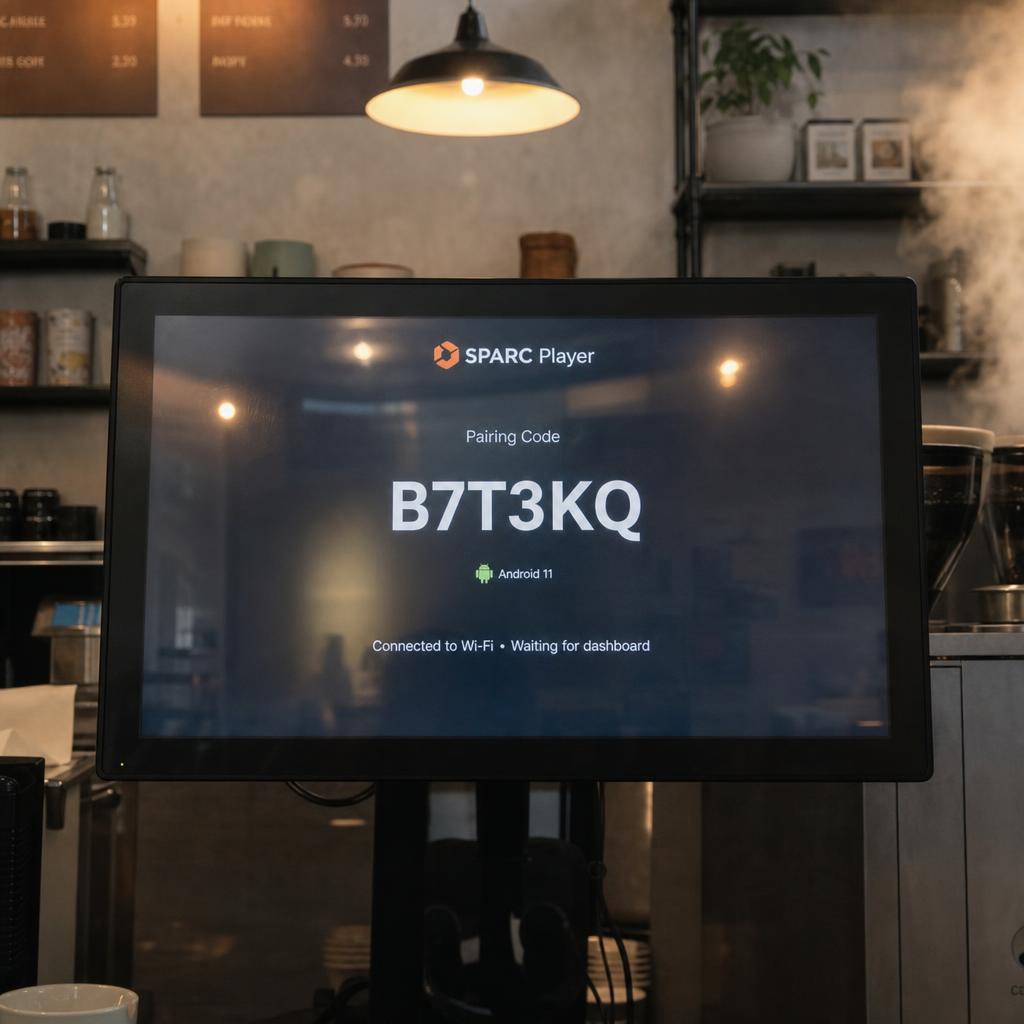
Getting Started
How to Set Up Digital Signage
Setting up a single digital signage screen is a job for one afternoon, not a project. The order matters more than the budget: decide what the screen is for, then pick hardware that suits the room, then get content on it and scheduled so it does not need a human to stay current. This guide covers a first screen end to end, and the decisions that make the tenth screen easy instead of painful.
2-4 hours · Beginner
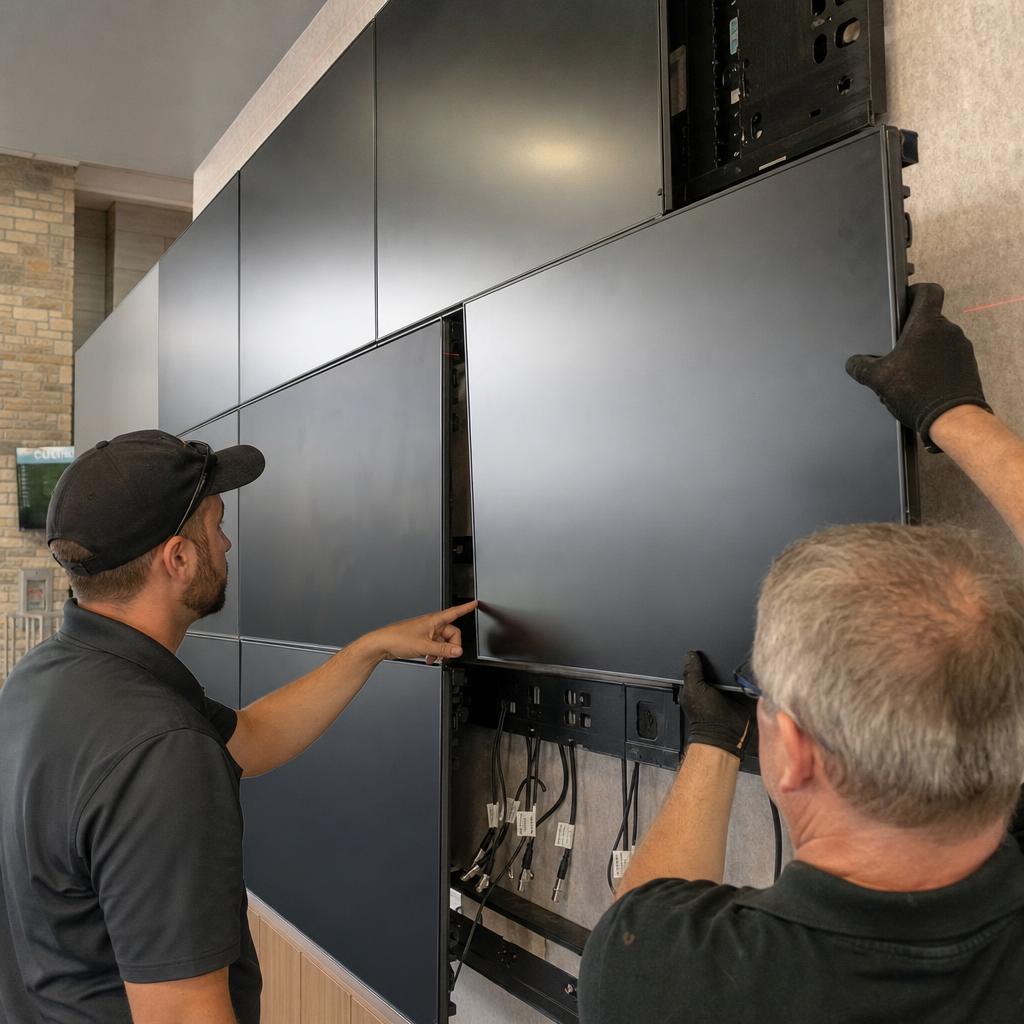
Installation
How to Set Up a Video Wall
A video wall transforms multiple displays into a single, large-format visual canvas. Whether you're creating an impressive lobby display, a control room monitoring station, or an immersive retail experience, proper setup is crucial for seamless results. This guide walks you through the complete process from planning to playback.
4-8 hours · Intermediate
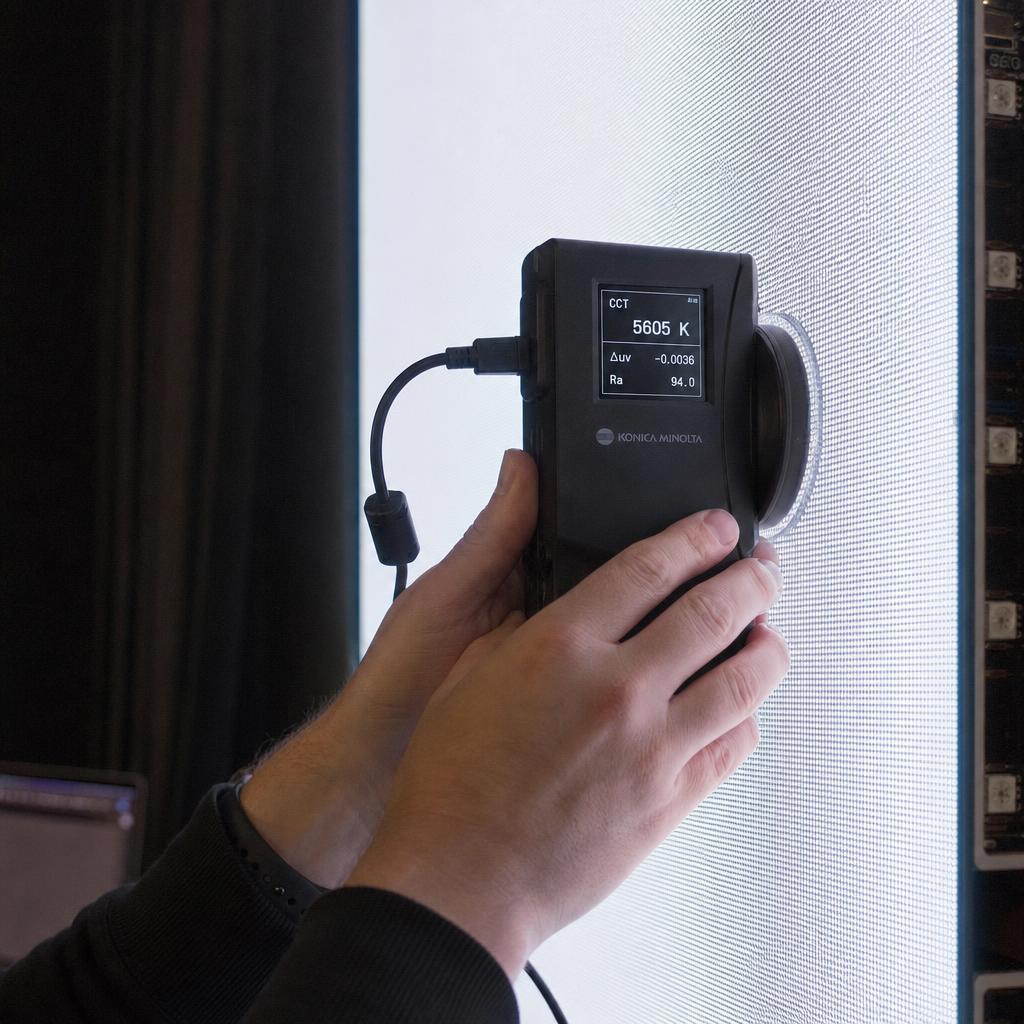
Calibration
How to Calibrate LED Wall Colors
LED wall color calibration ensures uniform appearance across all modules and accurate color reproduction. Proper calibration is essential for professional installations where color accuracy matters—retail environments, broadcast studios, and corporate presentations. This guide covers both initial calibration and ongoing maintenance.
2-4 hours · Advanced
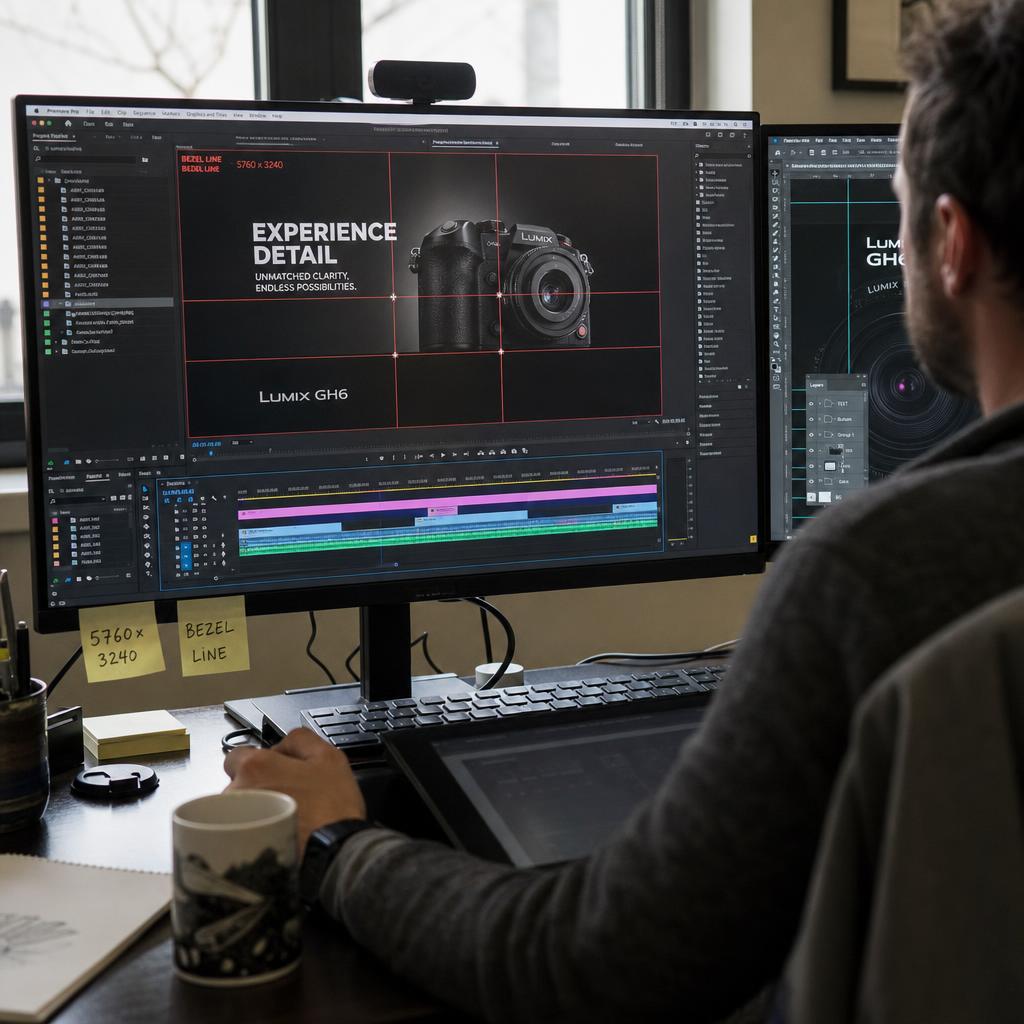
Content Creation
How to Create Content for Video Walls
Creating content for video walls requires different considerations than single-environment design. You're working with a larger canvas, multiple display boundaries, and viewers at various distances. This guide covers the technical specifications and design principles for effective video wall content.
Varies by content complexity · Intermediate
Content Management
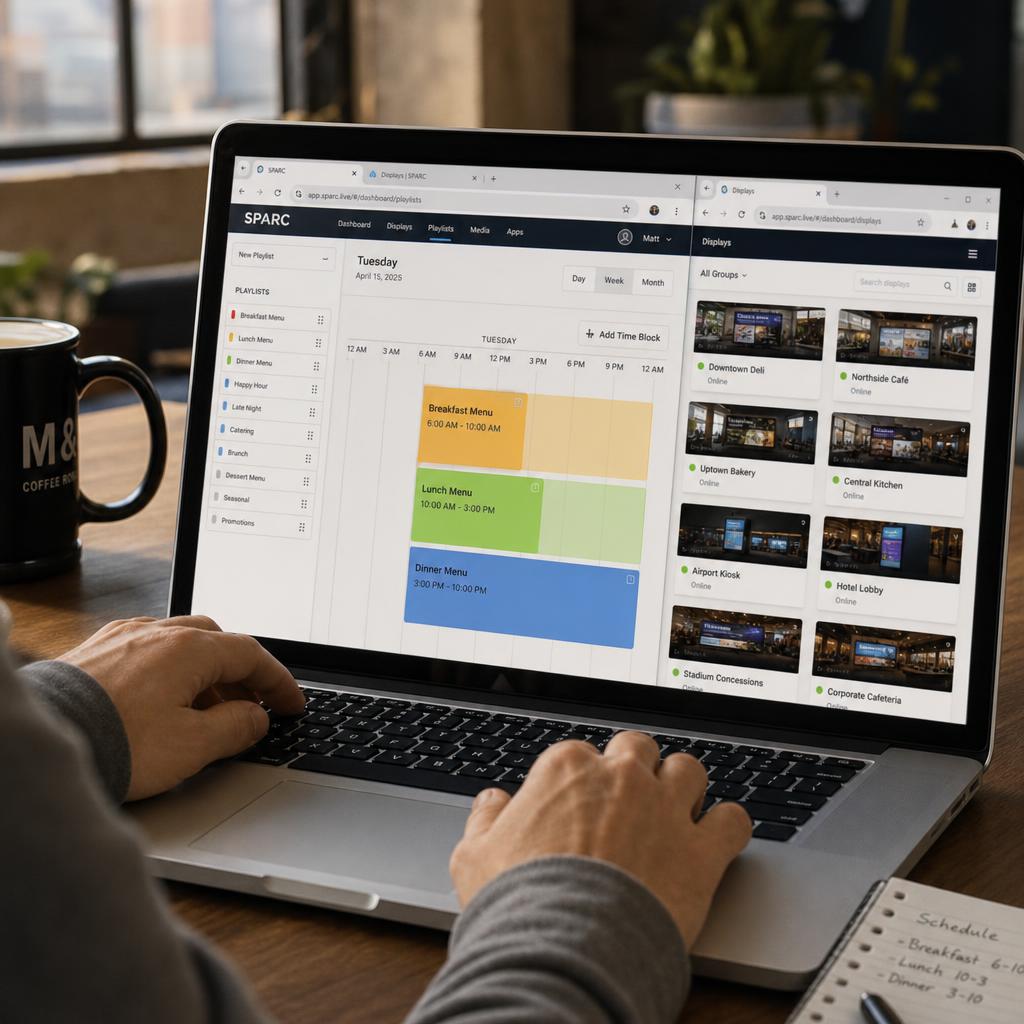
How to Schedule Content for Digital Signage
Effective content scheduling transforms static displays into dynamic, contextually relevant communication channels. The right content at the right time increases engagement and delivers business results. This guide covers scheduling strategies from simple playlists to complex multi-location campaigns.
1-2 hours for basic scheduling · Beginner
Troubleshooting
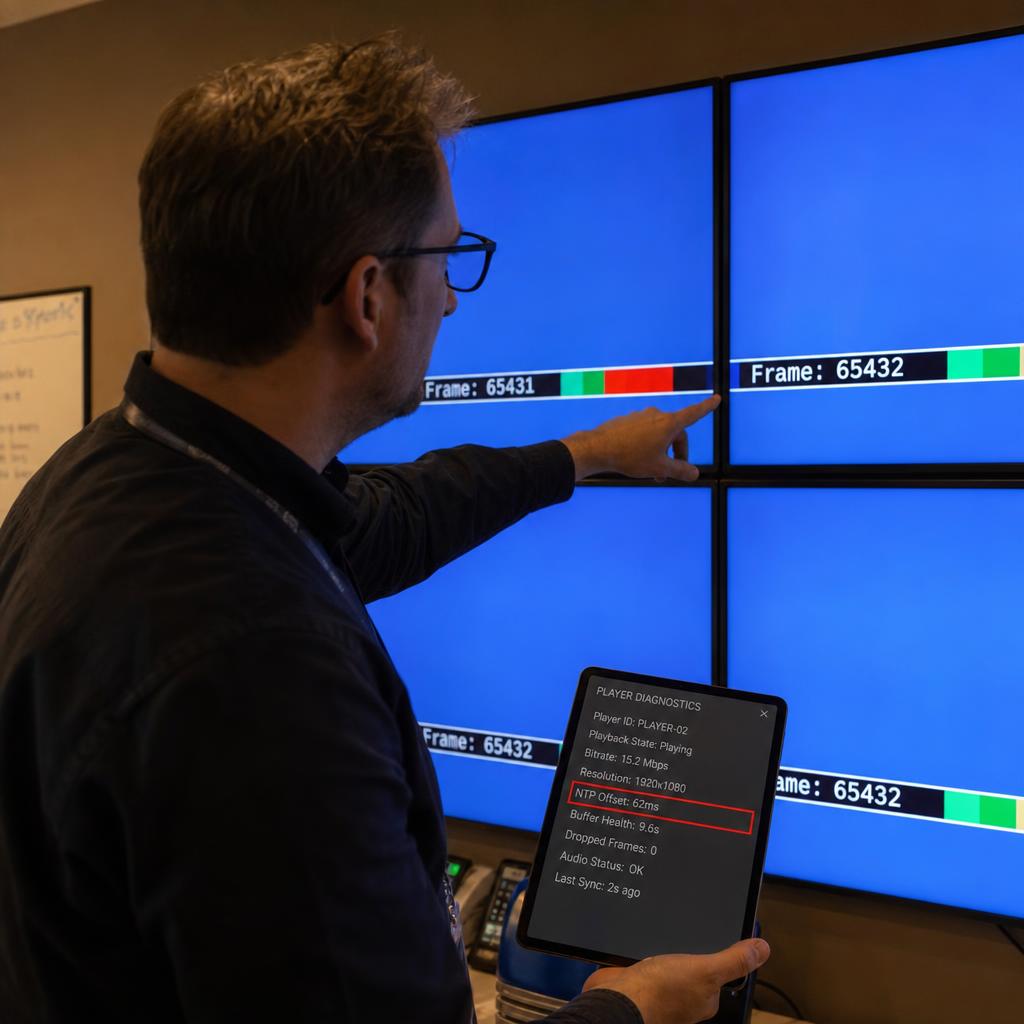
How to Troubleshoot Video Wall Sync Issues
Synchronisation issues in video walls create visible tearing, content misalignment, and professional credibility problems. This guide provides systematic troubleshooting steps to identify and resolve common sync problems. Whether you're seeing occasional glitches or persistent misalignment, these steps will help restore seamless playback.
30 minutes to 2 hours depending on issue severity · Advanced