Hardware Guide
Choosing your hardware
SPARC is hardware-agnostic. It runs on Android, Windows, Amazon Fire TV, and any modern browser. Here's how to pick the right option for your deployment.
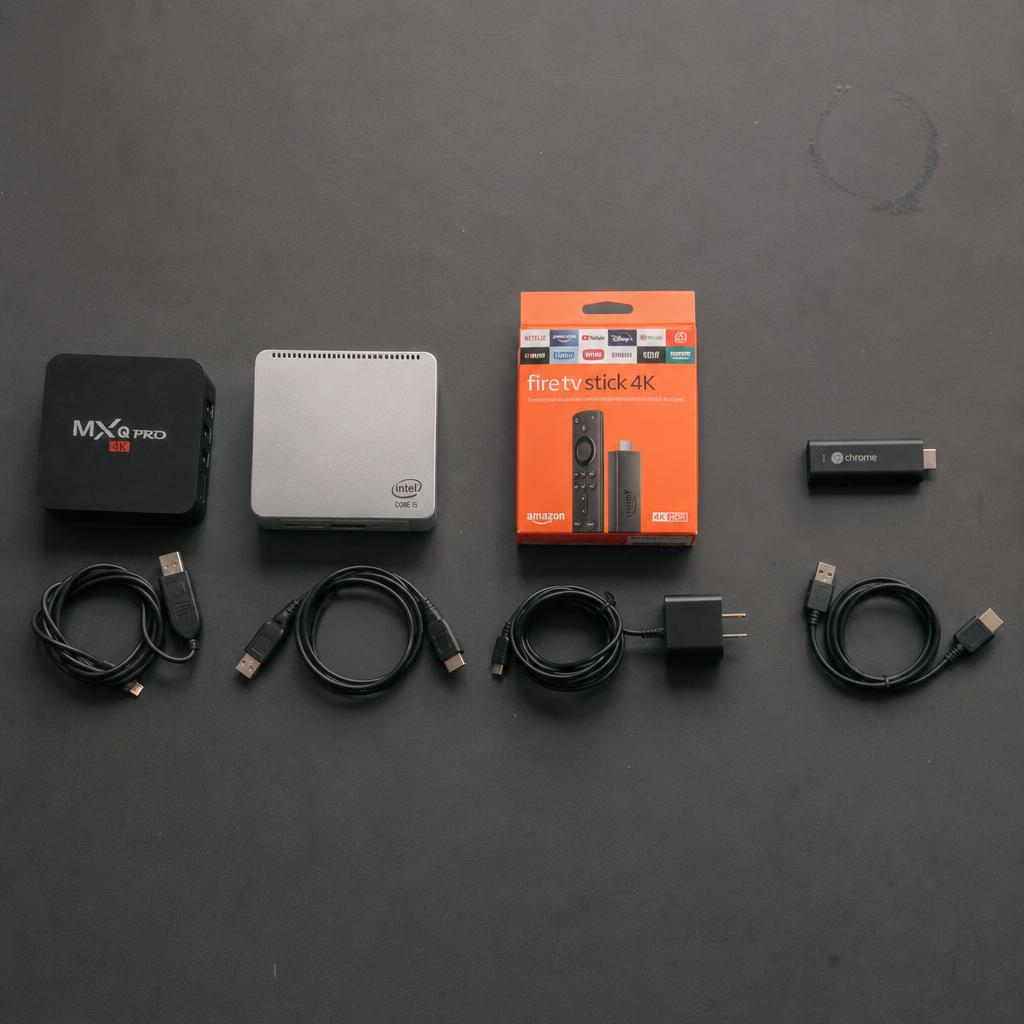
Pick your digital signage player
All four options run the same SPARC platform and pair with the same dashboard. The choice is about budget, performance, and deployment context.
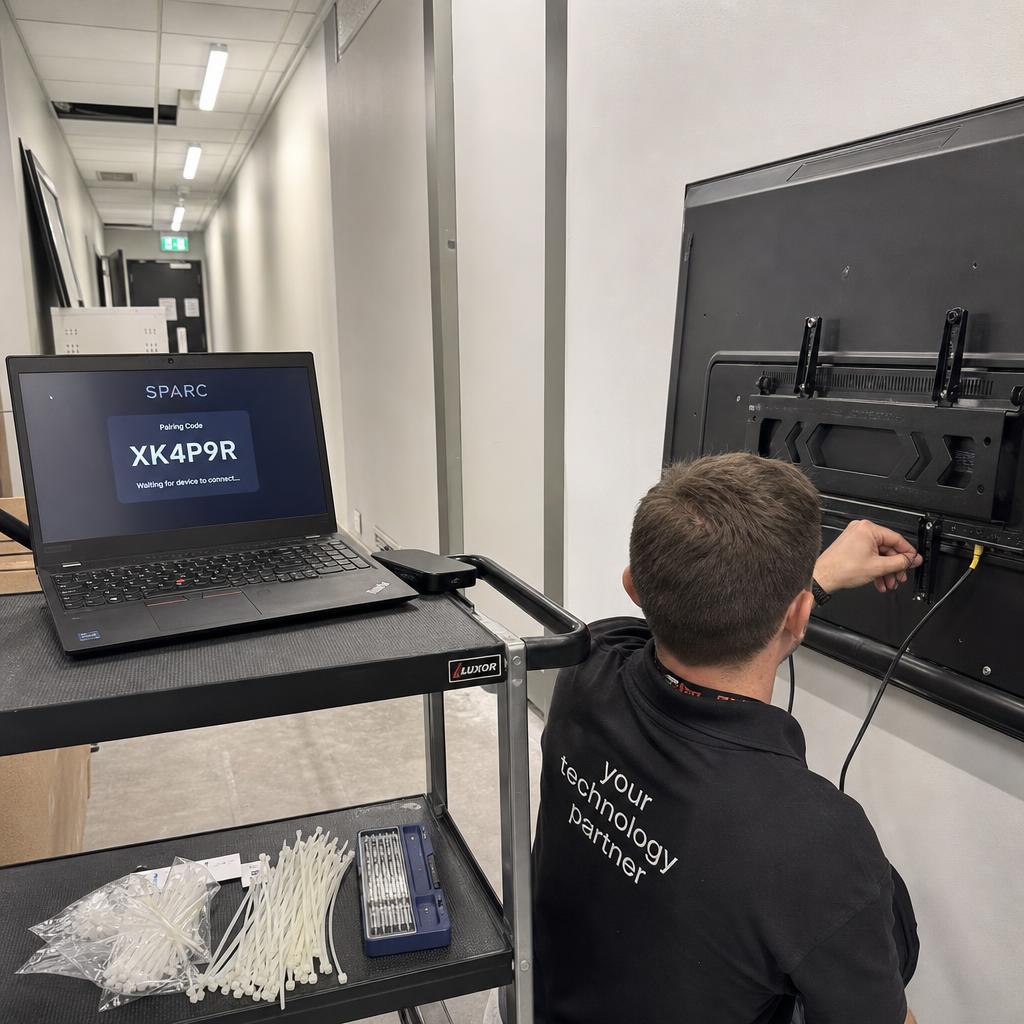
Before You Buy
Choosing a digital signage player
Four factors that affect which hardware is right for your screens.
Processing power
For 4K content, video walls, or complex multi-zone layouts, choose Windows or a higher-end Android box. For single-screen HD content, any Android stick will do.
Local storage
SPARC caches content locally so screens keep playing if the network drops. More storage means more content can be cached. Aim for at least 16 GB — 32 GB if you run multiple playlists.
Network connection
Wired Ethernet is always more reliable than Wi-Fi. If you're running video walls or frame-accurate sync, use wired connections. For single screens in a retail environment, Wi-Fi is fine.
Display connection
HDMI is universal. Check your player has the right output (HDMI 2.0 for 4K@60fps, HDMI 2.1 for 8K). For commercial displays with built-in SoC, you don't need a separate player at all.
Digital signage player comparison
At a glance — all four platforms side by side.
| Attribute | Android | Windows | Fire TV | Browser |
|---|---|---|---|---|
| Starting price | ~$40 | ~$150 | ~$60 | Free |
| Setup time | 5 min | 10 min | 5 min | 2 min |
| 4K support | Most | Yes | Stick 4K+ | Depends on PC |
| Video wall use | Yes | Recommended | Limited | Yes |
| Offline playback | Yes | Yes | Yes | Limited |
| Enterprise IT management | MDM | Full (GPO/Intune) | Limited | Chrome Enterprise |
Start your free digital signage trial
Pick any hardware from the guides above. Pair it with SPARC in under five minutes. No credit card required.