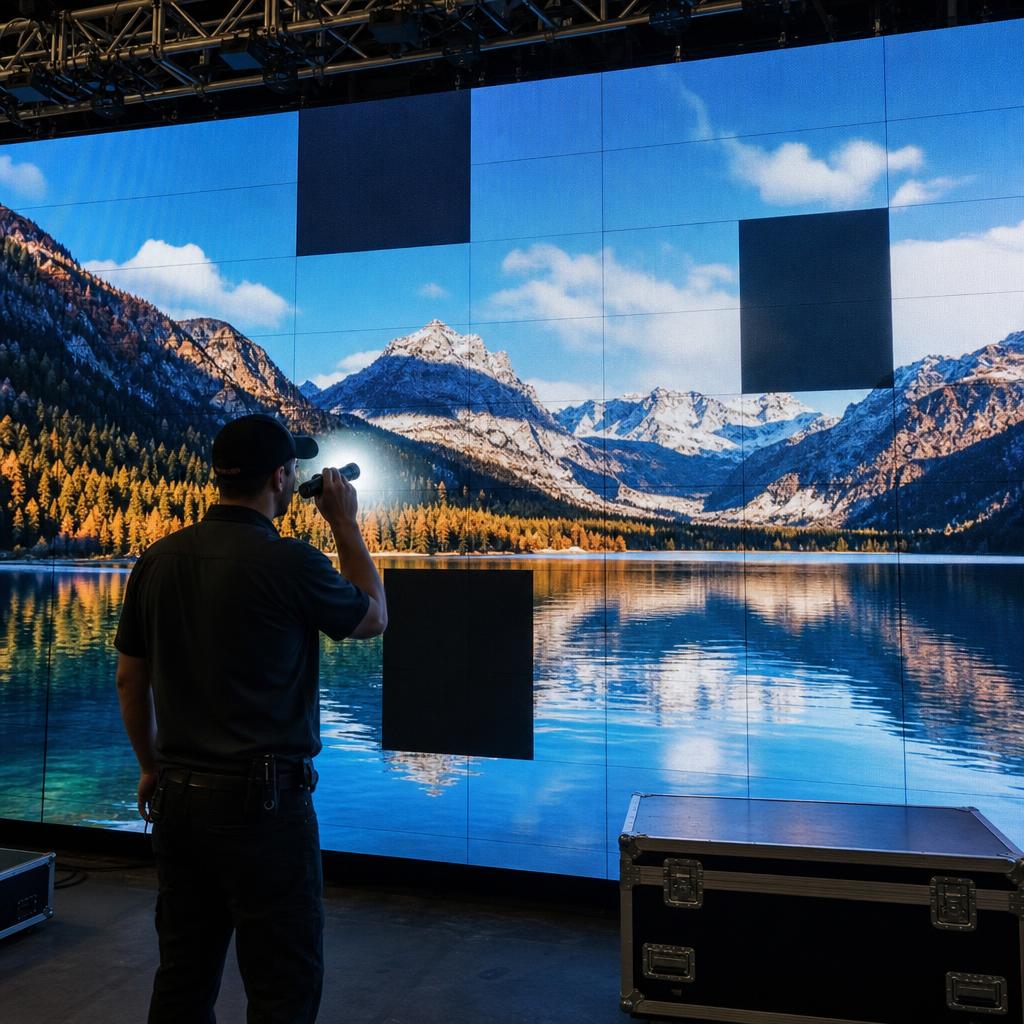
LED walls are resilient but, like any electronic system built from thousands of components, they can fail in predictable ways. Understanding the common failure modes makes it much faster to diagnose problems and prevent avoidable downtime.
Power-Related Failures
- Power supply failure: Individual panels have their own power supply units; a failed unit causes that panel to go dark or flicker.
- Voltage drop: Long cable runs or undersized wiring cause voltage to drop across the wall, leading to dimmer or discolored panels at the far end of a power chain.
- Loose power connections: Vibration or thermal cycling can work power connectors loose over time, causing intermittent panels.
Data Signal Failures
- Data cable damage: The data cables (often Cat5/Cat6 or fiber) daisy-chained between panels or receiving cards can be pinched, corroded, or disconnected, which typically causes entire downstream sections of the wall to lose signal.
- Receiving card failure: The receiving card on each module translates processor data into pixel-level output; a failed card causes that module to go black, flicker, or show garbled pixels.
- Signal interference: Long unshielded cable runs near electrical noise sources can corrupt data, showing up as random pixel glitches.
Thermal and Environmental Failures
- Overheating: Poor ventilation or a failed cooling fan causes localized heat buildup, which accelerates LED and driver IC degradation and can trigger automatic thermal shutdown.
- Moisture ingress: Outdoor or high-humidity installations are vulnerable to corrosion if seals fail, leading to shorts or corroded connections.
- Dust accumulation: Dust buildup insulates heat and can bridge connections, especially in indoor venues without regular cleaning.
Component-Level Failures
- Individual LED failure: A single dead or stuck pixel is usually cosmetic and isolated; several failed pixels clustered together usually indicate a driver IC issue on that module.
- Driver IC failure: Each driver chip controls a group of LEDs; when it fails, an entire block of pixels on a module can go dark or show a fixed color.
Physical Damage
- Impact damage from transport, installation, or accidental contact
- Connector wear from repeated module removal during maintenance
- Cable damage from pinching during panel installation or removal
Diagnosing Failures Remotely
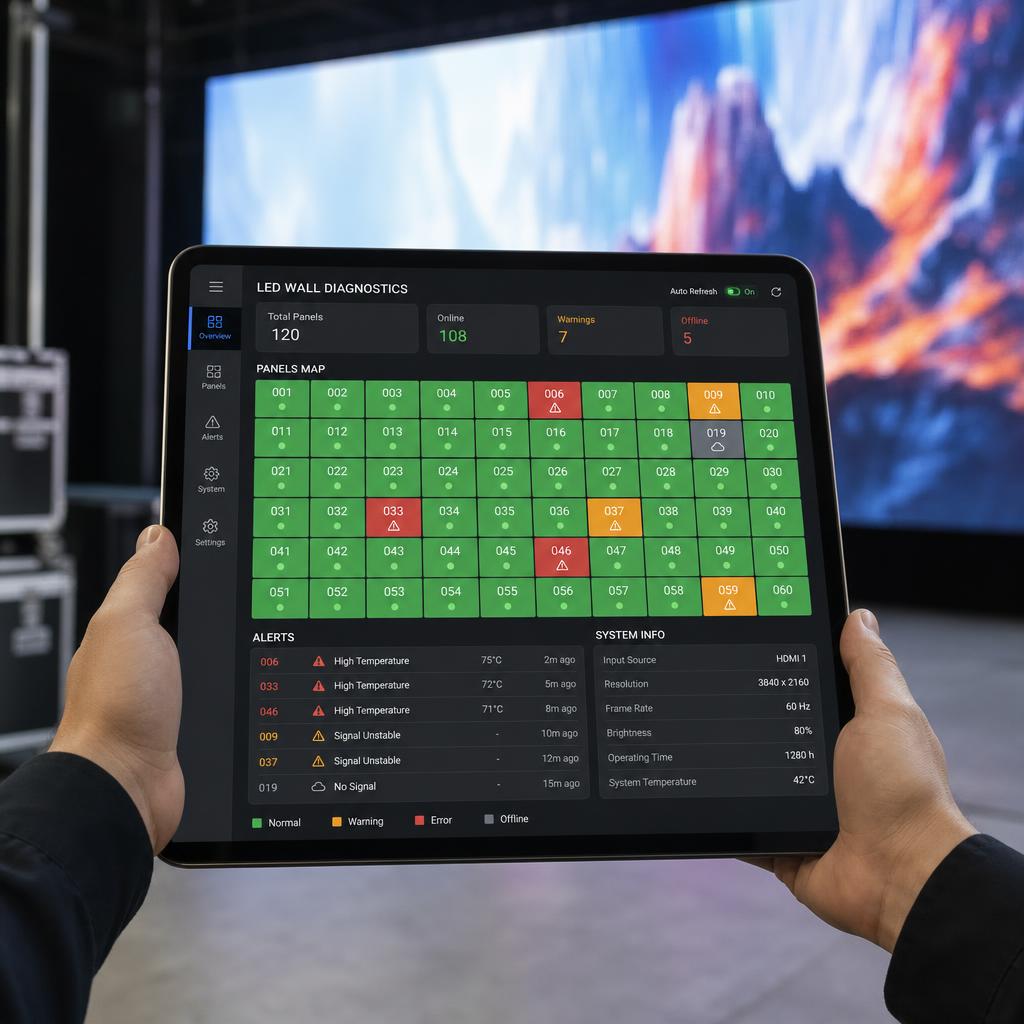
Modern LED processors and CMS platforms report module-level health data — temperature, voltage, and connectivity status — so many failures can be identified and localized before a technician is dispatched, and some (like a loose connection reporting intermittently) can be flagged before they cause a visible failure at all.
Prevention
- Schedule routine cleaning and ventilation checks
- Monitor temperature and power alerts proactively rather than waiting for visible failures
- Keep spare modules and power supplies on hand for common failure points
- Inspect cabling during any maintenance visit, not just when troubleshooting an active issue
SPARC's Diagnostics
SPARC surfaces module-level health data from integrated LED processors directly in the dashboard, flagging temperature spikes, power anomalies, and connectivity drops so issues can often be caught and resolved before they're visible on screen.