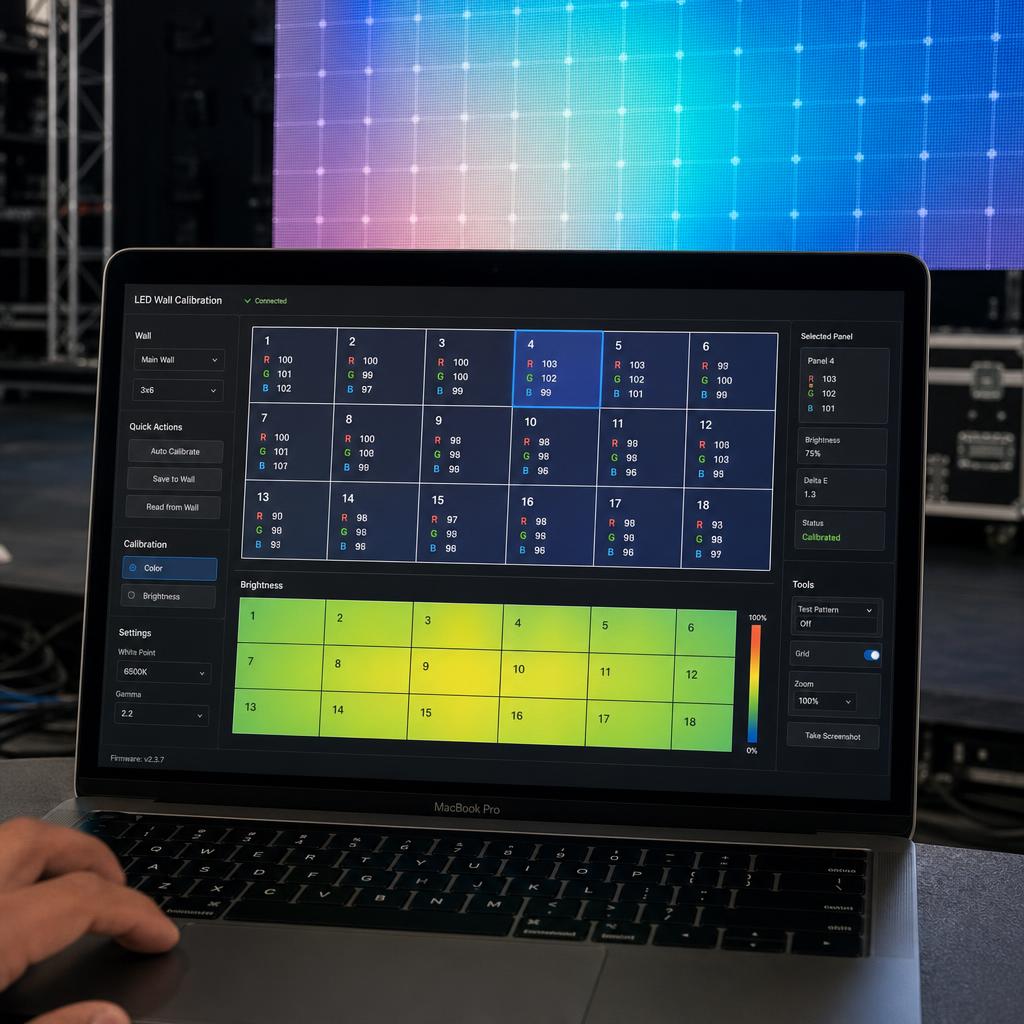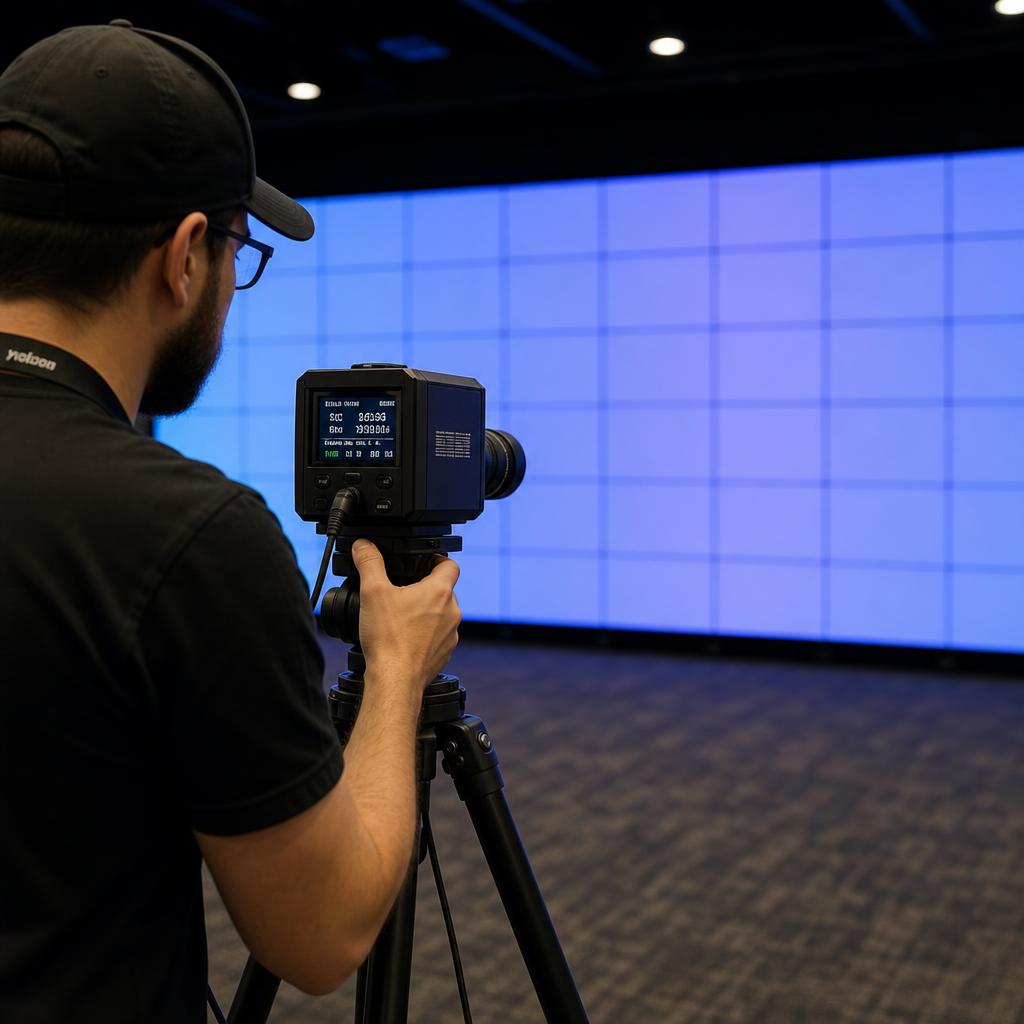
LED walls are built from dozens or hundreds of individual panels, each containing thousands of LEDs manufactured in batches. Even with tight quality control, small variations in brightness and color occur between panels — and often between individual pixels within a panel. Calibration corrects these variations so the finished wall looks like one seamless surface rather than a patchwork of slightly different tiles.
Why Calibration Is Necessary
Without calibration, an LED wall can show visible seams: some panels appear brighter or cooler-toned than neighbors, and over time LEDs age and dim at different rates, making the mismatch worse. Calibration corrects for:
- Manufacturing variance: Differences in LED brightness and color straight from the factory
- Aging drift: LEDs dim unevenly as they age, so a wall calibrated once will need periodic recalibration
- Temperature effects: Heat can shift color output, especially in outdoor or high-ambient-temperature installations
- Batch mixing: Replacement panels or modules from a different production batch than the original wall
The Calibration Process
- Warm-up: The wall runs for 30-60 minutes so LEDs reach stable operating temperature before measurement.
- Capture: A calibration camera or colorimeter captures each panel (or each pixel, for high-end systems) at multiple brightness levels, sometimes from multiple viewing angles to average out variance.
- Analysis: Calibration software compares every measured point against a target brightness and color reference.
- Correction mapping: The software generates a correction file — essentially a per-pixel or per-module adjustment table — that tells the LED processor how to compensate for each unit's variance.
- Application: The correction file is loaded onto the receiving cards or processor, and adjustments apply automatically during normal playback.
- Verification: A final visual and instrument check confirms uniformity across the full wall, including at panel seams.
Calibration Methods
- Factory calibration: Panels arrive pre-calibrated from the manufacturer, giving a strong baseline but not accounting for on-site conditions or aging.
- On-site full calibration: A calibration camera scans the assembled wall in its final environment, correcting for installation-specific factors like ambient light and viewing angle.
- Spot/patch calibration: Used for touch-ups after replacing a module, correcting just the affected area rather than the whole wall.
How Often to Recalibrate
Most professional installations recalibrate every 6-12 months, or immediately after replacing panels or modules. High-visibility venues (broadcast, flagship retail) often calibrate more frequently to maintain pristine uniformity.
SPARC and LED Calibration
SPARC integrates with major LED processor brands' calibration workflows, so correction files applied through the manufacturer's calibration camera carry through to everyday playback without additional configuration, and calibration status is visible alongside other health diagnostics in the dashboard.