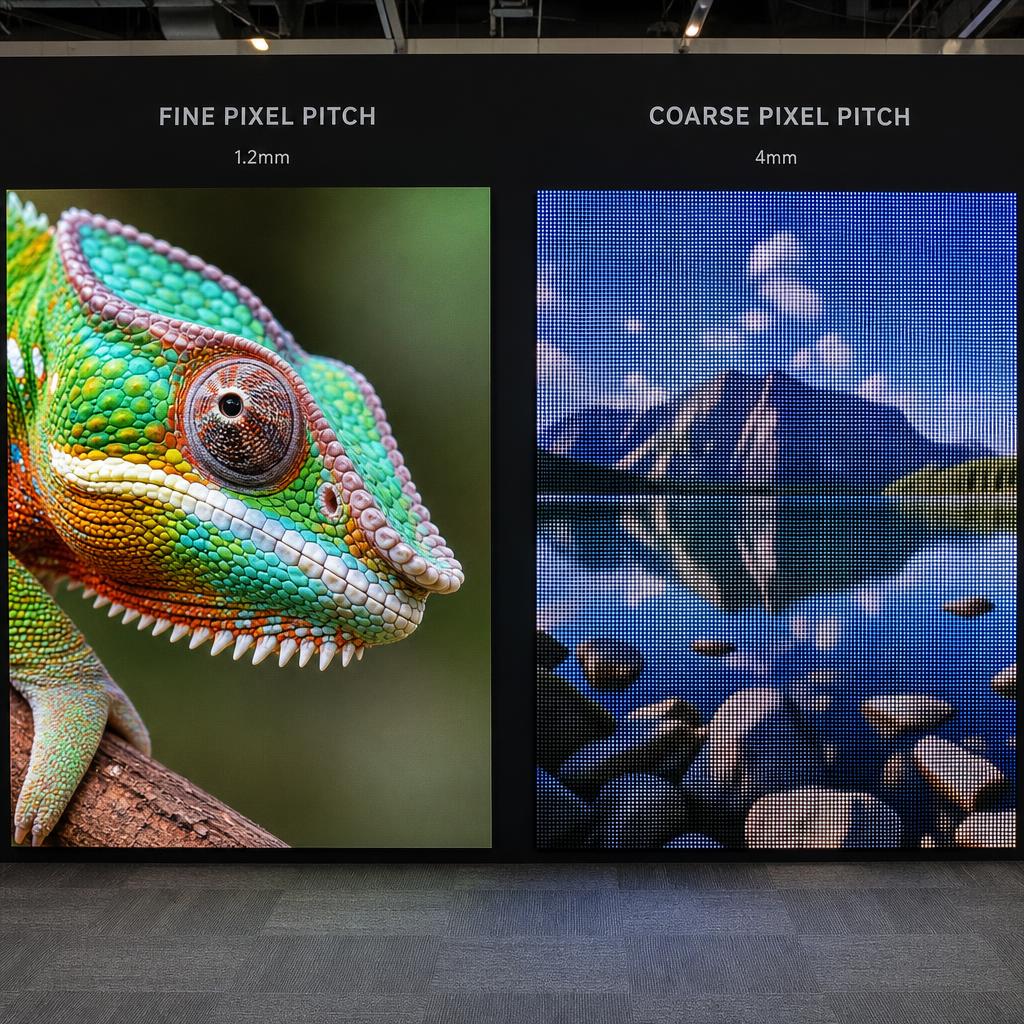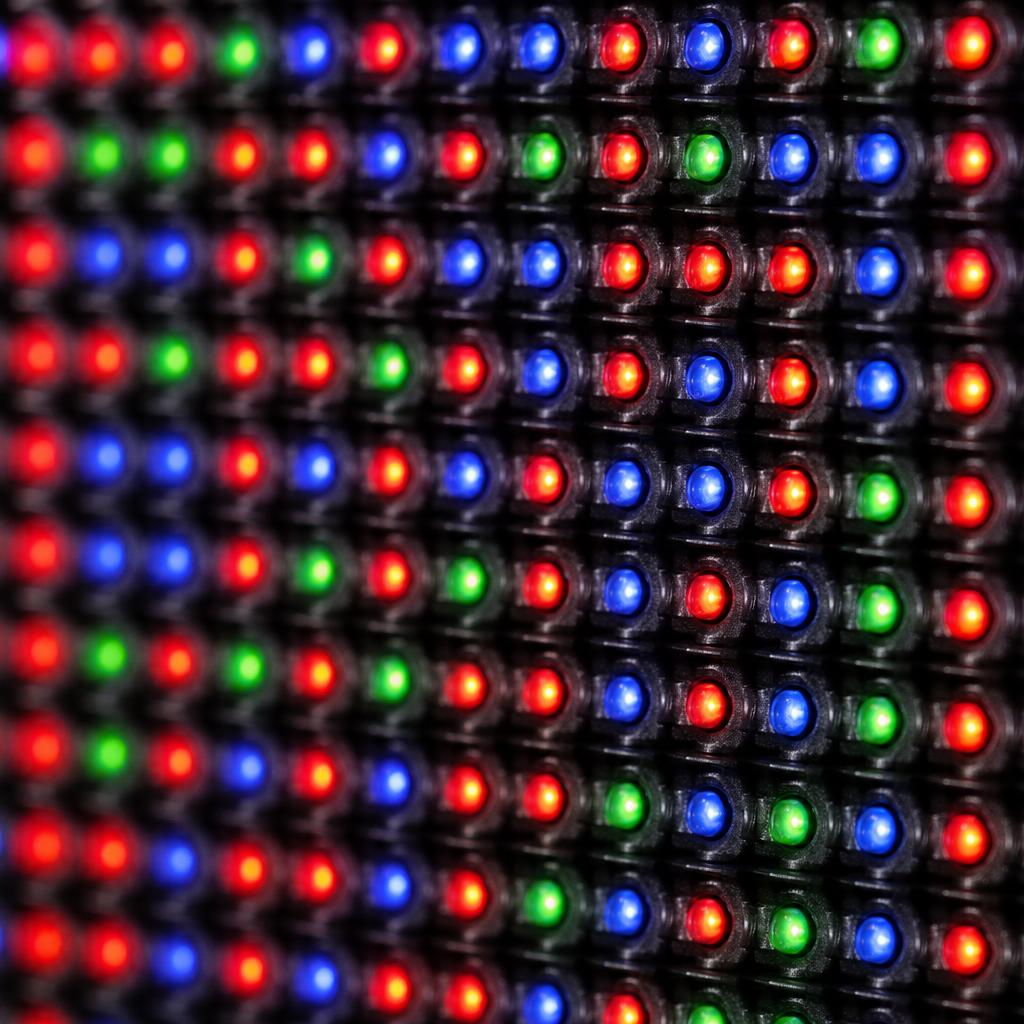
Pixel pitch is one of the most important specifications when choosing an LED display, because it directly determines resolution, ideal viewing distance, and price. Understanding it helps match the right display to the right environment.
What Pixel Pitch Means
Pixel pitch (often written as "P" followed by a number, like P2.5 or P10) is the center-to-center distance between adjacent LED pixels, measured in millimeters. A P2.5 display has 2.5mm between pixel centers; a P10 display has 10mm. The smaller the number, the tighter the pixel spacing and the higher the resolution for a given screen size.
How Pixel Pitch Affects Resolution
Smaller pixel pitch means more pixels fit into the same physical area, which means: - Higher effective resolution for a given wall size - Sharper image detail, especially for text and fine graphics - The ability to view content up close without seeing individual LEDs or a visible pixel grid
Choosing Pixel Pitch by Viewing Distance
A common rule of thumb is minimum viewing distance (in meters) ≈ pixel pitch (in mm) ÷ 1, though many designers use a more comfortable ratio between pixel pitch and viewing distance depending on content type:
- P1.2 - P1.9 (fine pitch): Control rooms, broadcast studios, retail displays viewed from under 2 meters
- P2.5 - P4: Corporate lobbies, conference rooms, indoor retail viewed from 3-6 meters
- P5 - P6: Large indoor venues, auditoriums, viewed from 6-10 meters
- P8 - P10: Stadiums, outdoor billboards, viewed from 10+ meters
- P16 and above: Large-format outdoor displays viewed from very long distances (highways, stadium exteriors)
Using a tighter pixel pitch than the viewing distance requires is an unnecessary cost; using a wider pitch than appropriate produces a visibly "pixelated" or screen-door effect up close.
Pixel Pitch and Cost
Finer pixel pitch requires more LEDs, more driver ICs, and tighter manufacturing tolerances, all of which increase cost significantly. Doubling the pixel density (halving the pitch) roughly quadruples the number of LEDs needed for the same screen area, since pixel count scales with area, not just linear spacing.
Pixel Pitch vs. Resolution vs. Screen Size
These three factors are interdependent: for a fixed screen size, smaller pixel pitch means higher resolution; for a fixed resolution, smaller pixel pitch means a smaller physical screen. When planning an installation, decide on viewing distance and content type first, then work backward to the appropriate pixel pitch and screen dimensions.
Beyond Pixel Pitch: LED vs. LCD
Pixel pitch is specific to LED displays, since LCD panels have a fixed, manufacturer-set pixel density. This is one of several tradeoffs between the two technologies worth understanding before choosing between an LED wall and an LCD video wall.
SPARC and Pixel-Pitch-Aware Content
SPARC's content management tools let you design layouts once and preview them across displays of different resolutions and pixel pitches, so content built for a fine-pitch indoor wall scales appropriately to a wider-pitch outdoor installation without manual rework.