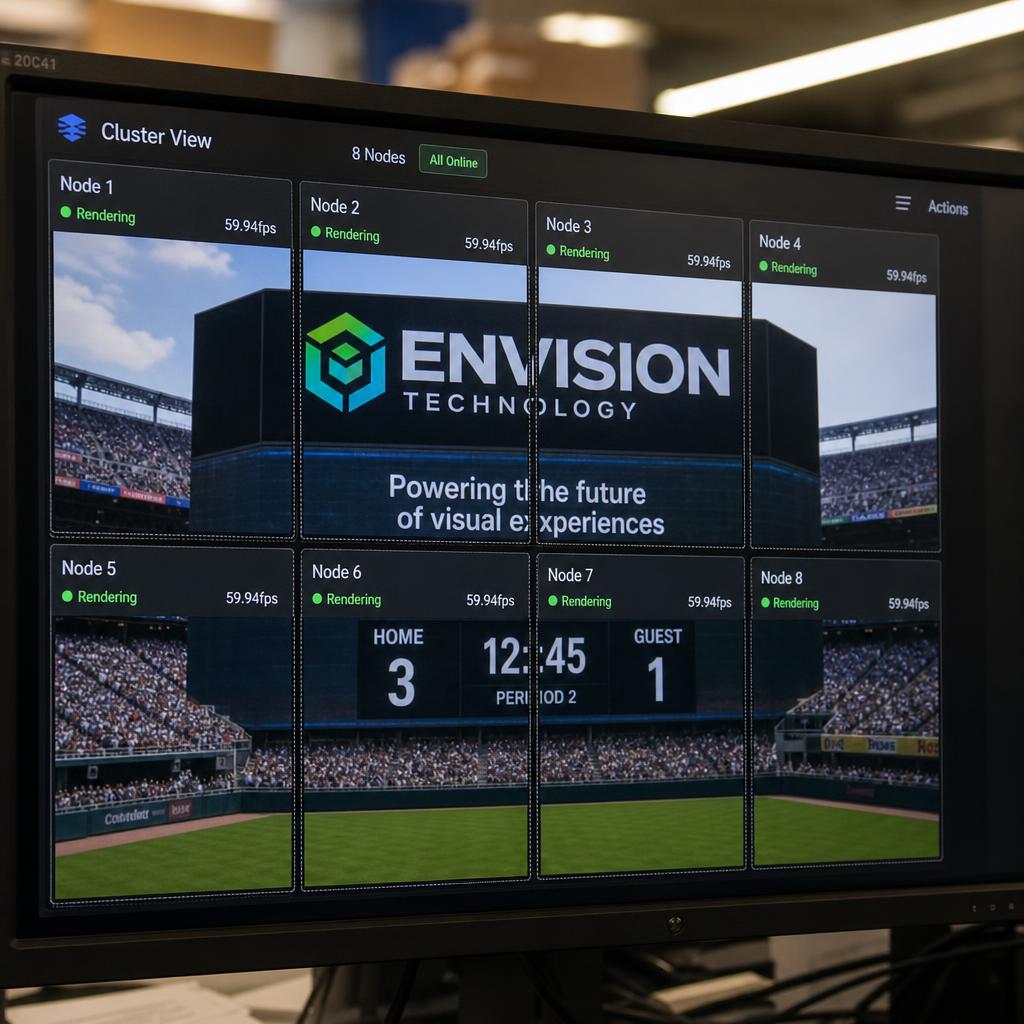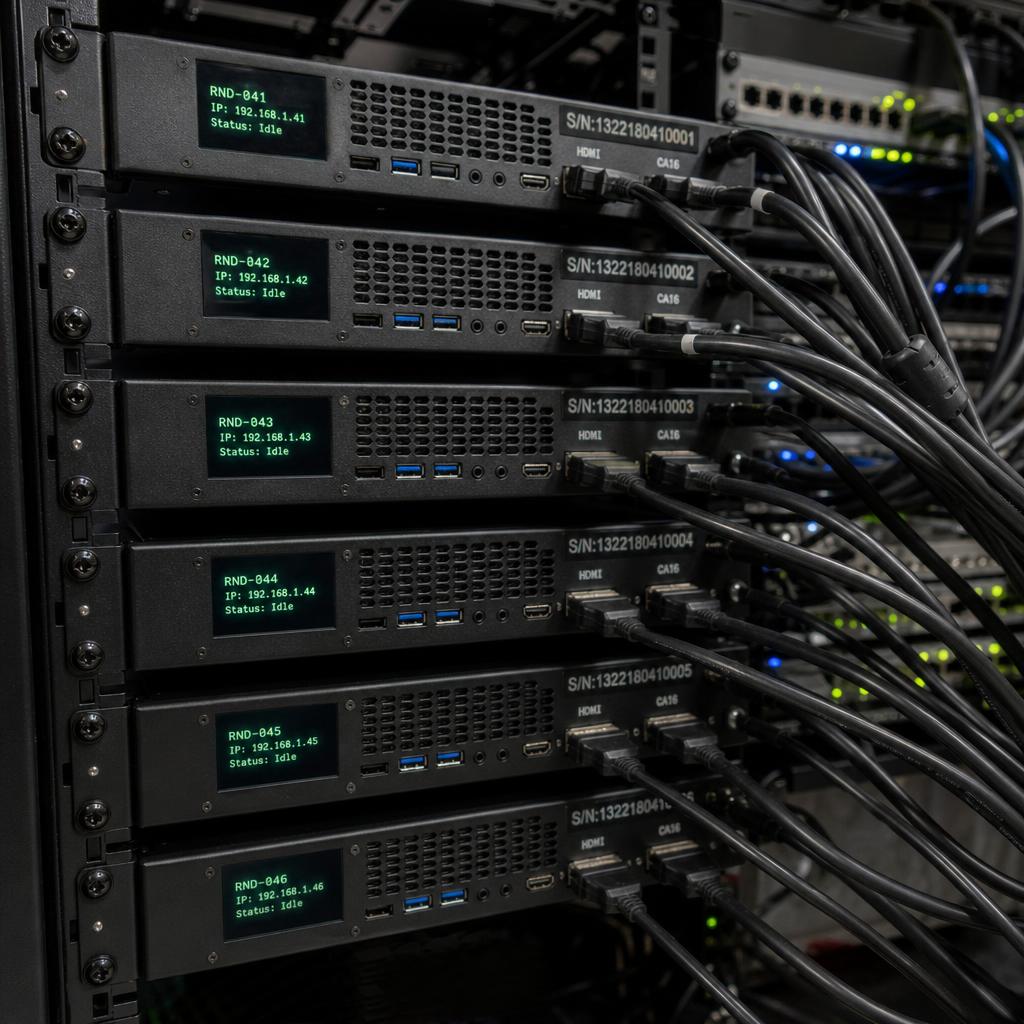
Multi-node rendering is an advanced display technology that distributes graphics processing across multiple computers working in concert. Each computer (node) renders a portion of the total visual output, with all nodes synchronised to create a seamless unified image across massive display installations.
Why Multi-Node Rendering Exists
Single computers have fundamental limits on their graphics output. Even the most powerful workstation might support 4-8 display outputs at high resolution. But large-scale installations—stadium displays, immersive environments, control room video walls—may require dozens or hundreds of synchronised outputs at 4K resolution or higher.
Multi-node rendering solves this by dividing the rendering workload. A 16K x 8K video wall requiring 32 displays might use 8 computers, each rendering a portion of the image and driving 4 displays.
How It Works
Multi-node rendering involves several coordinated processes:
- Cluster Management: A primary controller coordinates the render cluster, distributing content and ensuring all nodes receive identical source material.
- Viewport Assignment: Each node is assigned a specific region (viewport) of the total canvas. A node rendering the top-left corner only processes pixels in that region.
- Frustum Culling: Nodes ignore content that falls outside their viewport, dramatically reducing processing requirements.
- Frame Synchronisation: All nodes must complete rendering simultaneously. Frame lock signals ensure every node outputs its frame at the same instant.
- Genlock Distribution: A master timing signal propagates to all nodes, synchronizing their graphics card output timing to prevent tearing at display boundaries.
Applications
- Video Walls: Large format installations in lobbies, control rooms, and retail environments
- Immersive Environments: Domes, simulation centers, theme park attractions
- LED Installations: Stadium displays, concert backdrops, architectural integration
- Virtual Production: Film and broadcast virtual sets using LED volumes
SPARC and Multi-Node
SPARC supports multi-node configurations through its cluster management capabilities. The platform coordinates content distribution, handles synchronisation between nodes, and provides unified monitoring and control across the entire render cluster.