What LED Wall Content Management Actually Involves
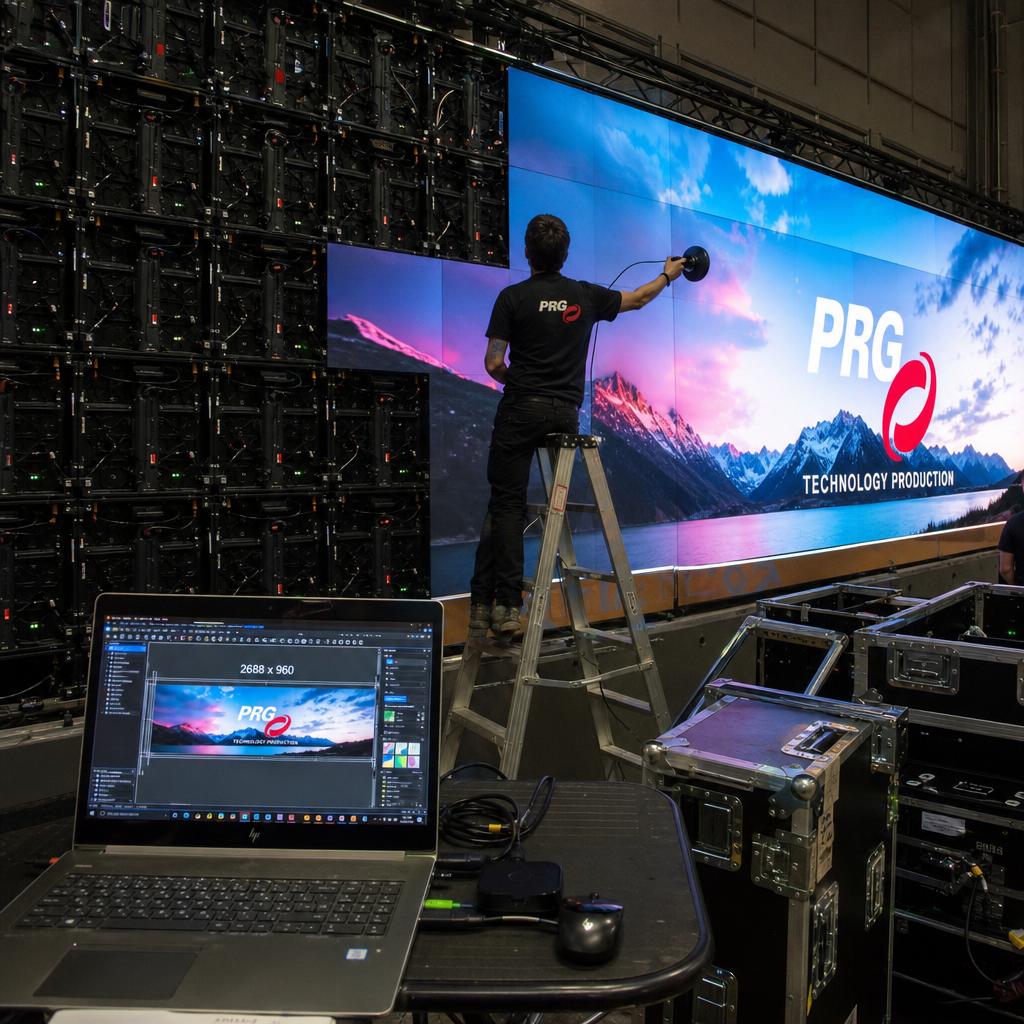
LED wall content management is the process of preparing, mapping and scheduling content to match the physical construction of the wall — its pixel pitch, cabinet layout, canvas shape and brightness range.
The distinction that matters: an LED wall is not a fixed-resolution panel with a single bezel. It is a custom-built canvas assembled from individual cabinets, each with its own pixel density and calibration profile.
That changes every stage of production. A file authored for a 1920x1080 LCD will not automatically look right on a wall built from twelve cabinets at a fine pitch, because the native resolution and brightness ceiling are both non-standard.
This guide covers four things that shape the content workflow:
- Resolution and pixel pitch
- Non-standard canvas shapes
- File size and bandwidth
- Brightness calibration
For the errors that trip teams up, see common LED wall content mistakes.
Matching Content Resolution to Pixel Pitch and Viewing Distance
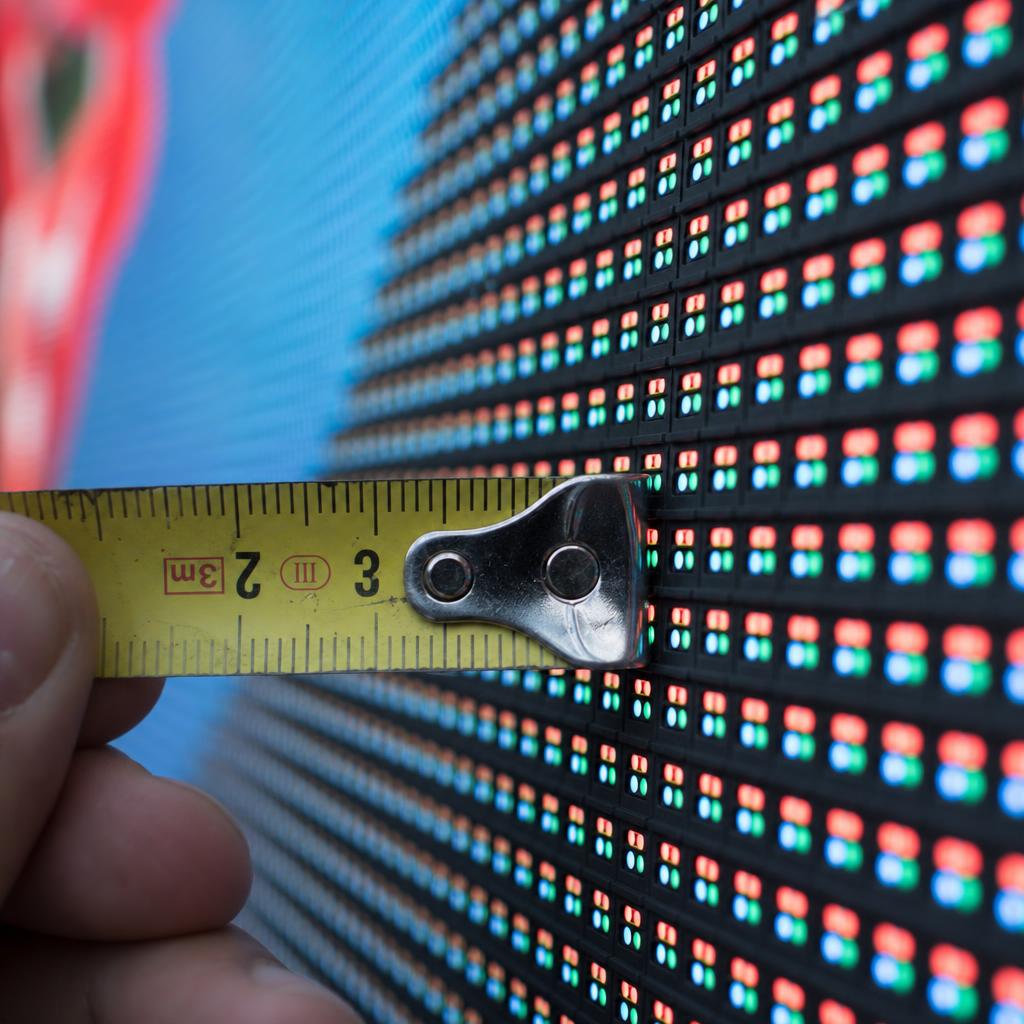
Every LED wall has a native resolution determined by its pixel pitch (the distance in millimetres between adjacent LEDs) and the cabinet count. Content management for LED starts with getting that number right, not assuming a standard broadcast resolution will do.
Pixel pitch also sets the minimum comfortable viewing distance. A commonly used rule of thumb is minimum viewing distance in metres roughly equal to the pixel pitch in millimetres — a 6mm pitch wall is intended for viewing from around 6 metres or more, while a fine-pitch wall for close-up retail use can carry finer detail.
In practice:
- Author content at the wall's actual pixel dimensions from the integrator's as-built drawing, not a stock TV template.
- Avoid upscaling assets designed for standard displays — stretching introduces visible softness a fine-pitch wall will expose.
- Match typography and detail density to the pitch-driven viewing distance.
- Confirm resolution and pitch against your compatible LED hardware list before production starts.
Designing for Non-Standard Wall Shapes and Aspect Ratios
LED walls are frequently custom-built to fit architecture: ribbon displays above a shopfront, columns wrapped around pillars, L-shaped corner walls, or curved feature walls. None of these produce a standard 16:9 canvas.
- Design content in modular blocks that can be reflowed for each canvas shape, rather than one fixed composition per campaign.
- Mark safe zones for content wrapping around a corner or curve, since text placed across a physical bend will distort.
- For ultra-wide ribbon displays, design around the genuine wide aspect ratio rather than cropping a widescreen video.
- Render a proof at the wall's exact pixel dimensions before scheduling content live.
Content Mapping: Standard Displays vs LED Walls
| Consideration | Standard LCD display | LED video wall |
|---|---|---|
| Pixel pitch / resolution | Fixed standard resolution | Custom, determined by pitch and cabinet count |
| Bezel / panel joins | Single bezel around whole screen | No bezel, but cabinet joins need detail kept off seams |
| Brightness range | Typically 350-700 nits | 800 nits indoor to 5,000-8,000+ nits outdoor |
| Viewing distance | Close-to-moderate | Set by pixel pitch |
| Content authoring | One asset per resolution, reusable | Canvas-specific per wall profile |
Software managing both display types needs to treat LED walls as their own canvas profile. SPARC's video wall features map content to each wall's actual cabinet layout rather than a generic screen resolution.
Managing File Size and Bandwidth for Large-Format Canvases
LED walls run at much higher total pixel counts than a single commercial display, with knock-on effects for storage and network bandwidth.
- Codec and bitrate — H.265 generally holds quality at a lower bitrate than H.264 for large canvases.
- Local caching versus streaming — content should be pushed to local storage ahead of playback rather than streamed live, so bandwidth spikes don't cause dropped frames.
- Distributed sync across processing units — walls with multiple receiving cards need content synchronised across every unit, increasing the transfer load.
- Pre-processing at native resolution — content should be transcoded to the wall's exact dimensions before reaching the player.
- Network planning for multi-wall estates — budget bandwidth per site based on total canvas pixel count, not a flat per-screen assumption.
Teams running more than one LED wall should also plan how playback stays aligned across panels — see synchronising multiple LED video walls.
Brightness Calibration and Content Scheduling for Ambient Light
LED walls operate across a much wider brightness range than standard displays. Content that looks correct at one brightness setting can look washed out or glaring at another.
Brightness should be scheduled by daypart and, where supported, by an ambient light sensor, so a wall isn't running at outdoor-daylight brightness after dark. Content design should avoid full-screen pure white or high-contrast frames at maximum brightness outdoors, since this increases glare and power draw.
Colour and brightness calibration between cabinets can drift over time, particularly on larger walls with panels from different production batches. Content management workflows should include a periodic calibration check as part of the maintenance schedule, separate from content updates — worth confirming with your AV integrator or checking against the compatible LED hardware documentation.
Which Workflow Fits Your Situation
Single-site venue with one LED wall. Author content directly at that wall's native resolution from the as-built drawing. There is no reason to abstract when there is only one canvas to serve.
Multi-site operator with several walls of different pitches. Give each wall its own canvas profile and design in modular blocks that reflow, rather than producing a bespoke master for every site.
Agency or in-house team producing for a client-owned wall. Start with the build specification before any design work. Asking for it after the first round of creative is how rework happens.
None of these is more correct than the others. They are matched to scale, and all three share the same discipline: design to the wall that exists, not to a standard aspect ratio.
If you are running more than one wall, or a wall alongside standard screens, that is where a single canvas-aware platform earns its place. Book a demo and we will load your as-built dimensions and show content mapping against your actual cabinet layout rather than a demo canvas.
LED wall content management FAQs
What resolution should I use for LED wall content?
Use the wall's actual native resolution, calculated from its pixel pitch and cabinet layout, not a standard template like 1080p or 4K. Get the exact pixel dimensions from the AV integrator's as-built specification before starting production.
Can I reuse content from my standard digital signage screens on an LED wall?
Generally not without reworking it. Standard signage content is built for fixed resolutions and moderate brightness, while LED walls have custom resolutions and a much wider brightness range.
Do I need different content for indoor and outdoor LED walls?
Yes. Outdoor walls run at far higher brightness to remain visible in daylight, which changes how colour, contrast and full-screen white content read to viewers.
How do I handle content across curved or wrapped LED walls?
Treat the curve or wrap as its own canvas profile and keep critical content out of zones that cross a physical bend, since those areas will visually distort.
What file formats and codecs work best for large LED walls?
H.265 (HEVC) generally maintains quality at a lower bitrate than H.264 for large, high-pixel-count canvases. Content should be transcoded to the wall's exact native resolution before reaching the player.
How often should LED wall brightness and colour be recalibrated?
This should sit on a regular maintenance schedule rather than being left until a problem is visible, since brightness and colour can drift between cabinets over time, especially on larger multi-panel walls.
Ready to Experience SPARC?
Join forward-thinking organizations already using SPARC for their digital signage needs.