Scheduler Module
The SPARC scheduler module: automate digital signage content with time-based rules, dayparting and campaign windows.

What does the Scheduler module do?
The Scheduler module enables time-based content automation. It can schedule content by time of day, day of week, specific dates, or in response to external triggers.
Is the Scheduler module available?
The Scheduler module is fully available. Features and capabilities continue to be expanded with regular platform updates.
What scheduling patterns can you create?
With the Scheduler module, you can automate content changes based on time, create recurring schedules for daily, weekly, or monthly patterns, set up dayparting for different content throughout the day, and plan campaigns with specific start and end dates.
How can schedules coordinate with other SPARC tools?
The Scheduler integrates with other SPARC modules and external systems. It can connect to calendar systems, POS data, or custom triggers to automate content based on real-world events.
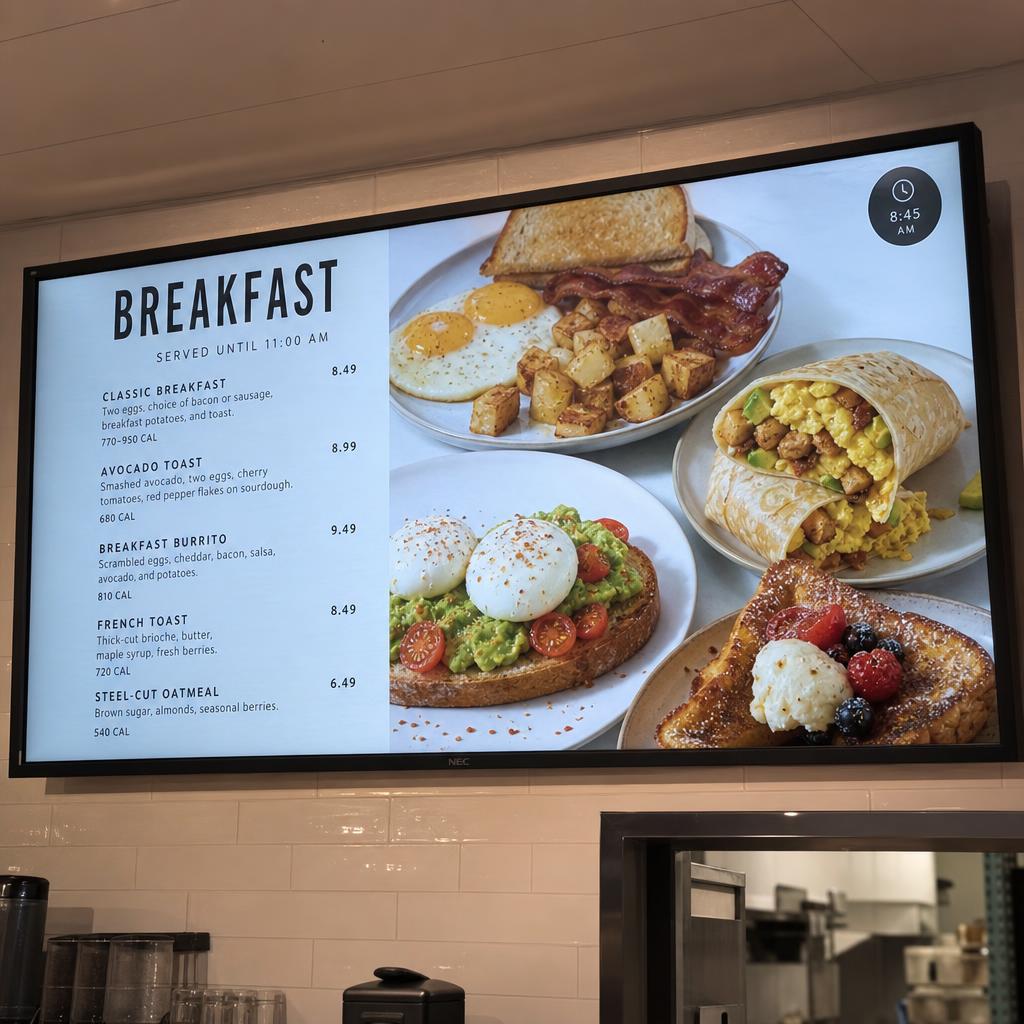
How can you use dayparting?
Use dayparting to plan different content throughout the day. This is one way to organise time-based content changes without replacing the underlying playlist or campaign planning process.
How can you plan a campaign around dates?
Set specific start and end dates when planning a campaign. Recurring schedules can also support daily, weekly, or monthly patterns.
Where can I get more help with SPARC digital signage?
Start using SPARC today and get access to our growing knowledge base.
Start Trial