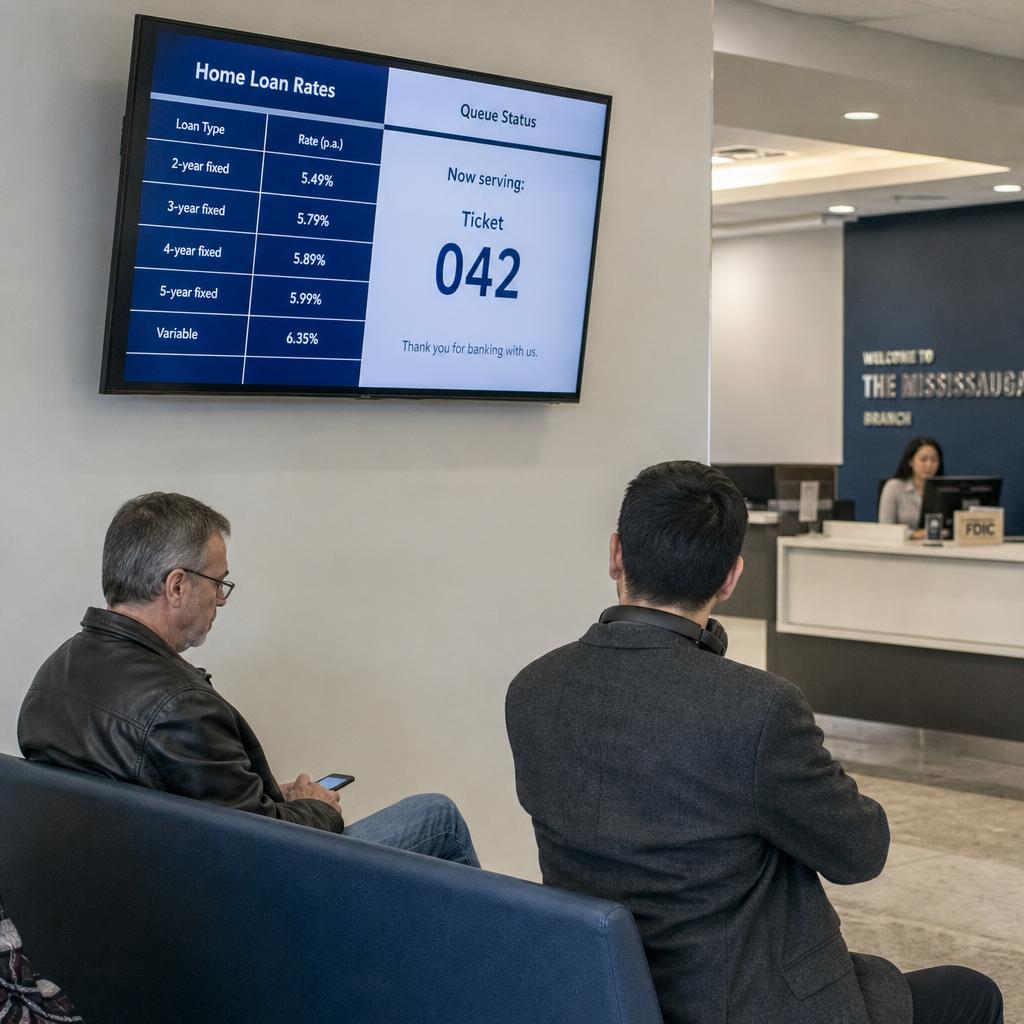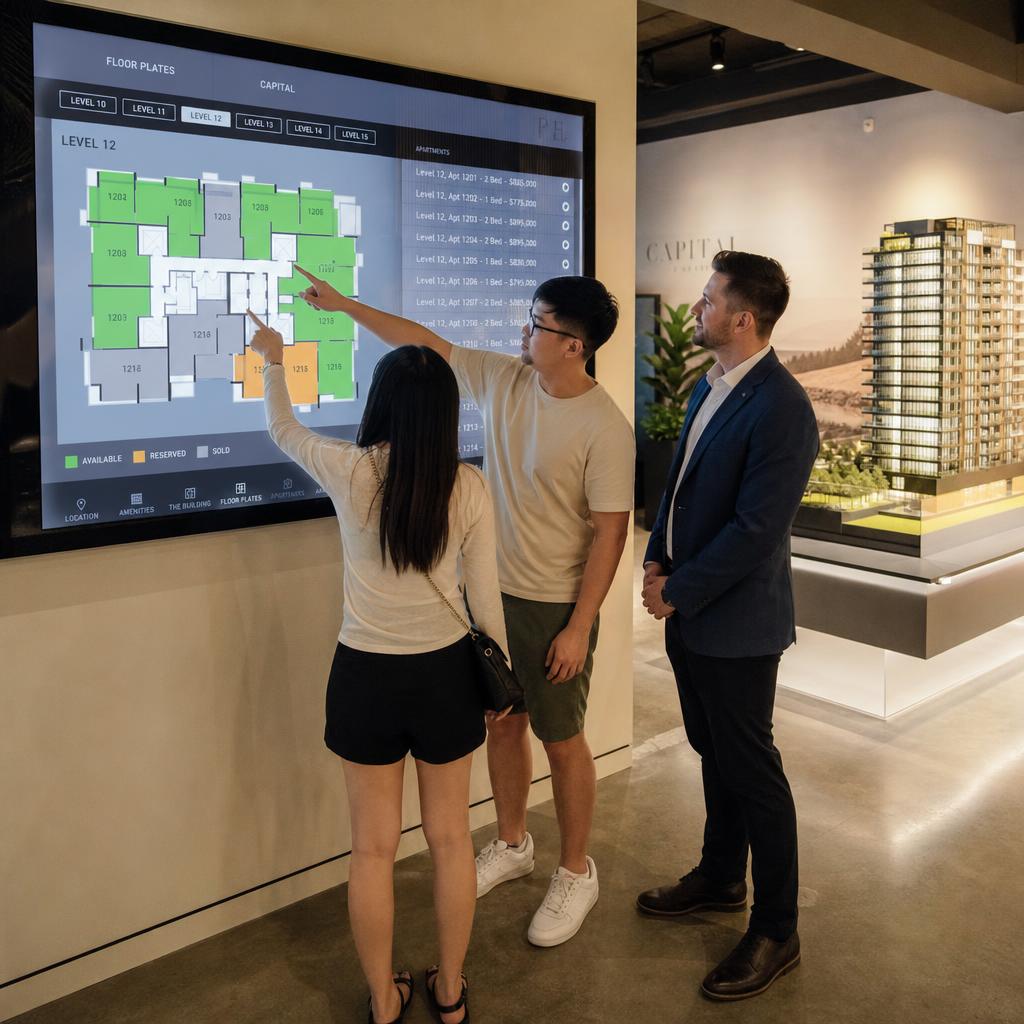
Digital lobby signage has to serve two audiences with two different purposes on the same screen:
- Visitors, who need a warm, on-brand first impression
- Employees, who need timely information they will actually stop to read
Most organisations get the visitor side right and the employee side wrong. The screen becomes a slow-rotating slideshow of the same three brand slides, and staff learn to walk past it within a week.
Getting it right means treating it as two content strategies on shared infrastructure, with clear rules about who can post, what belongs where, and how often content changes.
This is a planning problem before it is a technology problem. The screens are commodity hardware. What separates signage that gets noticed from signage that becomes wallpaper is the content strategy behind it.
What Is Digital Lobby Signage For?
Two jobs, depending on who is looking at it.
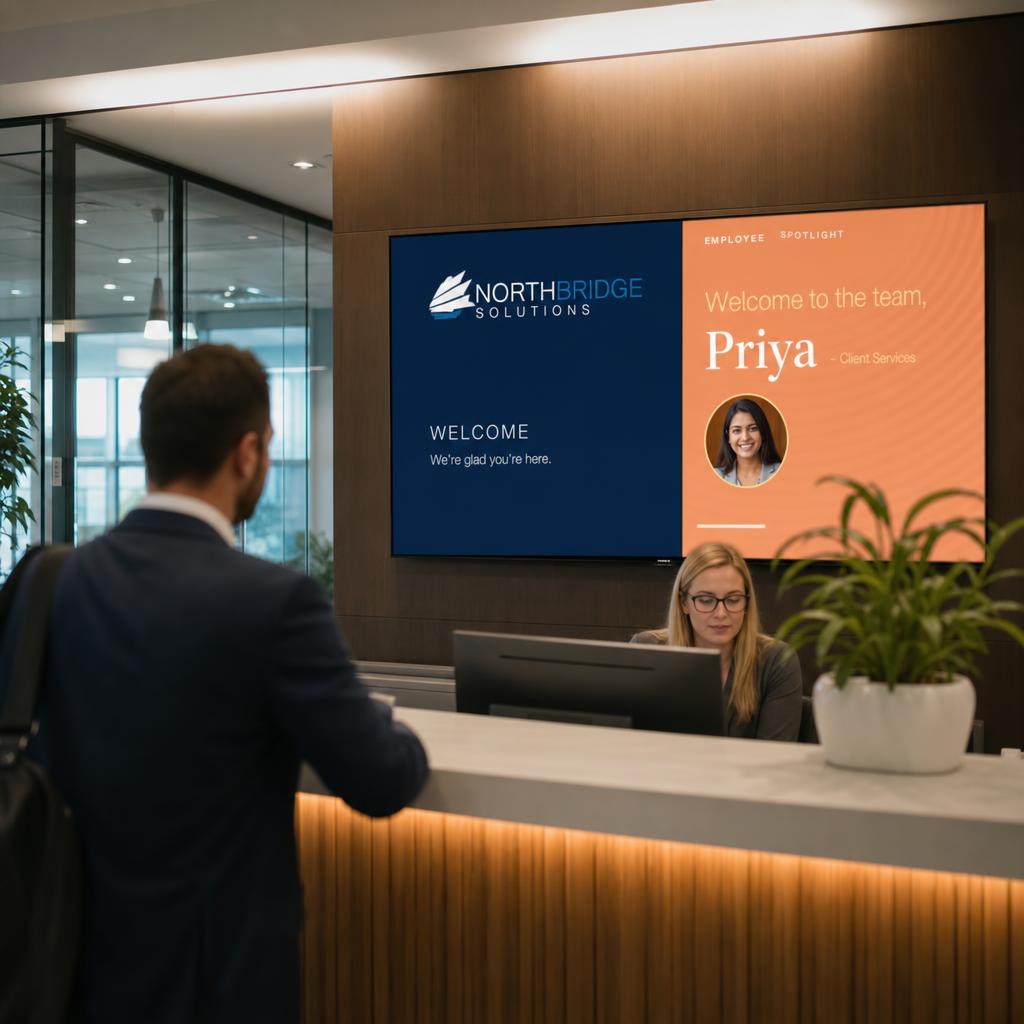
For visitors and clients arriving at reception, it is a branding and wayfinding tool. It confirms they are in the right place, reinforces identity, and can list the day's meetings or name expected guests.
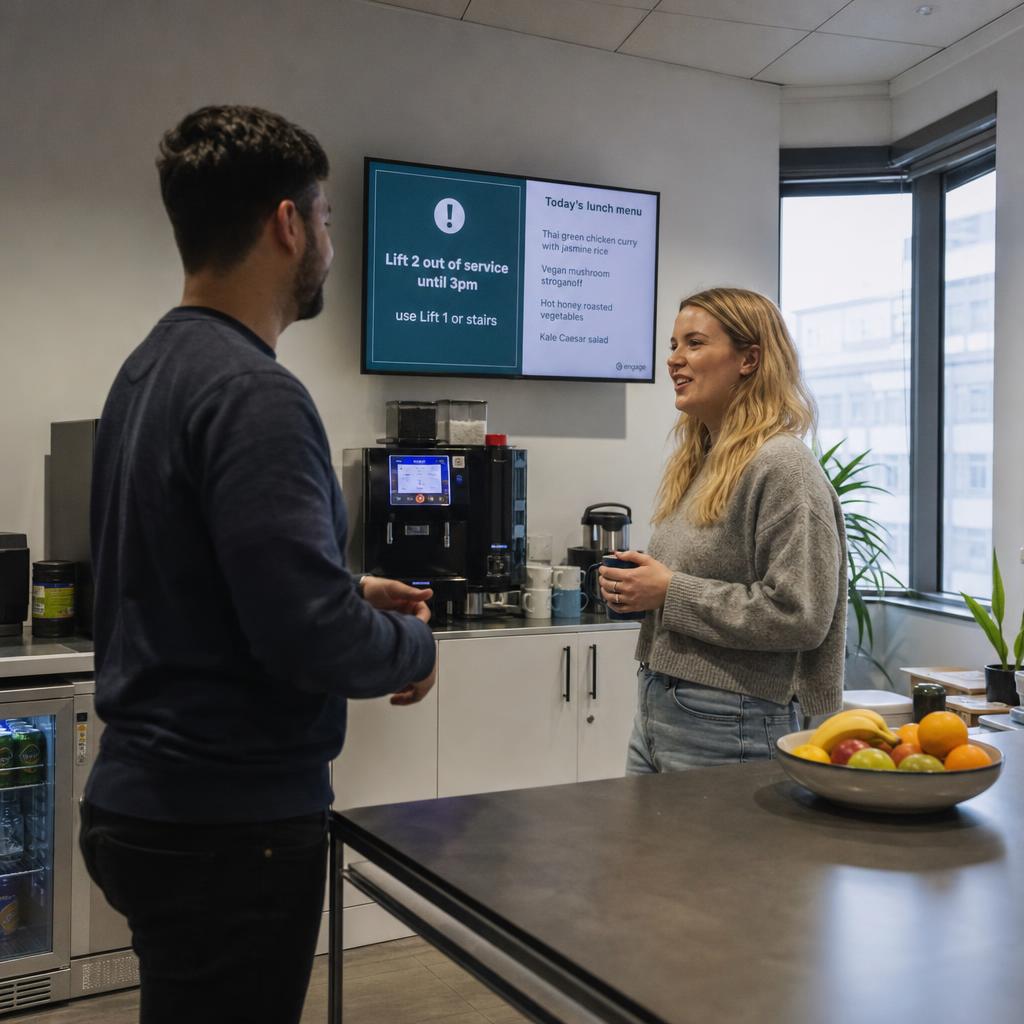
For employees moving through the building, the same screen — or a companion in a staff-only area — is an internal communications channel: safety notices, recognition, event reminders and operational updates that do not belong in an inbox already full of them.
The common mistake is designing for only one audience:
- A pure brand statement — logo, tagline, corporate video on loop — looks polished to a visiting client and tells employees nothing they do not already know, so they stop looking
- A pure employee noticeboard feels cluttered or unprofessional to a visitor waiting in reception
The fix is not a compromise serving neither. It is deliberately separating the two streams, through placement, scheduling, or zoned layouts.
How Do You Separate Visitor and Employee Content?
Decide where the line sits before writing a single slide.
Physical separation is the cleanest: reception-facing screens carry brand, wayfinding and welcomes; screens in kitchens, lift lobbies and breakout areas carry the internal mix.
Time-of-day scheduling works where one screen has to do both: client-facing content during business hours when visitors are most likely present, employee content weighted to early morning and end of day when foot traffic is mostly staff.
Visitor-facing content stays narrow:
- Brand identity
- A welcome naming the visitor or their organisation, where the system supports it
- Basic wayfinding — meeting rooms, floor directory
- A rotating showcase of work or values
It should carry nothing an outsider should not see: no rostering, no internal KPIs, no informal social content.
Employee-facing content has more latitude and more responsibility to be useful. The test is simple: would someone glance up from their phone to read it?
- Generic motivational quotes and unchanging "our values" slides fail
- A shout-out naming a colleague, a notice about a lift outage, or today's deadline for something specific tend to pass
What Belongs on the Screen?
| Content Type | Primary Audience | Purpose | Example | Suggested Update Frequency |
|---|---|---|---|---|
| Brand and wayfinding | Visitors | First impression, orientation | Logo, floor directory, meeting room names | Rarely (static, refreshed on rebrand) |
| Recognition | Employees | Acknowledge individual or team contribution | New starter welcome, work anniversary, project shout-out | Weekly |
| Safety and facilities notices | Employees (and visitors where relevant) | Operational awareness, compliance | Lift maintenance, fire drill schedule, building access changes | As needed, same-day |
| Culture and events | Employees | Belonging, participation | Town hall reminder, social club event, EOFY function | Weekly to fortnightly |
| Operational updates | Employees | Keep teams informed without email overload | System downtime notice, policy change, department milestone | As needed |
| Visitor welcome | Visitors | Personalised greeting | Named welcome for scheduled guests or client meetings | Per booking, automated where possible |
The column that matters is update frequency. Brand and wayfinding can sit unchanged for months, because visitors see it once. Everything employee-facing has to turn over regularly — the same people walk past it daily, and content that does not change within a week or two stops registering.
Who Should Be Allowed to Post?
This single question predicts whether lobby signage is still useful after the first month.
Without governance, one of two failure modes shows up:
- Locked to one person or team — usually marketing or facilities. Posting is not their main job, content becomes infrequent, and the screen goes stale.
- Open to everyone — and it fills with mismatched, off-brand, low-relevance content that undermines the impression at reception.
The workable middle is a tiered posting model:
- Reception and visitor-facing zones — a small named group, typically marketing or communications, controlling brand consistency
- Employee-facing zones — a wider group of approved submitters (team leads, HR, WHS coordinators, social committee), routed through a lightweight approval step or a template system that keeps formatting consistent when the person posting is not a designer
Confirm a platform supports role-based posting before committing to it. Retrofitting governance onto a free-for-all screen is harder than starting with structure.
Publish a one-page content policy covering:
- What is welcome — team wins, safety notices, event reminders
- What needs approval — anything naming an individual, anything visitor-visible
- What is off-limits — personal social posts, anything that reads as favouritism, content with no expiry date
How Do You Avoid Screen Fatigue?
Screen fatigue — employees stopping looking because the screen never seems to change — is the most common reason these projects lose momentum after an enthusiastic launch.
It is rarely a technology problem. It is a content supply problem: enough material for the first month, then nobody owning the refresh.
Three habits prevent it:
- Build an expiry date into every employee-facing item at creation. A safety notice that runs two weeks and disappears, not one sitting unchanged for six months because nobody remembered to remove it.
- Keep the rotation short enough to repeat within a few minutes, not twenty, so nobody waits through a long loop to see something new — but varied enough that three slides are not the whole thing.
- Assign the refresh to a real person or rotating roster with a standing calendar reminder. These projects fail from lack of ownership far more often than lack of ideas.
Resist filling dead air with generic filler — stock quotes, weather widgets, a looping mission statement. Content that is not useful or specific does not fix fatigue; it changes what people learn to ignore. Fewer relevant updates hold attention better than a long loop padded out.
How Does Lobby Signage Differ from Retail Signage?
Retail signage is built around driving a transaction with an anonymous passing audience. The strategy is attention capture and conversion.
Lobby signage has a repeat audience — the same employees, day after day — and a mixed purpose that includes internal communication, not just brand presentation.
That changes what success means:
- A retail screen is judged on whether it prompts a purchase or a brand impression from someone who may never return
- Lobby signage has no equivalent conversion metric. Its value is whether employees find it a useful, low-friction source of information they would otherwise get through cluttered email or miss entirely, and whether visitors form a good first impression
It needs more day-to-day editorial thinking than retail, which can run on a fixed promotional calendar. It is closer to running a small internal newsletter than a shopfront advertising screen.
This matters when choosing a platform. Some software is built for retail and out-of-home advertising and treats internal communications as an afterthought. Corporate deployments get more value from genuine support for content permissions, approval workflows and mixed content types than from advertising features like proof-of-play.
A Practical Rollout Checklist
Answer these before installing a single screen:
- Which zones are visitor-facing, which are employee-facing, and does the split need physical separation or time-based scheduling?
- Who owns visitor-facing brand content, and who may submit employee-facing content?
- What is the approval process for content naming individuals, or touching safety or restructuring?
- What is the plan for keeping content current — a named owner, a calendar reminder, an editorial roster?
- How will you know if the screens are being read, even informally?
Getting these answered before launch, rather than retrofitting once the screens are live and already stale, is the difference between signage that becomes part of how the organisation communicates and signage that becomes expensive wallpaper.
For running these screens across multiple sites — scheduling, content push, device health — see our guide to enterprise display management. If strategy is sorted and the question is which platform to run it on, our overview of digital signage CMS options is the next read. SPARC's corporate digital signage solutions are built around exactly this mixed visitor and employee use case.
If the honest answer to "who owns the refresh" is nobody yet, that is the thing to fix before buying screens. Book a demo and we will set up the zone split and approval tiers against your actual floor plan, so the governance exists before the hardware does.
Frequently asked questions
What's the difference between digital lobby signage and internal communications screens?
In practice they usually overlap. "Digital lobby signage" typically refers to the screens themselves, often positioned at reception, while "internal communications screens" describes the employee-facing content shown on screens throughout the office — kitchens, lift lobbies, breakout areas. Many organisations use the same platform for both but treat the content differently depending on whether the audience is mostly visitors or mostly staff.
How many screens does a typical office need?
This depends heavily on office size and layout, but a common starting point is one screen at reception for visitor-facing content and one or two in high-traffic staff areas like a kitchen or lift lobby for employee-facing content. Larger multi-floor offices often add a screen per floor near lifts or breakout spaces rather than trying to serve the whole building from one location.
Should lobby signage show live data like weather or public transport times?
These widgets can be useful filler if there's genuinely spare content real estate, but they shouldn't substitute for organisation-specific content. A screen dominated by generic widgets rather than anything about the company or its people tends to get ignored just as quickly as one that's gone stale.
Who should be responsible for keeping lobby signage content updated?
Ownership works best when it's split by zone: marketing or communications typically owns visitor-facing brand content, while HR, facilities, or a rotating group of team representatives own employee-facing content within an agreed content policy. What matters more than who specifically owns it is that someone does, with a standing process for refreshing content rather than an ad hoc one.
Can the same screen show both visitor-facing and employee-facing content?
Yes, and many offices do this out of necessity when screen count is limited. The two most common approaches are zoning the layout so brand content and employee content appear in separate sections of the same screen, or scheduling different content by time of day — brand-forward content during typical visitor hours, employee content weighted toward early morning and end of day.
How is lobby signage different from retail digital signage?
Retail signage is built for an anonymous, one-time passing audience and is judged on whether it drives attention or a purchase. Lobby and office signage serves a repeat audience of the same employees plus occasional visitors, and its value sits in ongoing internal communication as much as brand presentation — closer to an internal newsletter than a shopfront advertising screen.
How do we know if employees are actually reading the screens?
There's no reliable engagement metric equivalent to click-through rate for a physical screen, so most organisations rely on informal signals — whether staff mention or reference what's posted, whether questions about posted notices (like a lift outage) drop off after the notice goes up, or simple observation of whether people glance at the screen as they pass. Treating this as an ongoing content quality question, rather than something to measure once and forget, tends to matter more than any specific metric.