This is the most practical question in digital signage, and the honest answer is that a TV is a reasonable place to start and a poor place to stay.
The short answer
A consumer TV plus a media player will run signage content today. The software does not care what panel it is playing on. What you are trading away is longevity, brightness, orientation, and warranty cover.
Consumer TV versus commercial display
| Consumer TV | Commercial display | |
|---|---|---|
| Rated operating hours | Typically around 6-8 hours a day | 16-24 hours a day |
| Brightness | Built for a lounge room with the lights down | Higher brightness for lit retail and near windows |
| Portrait mounting | Usually not supported, and may void warranty | Designed for portrait or landscape |
| Warranty in a business | Commonly excluded or reduced for commercial use | Written for commercial use |
| Fixed settings | Anyone with the remote can change the input | Settings and inputs can be locked |
| Auto power on | Often needs a human with a remote after a power cut | Powers on and resumes by itself |
When a consumer TV is the right call
- You are trialling signage before committing budget
- The screen runs a few hours a day, not open to close
- It is in a controlled-light room, away from direct sun and windows
- A dark screen for a day is an annoyance, not lost revenue
- You already own it
Starting with hardware you own is a sensible way to prove the idea before spending on panels.
What usually breaks first
Not the picture. The things that fail first are operational:
- The remote. Someone changes the input or turns it off, and it stays wrong until a person notices.
- Power cycling. After an outage, a consumer TV often needs a human to turn it back on.
- Daylight. The content looks washed out from mid-morning near a window.
- The warranty conversation. A panel run 14 hours a day in a shop is outside typical consumer terms.
- Burn-in. Static logos and menu frames left in one position for months can leave a permanent mark on some panel types.
How to run signage on a TV you already own
- Add a media player: an Android stick is the cheapest way in. See Android player setup.
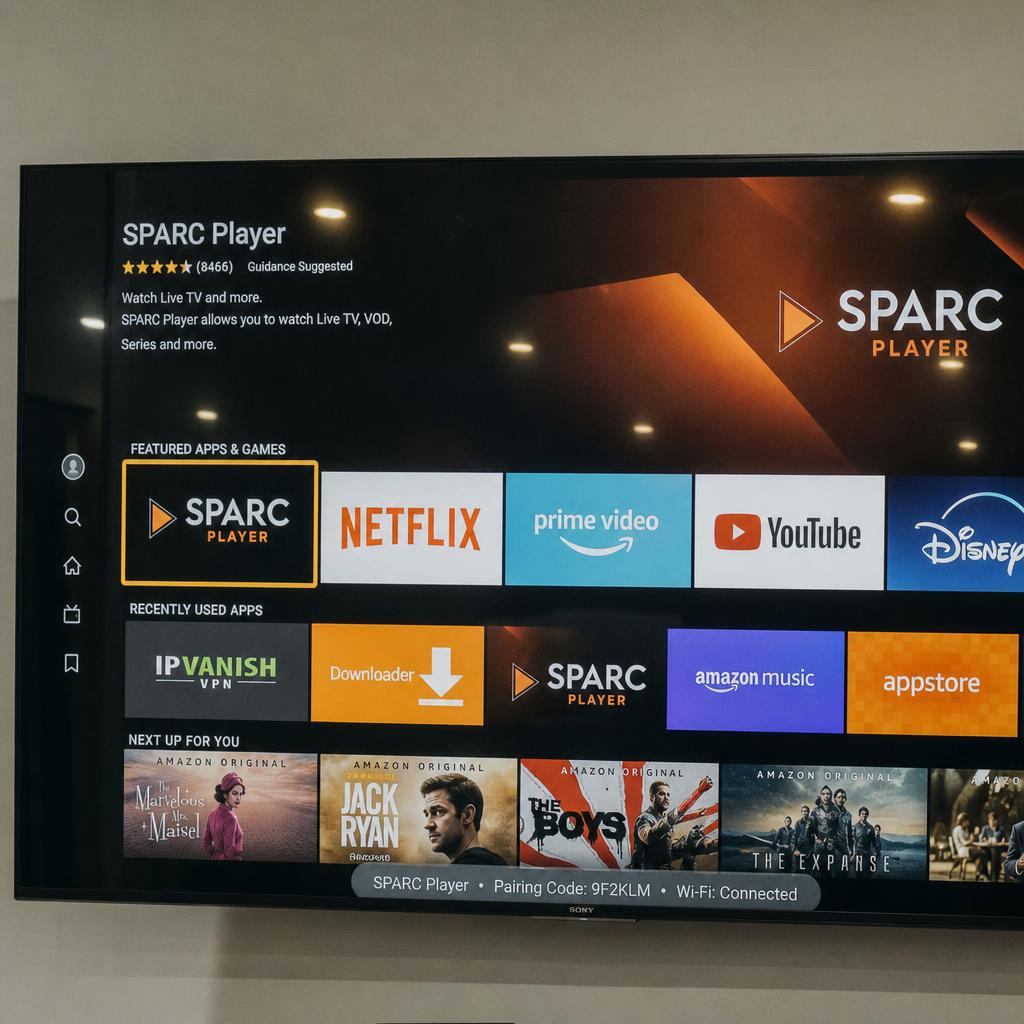
- Install the signage app and pair the screen to your account.
- Set the TV to switch to that input on power-on, and disable any energy-saving sleep timer.
- Hide or tape the remote, or use one of the TV's own lock settings if it has one.
- Schedule the screen to turn off overnight to preserve panel life.
When to move to commercial displays
Move when the screen stops being an experiment: when it needs to run all trading hours, when it sits in daylight, when it needs to be portrait, when a dark screen costs a sale, or when you have enough screens that replacing panels becomes its own project.
You do not have to decide now. SPARC runs on both, so you can start on the TV in the corner and move to commercial panels without changing platforms. The hardware comparison shows what each option supports.