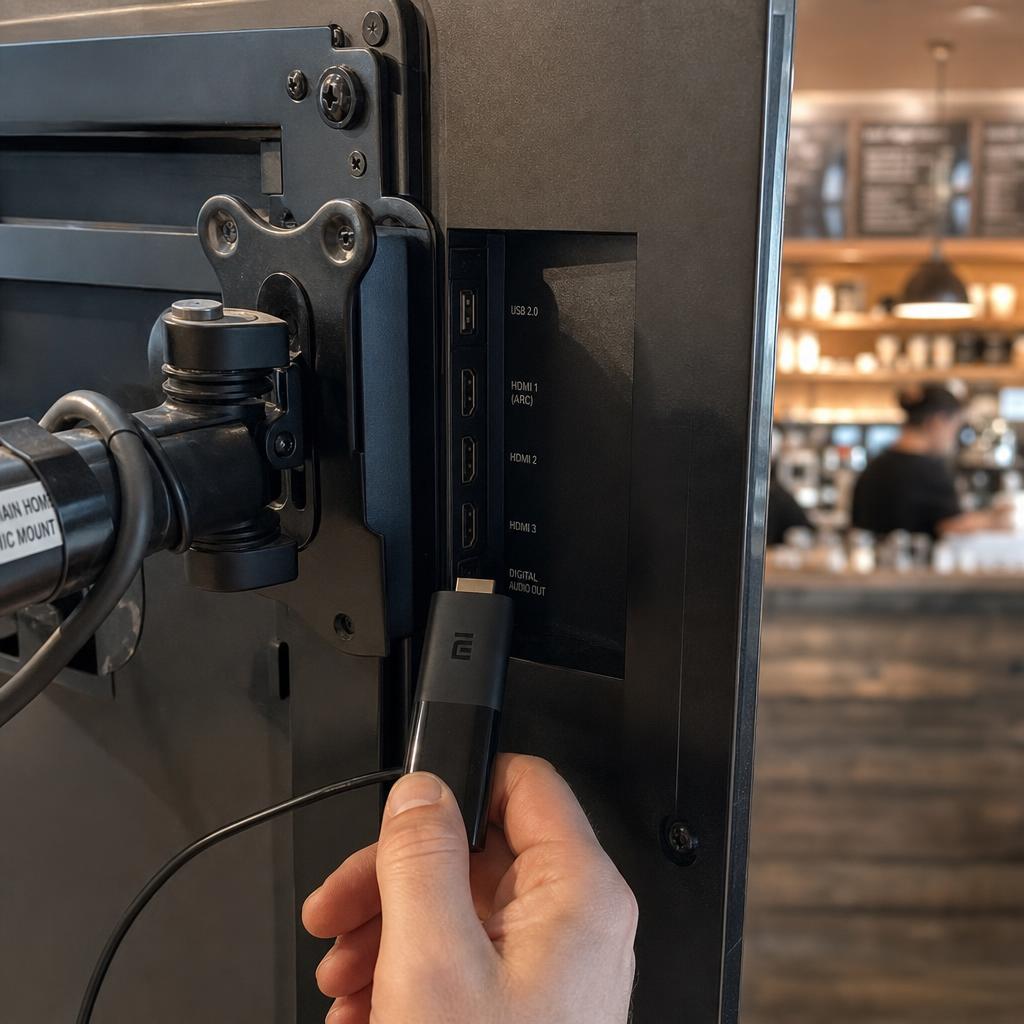
The player is the least visible part of a signage system and the part that decides how reliable it feels. It holds the content locally, plays it to the schedule, and keeps talking to the software so you know the screen is alive.
What the player actually does
- Downloads content from the software and stores it on local memory
- Plays the current playlist on a loop, on time, without a person present
- Applies the schedule, so content changes at the hour you set
- Reports status, playback logs, and errors back to the platform
- Recovers after a power cut by starting playback again on its own
That last point separates a purpose-built player from a laptop shoved behind a screen. A signage player is expected to run unattended for months and to come back by itself.
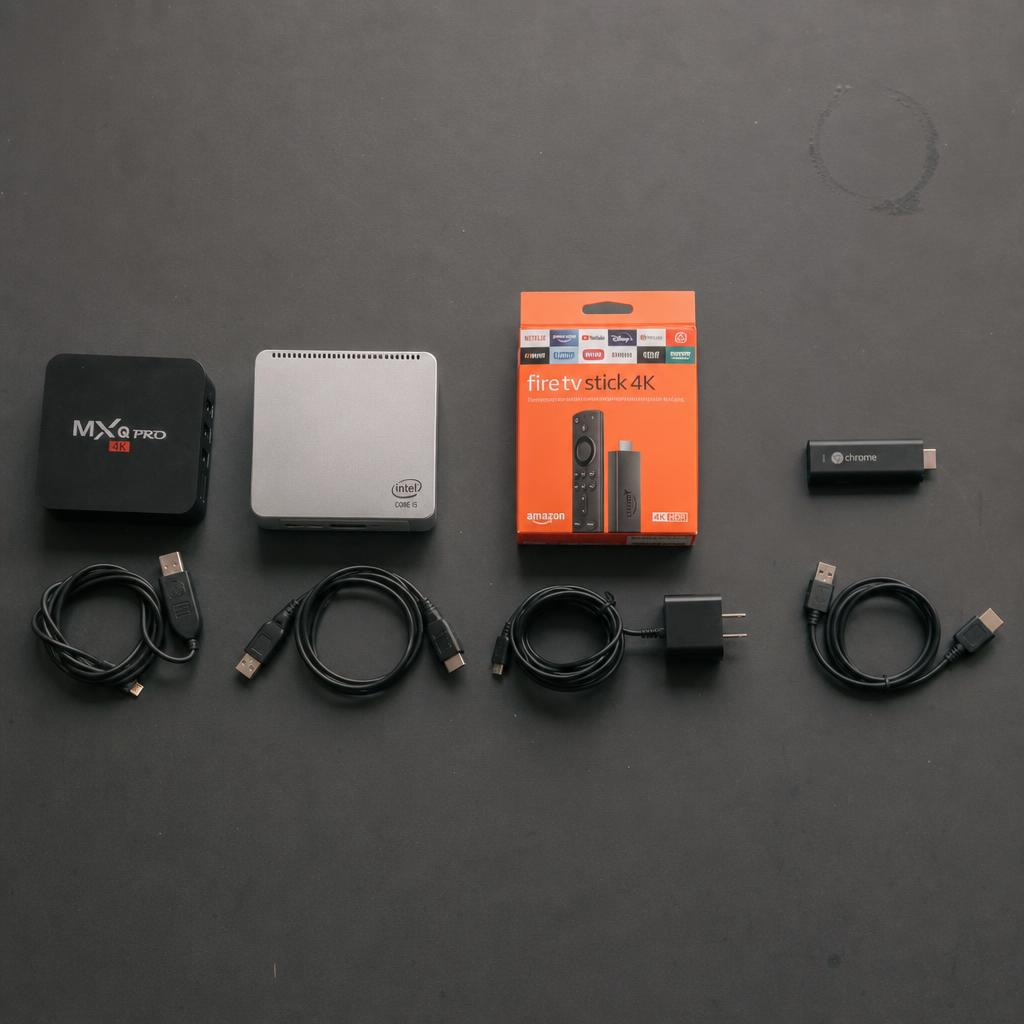
Types of player compared
| Type | Roughly | Best for | Watch out for |
|---|---|---|---|
| Android stick or box | From about $40 | Most single screens and small networks | Cheap consumer sticks can run hot and throttle |
| Windows player | About $150-$400 | Sites that need Windows apps, complex layouts, or corporate IT standards | Higher cost, more maintenance, updates to manage |
| Built-in (system-on-chip) | Included in the display | Tidy installs with no external box or extra power point | Tied to the display's lifespan and its platform's app support |
| Browser on an existing PC | No extra hardware | Trials, office dashboards, screens already driven by a computer | The computer must stay awake, logged in, and undisturbed |
SPARC runs on all four, so hardware can be chosen for the site rather than to satisfy the software. There are setup details for Android, Windows, Amazon Fire TV, and browser-based playback.
System-on-chip or an external player?
Built-in players are neat: no box, no extra cable, nothing to be unplugged by a cleaner. The trade-off is that the player and panel age together and you are limited to what that display platform supports.
An external player can be upgraded on its own, moved to another screen, and replaced in minutes when it dies. For networks that will grow, external players usually cost less to run over five years than replacing displays to get a newer chip.
What to look for when buying
- Storage large enough for your heaviest playlist, with room spare
- Output matching the resolution you actually run, not the resolution on the box
- Wired network option, because Wi-Fi is the most common cause of intermittent screens
- Automatic restart after power loss, without human input
- Remote reboot and screenshot support from the software
- Commercial duty rating if it will run more than eight hours a day
Do you need one at all?
If you have a commercial display with a supported built-in platform, no. If you are running a consumer TV, yes, you will need a player, because the TV cannot run the software itself. Our comparison of supported hardware lays out the options side by side.