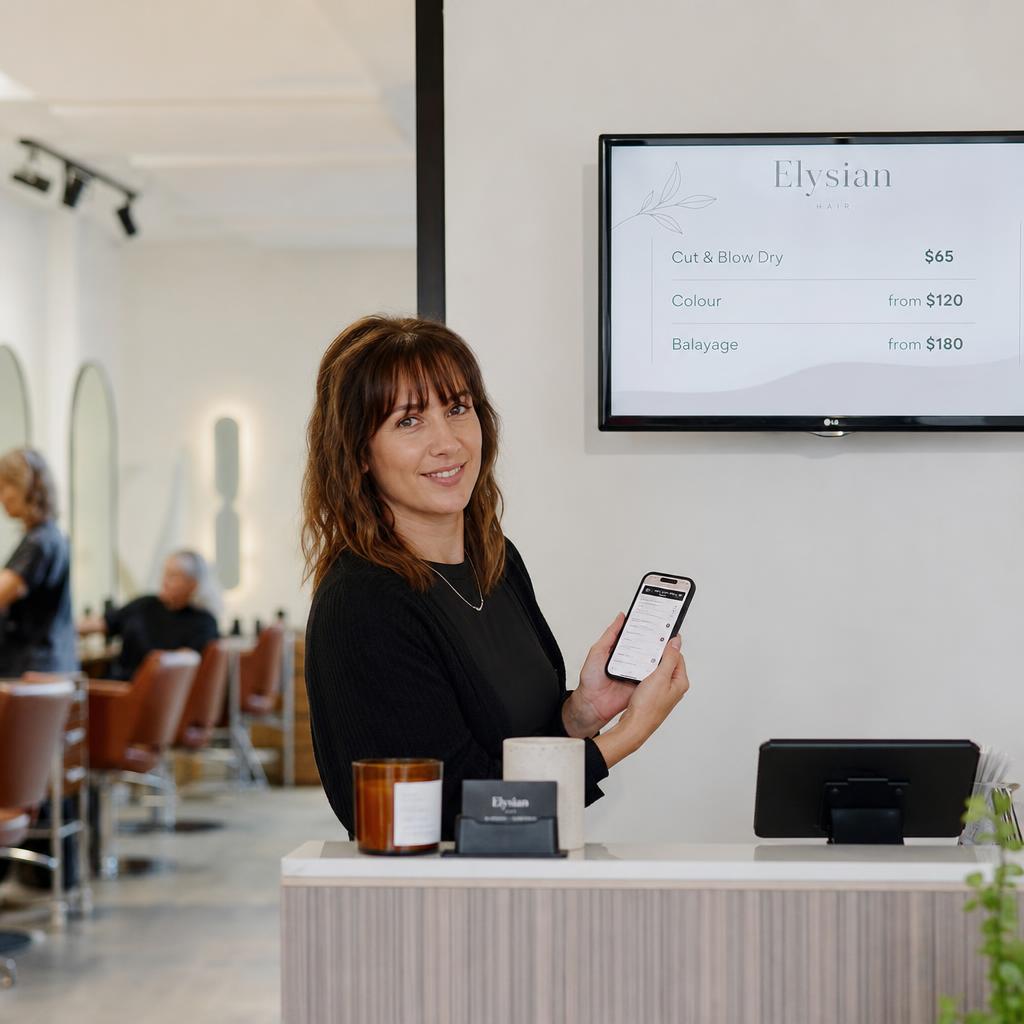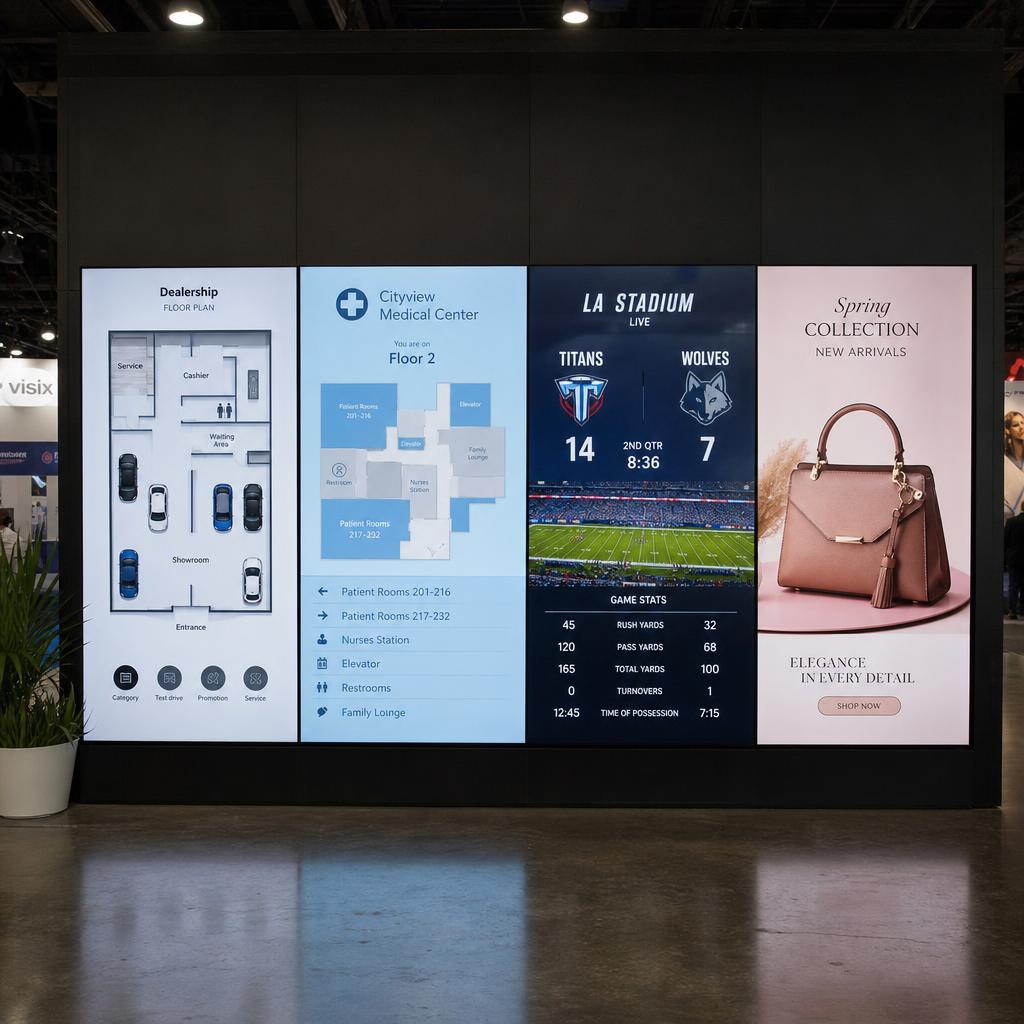
Digital signage is any screen in a commercial space that shows content sent to it over a network, rather than content loaded by hand. The poster in a shop window becomes a display that changes at 3pm because someone scheduled it to. The printed menu above a counter becomes a menu board that drops an item when the kitchen runs out.
The phrase covers a wide range of setups: a single screen in a cafe, a wall of screens in an airport, a drive-thru board, a hospital directory, a factory-floor dashboard. What they share is that the content is managed centrally and delivered remotely.
The four parts of a digital signage system
People often shop for the screen first. The screen is the part that matters least to whether the project works.
| Part | What it does | What it typically costs |
|---|---|---|
| Display | Shows the content. Commercial displays are rated for long daily hours and higher brightness than a home TV | The largest single hardware cost, and the one that varies most by size and brightness |
| Media player | A small computer that holds the content, plays it, and talks to the software. Some displays have one built in | From around $40 for an Android stick to $400 for a Windows player |
| Software (the CMS) | Where you upload content, build playlists, set schedules, control users, and check that screens are alive | A monthly per-screen subscription |
| Content | The actual images, video, menus, and live data on screen | Usually the running cost people forget to budget for |
The software is where most projects succeed or fail. Hardware failures are visible and fixable; a system nobody on staff can update quietly goes stale, and a stale screen is worse than no screen.
What digital signage is used for
- Retail: promotions in windows and at fixtures, product information, queue and checkout messaging
- Food and hospitality: menu boards that change by daypart, drive-thru boards, specials, allergen information
- Corporate: internal communications, meeting-room booking displays, live KPI dashboards, visitor welcome screens
- Healthcare: waiting-room information, wayfinding, patient education, staff communications
- Education and government: campus announcements, service-centre queue displays, multi-language public information
- Transport and venues: departure information, event schedules, sponsor advertising
Digital signage versus a TV playing a slideshow
The distinction matters when you are deciding whether you need a platform at all.
| TV with a USB stick | Digital signage | |
|---|---|---|
| Updating content | Someone walks to the screen | Changed remotely, across every site |
| Scheduling | Manual swap | Content changes by time, day, or date automatically |
| Knowing it is working | Someone notices it is black | The software reports each screen's status |
| Live data | Not possible | Prices, wait times, and feeds update themselves |
| Multiple sites | Multiplies the walking | One dashboard |
One screen in one room, changed rarely, does not need a platform. The moment you have several screens, several locations, or content that must change on a schedule, manual updating becomes the expensive part.
What digital signage costs in Australia
Cost splits into hardware you buy once and software you pay for monthly. Screens vary enormously by size, brightness, and whether they are indoor or outdoor rated. Media players run from about $40 to $400 depending on platform. Software is charged per screen per month.
The full breakdown, with current Australian figures, is in our digital signage cost guide for Australia.
How to tell whether you need it
You probably do if two or more of these are true:
- Someone is physically visiting screens to change content
- Your printed material is out of date before it is replaced
- You run more than one site and the sites look different from each other
- Content should change by time of day and currently does not
- Nobody can tell you whether a screen is actually playing right now
If none of those apply, a printed sign is still a reasonable answer.
What to look at next
If you have decided the screens are worth it, the practical next step is setting up your first screen. After that the decision that matters is the software that runs them, because it is the part you live with daily. Start with what a digital signage CMS is, then the buyer's comparison of CMS platforms available in Australia.