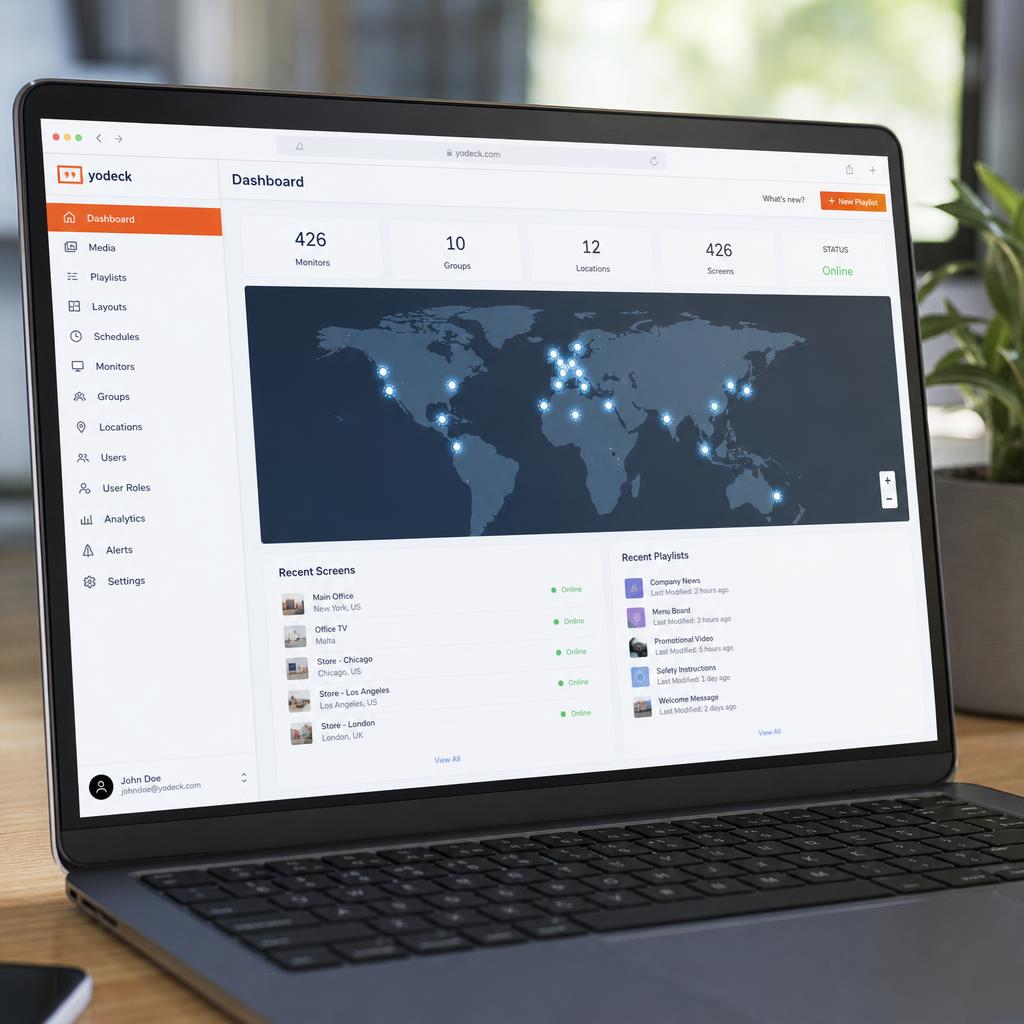
Remote content delivery is what makes it possible to manage displays across dozens or thousands of locations from a single dashboard, without visiting each site to load content manually. It relies on a combination of cloud infrastructure, local caching, and bandwidth-aware distribution.
The Basic Flow
- Upload: Content is uploaded once to the cloud CMS, regardless of how many displays will eventually show it.
- Assignment: The content is assigned to specific displays, groups, or locations through playlists and scheduling rules.
- Distribution: The CMS pushes the content (or a notification that new content is available) to each targeted player.
- Local caching: Each player downloads and stores the content on local storage rather than streaming it live, so playback doesn't depend on a constant connection.
- Scheduled playback: The player plays cached content according to its schedule, checking in periodically for updates.
Bandwidth Optimization
Pushing large video files to hundreds of displays simultaneously can strain both the CMS's outbound bandwidth and each location's internet connection. Effective remote delivery systems manage this through:
- Staggered/throttled delivery: Spreading downloads across a time window rather than pushing to every player at once
- Compression: Optimizing file sizes without visibly degrading quality
- Delta updates: Sending only the changed portions of a playlist rather than re-downloading unchanged content
- Off-peak scheduling: Delivering large files during low-traffic hours where bandwidth is constrained
Handling Unreliable Connectivity
Because remote sites don't always have reliable internet, robust systems are designed to keep playing even when offline:
- Local caching ensures a player can continue its current schedule without an active connection
- Retry logic resumes interrupted downloads rather than restarting from scratch
- Fallback content plays if a scheduled item failed to download in time
- Status reporting flags a delayed or failed sync so operators know before it becomes a problem on screen
Content Delivery Networks (CDNs)
For large-scale deployments, content is often distributed through a CDN — a network of geographically distributed servers — so each player downloads from a nearby server rather than a single origin location, reducing latency and load.
Security in Remote Delivery
Content delivery should use encrypted connections and authenticated players, so only verified devices can receive content and no unauthorized system can push or intercept it.
SPARC's Approach
SPARC uses cloud-based distribution with local caching on every player, so scheduled content is available for playback even during a temporary outage. Delivery is bandwidth-aware and staggered across large deployments, and sync status for every player is visible in real time from the dashboard.