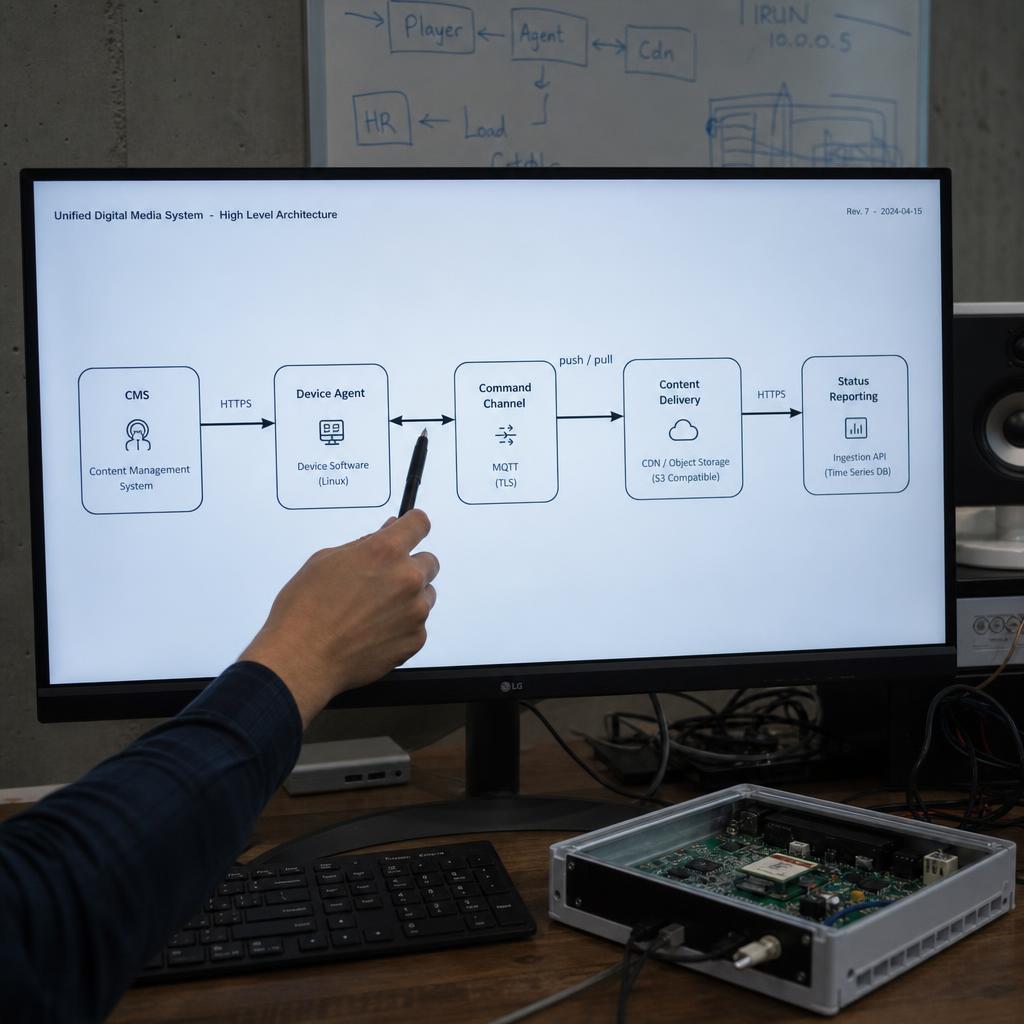
Digital signage works as a chain with four links. Understanding the chain is what lets you judge a proposal, because most of the ways a signage project fails are failures of one specific link.
The four-step chain
- You publish. You upload images, video, or a template into the software in a browser, drop it into a playlist, and choose where and when it should run.
- The software distributes. It works out which screens that content applies to and sends it over the internet to the media player behind each one.
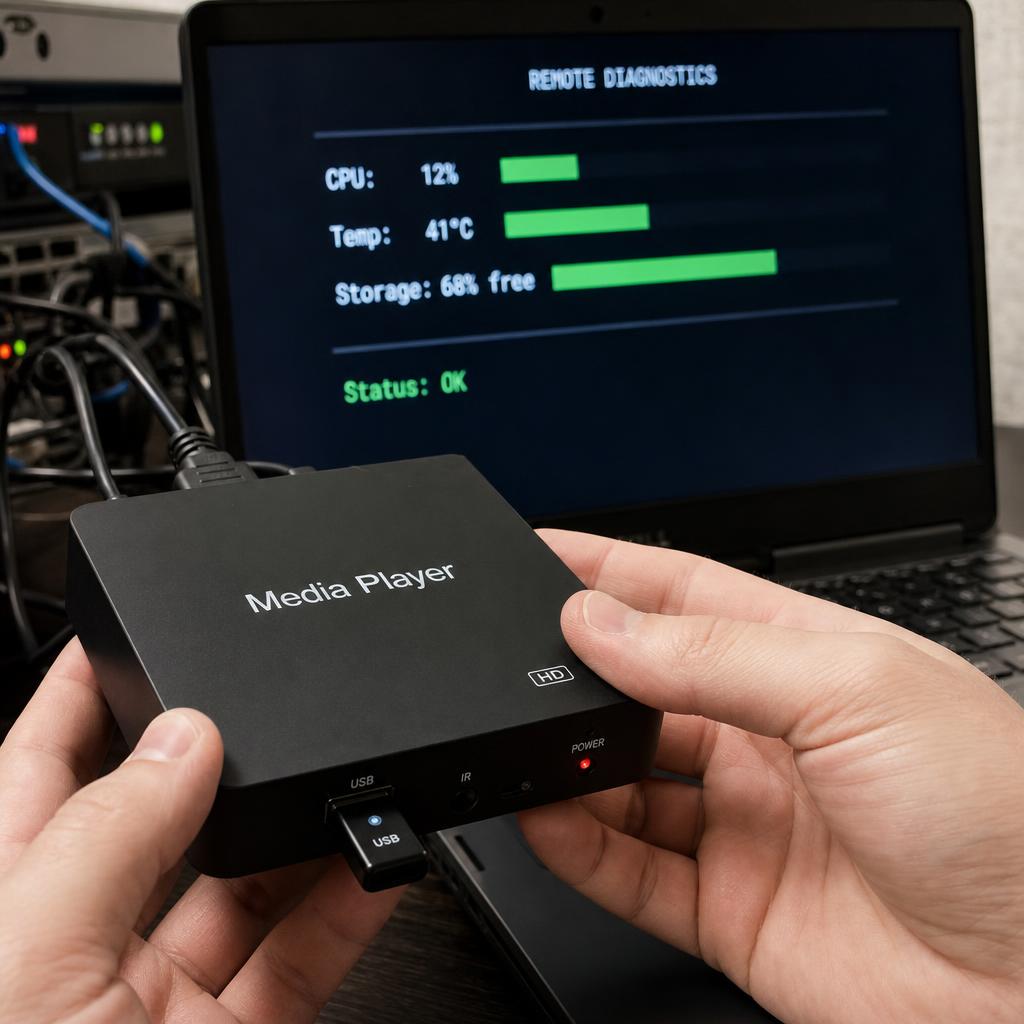
- The player stores and plays. The player downloads the files to its own storage first, then plays them on a loop according to the schedule.
- The player reports back. It tells the software it is online, what it played, and when, which is how you get proof of play and know a screen is dark before a customer tells you.
That download-first step is the important one. Content is played from local storage, not streamed continuously.
What happens when the internet drops
Because the player already holds the content, a dropped connection does not black out the screen. The player keeps playing the last schedule it received. What stops is your ability to change it and the flow of status reports back to you. When the connection returns, the player catches up on any content it missed.
This is why a reliable system separates delivery from playback: the network is used to update, not to run.
How content changes by itself
Two mechanisms do most of the work:
- Scheduling and dayparting. Content is assigned a time window, so a breakfast menu gives way to lunch without anyone touching it. See what dayparting is.
- Live data. Screens pull prices, stock levels, wait times, weather, or booking data through an integration, so the display changes when the underlying data changes. Nobody re-types anything.
How multiple sites stay consistent
Each screen belongs to a location and a group. Head office publishes to the group; local staff publish only to their own screens, within whatever the brand templates allow. That structure is what keeps fifty sites looking like one brand, and it is a software question rather than a hardware one. More on managing content across locations.
What the software does that a USB stick cannot
| USB stick | Networked signage | |
|---|---|---|
| Time to change all screens | One visit per screen | Minutes, from anywhere |
| Scheduling | None | Automatic by time, day, date |
| Proof it played | None | Timestamped playback log |
| Screen offline | Found by accident | Flagged in the dashboard |
| Different content per site | Different sticks | Location groups |
Where deployments actually break
- Nobody owns the content. The system works; the content is from last winter.
- One person holds all the access. Everything queues behind them, so nothing gets updated.
- Consumer TVs on commercial hours. The panel is not rated for it, and the warranty does not cover it.
- No status monitoring. A screen fails quietly and stays failed for weeks.
Each of those is predictable, and each is worth checking before you sign anything.
Where SPARC fits
SPARC is the software layer in that chain: it is where content is created, scheduled, permissioned, and monitored, running on media players or commercial displays you already own. If you want to see the chain end to end without signing up, the interactive demo pairs a virtual screen and plays your content on it.