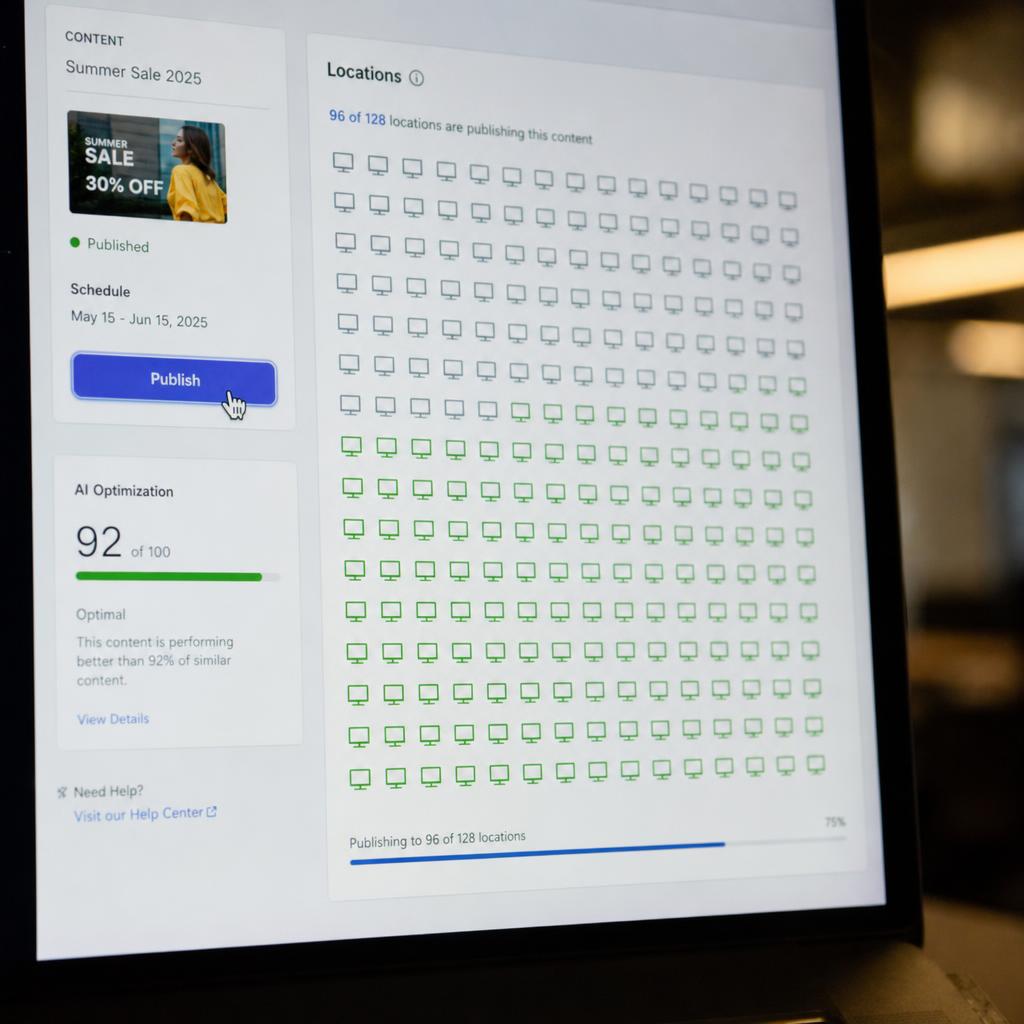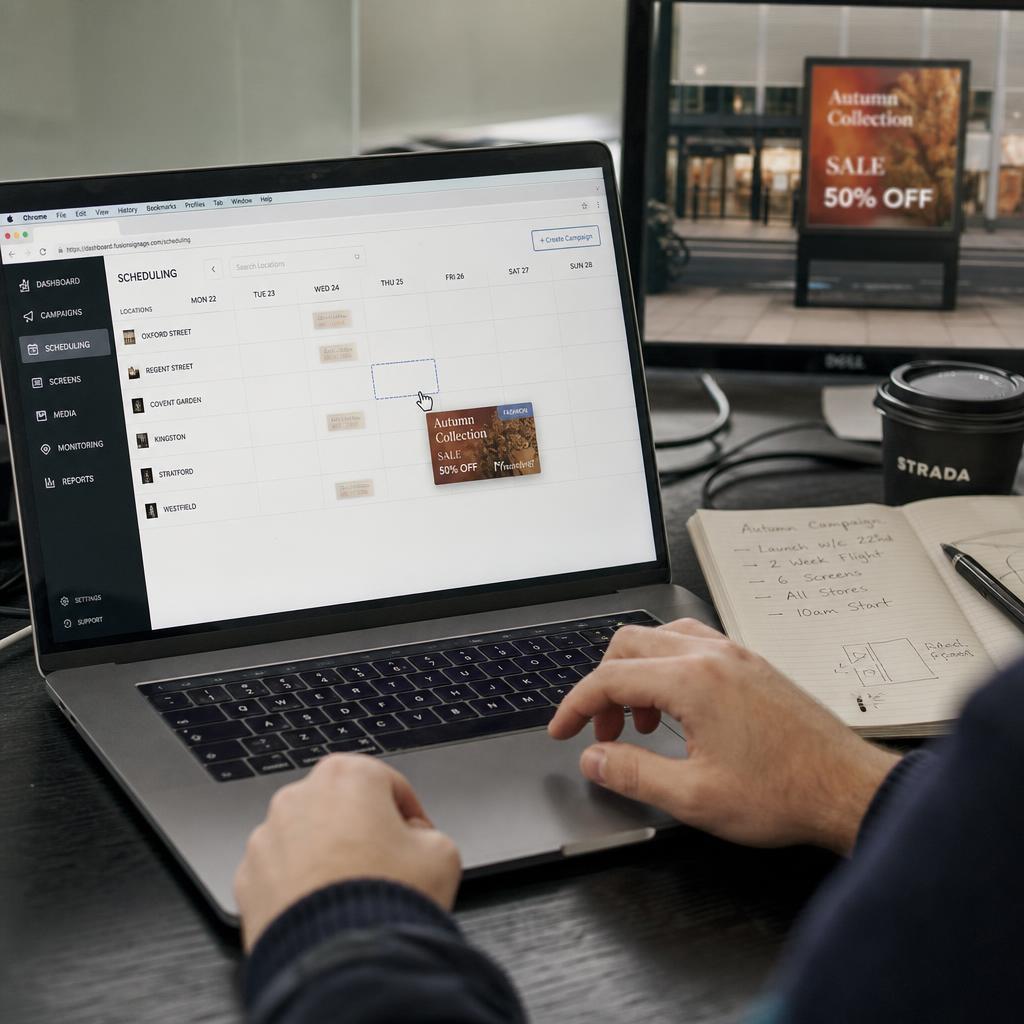
A digital signage CMS is the control layer of a screen network. Everything a viewer sees was put there by someone using one, and everything that goes wrong operationally — stale content, a dark screen nobody noticed, a store running last month's price — is usually a CMS problem rather than a hardware one.
What a digital signage CMS does
- Holds the content. A media library of images, video, templates and live data feeds, in one place instead of on someone's laptop.
- Builds the playlist. What plays, in what order, for how long, on which screens.
- Applies the schedule. Content that changes by time of day, day of week or date, without a person present. This is dayparting.
- Controls who can change what. Head office locks brand templates; a store manager updates their own screen and nothing else.
- Reports back. Which screens are online, what actually played, and when — the basis of proof of play.
A platform that does the first two but not the last three is a media player app, not a CMS. The difference only shows up at the second site.
What separates one CMS from another
Feature lists look identical across vendors. These are the things that actually differ once you are running screens.
| What to check | Why it decides the outcome |
|---|---|
| Multi-site permissions | Whether 50 sites can update their own screens without head office losing brand control |
| Scheduling depth | Whether content expires by itself, or someone has to remember to remove it |
| Integrations | Whether prices, wait times and stock come from the source system or get re-typed |
| Device monitoring | Whether you find a dark screen in a dashboard or from a customer |
| Hardware support | Whether you can use the screens and players you already own |
| Data residency | Where your content and logs are stored, which matters for government and health buyers |
| Billing currency | Whether the invoice moves with the exchange rate |
Cloud, on-premise or hybrid
| Model | Who runs the server | Suits |
|---|---|---|
| Cloud (SaaS) | The vendor | Most networks. Nothing to patch, reachable from anywhere |
| On-premise | You | Sites with network isolation or specific compliance requirements |
| Hybrid | Both | Central cloud control with local playback or caching on site |
Cloud is the default for a reason: the maintenance disappears. On-premise remains legitimate where a policy requires it — not as a general preference.
What a digital signage CMS does not do
Worth being clear, because it is where projects get surprised:
- It does not supply screens or media players. It runs on them.
- It does not design your content, though most include templates and an editor.
- It does not install anything physically, or do the electrical work.
- It does not stop content going stale. Only an owner and an expiry date do that.
What a digital signage CMS costs in Australia
CMS software is normally charged per screen per month, so cost scales with the network rather than the number of users. Watch for three things that change the real number: whether the CMS is billed separately from the "platform", whether the price is in AUD or US dollars, and whether support is included or sold as a package. The full picture, including hardware, is in our digital signage cost guide.
How to choose one without a six-month evaluation
- Write down the three things your screens must do this year. Ignore everything else on the feature list.
- Trial two platforms with your own content and one real screen, not a demo dataset.
- Have the person who will actually publish weekly do the trial — not the person buying.
- Check what happens when a screen goes offline, because that is the day-to-day experience.
- Confirm the export path. If you cannot get your content and playback data out, you are not choosing a CMS, you are choosing a landlord.
The platform-by-platform version of this is our buyer's comparison of digital signage CMS platforms in Australia.
Where SPARC fits
SPARC is a cloud digital signage CMS hosted on AWS in Sydney, built for multi-site networks: role-based permissions, scheduling and dayparting, integrations to POS and data feeds, and device monitoring with proof of play. It runs on hardware you already own. If you want the commercial detail, that is on the digital signage CMS page; if you would rather look before talking to anyone, the interactive demo needs no signup.