What Are Fire TV and Vega OS Sticks?
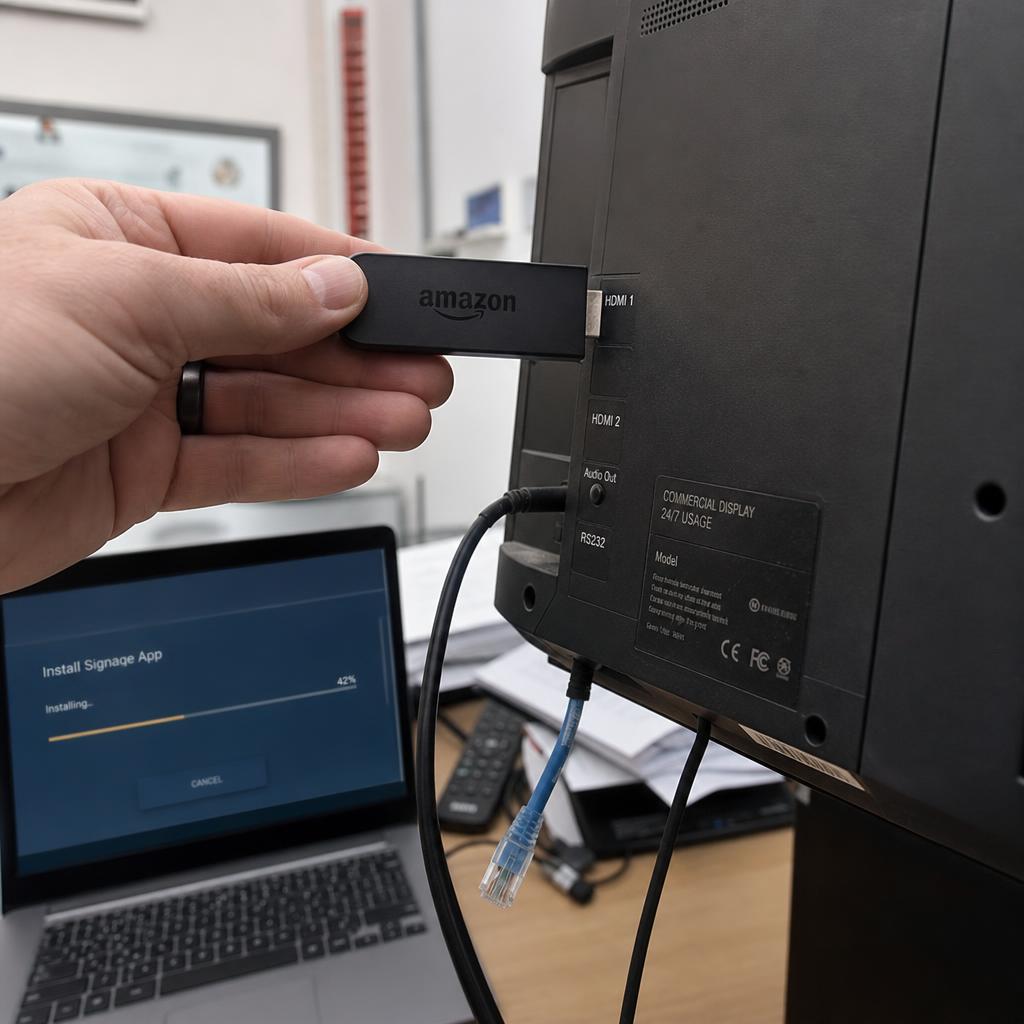
Amazon's Fire TV Stick range, and the newer Vega OS platform rolling out across some of its streaming hardware, are consumer media players built for lounge rooms rather than shopfronts.
They plug into an HDMI port, run a simplified operating system, and stream Netflix, Prime Video and catch-up apps to a television. They typically retail for well under $100.
That price is exactly why they come up when someone is planning their first screen:
- A one-screen reception display
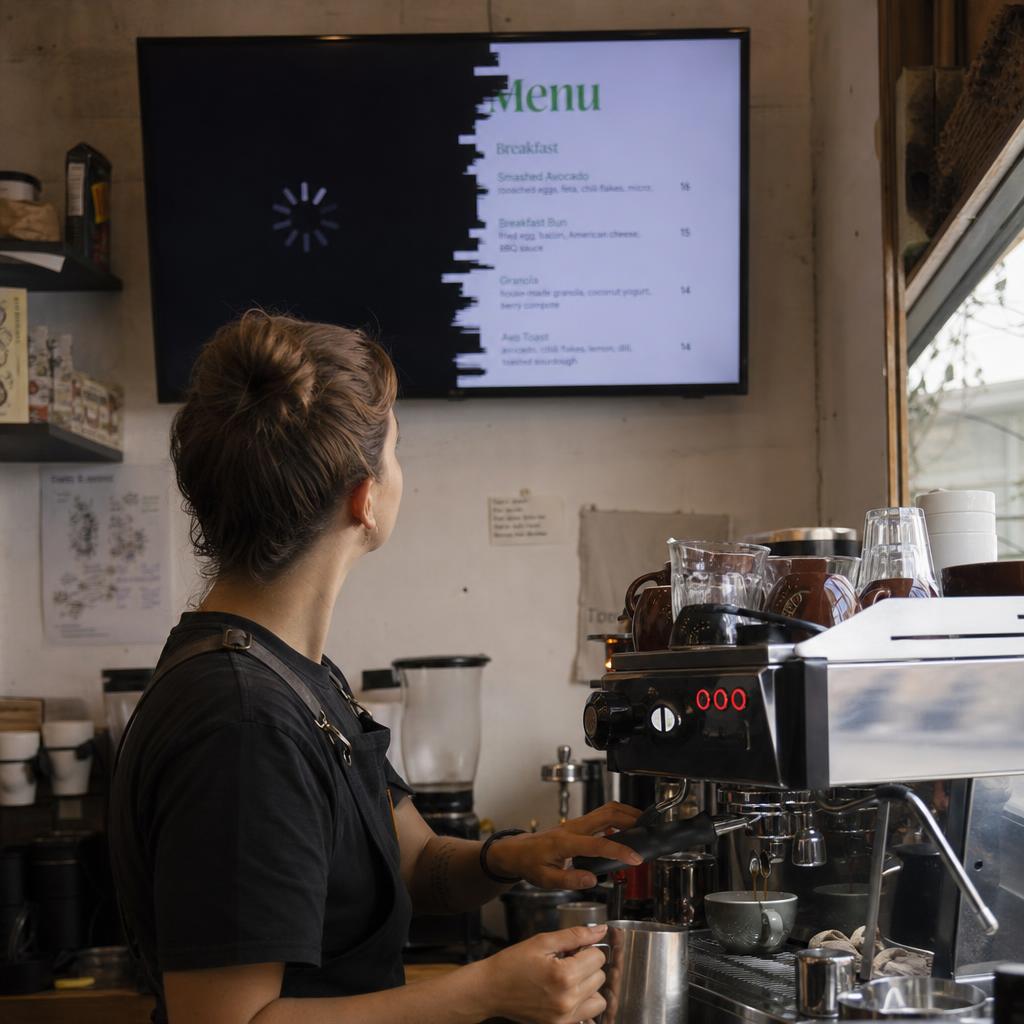
- A small cafe menu board
- A single noticeboard in a community hall
If a commercial media player costs several hundred dollars and a streaming stick costs a fraction of that, the arithmetic looks tempting — especially for a proof of concept.
Can You Run Digital Signage on a Fire TV Stick?
The honest answer up front: it depends on your specific CMS platform, and on the exact device and OS version.
We are not going to tell you that a named vendor works or does not work on a particular Amazon OS release. That detail changes faster than an article can stay accurate, and getting it wrong sends you shopping in the wrong direction.
What we can do is explain the category. The issues below are well understood and industry-wide, not claims about any single Amazon release. Once you understand them, you will know exactly what to ask your CMS vendor before spending anything.
Why Consumer Streaming Sticks Struggle as Digital Signage Players
Five issues come up repeatedly across the budget consumer hardware category. None is unique to Amazon, and all five are worth raising with your CMS vendor before you buy:
- Remote device management is usually missing
- Kiosk mode and app lockdown are not guaranteed
- App store restrictions get in the way of signage software
- There is no enterprise device management
- Consumer sticks are not built to stay on
1. Remote Device Management Is Usually Missing
Consumer hardware is built around one household owning one device, not an organisation managing a fleet of them.
- No console showing which players are online and what each screen is currently displaying
- No remote reboot, so a frozen screen means someone drives to the site
- Some CMS vendors build workarounds from whatever hooks the platform exposes, and how far that goes varies by vendor and device generation
- Ask this first: how does the CMS see and manage a device mounted behind a screen you cannot easily walk up to?
2. Kiosk Mode and App Lockdown Are Not Guaranteed
A signage player has to boot into the app and stay there indefinitely, with no home screen ever visible to the public.
- Consumer operating systems are designed to do the opposite: show a home screen, recommend content, and let someone navigate with a remote
- Whether a device can be locked to one app, and stay locked through updates and reboots, depends on what that OS version allows a developer to configure
- Repurposed "kids mode" or app-pinning features are not the same thing as proper single-app lockdown
3. App Store Restrictions Get in the Way of Signage Software
Signage software is normally installed by sideloading, device enrolment, or a provisioning tool supplied by the CMS vendor.
- Consumer platforms are built around their own curated store and its approval process
- Whether the CMS player app is in that store, and whether sideloading is officially supported or a workaround, is vendor and platform specific
- An installation path that works today is not automatically one that survives the next OS update
4. There Is No Enterprise Device Management
IT teams generally want every networked device inside their existing tooling for enrolment, policy push, remote wipe and patching.
- Commercial signage hardware is often MDM-friendly, or ships with an equivalent management layer from the CMS vendor
- Consumer streaming sticks are generally not designed for MDM at all
- If your organisation requires every screen to be centrally managed and auditable, raise it before hardware is bought, not after it is on the wall
5. Consumer Sticks Are Not Built to Stay On
Signage screens run long hours, often continuously, with nobody there to notice a sleeping display.
- Consumer devices assume someone is in the room watching, and idle or sleep the rest of the time
- Automatic standby, update prompts that interrupt playback, and thermal design for intermittent use are all worth testing rather than assuming away
- Consumer warranties are usually written around home entertainment, so always-on commercial use may sit outside cover if the device fails early
Consumer Streaming Sticks vs Purpose-Built Signage Players
These are category-level differences across budget consumer hardware generally — Fire TV and Vega OS devices, Chromecast with Google TV, Roku sticks and generic Android boxes — not specifications for any single product.
| Consideration | Consumer Streaming Sticks (Fire TV, Vega OS, Roku, Chromecast, generic Android boxes) | Purpose-Built Commercial Signage Players |
|---|---|---|
| Remote fleet management | Usually limited or absent; depends on what the CMS vendor can build around the platform | Generally built in, via CMS console or dedicated management API |
| Kiosk / single-app lockdown | Not guaranteed; varies by device and OS version, often needs a workaround | Standard expected feature |
| App installation method | Consumer app store, with sideloading support varying by platform | Direct install, enrolment tools, or vendor-supplied provisioning |
| MDM / enterprise device management | Generally not designed for it | Often supported or has an equivalent built-in layer |
| Always-on duty cycle design | Built for intermittent home entertainment use | Built and typically warrantied for continuous commercial operation |
| Typical purchase price | Roughly $30–$100 | Roughly $150–$500+ depending on specification |
| Warranty fit for commercial use | Usually written for consumer/home use; confirm terms directly | Usually explicitly rated for commercial deployment |
Where a Fire TV Stick Still Makes Sense for Digital Signage
None of this makes a Fire TV or Vega OS device automatically the wrong choice. A cheap stick that happens to be compatible with your CMS is a reasonable starting point for:
- A genuinely low-stakes, low-visibility screen
- A short-term pop-up display
- A proof of concept testing whether digital signage is worth real budget
The key phrase is "happens to be compatible" — confirmed with the vendor, for the device and OS version you are about to buy. Not assumed from a forum post.
The calculation changes once a screen is customer-facing, revenue-generating, part of a network, or somewhere a frozen display reflects badly on the business. At that point the labour cost of driving out to fix something a fleet-management tool would have handled remotely outweighs the saving on hardware.
Questions to Ask Your Digital Signage CMS Vendor
Before buying any consumer streaming stick, get specific, current answers from your CMS vendor rather than relying on general assumptions — including the ones in this article.
- Does the CMS have a player app that currently runs on this exact device and OS version?
- How is the device managed remotely once installed, and what happens if it loses network or the app crashes?
- Can the device be locked into kiosk mode so the public never sees a home screen?
- What is the supported process for installing and updating the signage app on this device?
- Does the manufacturer's warranty cover continuous commercial use, or only intermittent home use?
- What is the vendor's own recommended hardware for the scale and reliability you actually need?
If a vendor cannot answer these clearly for the exact hardware you are considering, treat that as useful information in itself. For how CMS platforms and hardware fit together more broadly, see our guide to digital signage CMS platforms.
When to Choose Purpose-Built Digital Signage Hardware
Purpose-built commercial hardware is generally the more reliable long-term choice for any deployment with more than a screen or two, where downtime has a real business cost, or where IT wants centralised auditable control.
The reliability, remote management and duty-cycle design tend to pay for themselves in fewer site visits across a multi-year deployment.
If you want hardware built and warrantied for continuous commercial use, look at our range of signage hardware, or book a demo and we will talk through what is right for your screens, budget and scale — including whether a budget option would do.
Fire TV Stick digital signage FAQs
Can I run digital signage software on an Amazon Fire TV Stick?
It depends entirely on your specific CMS platform and the exact device and OS version. Some CMS vendors have built player apps that work on certain Fire TV devices, others don't support the platform at all, and support can change over time. Always confirm directly with your CMS vendor for your exact hardware before purchasing.
What is Amazon Vega OS, and is it the same as Fire TV?
Vega OS is an operating system Amazon has been developing and rolling out across some of its streaming hardware, separate from the older Fire OS that has traditionally powered Fire TV devices. Because it's a distinct platform, app and CMS compatibility built for Fire OS doesn't automatically carry over, and needs to be checked separately.
Why can't consumer streaming sticks just run signage apps like any other Android app?
Many can run apps generally, but commercial signage needs more than just app execution: it needs the app to stay locked on screen with no home screen or navigation ever visible, needs remote management for when something goes wrong, and needs reliable always-on operation. Those are the pieces consumer platforms typically aren't built around, even when basic app installation works.
Is a Fire TV Stick or Vega OS device cheaper than proper signage hardware in the long run?
The device itself is cheaper upfront, often by a large margin. Whether it's cheaper overall depends on how much time gets spent physically visiting screens to fix issues that remote management would otherwise handle, and how much a screen outage costs the business if it happens at the wrong time.
Does a consumer streaming stick's warranty cover commercial, always-on use?
Often not, or not clearly. Consumer electronics warranties are frequently written around home entertainment use patterns. If you're deploying a stick commercially, it's worth reading the actual warranty terms or contacting the manufacturer directly rather than assuming standard consumer cover applies.
What should I ask a digital signage CMS vendor before buying budget hardware?
Ask whether their player app currently supports your exact device and OS version, how the device is remotely monitored and managed, whether kiosk/lockdown mode is available and reliable on that device, and what their own recommended hardware is for your use case. A vendor that can answer specifically and confidently is a good sign; vague answers are a warning sign.
Should I just buy purpose-built signage hardware instead of a streaming stick?
For anything beyond a single low-stakes test screen, purpose-built hardware is generally the safer long-term choice, particularly once multiple screens, remote locations, or customer-facing reliability are involved. For a single, low-visibility, low-risk screen, a compatible budget stick can be a reasonable way to start, provided compatibility is genuinely confirmed rather than assumed.