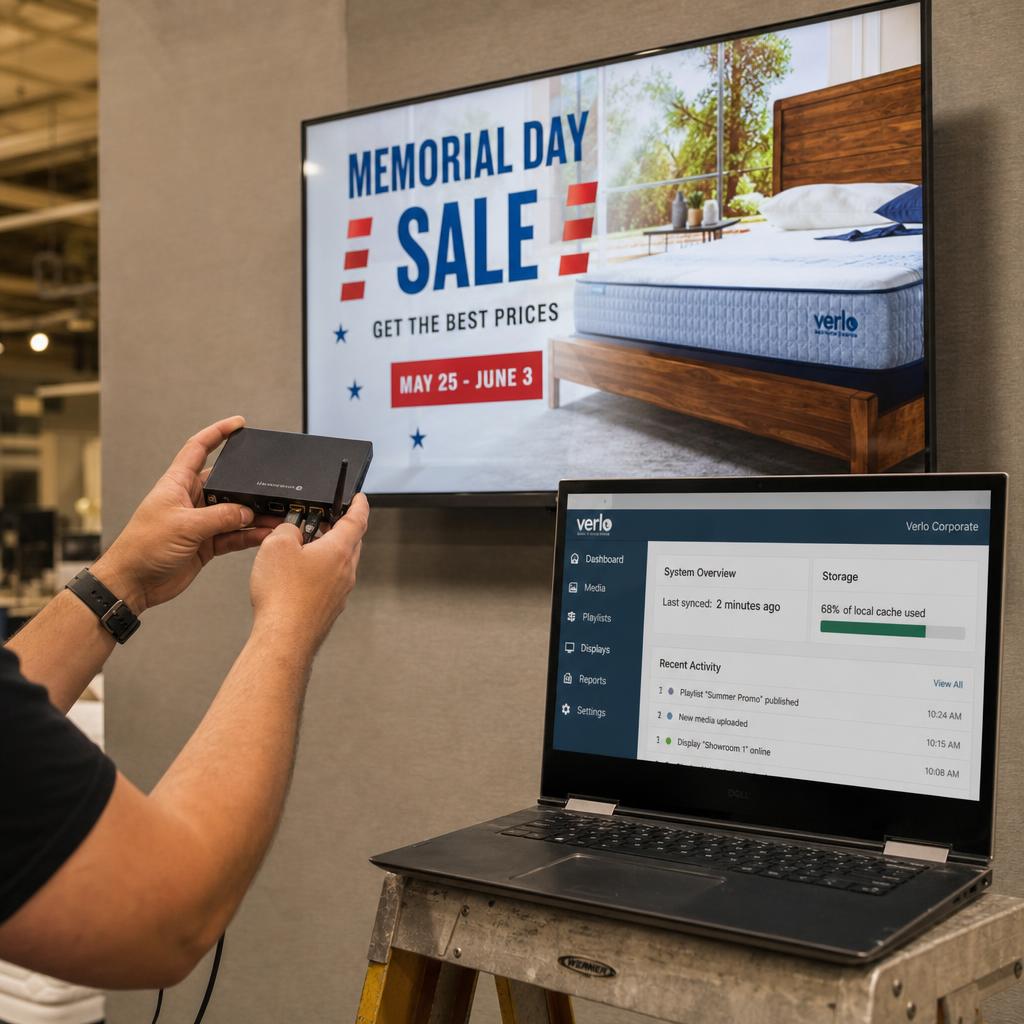
What Is the Difference Between Local and Cloud Digital Signage Playback?
Local playback means content is stored on the media player's own storage and plays from that device whether or not the internet is up.
Cloud playback is usually assumed to mean the opposite — content streaming live from a server every time it appears on screen. That assumption is wrong for almost every commercial platform, SPARC included.
"Cloud" in cloud-managed digital signage refers to where scheduling, content management and device monitoring happen. Not where playback happens. The video and image files are pushed to the player ahead of time, cached on local storage, and played from that cache on schedule.
This changes how you should evaluate a platform. The useful question is not "local or cloud" as a one-time architecture decision. It is three narrower ones:
- Does this platform cache content ahead of playback?
- How far ahead?
- What happens on screen when the connection to the cloud drops?
Why Does "Cloud-Managed" Still Mean Local Playback?
Because the cloud handles the management, and the player handles the playing.
When a media manager schedules a playlist in a cloud CMS, three things happen in sequence:
- The platform stores the media files and schedule in the cloud — SPARC's control plane runs on AWS infrastructure in Sydney
- The player checks in on an interval and downloads new content to local storage before it is due to play
- At the scheduled time, the player reads from its own local cache and renders the loop
The cloud connection is involved in steps one and two. Not step three.
This push-and-cache model is what makes cloud-managed signage viable where connectivity is inconsistent — a shopping centre with patchy Wi-Fi backhaul, a regional service station on 4G. If playback genuinely depended on a live stream, screens in those places would stutter or go blank constantly.
Worth asking any vendor directly: when content plays on screen, is the player reading from local storage or pulling from a server in that moment?
Local vs Cloud Playback, Compared
| Dimension | Local-only (no cloud link) | Cloud-managed with local caching | True live-streamed playback |
|---|---|---|---|
| Offline resilience | Unaffected by connectivity | Continues playing cached content through outages | Playback stalls or drops when the connection drops |
| Update speed | Manual — USB stick per screen | Minutes to hours, depending on sync interval | Instant, because there's no cache to refresh |
| Storage requirements | Full local storage for entire library | Local storage sized to current + upcoming playlist | Minimal local storage, mostly buffer |
| Bandwidth usage | None during playback | Bursty — spikes when new content syncs | Continuous while the screen is on |
| Best suited to | Single, rarely-changed displays | Multi-site networks needing reliable playback | Real-time data feeds — live scores, tickers |
The middle column is where most enterprise signage networks actually sit, including networks run on SPARC.
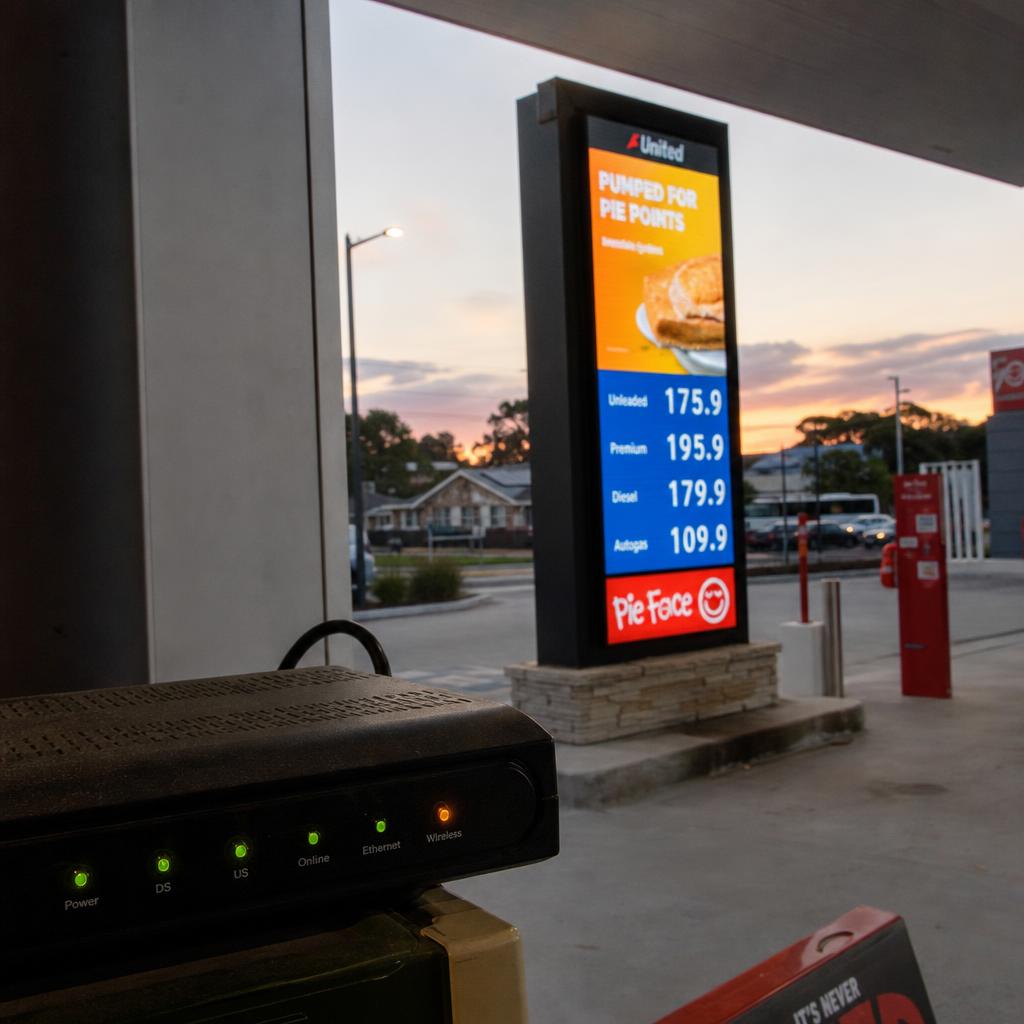
What Happens When Connectivity Drops
In a cloud-managed, locally-cached setup, a connectivity drop affects two things only: the player's ability to receive new content, and its ability to report status back to the dashboard. It does not affect what's already on screen — the player continues looping whatever was last successfully synced.
What varies between platforms is the size of that safety margin. Some players sync one loop cycle ahead; others hold days or weeks of upcoming scheduled content locally. Ask any vendor how much scheduled content the player retains locally and for how long it will keep playing correctly if it never reconnects.
Reconnection behaviour matters just as much: a well-built sync process should catch up incrementally, pulling only what changed while offline, rather than re-downloading the whole library during trading hours.
Storage and Bandwidth Planning for Signage Networks
Local caching shifts the practical constraint from "will this stream buffer" to "does the player have enough local storage and does the network have enough headroom for the initial sync." A minute of 1080p H.264 video typically runs 60-150MB depending on bitrate, so a rotating playlist is usually a low single-digit number of gigabytes — well within what most commercial media players ship with.
Bandwidth planning works differently because it's about pattern, not volume. A cloud-managed player generates a small, regular trickle of traffic for check-ins, then short bursts when content syncs — far friendlier to constrained connections than continuous streaming, since sync can be scheduled outside trading hours.
Which Approach Fits Your Signage Network
Single-site businesses with stable content: cloud management still earns its keep for remote updates without a site visit, but offline-resilience matters less with only one screen.
Multi-site retail and hospitality chains: the core case for cloud-managed local caching — centralised scheduling across sites with connectivity quality that varies from flagship stores to regional outlets.
Sites with genuinely unreliable connectivity: regional service stations or remote sites benefit most from asking vendors specifically about local retention windows.
Corporate offices on managed LAN: offline resilience matters less; sync speed and content management ease become the bigger factor.
Networks needing genuine real-time data: live sports scores or transit boards are the narrow case where true streamed or API-polled playback is the right tool, layered alongside cached static content.
SPARC runs local playback with cloud management, so screens keep playing through a network drop and still update remotely when the connection returns. Book a demo to see how that behaves on your own network, or read how it works across multiple sites.
Local vs cloud playback FAQs
Does cloud digital signage mean my screens stream video live from the internet?
No, not by default. Cloud-managed platforms, including SPARC, push content to the player ahead of the scheduled play time and cache it on local storage. Live-streamed playback is a narrower, separate use case.
What happens to my screens if the internet goes down at a site?
The screen keeps playing whatever content was last successfully synced, on its existing schedule, for as long as local storage holds it. What stops working is receiving new updates and reporting status.
How much local storage does a digital signage media player actually need?
It depends on the playlist assigned to that specific screen, not the whole library. A few minutes of 1080p video plus images typically sits in the low single-digit gigabytes.
Is local-only playback with no cloud connection ever the better choice?
For a single screen that rarely changes and never needs a remote update, yes. It becomes a liability once you have more than a handful of screens or need to update content without a site visit.
How do I know if a signage vendor's cloud playback actually caches content locally?
Ask directly whether the player reads from local storage or pulls from a server at play time, and how it behaves during an extended outage. Vague answers are worth probing further.
Can one signage network mix cached playback and live-streamed content?
Yes. Most networks run cached scheduled content across most screens and reserve true live or API-fed playback for specific zones needing real-time data.
Ready to Experience SPARC?
Join forward-thinking organizations already using SPARC for their digital signage needs.