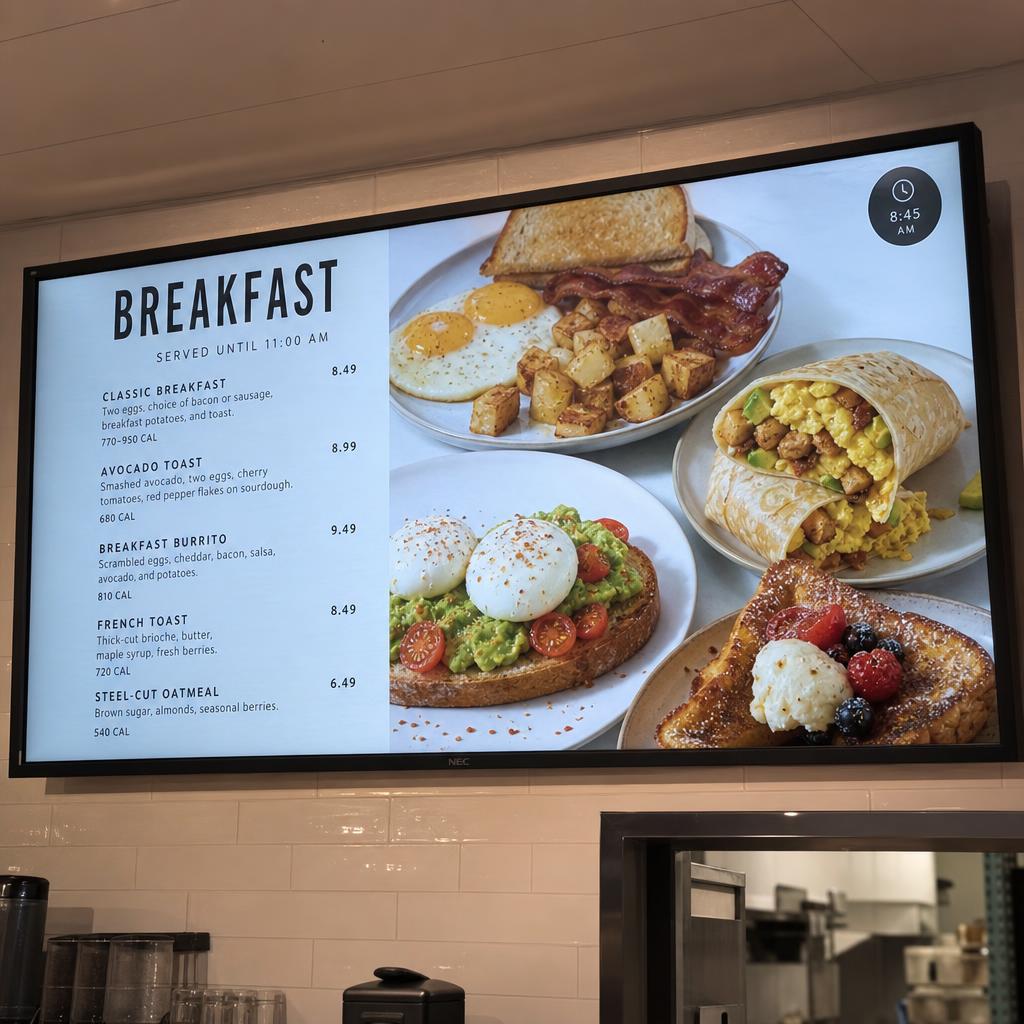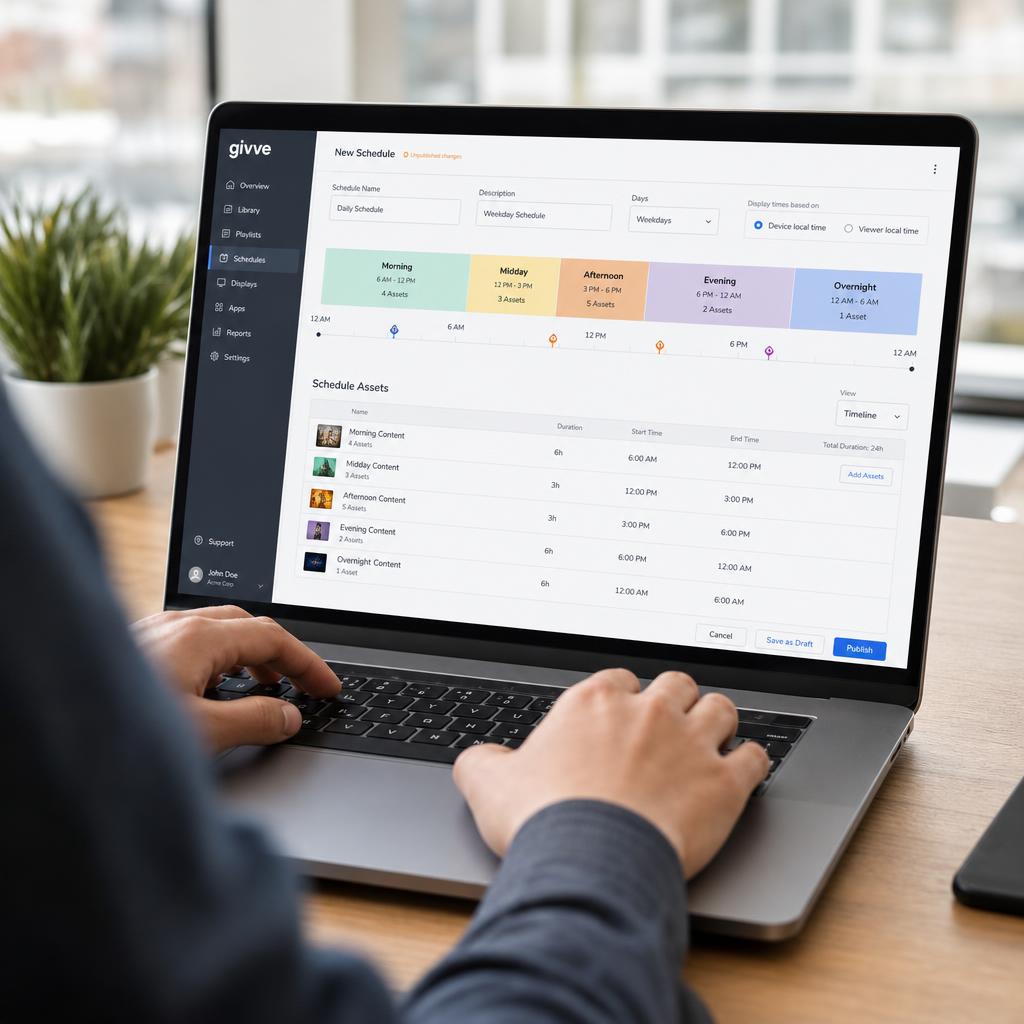
Dayparting is a scheduling technique borrowed from broadcast advertising and adapted for digital signage. Instead of running one playlist all day, dayparting divides the day into distinct time blocks and assigns different content to each block, so displays automatically show what's most relevant at that moment.
Why Dayparting Matters
Audiences, needs, and context change throughout the day. A quick-service restaurant's morning customers want coffee and breakfast items; by lunch they want combo deals; by evening, family meals or promotions. A single static playlist can't serve all of these moments well. Dayparting lets one screen behave like several purpose-built displays without any manual intervention.
Common Dayparting Blocks
- Morning: Commute-hour messaging, breakfast menus, opening announcements
- Midday: Lunch specials, peak-traffic promotions, wayfinding for busy periods
- Afternoon: Slower-period offers designed to drive incremental visits
- Evening: Dinner menus, closing-time reminders, after-hours information
- Overnight: Security messaging, energy-saving standby screens, or full power-down
How It's Configured
- Define time blocks: Set start and end times for each daypart, which can vary by day of week or location time zone.
- Assign playlists: Attach a specific playlist or content zone to each time block.
- Set transition rules: Decide whether content changes instantly at the boundary or fades between playlists.
- Layer exceptions: Allow holiday schedules, emergency overrides, or one-off promotions to take priority over the standard daypart plan.
Dayparting Across Multiple Locations
For networks spanning time zones, dayparting should follow each location's local time rather than a single global clock — a store on the West Coast shouldn't switch to "evening" content while it's still lunchtime locally. Modern CMS platforms handle this automatically once each player's location and time zone are configured.
Measuring Dayparting Performance
Because content changes are tied to specific time windows, dayparting pairs naturally with proof-of-play and analytics: you can compare how each daypart's content performs and refine the schedule based on real results rather than guesswork.
SPARC's Dayparting Support
SPARC's scheduling engine supports unlimited dayparts per playlist, per-location time zone awareness, and priority overrides for emergency or promotional content — all managed from the same calendar-based interface used for standard scheduling.