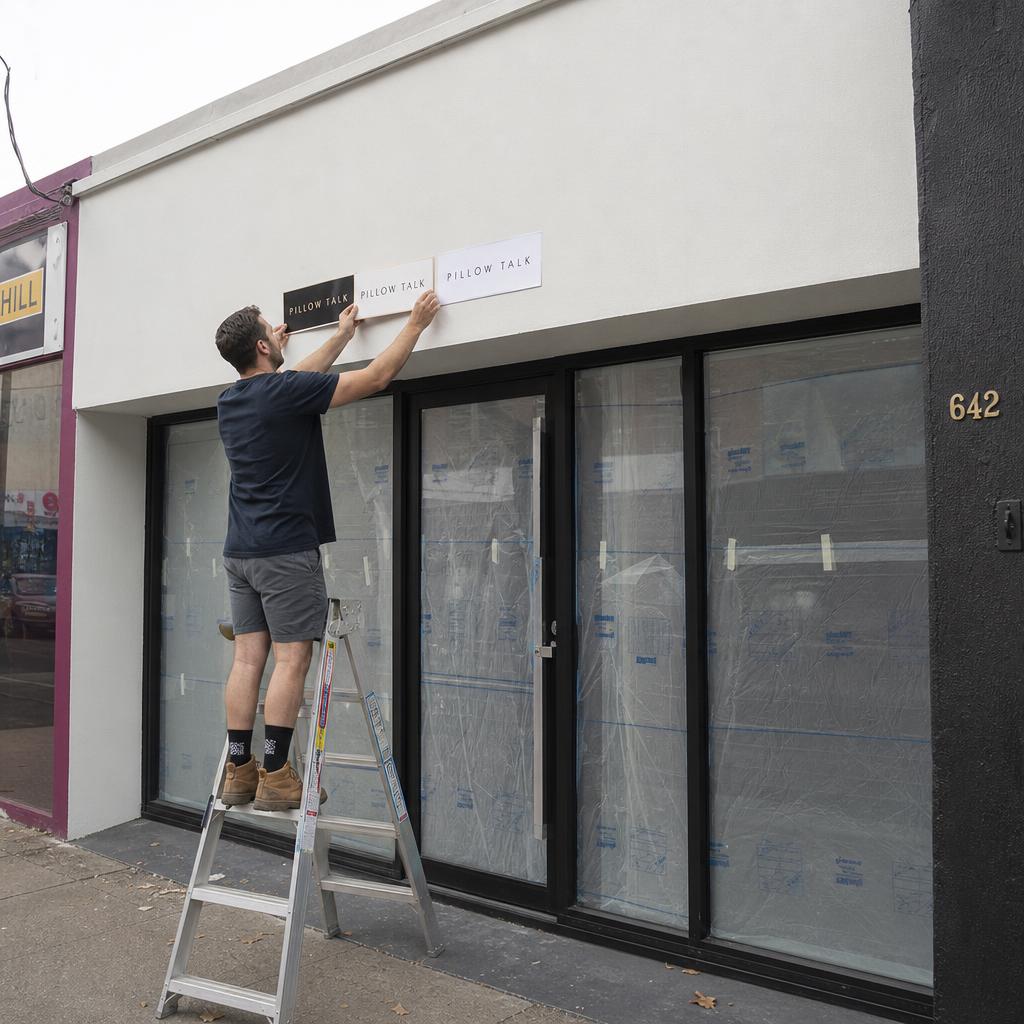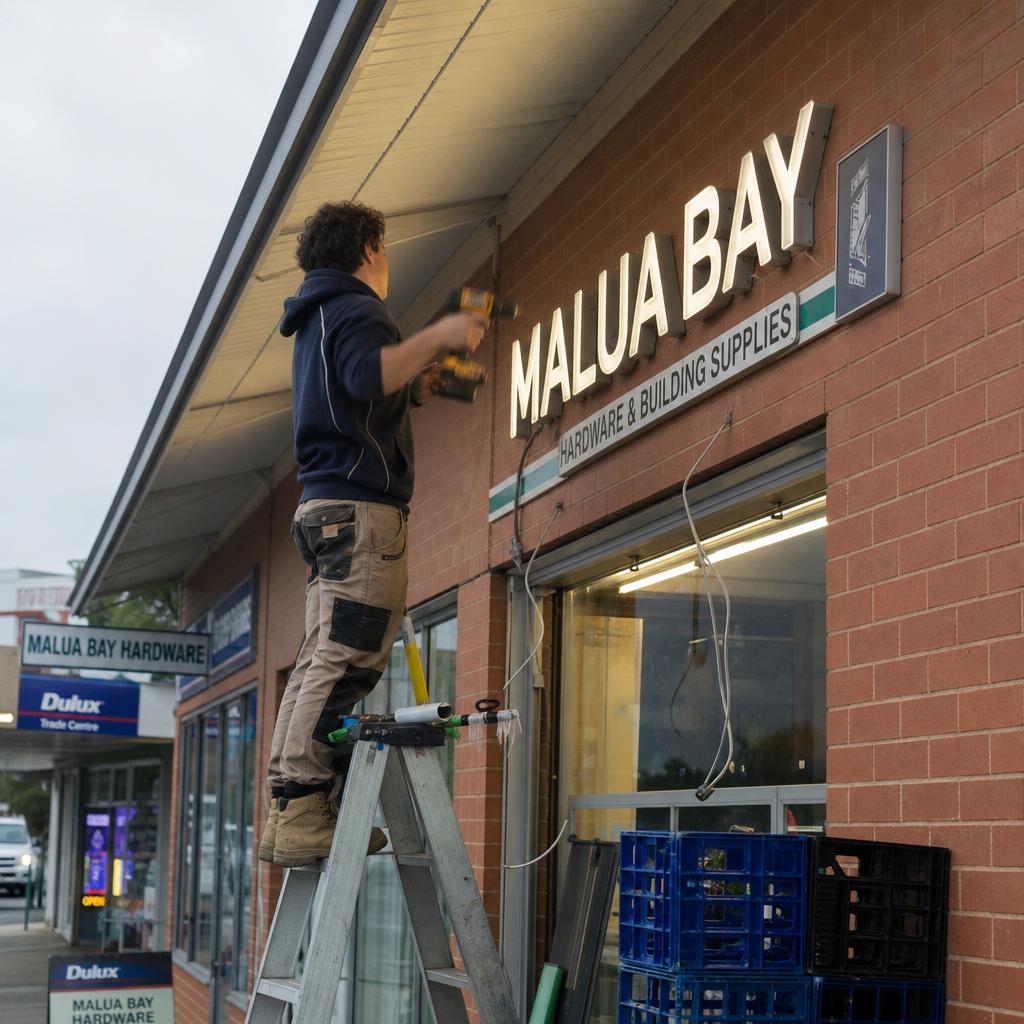
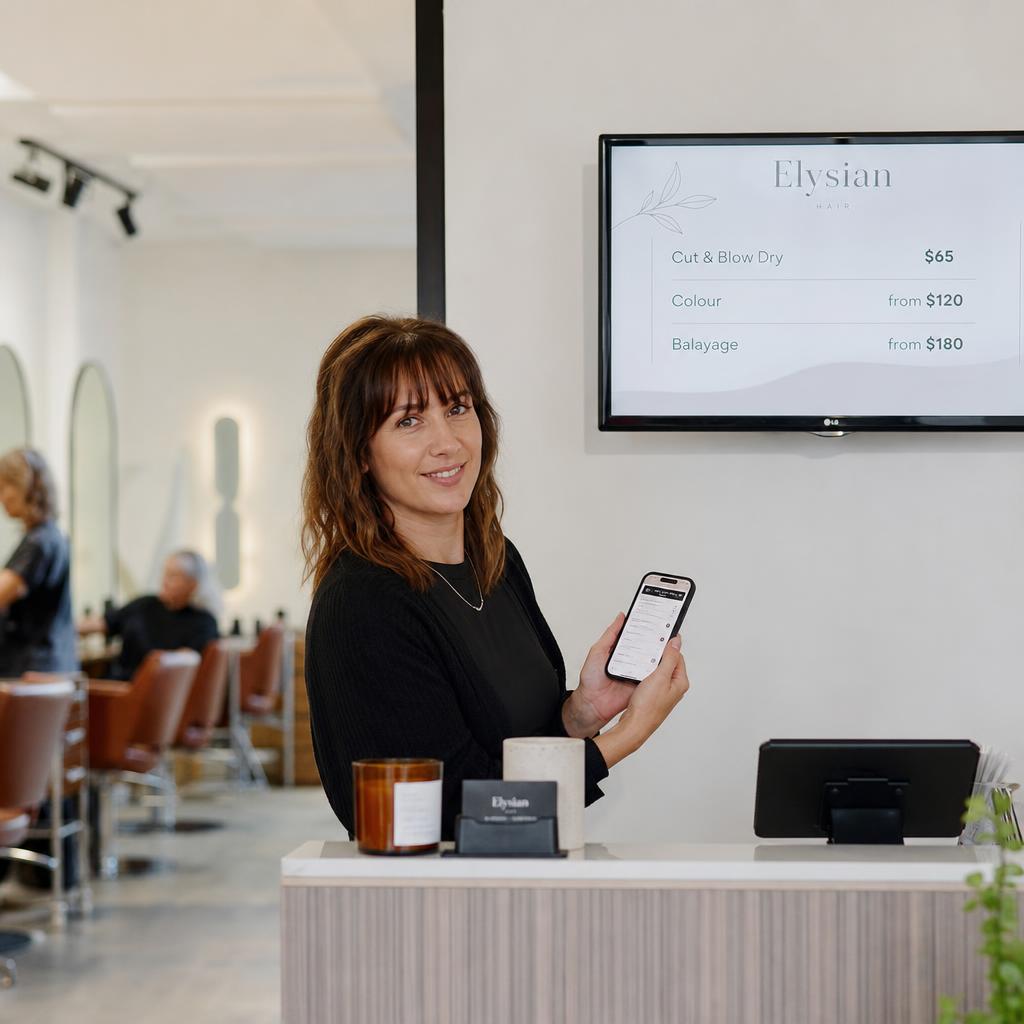
If you run a single-location cafe, salon, retail shop or trade business, digital signage is one screen showing your menu, prices, specials or services — that you update yourself, in minutes, without reprinting anything.
You do not need any of these to use one properly:
- Multiple sites
- A marketing team
- An AV background
For most small businesses it starts as one screen doing one job, usually a menu board or a specials board, running content you update from a laptop or phone. Day to day it should take less time than laminating a new price list.
This guide covers what it solves, what it costs, how much tech skill it takes, and how to start small without overbuying.
What Problem Does It Actually Solve for a Single Shop?
Before spending anything, it's worth being clear on what problem you're actually trying to fix, because "digital signage" covers a lot of ground and most of it isn't relevant to a single site.
For a one-location business, the real, common pain points are usually:
- Prices change and reprinting is a hassle. Coffee goes up, a supplier cost shifts, a service price needs adjusting — and your printed board is now wrong until you get to the print shop.
- Specials and promotions have a short shelf life. A lunch special, a happy hour, a weekend-only service — printed signage makes short-term offers expensive to run because the artwork cost doesn't match how long you'll use it.
- The shop looks a bit tired. A laminated A4 sheet taped to the counter, or a whiteboard with last month's specials still half-visible under the eraser marks, doesn't do your business any favours next to a competitor with a clean screen.
- You want to promote something today, right now — sold out of a dish, weather-driven special, last-minute booking gap — with zero lead time.
If none of that sounds like your business, digital signage may genuinely not be worth it yet. That's a fine answer. If one or two of those do sound familiar, that's the actual case for making the switch — not "everyone else has one" or "it looks more modern."
Do You Need the Enterprise Version? No.
This is where a lot of small business owners get put off before they've even started, because most digital signage content online is written for enterprise buyers — national retail chains, franchise groups, corporate offices with dozens of sites.
For a single location, you do not need:
- Multi-site content scheduling or centralised brand control across locations
- Integrations with point-of-sale systems, inventory feeds, or live data
- A dedicated content team or agency producing your screen designs
- Enterprise security features, single sign-on, or IT department sign-off
- A network of screens playing synchronised content across a region
None of that is wasted money because it is bad technology. It is wasted money because it solves problems you do not have.
A single cafe or salon needs exactly three things:
- One screen
- Simple templates
- The ability to log in and change text or an image without calling anyone
A useful signal: if a platform's pricing page is built around "per site" tiers and talks about franchise rollouts, you are looking at the wrong product for a one-location business — not at proof that digital signage is overkill.
What Does One Screen Actually Cost?
The honest cost picture for a single screen has three parts, and none of them need to be expensive.
The screen. You have two realistic options: - A consumer smart TV (32–50 inch) — the cheapest entry point, and fine for indoor use in a shopfront, salon or cafe that isn't in direct sun and isn't running 12+ hours a day, every day, for years. - A commercial-grade display — built to run continuously, generally brighter and more durable, and the better choice if the screen faces a window, runs all trading hours, or you want it to last without burn-in or failure.
The media player. This is the small device that actually runs your content and pushes it to the screen. Options range from a low-cost streaming-style box, to a dedicated Android media player, to simply using the smart TV's built-in signage app if it has one — which avoids a separate device entirely. Commercial-grade players cost more but are built for always-on use, the same way the screen is.
The software. This is usually a monthly subscription per screen, and pricing varies a lot between providers depending on features. For a single screen, look specifically at single-location or single-screen pricing — not a plan designed around multiple sites — and check whether there's a free trial so you can test it before committing.
The total starting outlay for one screen is closer to a decent second-hand espresso machine than a shopfitting job.
The exact number depends entirely on which screen, player and software tier you choose — so get quotes rather than assuming a figure.
To see what a single-location setup involves, SPARC's local business page walks through it in more detail, and you can book a demo to see pricing for your specific use case.
Can You Run It Yourself, With No AV Background?
This is usually the biggest hidden worry for someone who's never bought digital signage before, and it deserves a straight answer: setup takes some patience, day-to-day use should not.
Setup involves mounting or standing the screen, connecting the media player, connecting to your Wi-Fi, and logging into the software to build your first layout. If you're comfortable setting up a smart TV or streaming device at home, you can do this yourself. If not, it's a short job for anyone locally who does general AV or IT support — it doesn't require a specialist signage installer for one screen.
Day-to-day use — changing a price, swapping a special, updating a services list — should be closer to editing a Facebook post than using design software. A decent platform gives you templates where you click a text box, type the new price, and publish. No design skills, no video editing, no coding. If a platform can't do that simply, it's the wrong platform for a small business, regardless of how powerful it is.
The one skill worth having is basic photo sense — knowing how to take a reasonably lit, in-focus photo of a dish or product on your phone. Everything else, a good template handles for you.
Printed vs Digital: Which Is Actually Cheaper?
Neither option is universally better — it depends on how often your prices, specials or messaging actually change. Here's a grounded comparison over a 12-month period for a single location.
| Factor | Printed Signage | Digital Signage |
|---|---|---|
| Upfront cost | Low per sign, but adds up with reprints | Higher upfront (screen + player), then a monthly software fee |
| Cost to update content | Reprint/laminate cost each time, plus your time to design and print | Included in the subscription — no extra cost per update |
| Speed to update | Hours to days (design, print, swap) | Minutes, from a phone or laptop |
| Flexibility for short-term offers | Often not worth the print cost for a one-week special | Easy — swap content in and set an end date |
| Visual impact | Fixed, can look dated over time | Can rotate content, use photos, look current |
| Reliability | Never goes down (no power or Wi-Fi needed) | Depends on power and internet connection |
| Best suited to | Menus or prices that rarely change | Menus, specials or prices that change often |
If your prices and offers barely move month to month, printed signage may genuinely be the more cost-effective choice — there's no shame in that, and it's a legitimate outcome of doing this comparison honestly. Digital signage earns its cost when content changes regularly enough that the time and money spent reprinting adds up.
Which Screen Should You Buy First, and Where Should It Go?
Rather than trying to solve everything at once, pick the single use case that will save you the most time or make the most difference, and build around that.
Common first use cases for small businesses:
- Cafes and food businesses — a menu board with prices, or a specials board near the till
- Hair and beauty salons — a services and pricing list, easier to update than a printed price card
- Independent retail shops — a rotating promotions screen near the entrance or counter
- Trade businesses with a shopfront or waiting area — a services list, current job examples, or contact/booking information
Pick one location rather than trying to cover the whole shop on day one. The best first spot is usually all three of these at once:
- Near the counter
- At eye level
- Somewhere customers naturally pause
For ideas specific to food and drink menus, see SPARC's guide to cafe signage and menu boards. For how the software side works, this overview of digital signage CMS platforms is a useful next read.
What Is the Simplest Way to Start?
The most common mistake first-time buyers make isn't picking the wrong software — it's trying to plan for a five-screen future before they've run one screen for a month. Start smaller than you think you need to:
- Pick one screen location and one core use case (menu, specials, or services).
- Choose a screen and player suited to how long it'll run each day.
- Pick software priced for a single site, with a trial period if possible.
- Run it for four to six weeks with simple content before adding anything else.
- Only then decide if a second screen or extra features are worth it.
This isn't about starting cautiously for its own sake — it's the fastest way to find out, cheaply, whether digital signage actually earns its place in your business before you commit to more.
If you want to see what a single-screen setup looks like in practice, book a demo with SPARC and we'll talk through it for your specific location — no multi-site sales pitch, just what one screen, done properly, actually involves.
Small business digital signage FAQs
Is digital signage worth it for just one location?
It depends on how often your prices, menu or specials change. If they're fairly static, printed signage may still be the more cost-effective option. If you're regularly reprinting or want to run short-term promotions without the cost of new artwork each time, one screen can pay for itself in saved time and print costs.
Do I need any technical or design skills to use it?
Setting up the screen and player takes a bit of patience, similar to setting up a smart TV. Day-to-day, updating a price or swapping a special should be as simple as clicking a text box and typing — most platforms provide templates so you're not designing from scratch.
Can I use a regular smart TV instead of a commercial display?
Yes, for many small businesses a consumer smart TV is a perfectly reasonable starting point, especially if it's indoors, out of direct sun, and not running for extreme hours every day. A commercial-grade display is worth the extra cost if the screen runs all trading hours, every day, or sits somewhere harsh like a sunny window.
How much does a single digital signage screen cost to run each month?
Ongoing cost is typically a monthly software subscription per screen, on top of whatever internet you already pay for. Costs vary by provider and features, so it's worth comparing single-location pricing specifically rather than plans built around multiple sites.
What happens if the internet goes down?
Most media players will keep showing the last content they downloaded even if the connection drops temporarily, though you won't be able to push new updates until it's back. It's worth asking any provider you're considering how their player handles a dropped connection before you buy.
Is this overkill for a small cafe or salon?
Not if you start with one screen and one use case — that's the same starting point every business should use, regardless of size. It becomes overkill if you buy enterprise-tier software with multi-site features and integrations you'll never touch. Match the tool to the job, not the other way around.
Can I switch content myself, or do I need to pay someone every time I want to update it?
With a properly chosen small-business platform, you should be able to update your own content in minutes, whenever you like, with no ongoing design or IT cost. If a provider's model requires you to pay them each time you want a price changed, it's not built for a single-location business.