Entertainment venue digital signage is a wider job than most people expect. It is not just the scoreboard or the video wall above the pitch. It is six jobs at once:
- Wayfinding at the gates
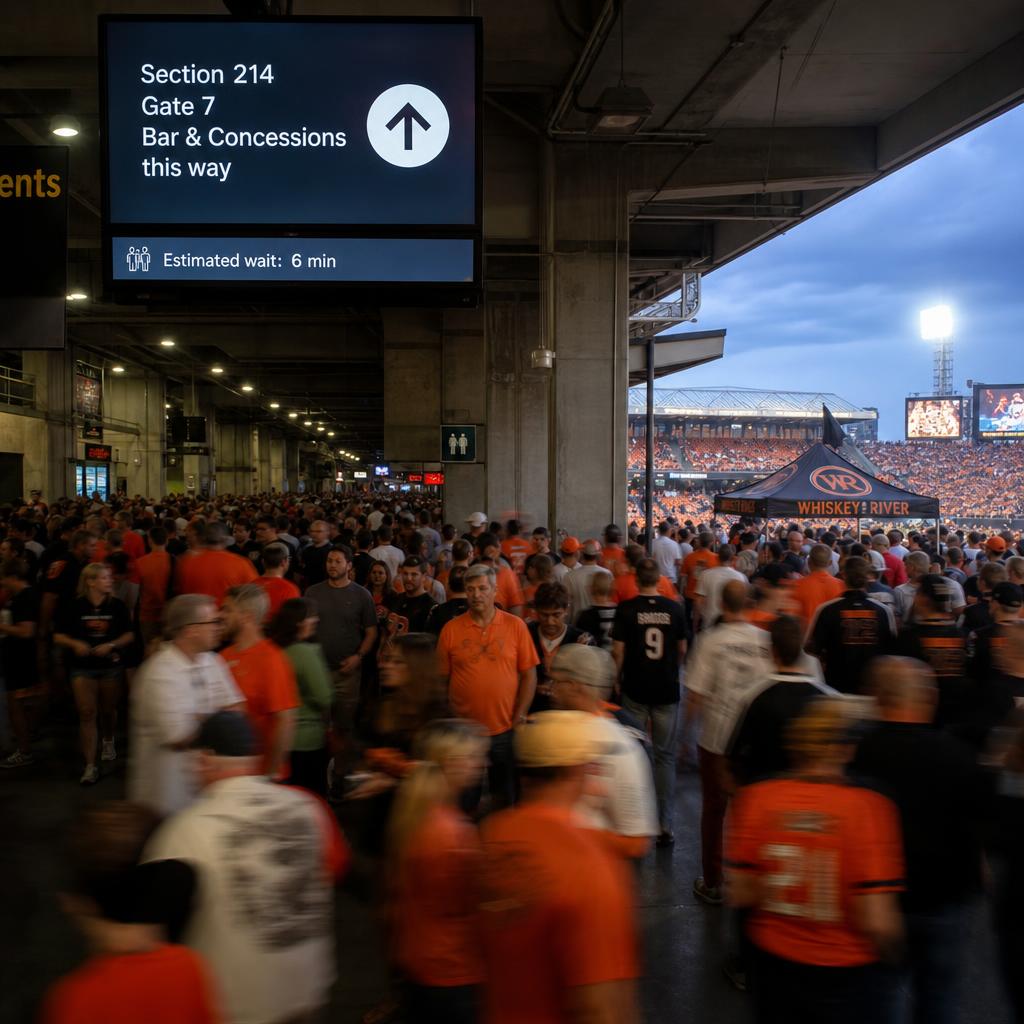
- Queue and concession boards on the concourse
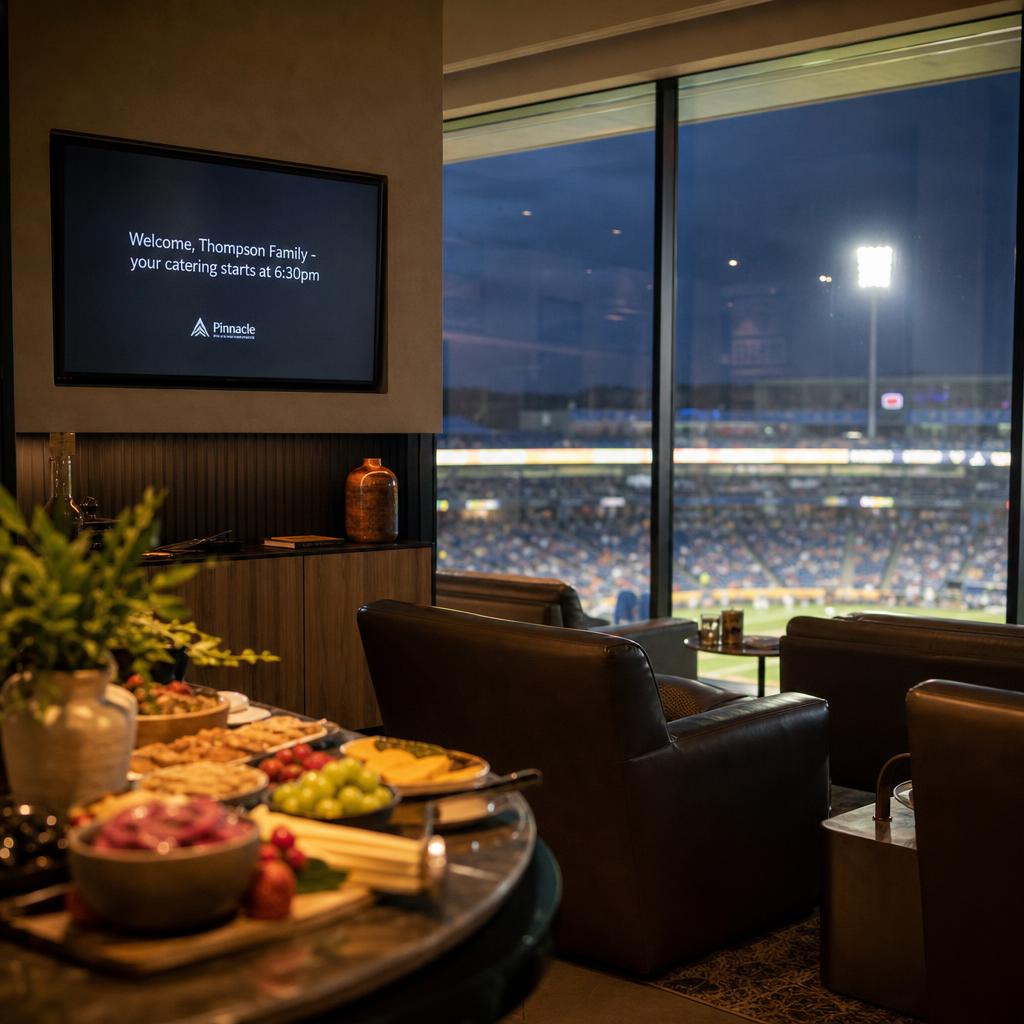
- Differentiated content in premium suites
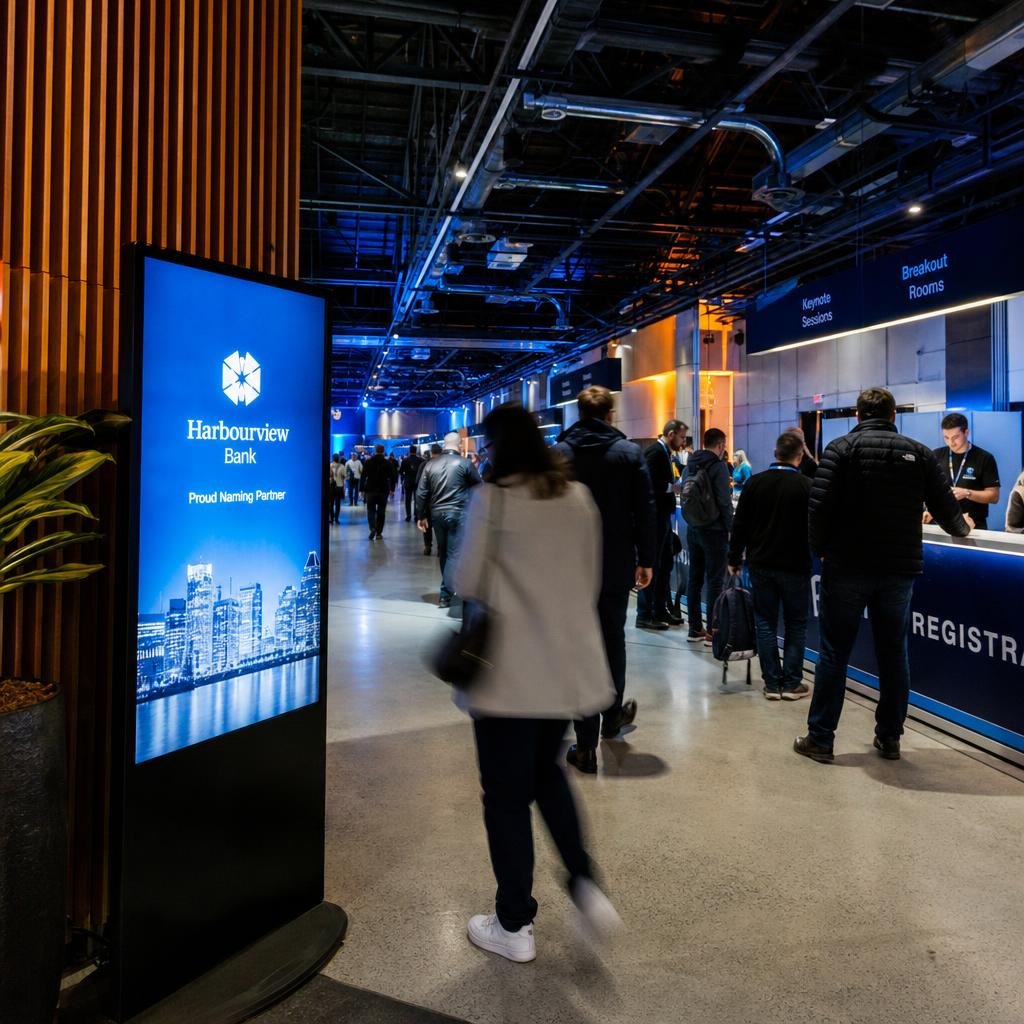
- Sponsor inventory that has to be proven and reconciled
- The box office screen, right whether it is match day or a Tuesday with nothing on
- The main video wall, frame-accurate
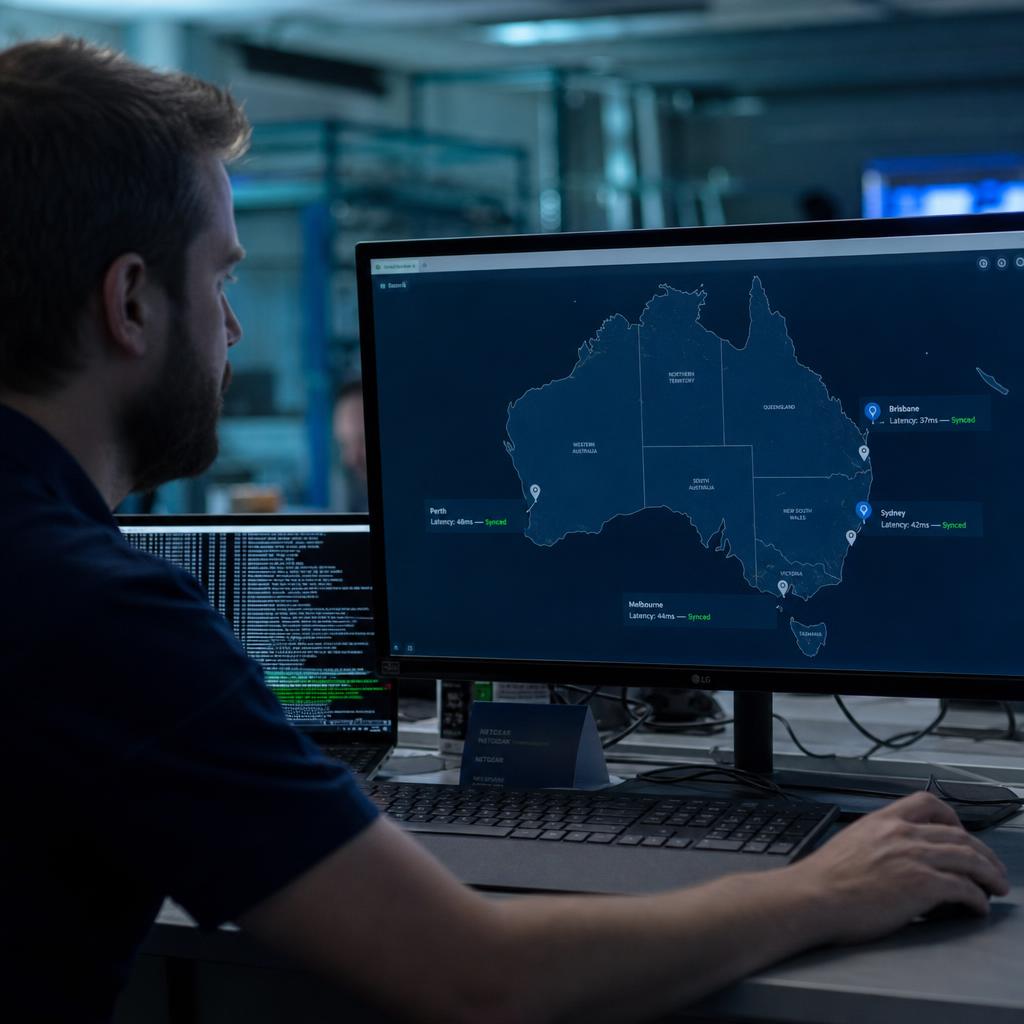
A stadium, arena or cinema circuit needs one platform that runs all of it — and that can go from a handful of screens on a dark day to hundreds of synchronised displays a few hours later.
That last part is what separates venues from almost every other deployment.
A retail chain runs the same content in every store, every day, at a constant pace.
A venue sits idle most of the calendar, then for a few hours a night runs a fully choreographed content operation across every zone in the building simultaneously.
Getting that right is an operations problem as much as a creative one.
What Makes Stadium Signage Different From Retail?
Most digital signage guidance is written with retail or corporate offices in mind: steady footfall, predictable hours, one type of content per screen. Venues break every one of those assumptions.
- Crowd density spikes in narrow windows. Tens of thousands of people move through gates, concourses and exits within the same 60–90 minutes, and signage has to help manage that flow, not just decorate it.
- Zones need genuinely different content. A concourse screen, a suite-level display, a box office monitor and the main video wall are not the same job with different sizes — they carry different information, different tone, and often different owners internally (operations, hospitality, marketing, sponsorship).
- Uptime tolerance is near zero on event day. A frozen screen in a quiet office is an inconvenience. A frozen wayfinding screen during a stadium egress, or a sponsor board that drops out mid-broadcast, is a visible failure in front of a very large audience.
- The building is dark more often than it's live. Content operations need to scale down to almost nothing between events and scale back up fast — see below.
Venues that try to run this on a platform built for retail or workplace signage usually end up bolting on separate tools for the video wall, the wayfinding screens and the sponsor boards. That's more systems to maintain, more logins for venue staff, and more places for something to go wrong on the one day it matters most.
How Do You Manage Concourse Screens Under Crowd Pressure?
The concourse is where digital signage does the most operational work and gets the least credit. Its job is to keep a large crowd moving in the right direction with the right information, without anyone having to stop and think.
Practical uses that matter on event day:
- Directional wayfinding to seating sections, amenities, exits and transport links, updated for the specific event configuration (not every event uses the same gates or the same seating map).
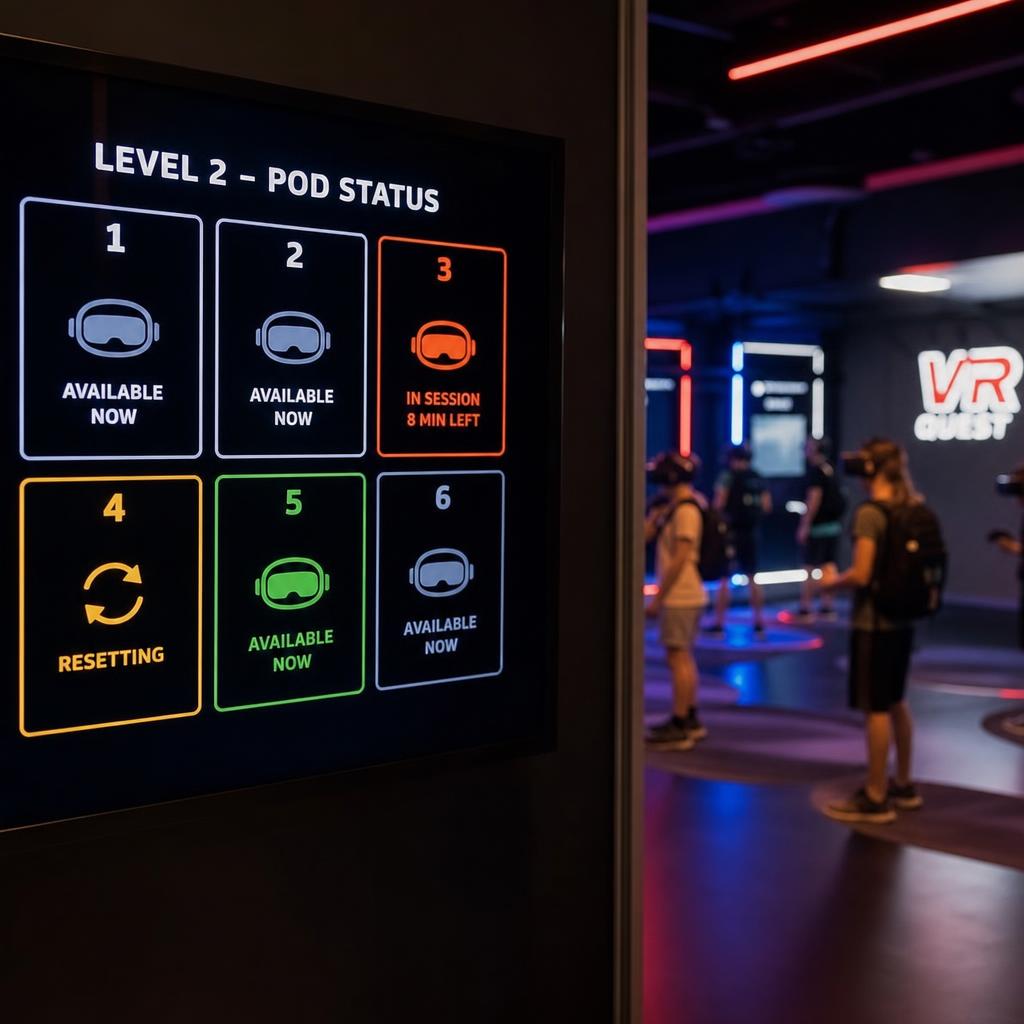
- Queue and wait information at entry gates, bars and concession stands, so crowd flow spreads out across the venue instead of bottlenecking at the nearest option.
- Live concession menus and pricing that can change between events, sessions or even during a single event (half-time offers, last-drinks call near the end of a session).
- Safety and emergency messaging that can override standard content instantly across every screen in a zone if something needs to be communicated venue-wide.
- Session or match information — scores, timing, session changeovers for cinema circuits — kept current without a staff member manually updating every board.
The common thread: concourse content changes on a much shorter cycle than most signage, and it has to be manageable by venue operations staff in real time — not scheduled days in advance by a marketing team.
A platform that routes every content update through a design queue is not fast enough for a queue that is forming right now.
Video Walls and Scoreboards: Sync Without the Guesswork
The video wall or main scoreboard is the most visible screen in the building and the least tolerant of anything short of frame-accurate synchronisation.
A single frame of lag across a tiled LED wall is immediately obvious to a crowd of thousands, in a way it never would be on a single retail display.
This is a deep technical topic in its own right — pixel pitch, processor selection, genlock, content mapping across irregular canvas shapes — and we've covered the mechanics in detail separately. If you're specifying or troubleshooting a multi-panel video wall, read how to synchronise multiple LED video walls for the full breakdown.
The relevant point here is simpler: whatever platform runs the rest of the venue should hand off to, or sit alongside, the video wall system without creating two disconnected content operations.
Venues that silo the video wall tend to end up with all three of these:
- Mismatched branding between the wall and everything else
- Sponsor content that does not reconcile
- Two teams maintaining two schedules for the same event
Explore how SPARC's video wall capability fits into a single venue-wide content operation.
Sponsorship Inventory Without the Manual Grind
Sponsorship is one of the largest revenue lines tied to venue signage, and it's also one of the easiest things to get operationally wrong — under-delivering a sponsor's contracted spots, over-promising inventory across zones, or spending event day manually swapping boards to hit contractual placements.
We've written a full deep dive on this specifically: event digital signage sponsor monetisation covers rotation logic, proof-of-play reporting, inventory packaging and reconciliation in detail, and we'd rather point you there than repeat it.
Where sponsorship intersects with everything else in this post is the part that gets missed. Sponsor content has to:
- Run alongside wayfinding, concession and safety messaging on the same concourse screens, without conflict
- Respect the different tone and inventory rules of VIP versus general admission zones
- Keep running correctly on the exact event days when the venue scales from idle to full capacity in hours
Sponsorship is not a separate system bolted onto venue signage. It is one more content stream competing for the same screens, and it needs scheduling with the same discipline as everything else.
Premium Suites and VIP Lounges vs General Admission: One Platform, Two Experiences
Hospitality and premium areas are a different audience with different expectations, and the content strategy should reflect that rather than simply shrinking general admission content onto a smaller screen.
- General admission and concourse areas prioritise function: wayfinding, wait times, scores, safety information, and sponsor rotation at volume.
- Premium suites and lounges typically carry a more curated, lower-frequency content mix — hospitality welcome messaging, menu and beverage information specific to that tier, personalised event or guest information, and sponsor content that's often contractually different from the concourse inventory (a suite sponsor package is rarely identical to a concourse package).
- Box office and entry points need calm, transactional information — pricing, session times, ticket availability — without the density of concourse content competing for attention.
All three should run from the same platform, with zone-level permissions and scheduling — so the venue is not maintaining a separate system, or a separate vendor relationship, just to serve suites differently from the concourse.
Role-based control matters as much as the content. Staff managing hospitality content should not be able to change safety messaging, and the reverse is just as true.
SPARC's entertainment venue solutions cover how zone-level permissions and content differentiation work in practice.
How Does a Dark Venue Scale to Full Capacity in Two Hours?
Most digital signage advice assumes a venue is either always on or effectively closed. Entertainment venues are neither — they're dark most days and fully live for a handful of hours around a small number of events each month, and the signage platform has to handle both states well.
On a dark day, screens might show low-key branding, off-season messaging, static wayfinding, or simply be scheduled off to save power and screen lifespan. Then, ahead of an event, the same building needs:
- Every screen across every zone switched to event-specific content on a schedule, not a manual walk-around.
- Sponsor rotations activated to match the specific event's contracted inventory (which can differ from the last event in the same venue).
- Concourse and wayfinding content updated for that event's specific gate, seating and amenity configuration.
- Content ready to hold up under the heaviest usage window the platform will see all month, with no room for a slow content push or a screen that didn't pick up the update in time.
This is a scheduling and reliability problem, not a creative one.
A platform built for steady-state retail signage — content changing gradually and evenly — is not necessarily built to switch an entire building's worth of screens in a tight pre-event window and hold it for the duration.
Test this specifically before committing. The question is not "can it display the content" but:
> "Can it switch several hundred screens over on schedule, reliably, on the two or three days a month when it actually counts?"
What to Look for in an Entertainment Venue Signage Platform
Bringing the above together, the practical evaluation criteria for a stadium, arena, cinema or theatre look different from a general retail signage checklist:
- Zone-level content and permissions — concourse, video wall, premium/VIP and box office run as distinct content streams with appropriate staff access, on one platform.
- Event-based scheduling, not just calendar-based — the ability to switch a large screen network over to event-specific content and back down again reliably.
- Sponsor inventory and reporting built in or tightly integrated, with proof-of-play reconciliation (see the sponsor monetisation guide for what to look for here).
- Video wall integration that doesn't force a completely separate content operation for the main screen (see the LED sync guide).
- Reliability under peak load — proven performance when every screen in the building is active simultaneously, not just steady low-volume operation.
- Fast content updates for concourse and wayfinding screens that operations staff can push themselves, without a design queue in the way during live events.
Content Needs by Venue Zone
| Venue zone | Primary content | Typical update frequency | Key operational constraint |
|---|---|---|---|
| Concourse & wayfinding | Directional signage, queue/wait times, safety messaging | Minutes (real-time during events) | Must be updatable by on-site staff, not just scheduled in advance |
| Seating bowl / video wall | Scores, replays, in-game entertainment, sponsor spots | Seconds (live, frame-accurate) | Requires synchronised, near-zero-lag playback across tiled displays |
| Concessions | Menus, pricing, upsell offers | Per session or per event | Needs to change quickly around half-time or last-drinks windows |
| Premium suites / VIP | Hospitality welcome, curated menus, tier-specific sponsor content | Per event | Separate content and sponsor rules from general admission |
| Box office / entry | Session times, pricing, ticket availability | Daily to per session | Low-density, calm, transactional content |
Stadium and arena digital signage FAQs
Is digital signage for a stadium or arena different from retail digital signage?
Yes, meaningfully. Retail signage runs steady content across consistent hours. Venue signage has to manage crowd flow across multiple distinct zones (concourse, seating bowl, premium areas, box office) within tight event windows, coordinate with a video wall or scoreboard that needs frame-accurate sync, run contracted sponsor inventory, and switch from near-idle to full capacity in the space of a few hours around event day.
Do we need a separate system for the main video wall or scoreboard?
Not necessarily, but the video wall does have specialised technical requirements — pixel mapping, processor selection and frame-accurate synchronisation — that are worth understanding on their own terms. See our guide on synchronising multiple LED video walls. The rest of the venue's signage should still connect to the same overall content operation so branding and sponsor content stay consistent across every screen.
How does sponsorship content fit alongside wayfinding and safety messaging on the same screens?
It's scheduled as one more content stream competing for the same inventory, with rotation rules that respect contracted sponsor placements without displacing safety or wayfinding priority. The detailed mechanics of sponsor rotation, proof-of-play and reconciliation are covered in our event sponsorship monetisation guide.
What happens to signage on non-event days?
Screens typically run reduced or static content — off-season branding, general information, or scheduled power-down — since most venues sit dark far more often than they're live. The platform then needs to switch the entire screen network over to full event-day content reliably on a schedule ahead of each event.
How many screens does a typical stadium or arena signage deployment involve?
This varies enormously by venue size and design, from dozens of screens in a smaller arena or cinema circuit to several hundred across concourses, suites, entry points and video walls in a major stadium. The number matters less than whether the platform can switch all of them over reliably in a tight pre-event window.
Can cinemas and theatres use the same approach as stadiums and arenas?
The scale differs, but the underlying operational pattern holds — distinct zones (box office, concourse/lobby, screen-specific signage), session-based rather than continuous content, and the need to update quickly around session changeovers. The core requirements around zone permissions and fast content updates apply just as much to a multi-screen cinema circuit as a stadium.
Ready to see how this works for your venue? Book a demo with SPARC to walk through concourse wayfinding, video wall integration and sponsor inventory management on a single platform, or explore our entertainment venue solutions for more on how it fits venues like yours.