If your digital signage still gets updated one screen, one store or one USB stick at a time, the cost is not abstract. It shows up every week in three places:
- Staff hours spent on repetitive updates
- Different prices for the same product on screens across the network
- Promotions launching late, because someone forgot a store or a manager forgot to check an email
None of this requires a catastrophic failure. It requires doing it the same way, at scale, for long enough.
This is the ordinary, repeatable cost of a process that was fine at five stores and becomes a liability at fifty — worth looking at honestly, without inventing numbers to make the point.
What Does Manual Scheduling Actually Look Like?
Rarely one person sitting down once a week to update everything. In most multi-site retail businesses it is a patchwork:
- Head office marketing builds the artwork and emails it out
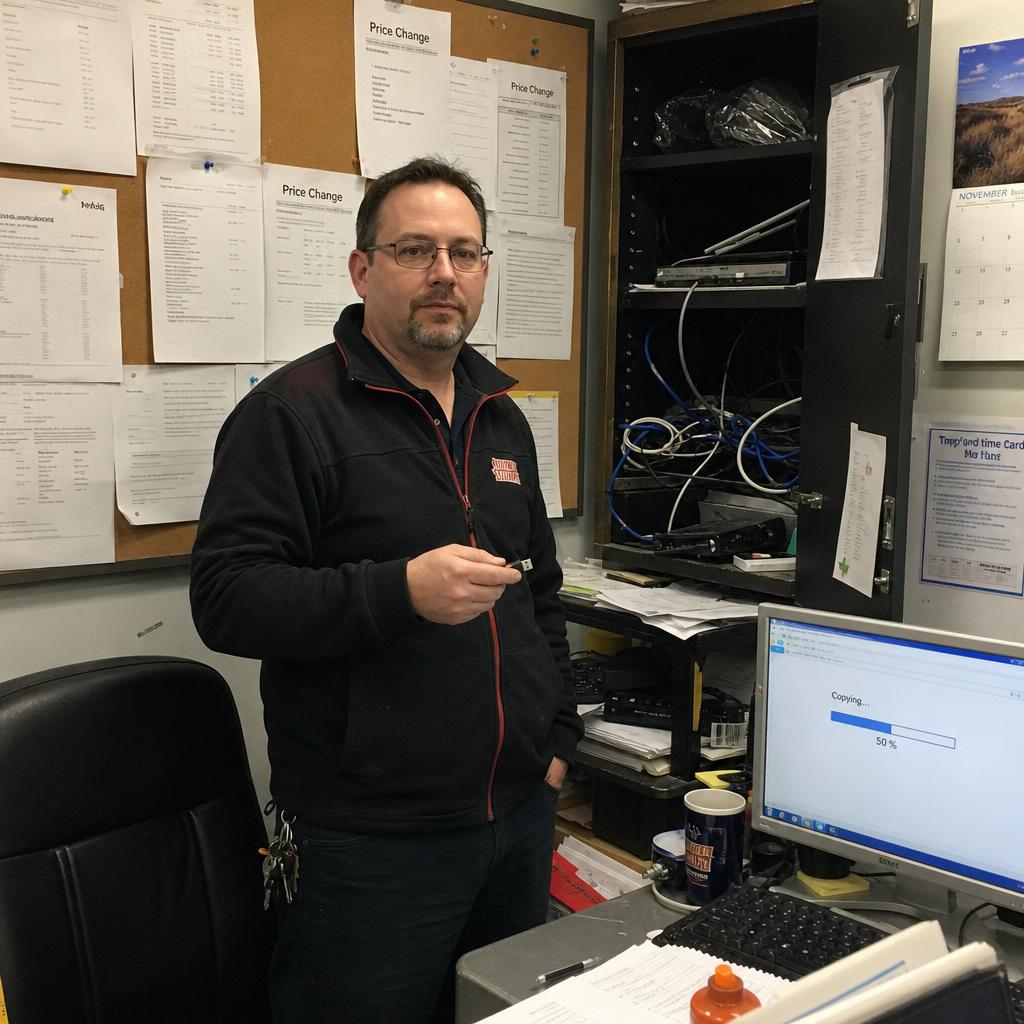
- Individual store managers — or whoever is rostered on — load it onto a screen or USB drive
- Someone, often nobody in particular, is meant to confirm it went live everywhere
That patchwork works with a handful of locations and a handful of campaigns a year. It starts to fray when the business:
- Runs weekly specials
- Has more than a dozen sites
- Needs different content in different states or trading zones
At that point, "someone will update the screens" stops being a plan and becomes a hope.
The practical result is that content scheduling becomes a recurring, low-visibility task spread across dozens of people who have other jobs to do, with no central record of what's actually showing where, right now.
What Does Screen-by-Screen Updating Actually Cost in Time?
Staff time, and it is easy to undercount because it is spread thin rather than concentrated in one obvious line item.
A team member loading a new price board is not logged as "digital signage admin". It is a few minutes here and a few minutes there, folded into a shift that already has stock, customers and everything else competing for attention.
Multiply that across every store, every price change, every promotional cycle and every seasonal update.
It adds up to a recurring labour cost that never appears on a budget line, because it is absorbed into general store operations.
It also scales in the wrong direction. The more locations a retailer adds, the more the manual overhead compounds — rather than spreading more efficiently the way a centralised system does.
There's a second, less visible labour cost too: head office time spent chasing confirmation that updates happened, following up with stores that missed the memo, and re-sending content lost in an inbox. That coordination overhead is real work, even though it produces nothing customers ever see directly.
Why Do Prices Stop Matching Between Screens and the Register?
Staff time is the cost you can at least imagine measuring. The consistency problem is the one that creates actual commercial and reputational risk, because it's largely invisible until a customer or a compliance check catches it.
When updates depend on individual people, at individual stores, remembering to act on an email or a message, the realistic outcome is that some stores update on time, some update late, and some don't update at all until someone notices. In a retail context, that typically shows up as:
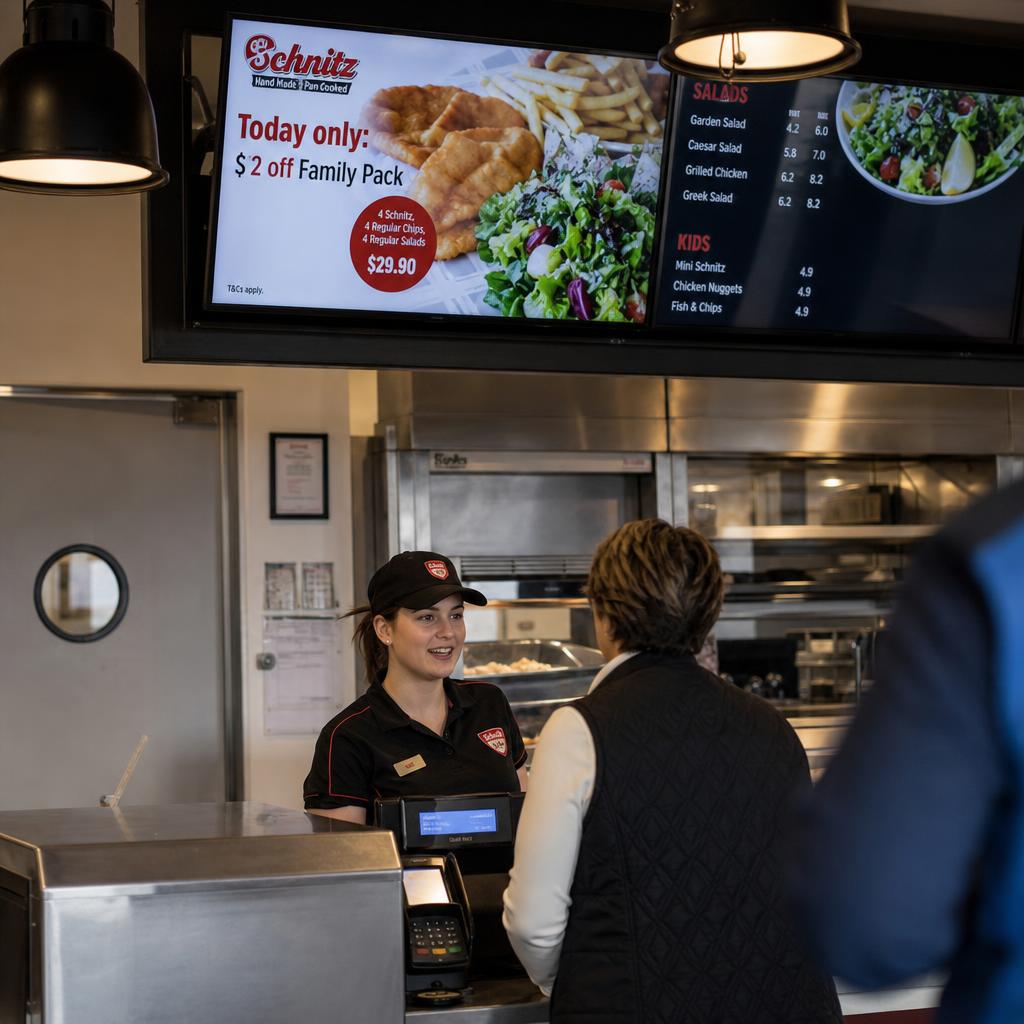
- Old pricing left on screen after a price change has taken effect at the register, creating a mismatch between what's advertised and what's charged
- A promotion that's live in some stores and not others, so customers get inconsistent offers depending on which location they visit
- Expired campaign content still playing well after a promotion has ended, because nobody was specifically tasked with taking it down
- Region-specific content playing in the wrong region, particularly where stock, pricing, or offers legitimately differ by state or trading area
None of these require negligence. They are the predictable failure mode of a process relying on manual, repeated human action across many locations with no central visibility into what is on screen.
The more stores in the network, the higher the chance a few are out of sync at any moment. Operations usually finds out when a customer, an auditor or a head office visit flags it.
What Does It Cost to Move Slowly?
There's a third cost that's harder to point to but arguably matters most competitively: the cost of not being able to react quickly. Manual scheduling doesn't just create errors — it creates lag between deciding something and it actually happening on screens.
Manual processes turn a same-day decision into a multi-day rollout. Three common triggers:
- A competitor drops price on a category
- Stock runs low on a promoted item and it needs swapping out
- Head office wants to test a different offer this week instead of next
In each case someone has to build the asset, distribute it, and then wait — sometimes optimistically — for confirmation it is live everywhere it needs to be.
That lag is the opportunity cost, and it shows up in three shapes:
- The campaign that launches a week late because artwork had to go out to fifty stores individually
- The clearance push that underperforms because half the network was still showing the old message when it mattered most
- The flexibility that simply is not available — reacting to trading conditions in near real time — when every change depends on manual, store-level action

Manual Scheduling vs Automated Scheduling
The table below is a general comparison of how these two approaches typically behave, not a claim about any specific retailer's results. The point isn't the exact numbers — it's the shape of the difference.
| Factor | Manual, store-by-store scheduling | Centralised, automated scheduling |
|---|---|---|
| Time to update one price or promotion across all stores | Hours to days, depending on store count and staff availability | Minutes, pushed from a single dashboard |
| Consistency across locations | Depends on each store acting correctly and on time | Consistent by design — every screen pulls from the same source |
| Visibility into what's currently on screen | Limited or none without physically checking each store | Centralised view of live content across the network |
| Staff time required per update | Repeated manual effort at every location | One action, distributed automatically |
| Ability to schedule content in advance | Manual reminders and follow-up required | Content can be scheduled and will go live automatically |
| Error correction when something's wrong | Requires noticing the error, then repeating the manual fix everywhere | Corrected once, centrally, and reflected everywhere immediately |
| Effort required as store count grows | Increases roughly in line with store count | Stays largely flat regardless of network size |
Why Does This Get Worse as the Network Grows?
Manual scheduling problems do not stay constant as a retailer expands. They compound.
Ten stores means ten points of potential failure for any given update. A hundred stores means a hundred.
There is no efficiency of scale in a manual process, because each additional store adds its own dependency on a person remembering to do something correctly and on time.
This is usually where operations teams notice the cost is no longer hypothetical. It surfaces in three places:
- Area managers asking why messaging does not match between sites
- Customers complaining that screen pricing does not match the shelf or the register
- Marketing quietly losing confidence that a campaign they built is running the way it was designed
None of it is a single failure. It is an accumulation of small ones that gets harder to ignore as the network grows.
What Does Automated Scheduling Actually Change?
Automating content scheduling doesn't remove the need for good creative or a sound promotional calendar — it removes the dependency on manual, repeated human action at every single location for that creative and calendar to actually reach screens correctly.
Content is built and scheduled once, centrally, with a defined start and end time, and goes live across every relevant screen automatically. No email chains, no USB drives, no waiting on confirmation from individual stores.
What changes in practice:
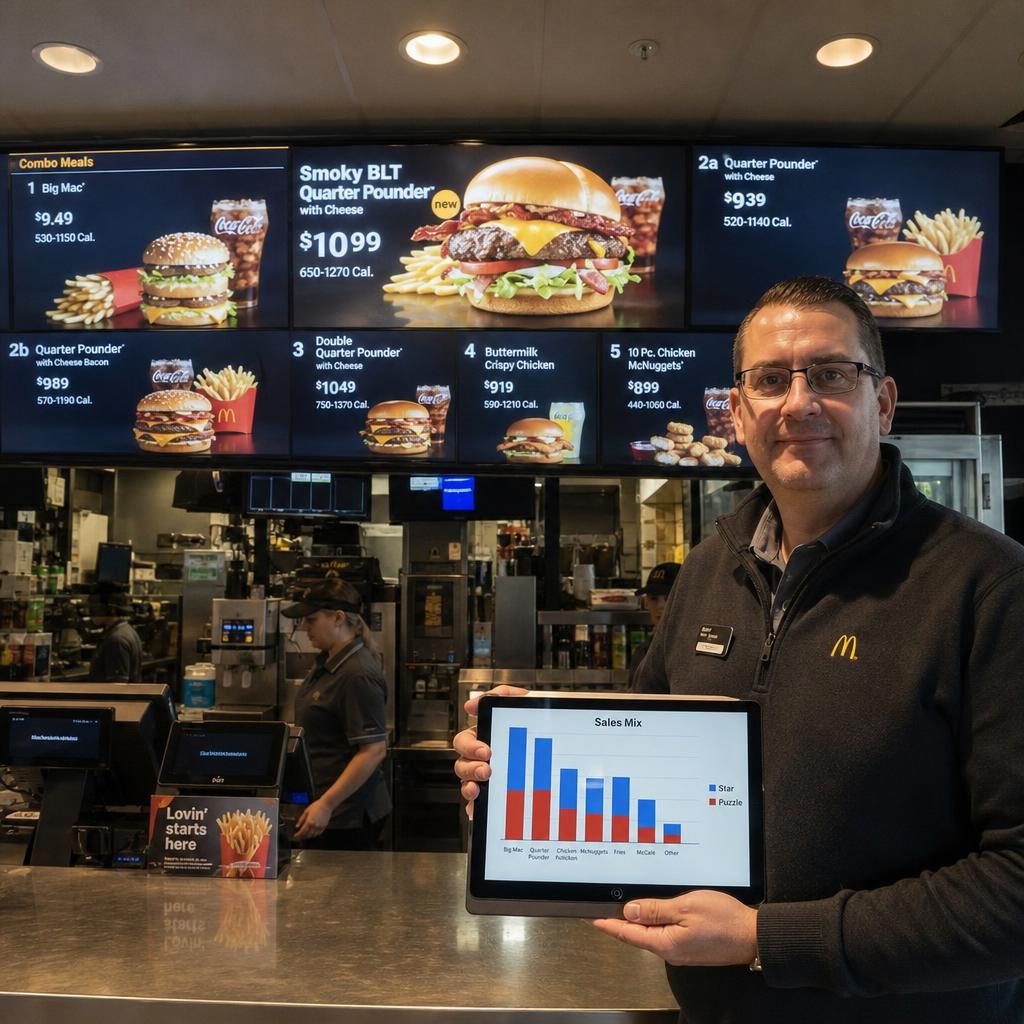
- Pricing and promotional changes push network-wide from one place
- Mismatches between locations become far less likely, because there is a single source of truth
- Head office sees what is actually playing, in real time, without calling or visiting stores to check
It also changes the shape of the opportunity cost above. A same-day trading decision becomes a same-day change on screen, rather than a multi-day rollout dependent on every store acting individually.
That responsiveness is the most concrete advantage of moving off manual scheduling — separate from any analytics or optimisation layer that sits on top of an already-automated system.
Where Should You Start?
The realistic first step is not a full network-wide switch overnight. It is an honest audit of the current process — three questions:
- How many people are involved in getting a single price change live across every store?
- How long does it typically take?
- How often do mismatches get caught, and how often do they not?
That audit alone tends to make the case for centralising scheduling more clearly than any external benchmark could.
From there, the practical path is usually a platform that lets a business schedule content centrally, apply it to specific stores or groups of stores, and see confirmation that it's live — replacing the manual chain of emails, USB drives, and follow-up calls with a single, auditable system.
SPARC's digital menu board solution and broader digital signage platform are built to solve exactly this:
- Centralised scheduling
- Store grouping
- Real-time visibility into what is playing where
- Hosted on Australian infrastructure
Where to go next:
- Already automated, want more from it? Restaurant menu board analytics and optimisation
- Managing screens across many sites? Enterprise display management
Digital signage scheduling FAQs
How do I know if manual scheduling is actually costing my business, rather than just being mildly annoying?
A useful test is to map out what it takes to get a single price or promotion change live across every store: how many people touch it, how long it takes from decision to every screen being correct, and how often someone finds a screen that was missed. If that process involves more than a couple of people, takes more than a day, or regularly turns up mismatches when checked, it's an operational cost, not just an inconvenience.
Is this only a problem for large retail chains with dozens of locations?
No — the underlying issue (relying on individual people at individual stores to act correctly and on time) exists at any store count above one. It becomes more visible and more costly as store count grows, but businesses with even five to ten locations often find manual updates are already eating meaningful staff time and creating occasional pricing mismatches.
What's the difference between digital signage software and just automating scheduling?
Automated scheduling is one core function within a broader digital signage platform. A full platform typically also covers content management, store grouping, screen health monitoring, and reporting. Scheduling is usually the first thing retailers want fixed because it's the most labour-intensive part of the manual process, but it's one piece of a larger system.
Can automated scheduling handle different pricing or promotions by region or store group?
Yes — this is one of the main advantages over a manual process. Content can be built once and assigned to specific stores or store groups, so a retailer can run a national campaign in most locations while showing different pricing or offers in specific regions, without needing separate manual processes for each variation.
Does moving to automated scheduling mean store staff lose all involvement in what's on screen?
Not necessarily. Most platforms allow for a mix — head office can control core pricing and brand campaigns centrally, while giving individual stores permission to schedule local content, like a community event or a store-specific offer, within defined limits. The goal is removing dependency on manual, repeated actions for things that should be consistent, not removing all local flexibility.
How long does it typically take to move from a manual process to an automated one?
This varies by network size and existing screen hardware, but the core scheduling functionality is usually the fastest part to implement, since it doesn't require replacing screens in most cases. The more time-consuming part is usually organising content and store groupings correctly at the outset, which is a one-off setup cost rather than a recurring one.
What should I look for in a platform if consistency across stores is the main problem I'm trying to solve?
Prioritise centralised scheduling with store grouping, a single dashboard showing what's currently live at every location, and confirmation or status reporting so head office can verify content actually deployed rather than assuming it did. Those three things directly address the consistency and visibility gaps that manual, store-by-store processes create.
Ready to see what centralised scheduling looks like for your network? Book a demo with SPARC and we'll walk through how it applies to your store footprint.