Real estate digital signage covers two quite different jobs.
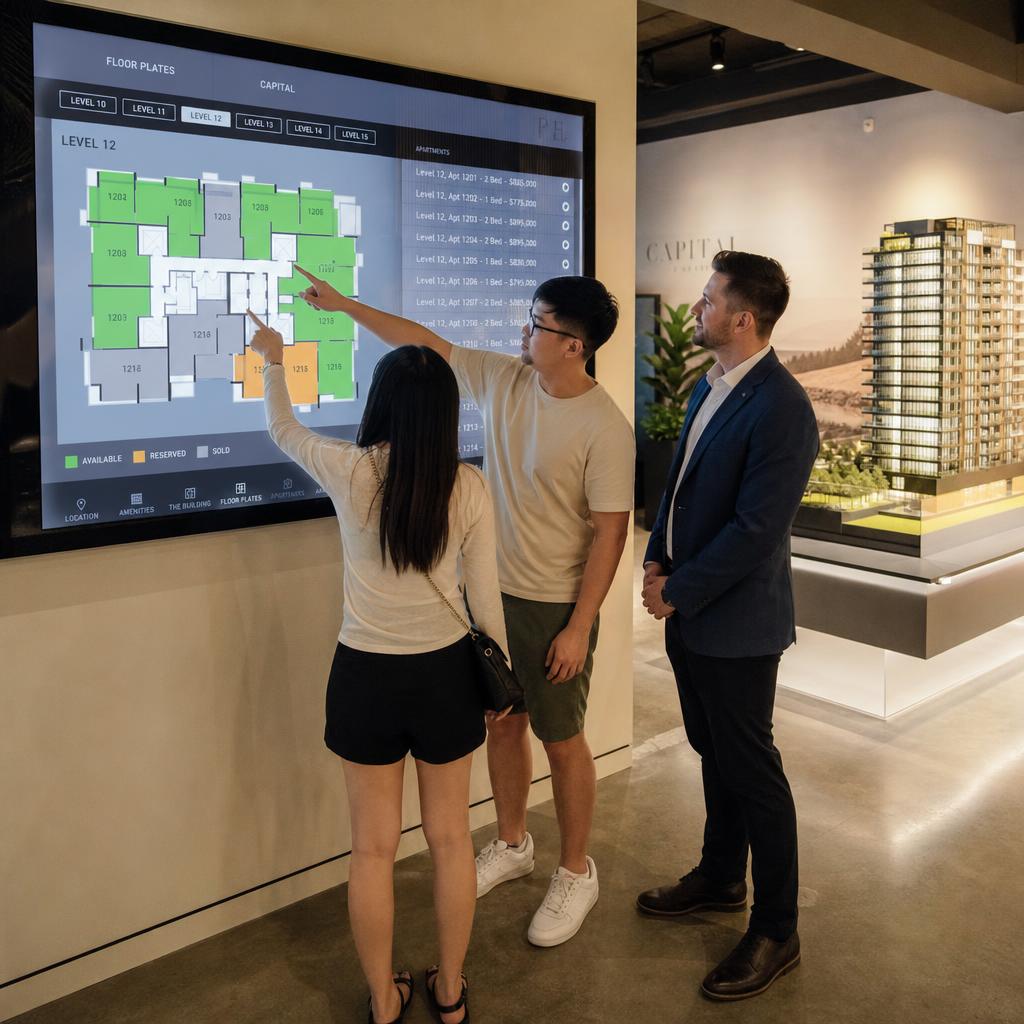
In a sales office or display suite, screens show accurate near-real-time pricing and availability alongside immersive lifestyle content — for the length of a sales campaign.
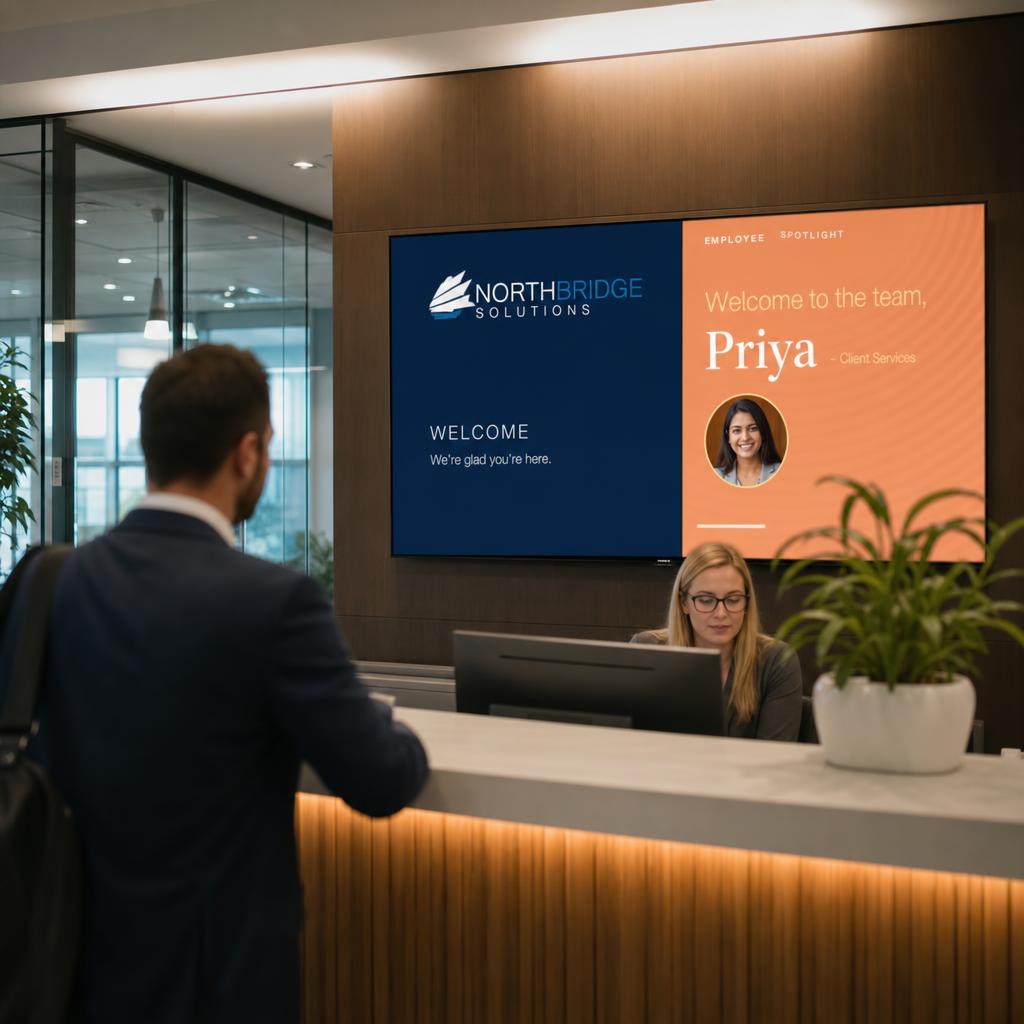
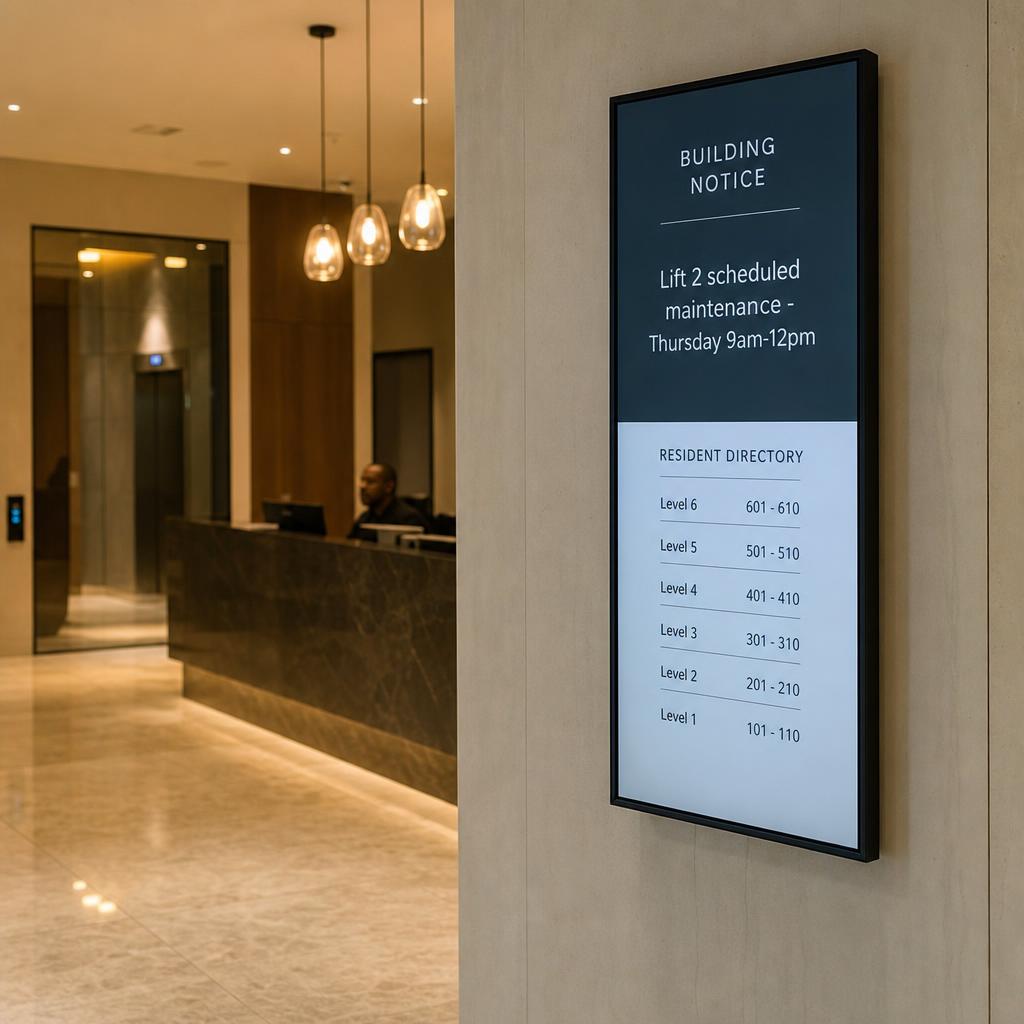
In an established building lobby, screens handle wayfinding, building notices and resident or tenant communications — on an ongoing basis, for years.
Both are "real estate digital signage". Neither should run off the same content plan.
The difference in a line each:
- A sales office is a pressure-tested, short-lifecycle environment where a wrong price on screen can cost a sale or invite a complaint
- A lobby is a long-lifecycle, low-drama environment where the screen's job is to be quietly useful and on-brand, week after week
This guide takes both on their own terms.
Why Is Pricing Accuracy Harder in a Display Suite?
Off-the-plan and display suite sales run on urgency. Buyers walk in wanting to know what's left, what it costs, and what's already gone. If the screen on the wall says a lot is available when it sold yesterday, that's not a minor glitch — it's a credibility problem in the room where the sale is meant to happen.
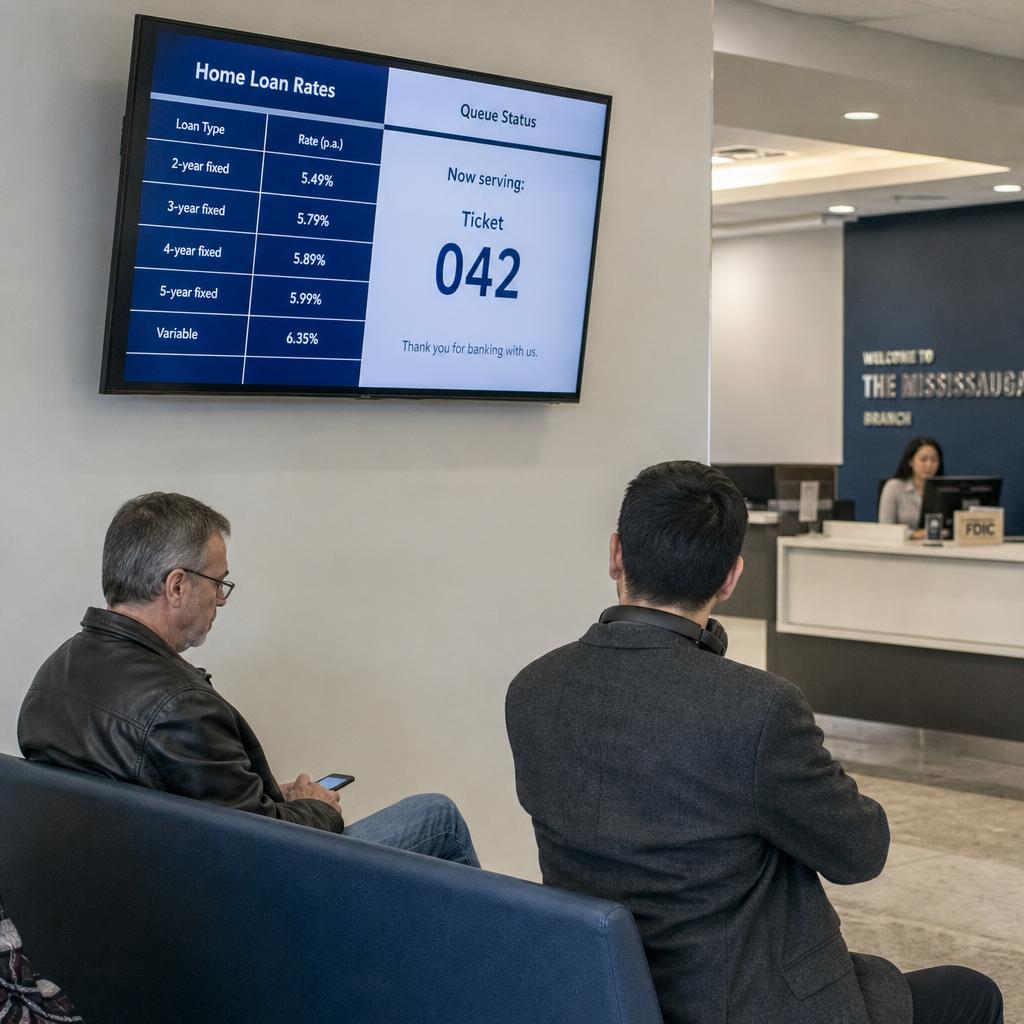
This is structurally the same as the rate-accuracy problem in financial services signage: numbers on screen have to match numbers in the system of record, without a manual step someone forgets on a busy Saturday.
In practice the availability board, price list and floorplan display should pull from the same source the sales team already uses:
- A CRM
- A spreadsheet the sales manager owns
- A dedicated off-the-plan sales platform
Not a static image someone edits in design software and re-uploads each time a unit sells.
Practically, that points to a few requirements for the platform behind the screens:
- Content that updates from a live or regularly synced data source, not a manual PDF swap
- A way to mark units as sold, reserved or released without touching every screen individually
- Simple enough for sales staff to trust and use during a live appointment, without waiting on head office
- Clear separation between "hard facts" (price, availability, floorplan) and "soft content" (lifestyle imagery, amenity video) so one doesn't get edited by mistake when updating the other
What Does a Display Suite Need Beyond the Numbers?
A display suite sells a feeling as much as a price — what it is like to live there, not just what it costs.
This is where screens do what a printed brochure cannot:
- Full-motion lifestyle video
- Drone footage of the site and surrounding precinct
- Amenity walkthroughs
- Interactive floorplan explorers letting a buyer tap through levels and orientations themselves
The cadence differs from pricing content. Lifestyle and amenity material is built once, refreshed at campaign milestones — a stage release, a new amenity confirmed, a change in target buyer segment — then runs largely unattended.
Treat it as a separate content stream from the live pricing feed, with its own review and approval, rather than bundling everything into one undifferentiated playlist.
A display suite is a temporary installation. Most run for the length of a campaign, then get decommissioned or repurposed for the next project.
That makes setup speed a real requirement. Developers running several projects at once need a platform where a new suite is configured and scheduled quickly, rather than a bespoke build every time.
Building lobbies and concierge desks: wayfinding and notices
Once a building is complete and occupied, the signage job changes shape entirely. There's no sales campaign, no closing pressure, no "sold" counter. Instead, lobby and concierge screens are part of the everyday operational fabric of the building — and the people walking past them are residents, tenants, staff and visitors, not prospective buyers.
The core content categories here are largely functional:
- Wayfinding — directory listings for commercial or mixed-use buildings, floor guides, meeting room locations
- Building notices — lift outages, fire safety drills, maintenance schedules, security alerts
- Visitor and delivery information — where to sign in, where couriers should go
- Concierge and amenity information — gym hours, pool bookings, parcel room status
This content changes far less often than a sales board. A lift maintenance notice might run for a week; a directory update happens when a tenant moves in or out.
But when it does change, it usually has to change fast — an unplanned lift outage, a security incident — and reach the right screen without the facilities manager needing signage software training.
Who actually runs it decides the requirement. Building and facilities staff manage this content, not marketing — so ease of use and fast, permissioned updates matter more here than campaign-style design flexibility.
Building lobbies: resident and tenant communications, and brand presence
Beyond pure function, an established building's lobby screen is also a long-term brand and community touchpoint — for the building operator, the body corporate or strata manager, and in commercial buildings, for the landlord's relationship with tenants. Content here tends to include community noticeboards, local event promotion, seasonal messaging, sustainability or building performance updates, and sometimes advertising from ground-floor retail tenants.
Because this content runs for years rather than weeks, governance is the main design question. Three parts to it:
- Who is allowed to post what?
- How often does content get refreshed so the screen does not look stale?
- How does it stay legible to a broad, constantly changing audience — residents, visiting family, delivery drivers, new tenants who have never used the building before?
A sensible mix rotates functional information — wayfinding, notices — with lighter brand and community content, rather than leaning entirely on one or the other.
Content needs by context
| Factor | New development sales office / display suite | Established building lobby / concierge |
|---|---|---|
| Primary content | Pricing, availability, floorplans, lifestyle/amenity video | Wayfinding, building notices, directories |
| Update cadence | Near-real-time (as units sell) | Periodic, with occasional urgent updates |
| Content owner | Sales and marketing team | Facilities/building management or body corporate |
| Typical duration | Length of sales campaign (weeks to ~2 years) | Ongoing, multi-year |
| Key risk if wrong | Incorrect price/availability damages trust with buyers | Missed or stale notice inconveniences residents/tenants |
| Design priority | High-impact lifestyle storytelling | Clarity and consistency for a broad, repeat audience |
| Typical stakeholder | Sales manager, marketing/campaign lead | Building/facilities manager, concierge, strata |
What to look for in a signage platform for either use case
Whichever context applies — or if a developer is managing both a display suite and, later, the completed building's lobby — a few platform capabilities matter across the board:
- Content scheduling and playlists, so pricing updates, lifestyle content and notices can run on independent schedules rather than one flat loop
- Role-based access, so a sales team member can update availability without being able to touch lobby notice screens elsewhere in the portfolio, and vice versa
- Remote management, since developers and building operators are rarely on-site full time and need to push updates from head office
- Reliable uptime and monitoring, particularly for lobby screens that need to be visibly working every day, and sales office screens during weekend open-for-inspection periods when traffic peaks
- Data hosted in Australia, relevant for developers and building operators who need to keep resident, tenant or sales data within local jurisdiction
A cloud-based digital signage CMS covers most of what both a display suite and a lobby need, provided it supports:
- Scheduled playlists
- Multiple content zones per screen
- Straightforward remote updates
The difference is in how each team configures and governs it, not in needing two separate products.
Commercial building lobbies have a lot in common with office lobbies handling employee-facing content — see corporate lobby digital signage for employee engagement for that adjacent use case.
Getting started
The starting point differs depending on which side of the problem you are on.
For a sales office or display suite — start with the data source. Confirm how pricing and availability will be kept current before choosing screen hardware or content design. The sync process is the part most likely to go wrong under sales pressure.
For a lobby — start with governance. Agree who owns which content categories and how urgent notices get published. That determines whether facilities staff can actually use the system day to day.
SPARC works with real estate developers and building operators across both scenarios — see how the platform applies to the sector on the real estate industry page, or book a demo to walk through a specific sales office or lobby setup.
Real estate digital signage FAQs
Can one digital signage platform run both a display suite and a building lobby?
Yes. The underlying platform capabilities — scheduled content, remote management, role-based access — apply to both. What differs is configuration: a display suite is usually set up with a live pricing feed and campaign-length lifestyle content, while a lobby is set up with wayfinding, notices and a longer-term content calendar, typically managed by different teams.
How current can pricing and availability data on screen actually be?
That depends on the data source. If pricing and availability are updated in a CRM or spreadsheet that the signage platform syncs against, screens can reflect changes within minutes of the sales team updating their own records. If the process still relies on manually editing a static image or PDF, the screen will only ever be as current as the last manual update — which is the gap worth closing first.
Who typically manages content for sales office screens versus lobby screens?
Sales office and display suite content is usually managed by the sales and marketing team running the campaign. Lobby and concierge content is typically managed by building or facilities management, a strata/body corporate manager, or a dedicated concierge team — often a different group entirely, with different training needs and different urgency around updates.
Do display suite screens need to be removed once a project sells out?
The screens themselves can often be redeployed to the next project, but the content build should be treated as campaign-specific. Reusing hardware across developments is common; reusing pricing or availability content structures without rebuilding them for the new project's data source is not recommended.
What happens to lobby signage content if there's an urgent building issue, like a lift outage?
This is a governance question as much as a technical one. The platform needs to let an authorised person — usually building management — push an urgent notice to relevant screens quickly, ideally without needing design skills or waiting on an external agency. Setting up a simple template in advance for common urgent-notice types (outages, safety alerts) makes this faster when it's actually needed.
Is digital signage worth it for a smaller residential building with one lobby screen?
It depends on the building's communication needs more than its size. A single well-placed lobby screen can still reduce printed notice clutter and give residents a consistent place to check building information, but the case is strongest where there's a genuine ongoing flow of notices, bookings or community content to display — not just a directory that rarely changes.
Can display suite screens double as interactive kiosks for buyers to browse floorplans themselves?
Yes, touch-enabled displays are commonly used this way in display suites, letting prospective buyers explore floorplans, levels and orientations at their own pace alongside staff-led conversations. This is a design and hardware choice made alongside the content platform, and works well when the underlying floorplan and availability data is kept in sync as described above.