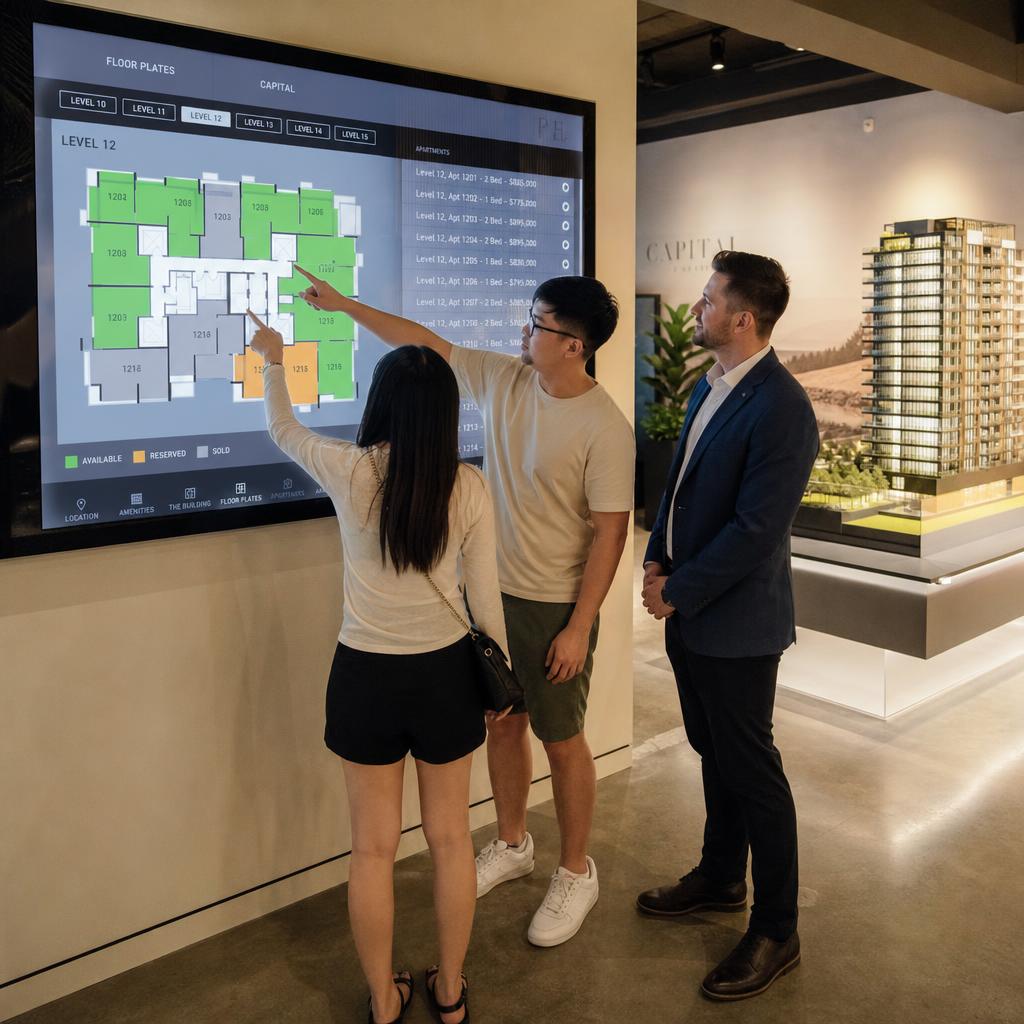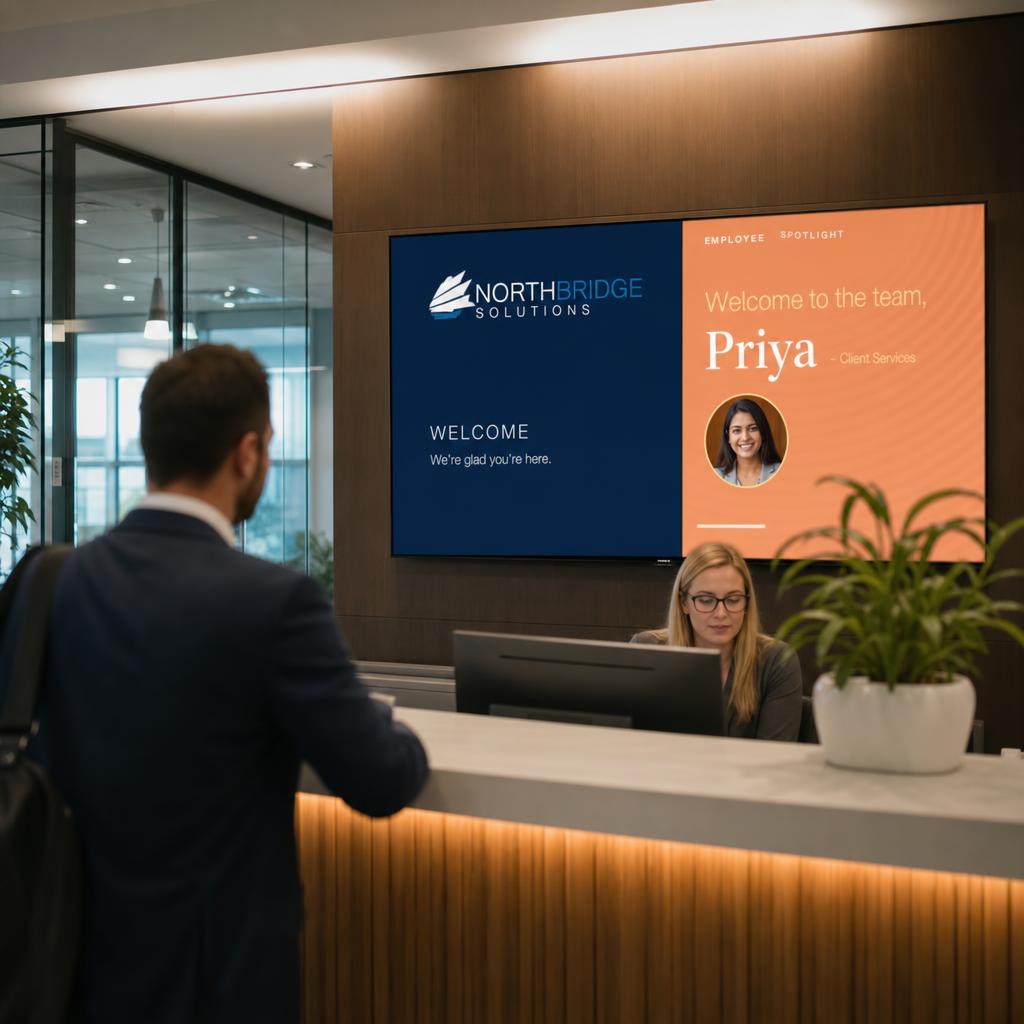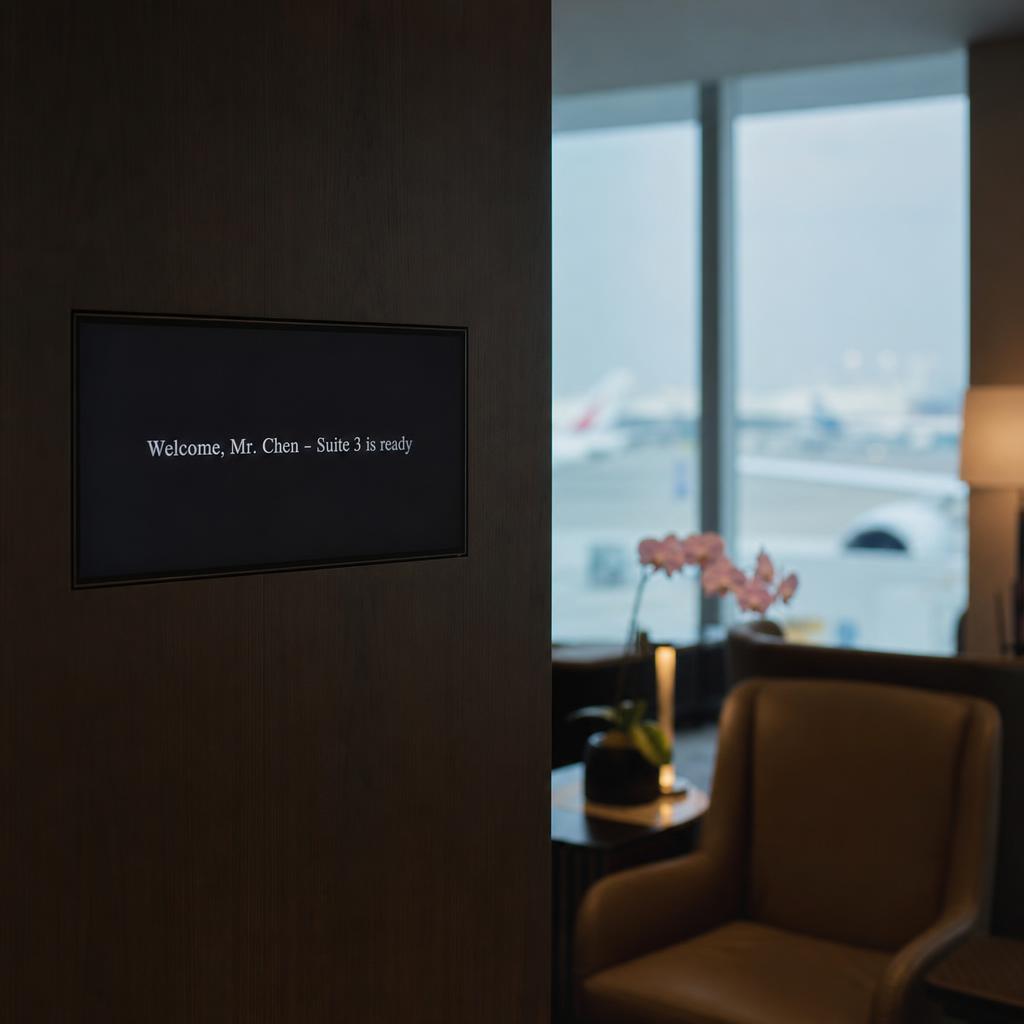
In a private members' club, an executive boardroom or an airport first-class lounge, a screen that announces itself has already failed.
Digital signage for VIP and premium hospitality spaces succeeds when it disappears into the room — supporting arrival, wayfinding and personalisation quietly, and staying invisible the moment it is not needed.
The technology is largely the same as mass-market hospitality signage. The brief is what differs:
- Restraint over reach
- Precision over volume
- A hard requirement that nothing confidential or operational ever lands on a guest-facing screen by accident
This is the deeper operational question this post answers — not what digital signage can do in a five-star environment, but what it should never do, and how to configure a platform accordingly.
Why Do VIP Environments Need a Different Brief?
Mass-market hospitality signage is built to be seen: menu boards, wayfinding, promotional loops running to as many eyes as possible.
Premium environments invert that goal. A members' club or executive floor is not trying to capture attention. It is trying to remove friction without anyone noticing the mechanism.
> The benchmark is not "did they see the screen." It is "did they never have to ask."
That distinction changes four decisions:
- What content appears
- How often it changes
- What triggers it
- What it looks like when there is nothing to say
The fourth is the one that gets missed. In a QSR, a blank screen is a wasted opportunity. In a boardroom or first-class lounge, a screen that is always "on" reads as intrusive — or worse, careless with information that should not be visible at all.
How Much Content Is Too Much in a Premium Room?
The single biggest mistake is importing a mass-market content cadence into a room where guests expect the opposite. The usual imports:
- Rotating promotional slides
- Animated transitions
- Dense information stacks
A screen that behaves like signage — bright, busy, cycling — undermines the calm a premium environment is built to deliver, even when every individual piece of content on it is accurate and relevant.
Restraint has to be a specification, not a style choice left to whoever builds the first playlist. That means:
- Static-first, not loop-first. Many premium screens should hold a single piece of information — a room booking, a member's name, a flight status — rather than cycling content for the sake of movement.
- Slow, deliberate transitions where content does change, rather than the fast cuts common in retail signage.
- A defined content ceiling. Deciding in advance how many items a screen is permitted to show at once, and enforcing it, rather than letting the number grow as more use cases get added.
- Brand-matched, not brand-adjacent. Typography, colour and pacing that match the physical finishes of the room — because in these spaces, a signage platform's default template is immediately obvious as a default template.
This is a governance problem as much as a design one. It's the same discipline covered in enterprise display management — content standards, approval workflows, and template control — applied to a context where the cost of getting it wrong is a jarring guest experience rather than an off-brand poster.
How Far Should Personalisation Go Before It Oversteps?
Premium venues have an advantage mass-market spaces do not: they usually know who is arriving.
- A private members' club knows its members by name
- An airport VIP lounge often has advance notice of arriving passengers and their status
- An executive floor knows which visitor is meeting which director
That data makes genuine personalisation possible:
- A welcome message on arrival
- A discreet note of which suite or boardroom is ready
- An itinerary reminder for the day
But this is precisely the context where guests value discretion most. Someone who has paid for privacy does not want their name, company, or booking details broadcast on a screen anyone walking past can read. The line between a thoughtful welcome and an overshare is thin, and it's a design decision, not an accident:
- Personalise the message, not the audience. "Welcome, we've prepared Suite 3 for you" on a screen visible only from within that suite is different from the same message on a screen in a shared corridor.
- Match disclosure to visibility. The more public the screen's sightline, the less specific the content should be — first names only, or no names at all, in open lounge areas; full detail only on screens with a controlled line of sight.
- Time-bound personalised content. A welcome message should have a natural expiry — it shouldn't still be showing a departed guest's name an hour after they've left the suite.
- Give staff, not guests, control of the toggle. Personalisation should be something concierge or front-of-house staff can switch on for a specific arrival, not a default state the system falls into.
This is the same territory covered from a workplace angle in corporate lobby digital signage and employee engagement — welcoming a known individual by name — but the privacy bar in a paid premium environment sits considerably higher than in a staff lobby.
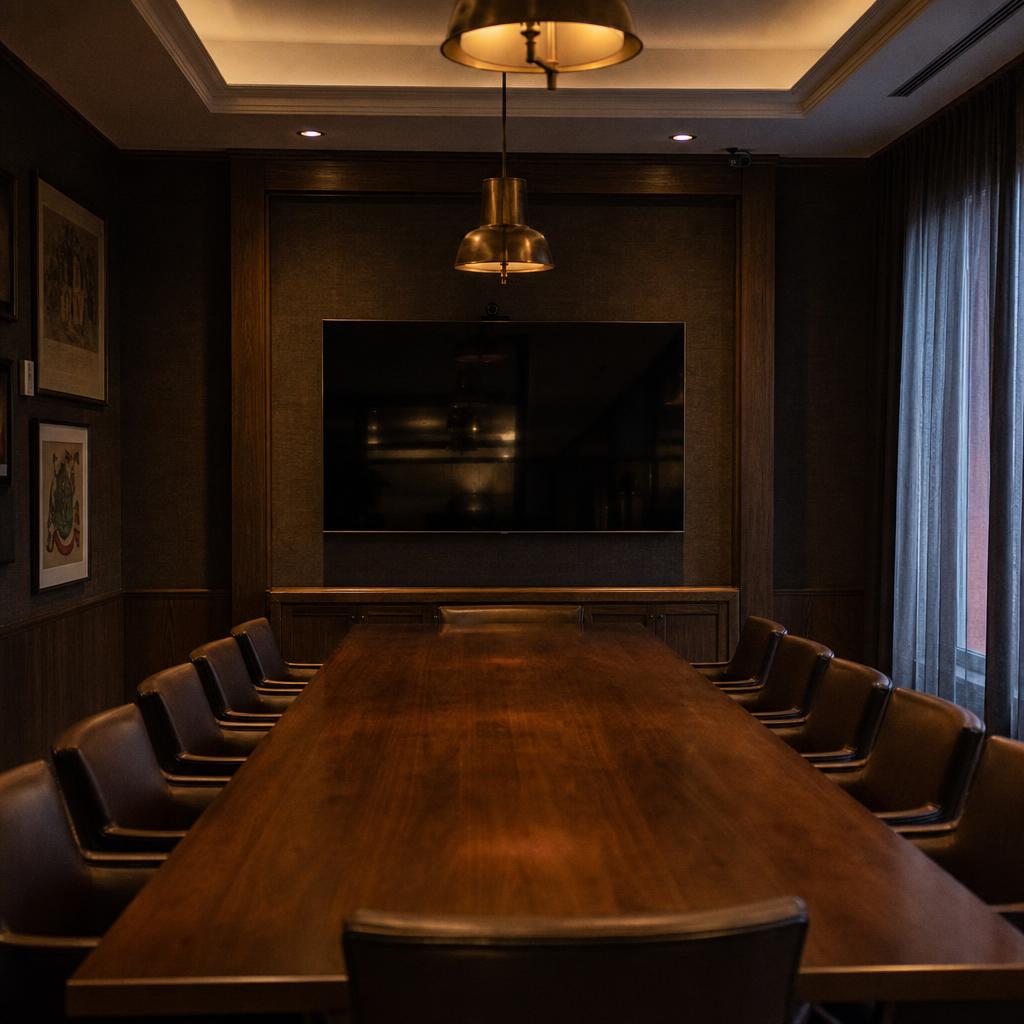
How Do You Keep a Boardroom Screen Confidential?
Boardrooms and private dining rooms host exactly the conversations that should not be visible to the next person through the door:
- Deal terms
- Financials
- Client names
- Legal matters
The brief for these rooms is the strictest in premium hospitality, because the default failure mode is not "screen looks cheap." It is "confidential information is exposed."
The practical requirements are specific:
- Default to blank or idle, not to content. A boardroom screen's resting state should show nothing — no branding loop, no ambient wallpaper — rather than defaulting to a screen that's "on" and displaying something whenever it isn't actively driven by the meeting itself.
- No auto-advance into visible content after a meeting ends. If a screen was mirroring a presentation, it should return to blank on session end, not to a promotional loop that starts playing in a room someone might glance into.
- Separate the room-status signage from the in-room display. A discreet "Meeting in progress" or "Available" indicator on a corridor-facing panel is a different screen, with different content rules, to the confidential in-room display itself — the two should never share content logic.
- Scheduling should assume sensitivity by default. Booking data (attendee names, meeting titles) that's fine on a general meeting-room panel may not be appropriate to show even in outline form outside a private dining room or boardroom used for high-sensitivity discussions.
The operating principle is simple: in these rooms, "off" or blank is the safe default, and anything more has to be deliberately switched on for the specific use — not the other way around.
How Do You Stop Staff Information Reaching a Guest Screen?
Concierge and butler-style service runs on information:
- Guest preferences
- Arrival timing
- Dietary notes
- VIP status
- Room readiness
Staff need it at a glance, usually on a screen near a service point. The operational risk is that staff-facing and guest-facing screens sit adjacent, managed through the same system — and one configuration slip puts operational data in front of a guest.
This has to be treated as a hard separation, not a content preference:
- Physically and logically distinct screen groups. Staff-facing displays should sit in a separate zone within the signage platform, with separate permissions, separate content sources, and no shared playlist logic with guest-facing screens.
- Different hardware orientation or placement, where practical — back-of-house angle, staff-only sightline — so the distinction is also physically obvious, not just a settings toggle.
- Role-based publishing permissions. The person updating a guest welcome screen and the person updating the concierge's arrivals board should, ideally, be working in different areas of the platform entirely, reducing the chance of the wrong content going to the wrong screen.
- Audit visibility on what's live where. Venue managers should be able to see, at a glance, what's currently showing on every screen in the property — the fastest way to catch a misconfiguration before a guest does.
How Do You Make the Hardware Disappear?
Content discipline matters less if the hardware itself looks like signage. Premium environments generally call for:
- Slim, low-glare displays in finishes (black, brushed metal, framed) that match the room's fixtures rather than standard commercial bezels.
- Recessed or flush mounting over surface-mounted brackets, particularly in boardrooms and suites.
- Brightness suited to ambient lighting, not commercial-retail brightness levels that read as harsh in a dimly lit lounge or private dining room.
- Quiet hardware — fanless where possible, since these are rooms where background noise is noticed.
None of this is signage-software territory, but the software has to support it: correct scaling for non-standard aspect ratios, colour profiles matched to the room, and orientation options that suit boardroom tables and lounge sightlines rather than assuming a landscape wall-mount by default.
Comparison: Content Needs by Space
| Space | Primary content | Visible to guests? | Key requirement |
|---|---|---|---|
| Arrival / concierge | Welcome message, wayfinding, discreet status | Yes, controlled | Personalised but time-bound; matched to sightline |
| Lounge / suite | Ambient info, member or guest name, amenities | Yes, within suite only | Restraint — static over looping; no promotional cadence |
| Private dining / boardroom | Meeting content only, when active | No default content | Blank/idle by default; confidentiality-first |
| Concierge / back-of-house | Guest preferences, arrival timing, room status | No — staff only | Fully separated from guest-facing screens and playlists |
What Should You Ask a Platform Vendor?
Most digital signage platforms are built for volume — many screens, many locations, content designed to be seen. Premium and VIP environments need the opposite set of controls to be equally strong: granular permissions, genuine content separation between staff and guest zones, scheduling that can default to blank, and personalisation that's guest-specific without being platform-wide.
The questions worth asking are less about how much content a platform can push and more about how tightly it can be held back. Three of them:
- Can screens default to idle?
- Can staff and guest content be properly separated?
- Can access be limited by role rather than by convenience?
SPARC's VIP and premium hospitality solutions are built around exactly this brief, with Australian-based hosting and support for venues that need discretion built in rather than configured around.
Those are fair questions to ask us directly rather than take on trust. Book a demo and we will show screens defaulting to idle, staff and guest content properly separated, and a named welcome triggered and cleared for a booking.
VIP lounge digital signage FAQs
What's the difference between VIP digital signage and standard hospitality signage?
The underlying hardware and software are often similar, but the content brief is different. Standard hospitality signage is designed to be noticed — promotions, menus, wayfinding on a visible cycle. VIP and premium signage is designed to support the guest experience without drawing attention to itself, with far less promotional content, slower pacing, and stricter rules about what appears where.
Can digital signage display personalised welcome messages for members or guests?
Yes, where the venue holds arrival or booking data, a welcome message, suite assignment, or itinerary note can be shown. The key is limiting personalised content to screens with a controlled sightline, keeping messages time-bound so they don't linger after a guest has moved on, and giving staff manual control over when personalisation is switched on.
How do boardroom displays handle confidential content between meetings?
Well-configured boardroom screens default to blank or idle rather than showing branding or a content loop. They only display content while actively driven by an in-progress meeting and return to blank once the session ends, rather than falling back to any kind of visible default state.
Should staff-facing operational information ever appear on guest-facing screens?
No. Concierge and back-of-house information — guest preferences, arrival timing, room readiness — should sit in a completely separate screen group with its own permissions and content sources, so there's no shared playlist logic that could expose it to a guest-facing display.
What size or style of screen suits a private members' club or executive lounge?
Slim, low-glare displays in finishes that match the room's existing fixtures generally suit these spaces better than standard commercial signage hardware. Recessed or flush mounting and brightness calibrated to ambient lighting both help the screen read as part of the room rather than as added technology.
How is guest data kept private when displays are personalised?
Personalised content should be scoped narrowly — visible only on screens with a controlled sightline, expiring automatically, and switched on manually by staff rather than triggered automatically for every arrival. Guest data used to drive personalisation should stay within the operational/staff side of the platform, not be exposed through the display logic itself.
Does digital signage work in low-light or ambient luxury environments?
Yes, provided brightness and colour profiles are configured for the room rather than left at commercial-retail defaults. Screens calibrated for a bright, high-traffic retail environment will generally look harsh and out of place in a dimly lit private lounge or dining room unless brightness is adjusted specifically for that space.