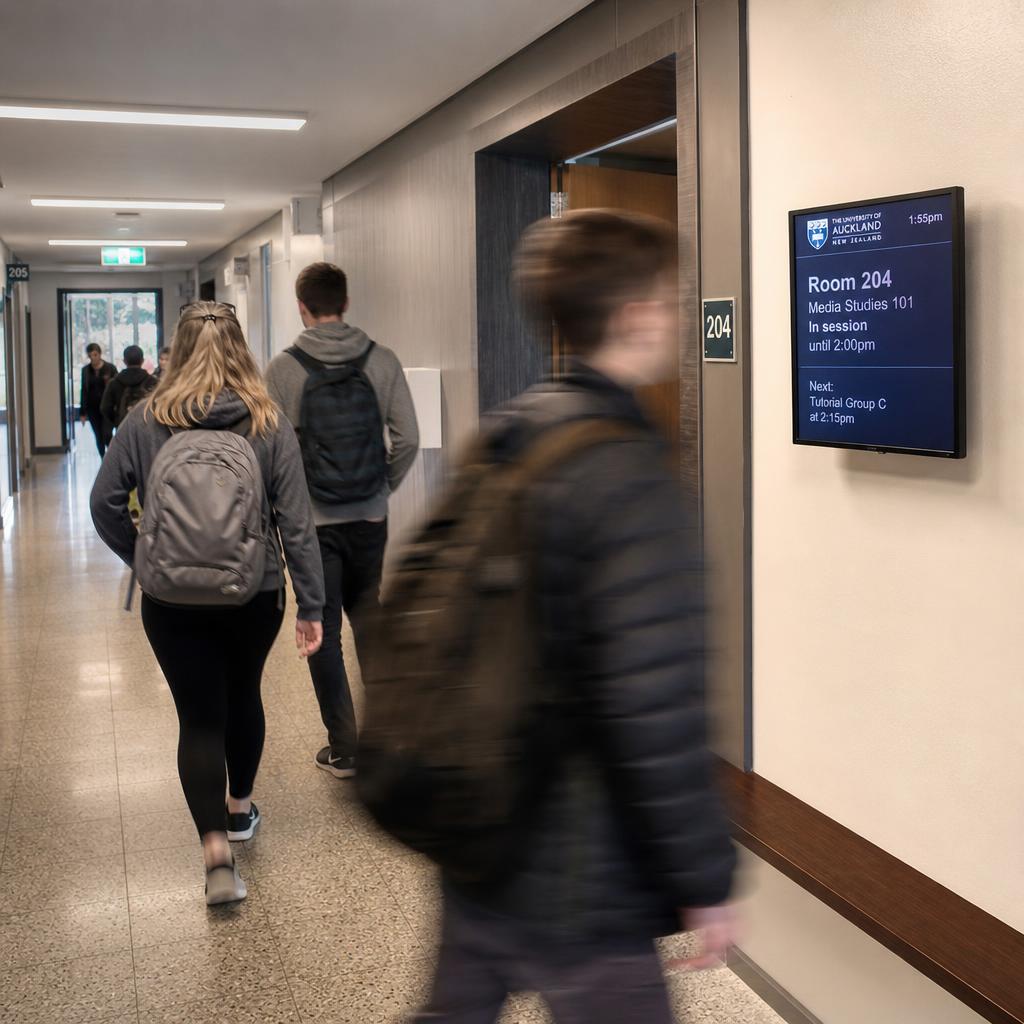
Government digital signage is the networked display system across council offices, libraries, community centres and service centres, sharing wayfinding, public notices, service updates and community information.
Unlike retail or corporate signage, it has to work for people who:
- Did not choose to be there
- May not read English fluently
- May be using a wheelchair or a vision aid
- Are trying to solve one specific problem as fast as possible — pay a rate, find a meeting room, renew a licence
That changes almost every decision: font size, content workflow, and who is allowed to publish what.
This post looks at what makes public sector digital signage genuinely different from a shopping centre or corporate lobby deployment, and what to weigh up before evaluating vendors.
Why Do Public Facilities Need a Different Approach?
A council service centre does not get to choose its audience the way a retailer does. On any given day the people walking past one screen might include:
- An elderly resident renewing a parking permit
- A parent juggling a pram and two kids, waiting for a library session
- A resident with low vision trying to find the right counter
- Someone whose first language is not English, trying to understand a rates notice
Commercial platforms are built around promotional content and revenue metrics. Councils need something closer to a public information utility — reliable, legible, and equally usable by everyone who walks in.
This is not just a matter of good intentions. Local government facilities are, by their nature, meant to be for everyone in the municipality.
Signage that only works for people who read fast, see well and speak English at home falls short of that basic remit — regardless of how good it looks on a sales demo.
What Accessibility Standards Apply to Council Screens?
In a corporate lobby, accessible design is good practice. In a council facility, it's closer to a baseline expectation, because the building itself exists to serve the whole community, including residents who use assistive technology, have low vision, or find dense text or fast-moving animation hard to process.
Practically, this affects signage decisions well before deployment:
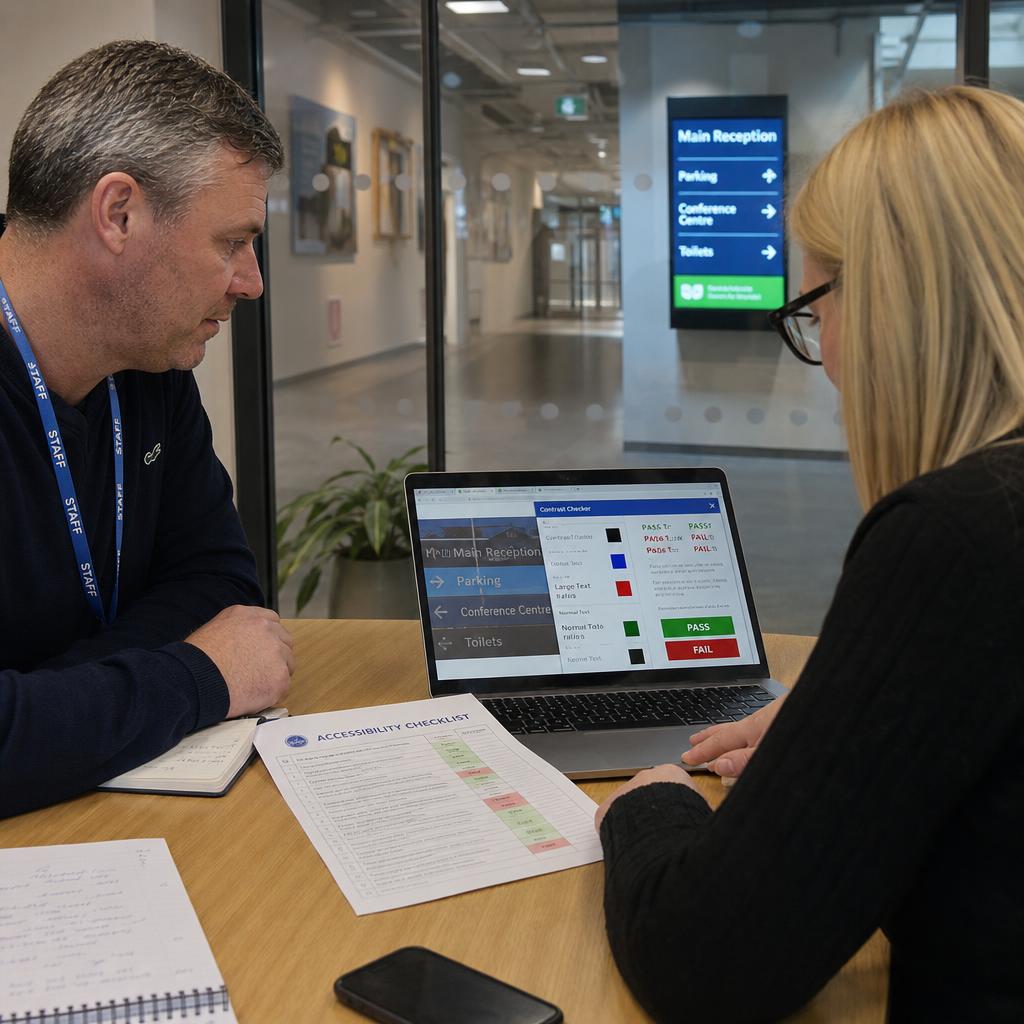
- Text sizing and contrast need to hold up for older residents and people with low vision, not just look clean on a mock-up viewed from a laptop.
- Content pacing matters — slower rotation and simpler layouts serve people scanning a screen while also managing a queue ticket, a pram, or a walking frame.
- Screen placement and height should account for wheelchair users and people of varying heights, not just optimise for photogenic sightlines.
- Reducing reliance on colour alone to convey meaning (for example, "green means open") helps residents with colour vision deficiencies.
- Avoiding rapid flashing or high-motion transitions, which can be genuinely uncomfortable or triggering for some visitors, not just a design preference.
Every council has its own accessibility policy, and many facilities also work against broader obligations that vary by jurisdiction.
We would rather be direct than guess: do not take accessibility compliance claims from any vendor's marketing page at face value, including ours.
Two things to do instead:
- Confirm the specific standards and clause requirements that apply to your facility with your own accessibility or legal team
- Ask any vendor to show — not claim — how their platform handles large text, high-contrast themes and content pacing controls
How Do You Run Screens in More Than One Language?
Most Australian councils serve communities where a meaningful share of residents speak a language other than English at home. The proportion varies enormously by municipality, so check your own council's community profile rather than assuming a figure.
The practical consequence is blunt: a single-language screen is, for a real portion of your visitors, not communicating at all.
Good multilingual signage isn't just running the same slide through a translation tool. It's worth thinking through:
- Which languages actually match your community, based on your council's own demographic data, rather than a generic assumption about what "diverse" means.
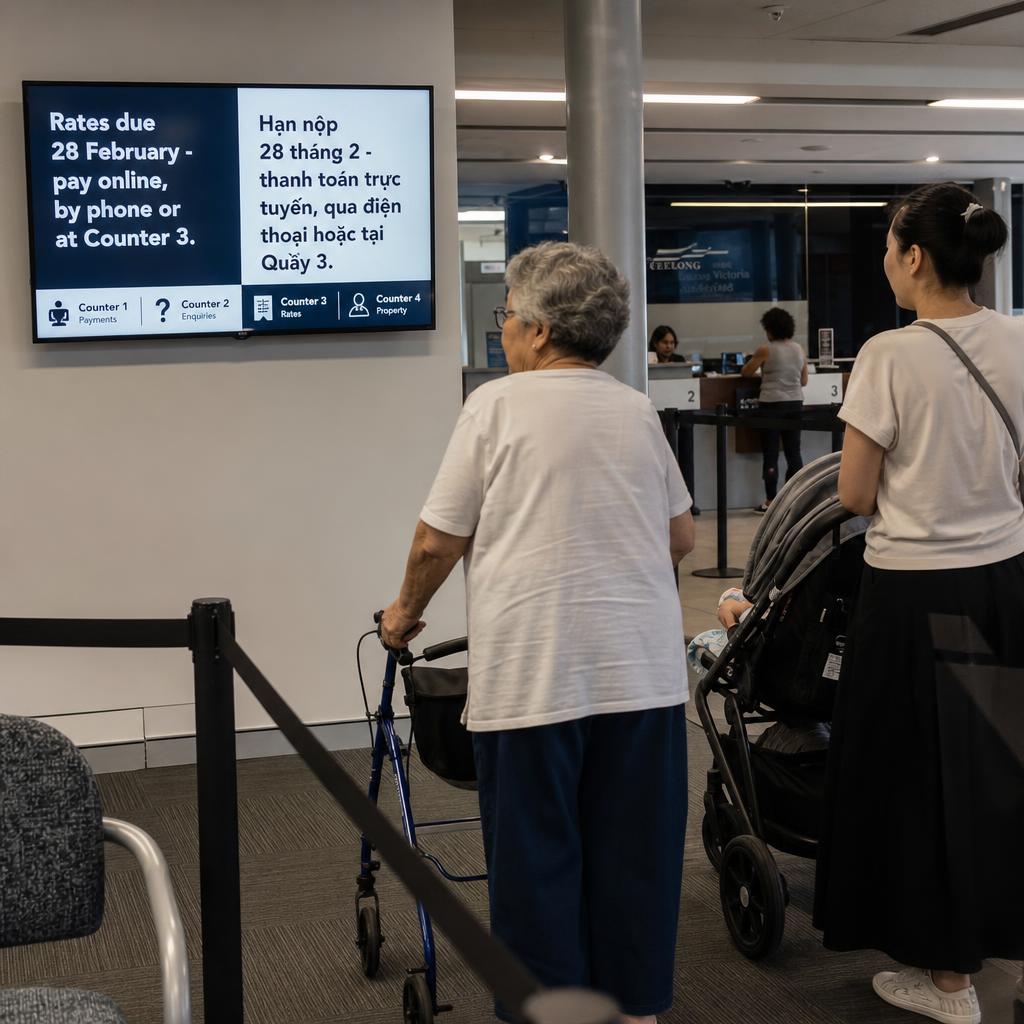
- Rotation versus split-screen approaches — some councils rotate content in multiple languages, others use icon-led design with minimal text so the message is understood regardless of language.
- Who owns translation quality. A signage platform can support multiple languages technically, but someone still needs to sign off that the translated content is accurate and culturally appropriate — that's a workflow and governance question, not just a software feature.
- Consistency with other council channels. If your website, printed notices and call centre already support certain languages, your signage should align with that list rather than introducing a separate one.
The practical goal is simple: a resident who doesn't read English fluently should still be able to work out where to go and what's happening in the building, through a combination of language support, icons and layout.
What Goes on the Screens Besides Wayfinding?
A lot of digital signage content in retail and corporate settings is promotional. In a council building, a meaningful share of what needs to go on screen is closer to public record than marketing — and it needs to be treated that way.
Typical categories include:
- Statutory and public notices — planning applications on exhibition, council meeting notices, local law changes — content that has to appear accurately, on time, and often for a defined display period.
- Service disruption updates — a system outage, a temporary counter closure, altered opening hours around a public holiday.
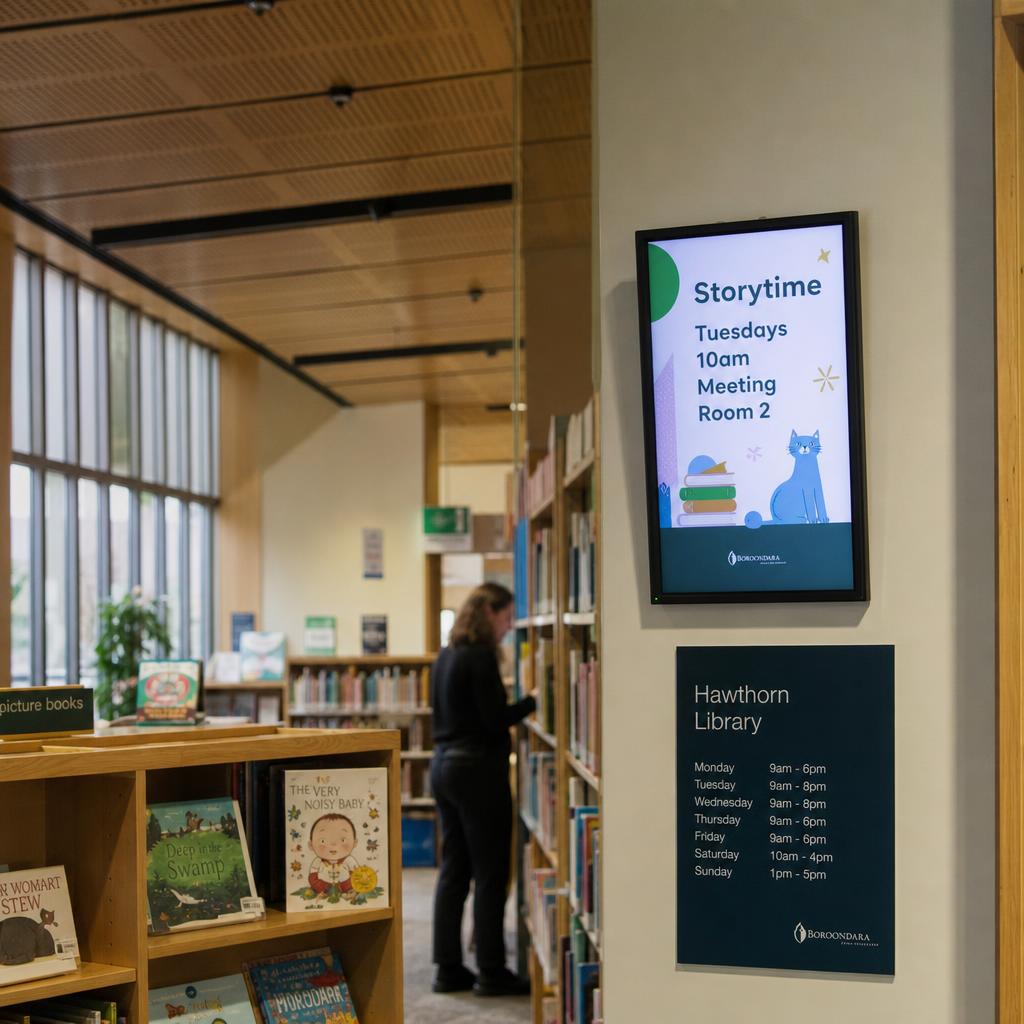
- Community event and program information — library storytime sessions, community centre bookings, seniors' programs, youth services.
- Emergency and safety information — evacuation points, or during a genuine emergency event, urgent updates that need to override scheduled content immediately.
That last category separates public sector signage from retail more clearly than anything else. When a facility needs every screen switched to an urgent message — a lockdown, a fire alarm, a severe weather warning — it has to work instantly, without anyone hunting through a content calendar.
Three questions to put to any vendor directly:
- How does an emergency override get triggered?
- How fast does it propagate across the network?
- What happens if a display briefly loses connectivity?
One System, Many Facility Types
Most councils aren't managing signage for one building. A typical local government area might run screens across a main administration office, several branch libraries, community centres, a service or customer contact centre, and possibly leisure or recreation facilities — each with a different audience, opening hours, and content mix.
The operational challenge is not the hardware, it is the workflow. Three questions decide the whole model:
- Who is allowed to publish content to which screens?
- Does a library branch coordinator need head office sign-off before a local event goes up, or can they manage their own screen?
- How does a rates deadline notice reach every relevant facility at once, without someone manually updating a dozen locations?
A single content management layer that covers every facility type — with role-based permissions so branch staff can manage local content while corporate communications retains control over council-wide notices — tends to work far better in practice than separate systems per site, or a fully centralised model that bottlenecks every small update through one team.
Comparing Content Needs Across Facility Types
Content priorities shift meaningfully depending on the type of facility. A rough guide to how the mix typically differs:
| Facility type | Primary content focus | Typical update frequency |
|---|---|---|
| Council administration office | Service counters, wayfinding, public notices, rates and payment info | Daily to weekly |
| Library branch | Program calendars, storytime and events, new arrivals, quiet zone reminders | Weekly |
| Community centre | Room bookings, local group activities, hire information, community noticeboard | Weekly to fortnightly |
| Customer service / contact centre | Queue and wait information, service updates, digital service promotion | Daily |
This isn't a fixed rulebook — every council's facility mix is different — but it illustrates why a one-size-fits-all content template rarely works well across a whole network. For a deeper look at how enterprise-scale display networks stay manageable as they grow, see our post on enterprise display management.
Procurement, Accountability and Data Residency
Government procurement for a networked digital service brings a different set of questions than a retail signage purchase. Buyers typically need to satisfy their own organisation on things like vendor accountability, where data is stored and processed, how content and access are audited, and how the system fits within existing IT and security governance.
We're not going to pretend there's a single set of national requirements that applies to every council — procurement frameworks, data governance policies and required standards vary by state, by council, and by the nature of the content being displayed. Some of the fair questions to bring to a vendor evaluation, regardless of your specific framework, include:
- Where is content stored and processed, and does that align with your organisation's data governance policy?
- Can the platform produce an audit trail of who published what content, when, and to which screens?
- What are the vendor's support and uptime commitments, and how are they documented?
- Is the platform hosted in a way that's consistent with your council's IT security requirements?
- How does the vendor handle offboarding if the contract ends — can you retrieve your content and data cleanly?
Rather than take any vendor's word for how these map to your specific obligations, treat this as a checklist to run through your own procurement and IT governance process. If your council is comparing platforms as part of a formal tender or panel process, our piece on why digital signage systems fail at scale covers some of the operational failure points worth probing before you commit.
Where Should a Council Start?
Councils rarely need to solve every facility at once. A workable rollout starts with one high-traffic site — usually the main administration building or a busy service centre — to prove out content workflows, accessibility settings and role-based permissions before expanding to libraries and community centres.
The staged approach also buys your communications and IT teams time to settle governance:
- Who approves statutory notices
- Who manages local event content
- How emergency overrides get triggered
SPARC works with local and state government facilities on exactly this kind of rollout — from a single service centre through to multi-site council networks. You can see how our platform is built for public sector communication on our government industries page, or book a demo to walk through accessibility, multilingual and emergency override features against your own facility list.
Government digital signage FAQs
Does digital signage need to meet accessibility standards for council buildings?
Councils generally treat accessibility as a core requirement for public-facing communication, not an optional extra, given that council facilities serve the whole community. The specific standards and compliance obligations that apply to your buildings will depend on your jurisdiction and your council's own policies, so it's worth confirming exact requirements with your accessibility or legal team rather than relying on generic claims from a vendor.
Can one digital signage platform manage content across a library, a community centre and a council office?
Yes, this is a common setup. The key is role-based permissions, so branch or facility staff can manage local content — like library programs or room bookings — while corporate communications retains control over council-wide notices, without every small update needing central sign-off.
How do councils handle emergency messaging on digital signage?
Most platforms built for public facilities include a way to override scheduled content across some or all screens with an urgent message, such as an evacuation notice or severe weather alert. When evaluating a vendor, ask specifically how that override is triggered, how quickly it propagates, and what happens on a display that's temporarily offline.
Does council digital signage need to support multiple languages?
Many councils serve communities where a significant share of residents speak a language other than English at home, so multilingual support is a genuine functional requirement rather than a nice-to-have in many local government areas. The right languages and format — rotation, split-screen, or icon-led design — should be based on your own council's community demographic data.
What should a council ask about data residency and hosting during procurement?
It's reasonable to ask any vendor where content is stored and processed, whether that aligns with your organisation's data governance policy, and what support and uptime commitments are documented. Because procurement frameworks vary by state and by council, treat this as a starting checklist to run through your own IT and procurement process rather than a fixed standard.
How is public sector digital signage different from retail digital signage?
Retail signage is largely built around promotional content and sales metrics for a self-selected customer base. Public sector signage serves a broader, more diverse audience that didn't choose to be there, and carries a heavier weighting toward accessibility, public notices, statutory content and emergency communication rather than marketing.
How long does it take to roll out digital signage across multiple council facilities?
Timelines vary depending on the number of sites, existing IT infrastructure and content governance decisions. Many councils start with a single high-traffic facility to test content workflows and permissions before expanding to additional libraries, community centres and service centres, which tends to be more manageable than a simultaneous network-wide rollout.