What Is SPARC?
Digital signage software built for organisations managing screens across more than one location.
It runs your content library, scheduling and player fleet from a single web dashboard — so a marketing coordinator in Melbourne can push a promotion to displays in Sydney, Perth and Auckland without visiting any of them.
SPARC is Australian-owned and hosted on AWS in Sydney, which matters when you want your content infrastructure close to home rather than behind an offshore support desk.
At its core it does three things:
- Keeps content synchronised across displays
- Gives IT and marketing remote control over an entire screen fleet
- Works with the hardware you already have or plan to buy
None of that is unusual. Most platforms claim it. What matters is how consistently a platform delivers once you have dozens or hundreds of screens running unattended in stores, offices, warehouses or public spaces — often with no local IT person to call when something looks wrong.
This post covers what it actually does: the capabilities that separate it from a media player with a scheduling app bolted on, who it is built for, what it typically replaces, and how to see it running against your own content.
There is no waitlist and no early-access sign-up. SPARC is a working platform in daily use, and the fastest way to evaluate it is to look at it rather than read a feature list.
What Makes SPARC Different From Other Signage Platforms?
Platforms sound alike in a sales pitch. The differences show up in daily operation:
- How it behaves when a screen drops offline
- What happens when fifty stores need the same update by 9am
- What stops someone publishing the wrong file to the wrong zone
SPARC is built around four capabilities that address those failure points directly.
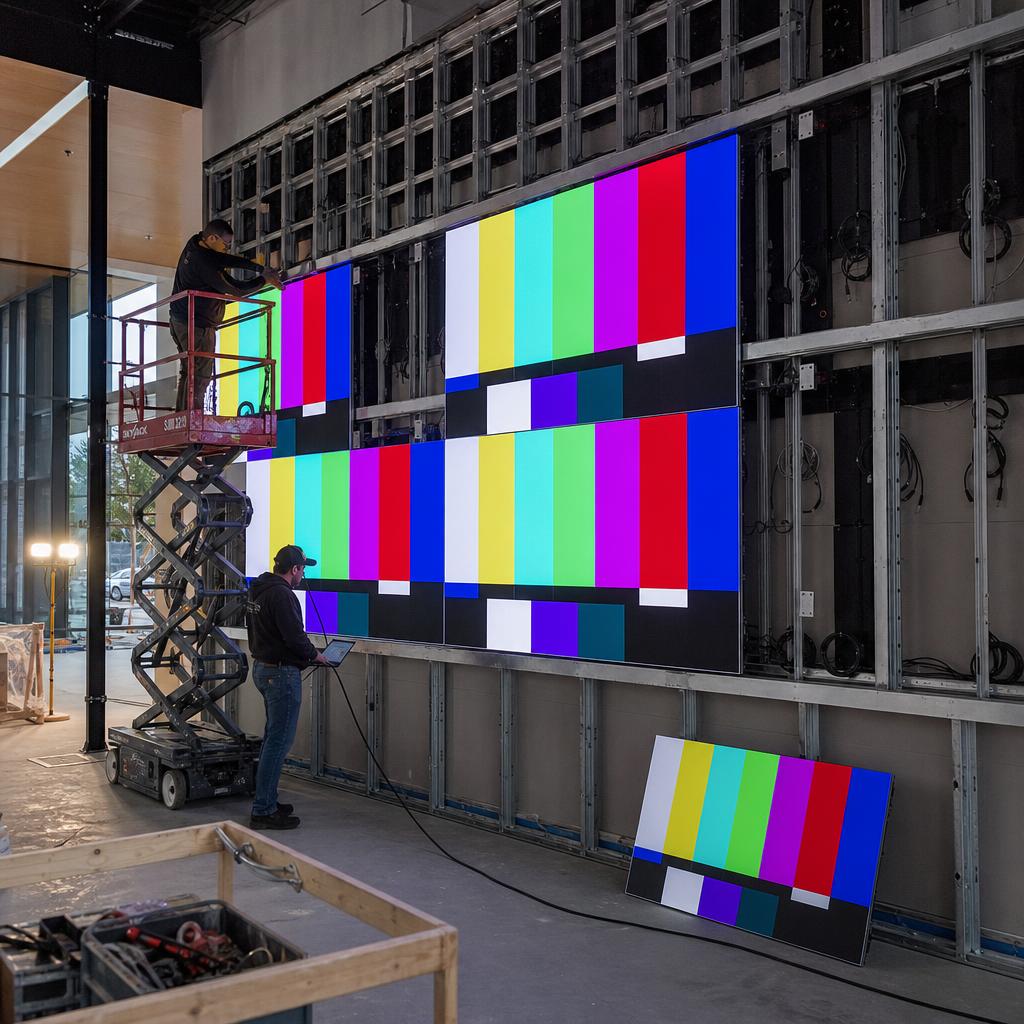
Real-time, frame-accurate synchronisation. When a campaign needs multiple screens to display in unison — a video wall, adjacent displays in a shopfront, or a multi-zone layout where different panels carry different content but need to change together — SPARC keeps them in step. This isn't just "scheduled to update at the same time"; it's coordinated playback so screens next to each other don't visibly drift out of sync, which is the detail that makes a multi-screen setup look professional instead of assembled from parts. It's the same capability that separates a signage installation customers actually notice from one they scroll past without registering it at all.
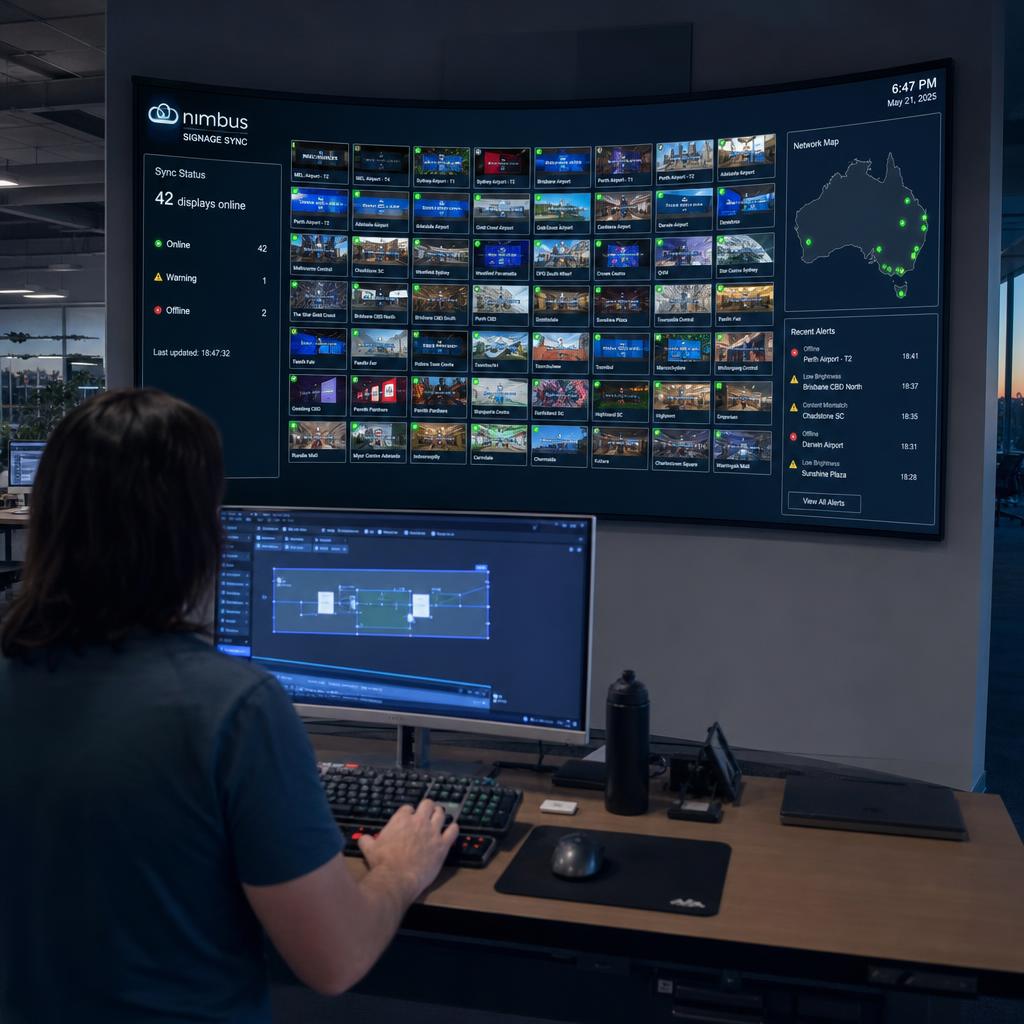
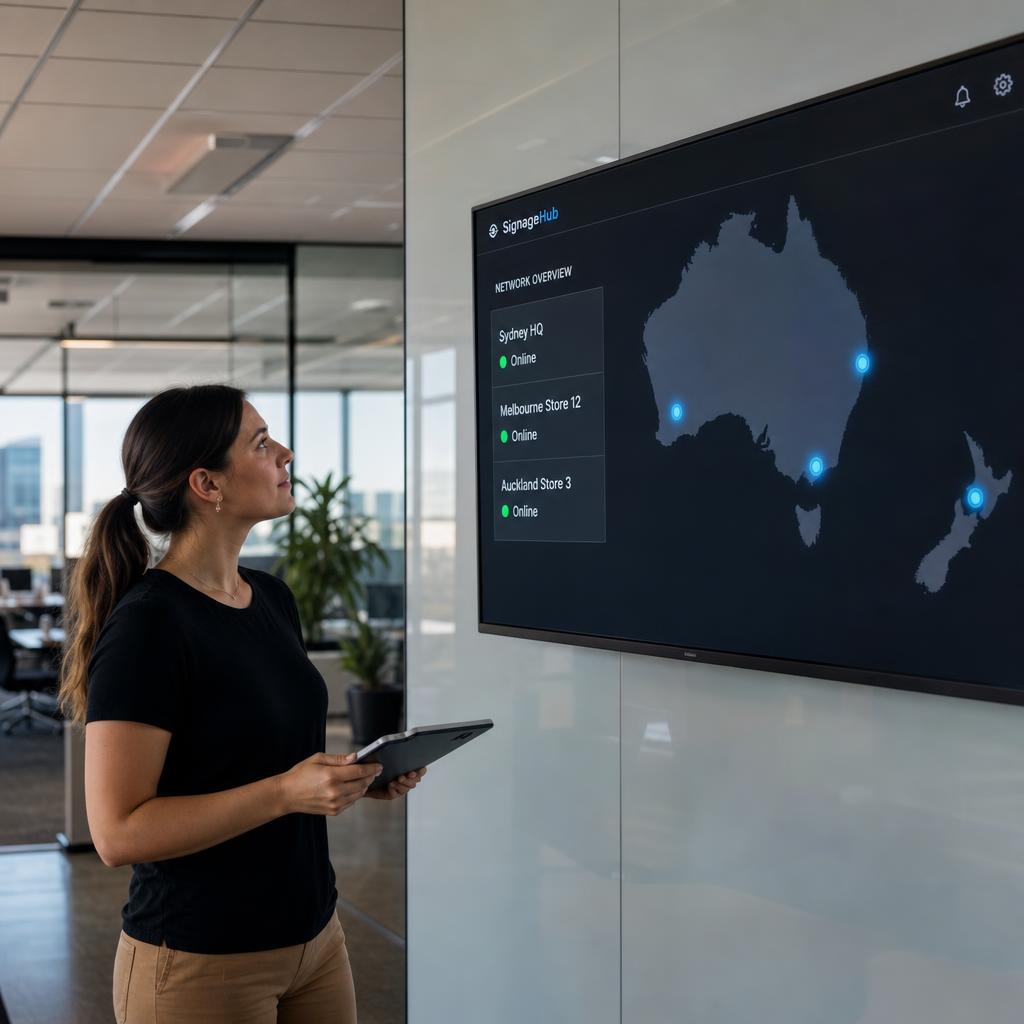
Centralised remote fleet management. Every connected player, at every site, is visible and controllable from one dashboard. You can check which screens are online, see what's currently playing, push content, restart a player, or roll back a change without a site visit or a phone call to whoever happens to be on-site. For organisations running screens across dozens of locations, this replaces a patchwork of local logins, USB drives, and on-site troubleshooting with one place to look. When a screen does go offline, the dashboard tells you which one, at which site, rather than leaving that discovery to a customer complaint or a manager's phone call days later.
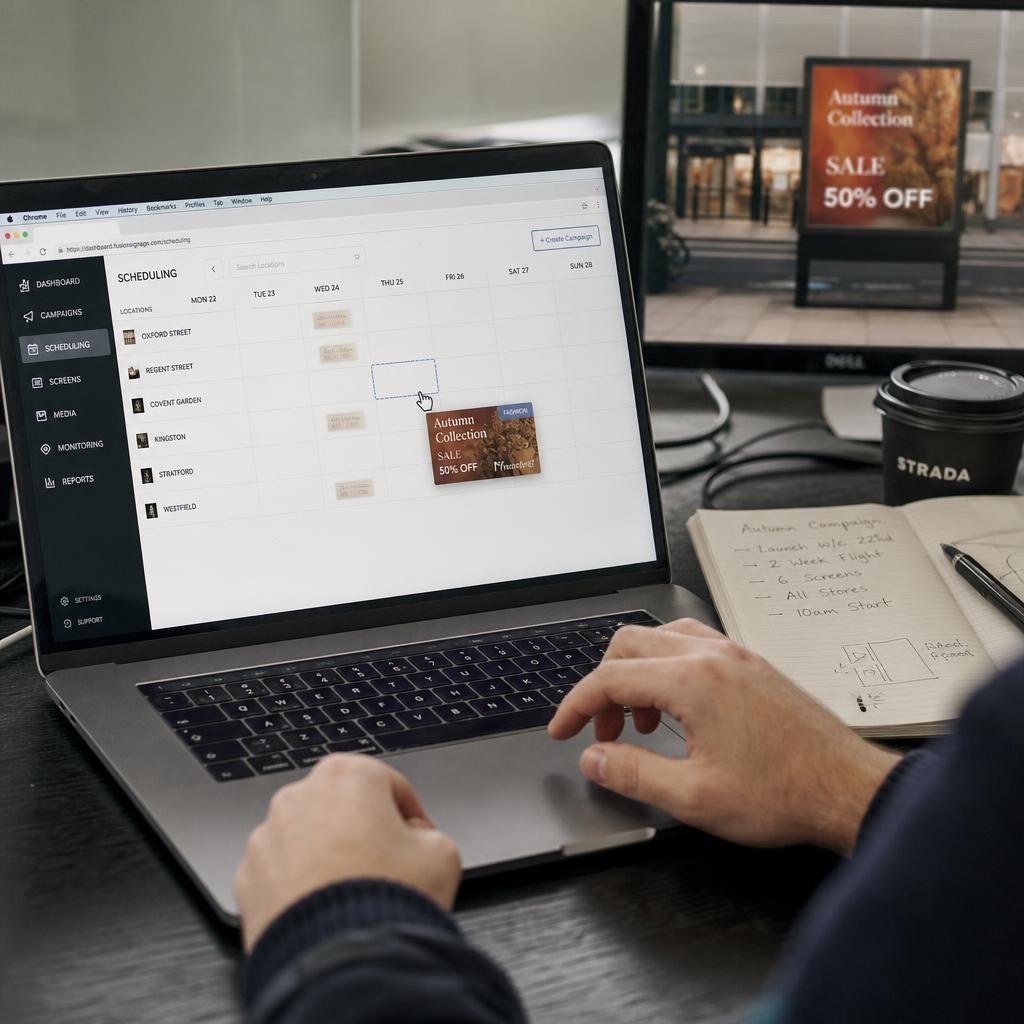
Content scheduling and multi-site control. Campaigns can be scheduled in advance, targeted to specific screens, specific store groups, or the entire network, and layered — so a permanent brand loop can be interrupted by a time-limited promotion without anyone manually swapping files. Store groups, zones, and playlists give you the structure to run consistent messaging nationally while still allowing local variation where it's needed, such as a state-specific offer or a venue-specific menu. A national campaign can go live across every site at exactly 9am without anyone staying back the night before to schedule it manually, and a local manager can still be given permission to adjust their own zone without touching anyone else's.
Hardware flexibility. SPARC isn't tied to one box. It's designed to run on the media players and displays organisations already have, and to support new hardware as it's added, so a signage rollout doesn't force a full hardware replacement just to get onto the platform. That matters most for organisations that have already invested in displays and don't want that spend written off to switch software, and it also matters for organisations rolling out new sites gradually, where different locations may end up on different hardware generations over a few years.
What Happens When Something Goes Wrong?
Signage software is judged less on what it does when everything works and more on what happens when something does not.
The everyday cases:
- A player loses its network connection mid-shift
- A site has patchy internet
- A screen is switched off overnight and back on the next morning
SPARC is built on the assumption that connectivity will occasionally drop, rather than the assumption that it will not.
Content is delivered ahead of when it is needed, so a brief interruption does not mean a blank screen. The player keeps running its last confirmed playlist and picks up new instructions when it reconnects.
The dashboard reflects real player status rather than an assumed one. A team can tell the difference between "this screen is fine" and "this screen hasn't checked in" without physically confirming it.
For screens in customer-facing locations, that distinction is the difference between catching a problem before a customer notices and finding out after they have already walked past a broken display.
Because SPARC is hosted on AWS in Sydney, Australian and New Zealand organisations are working with infrastructure in the same region as their sites, rather than routing content management through servers on the other side of the world.
SPARC vs. the Old Way
Most organisations don't arrive at digital signage software because they're starting fresh — they arrive because whatever they were doing before stopped scaling. The table below sets out what that "before" usually looks like against how SPARC handles the same job.
| Task | Fragmented / manual approach | SPARC |
|---|---|---|
| Updating content across sites | USB drives, individual logins, or emailing files to site staff | Push content to one screen, one group, or the whole fleet from a single dashboard |
| Keeping multiple screens in sync | Manually timing playback or accepting visible drift between panels | Real-time, frame-accurate synchronisation across displays |
| Checking screen status | Phoning or visiting the site to see if something is playing | Live fleet visibility from anywhere, with remote troubleshooting |
| Running promotions | Swapping files manually before and after a campaign | Scheduled, time-limited content layered over standing playlists |
| Adding new locations | Re-learning or re-configuring a different local setup each time | Consistent management workflow that scales to new sites and screens |
| Hardware | Locked into whatever the original installer specified | Works across a range of supported media players and displays |
Who Is SPARC Built For?
SPARC is aimed at organisations running signage across more than one site, rather than a single standalone screen in a single shopfront. In practice, that tends to mean:
- Retail chains coordinating pricing, promotions, and brand campaigns across stores, where head office needs every location showing the same offer on the same day without relying on individual store managers to update it.
- Corporate offices and workplaces running internal communications, meeting room panels, and wayfinding across multiple floors or buildings, where content needs change frequently and often come from several different teams.
- Hospitality and venue groups managing menu boards, event screens, and promotional displays, where pricing and specials can change daily and need to be consistent across every venue in a group.
- Education, healthcare, and public sector sites running notice boards, directional signage, and campus- or facility-wide announcements across multiple buildings or campuses.
- Any organisation where marketing, comms, or facilities teams need day-to-day control over what's on-screen without routing every change request through IT.
It also suits organisations that already have the hardware and want to replace unreliable or outgrown software rather than start from zero.
Because SPARC works with existing players and displays, moving to it does not automatically mean a hardware refresh. See our overview of digital signage CMS options for how platform choice and hardware choice interact.
If you're weighing up whether to manage screens centrally at all, our piece on enterprise display management covers the operational case for it in more detail — what changes for a team once fleet management moves off spreadsheets and site visits and into a single system.
How Do You Get Started With SPARC?
Getting a first look does not require a procurement process.
The most useful next step is a demo run against a scenario close to your own — multi-site retail promotions, a video wall, a corporate comms network — so you see how scheduling, sync and fleet management actually behave rather than reading about them.
Three ways in:
- View the full platform overview
- Explore the features list for a module-by-module breakdown
- Book a demo to talk through your site count, hardware and rollout timeline
A typical first conversation covers three things:
- How many screens and sites you manage today
- What hardware is installed, or what you are planning to buy
- What is currently frustrating about how content gets to those screens
From there we can usually show a configuration close to your actual use case rather than a generic demo environment — which makes it far easier to judge fit before any commercial conversation starts.
For organisations already running signage on another platform, migration is usually a matter of connecting existing players and rebuilding playlists and schedules — the SPARC team can talk through what that looks like for your specific hardware during the demo, including what can be carried across directly and what will need to be rebuilt.
SPARC digital signage software FAQs
What is SPARC?
SPARC is enterprise digital signage software that lets organisations manage content, scheduling, and screen fleets across multiple locations from a single dashboard. It's Australian-owned and hosted on AWS in Sydney.
How is SPARC different from other digital signage platforms?
The main differences show up in daily operation: frame-accurate synchronisation across multiple screens, centralised remote management of an entire fleet, layered scheduling for campaigns and standing content, and support for a range of existing media player hardware rather than a single proprietary box.
Do I need new hardware to use SPARC?
Not necessarily. SPARC is built to work with a range of supported media players and displays, including hardware many organisations already have in place. Whether your current setup is compatible is best confirmed during a demo, since it depends on the specific players and displays you're running.
How many screens or locations can SPARC manage?
SPARC is built for multi-site fleets, from a handful of locations up to large national networks. Content, scheduling, and player status are managed from one dashboard regardless of how many sites are connected.
Can different locations show different content at the same time?
Yes. Screens can be organised into groups or zones so that national campaigns run everywhere while individual sites or regions still show locally relevant content, such as state-specific offers or venue-specific information.
How do I see SPARC in action before committing?
The most direct way is to book a demo with the SPARC team, who can run through the platform against your own use case — number of sites, existing hardware, and the kind of content you need to manage.