What Is an ICCP?
ICCP stands for Immersive Content Control Platform. It is not an industry-standard acronym — it is a term SPARC uses for a specific category of digital signage software.
Platforms built to:
- Synchronise content across many displays in real time
- Manage large-format or immersive setups — video walls, multi-panel installations, unusual aspect ratios
- Give operators centralised control of all of it from one place
If you have heard the term from our own marketing and want to know what it actually refers to, this is that explanation.
To be upfront: you will not find ICCP in Gartner reports or AV industry glossaries.
Most of the market calls this software "digital signage software", "digital signage CMS" or "enterprise display management" — terms we use too, covered in our guide to digital signage CMS platforms.
ICCP is our shorthand for a specific slice of that category: the harder end, where dozens or hundreds of screens have to look and behave as one coordinated system rather than a collection of independent players.
Think of it as a label for a level of capability rather than a new technology.
- Plenty of platforms can schedule content onto a screen
- Fewer can guarantee the same content lands on 200 screens across six states at the same instant
- Fewer still can render a nine-panel video wall as one seamless image rather than nine screens each doing their own thing
That second set of problems is what the term points at.
Why Use a Term Nobody Else Uses?
Because the existing terminology is inconsistent, and two of the common terms are doing work they cannot do.
- "CMS" undersells it. A content management system implies scheduling and uploading files, which is table stakes.
- "Digital signage software" is too broad. It covers a single screen running a slideshow in a cafe and a 40-panel video wall in a corporate lobby. Those are very different engineering problems.
We coined the term for the second kind: deployments where displays are treated as a single canvas or a tightly synchronised network, not a list of independent devices each pulling its own playlist.
It is a framing choice, not a claim that we invented a technology category. If a competitor or an analyst uses different language for the same idea, that is fine. The capabilities matter more than the label.
What Capabilities Does ICCP Actually Describe?
When we talk about ICCP-level signage, we mean a platform that combines three things working together, not as separate bolt-ons.
Real-time synchronisation. Content changes need to appear across every relevant screen within the same moment — not "eventually," not "within a few minutes on the next refresh cycle." This matters for anything spanning multiple displays: a video wall where one frame lags behind its neighbours is obviously broken, and a retail chain running a time-sensitive promotion across stores needs every screen to switch over together.
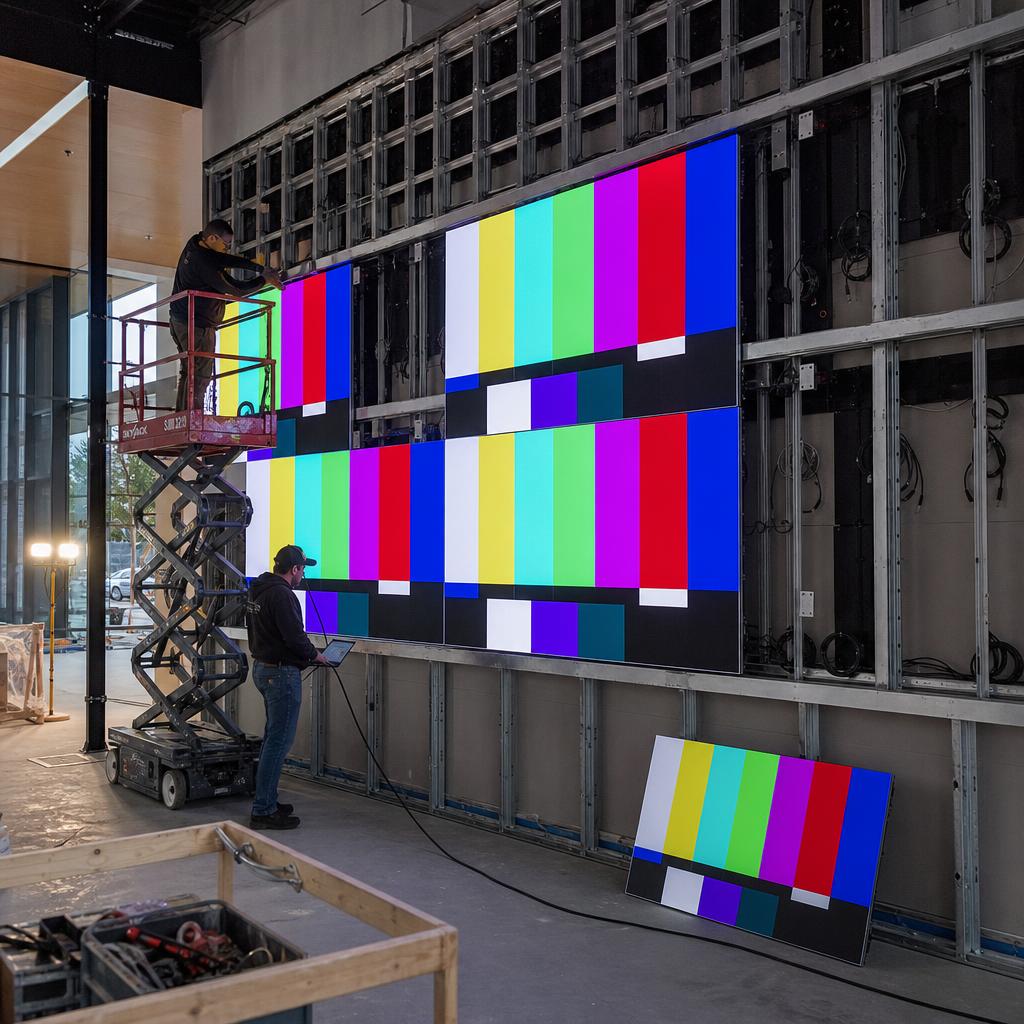
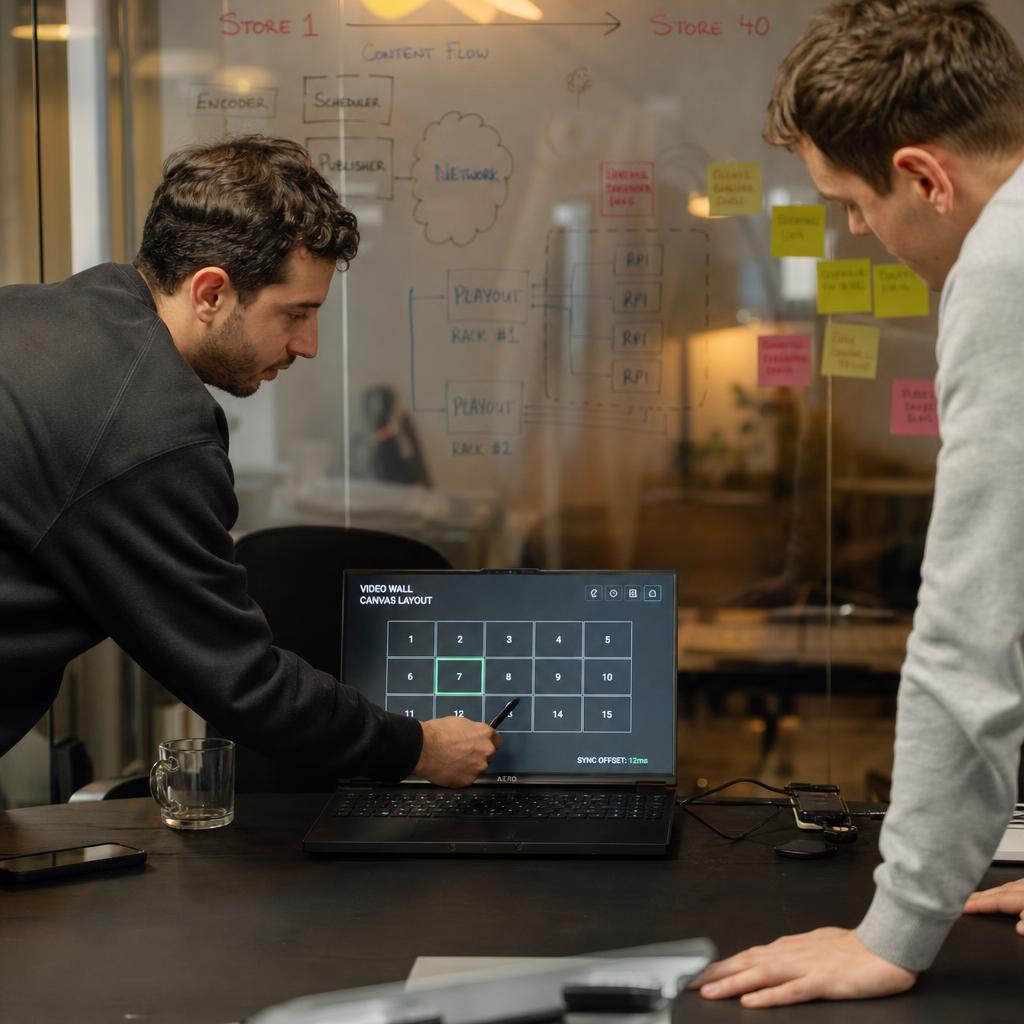
Immersive and large-format display control. This covers video walls, non-standard panel arrangements, portrait and landscape mixes, and content that needs to be split and mapped across multiple physical screens so it reads as one image rather than several disconnected ones. It also covers simpler cases at scale — hundreds of standard screens that all need to behave predictably and consistently.
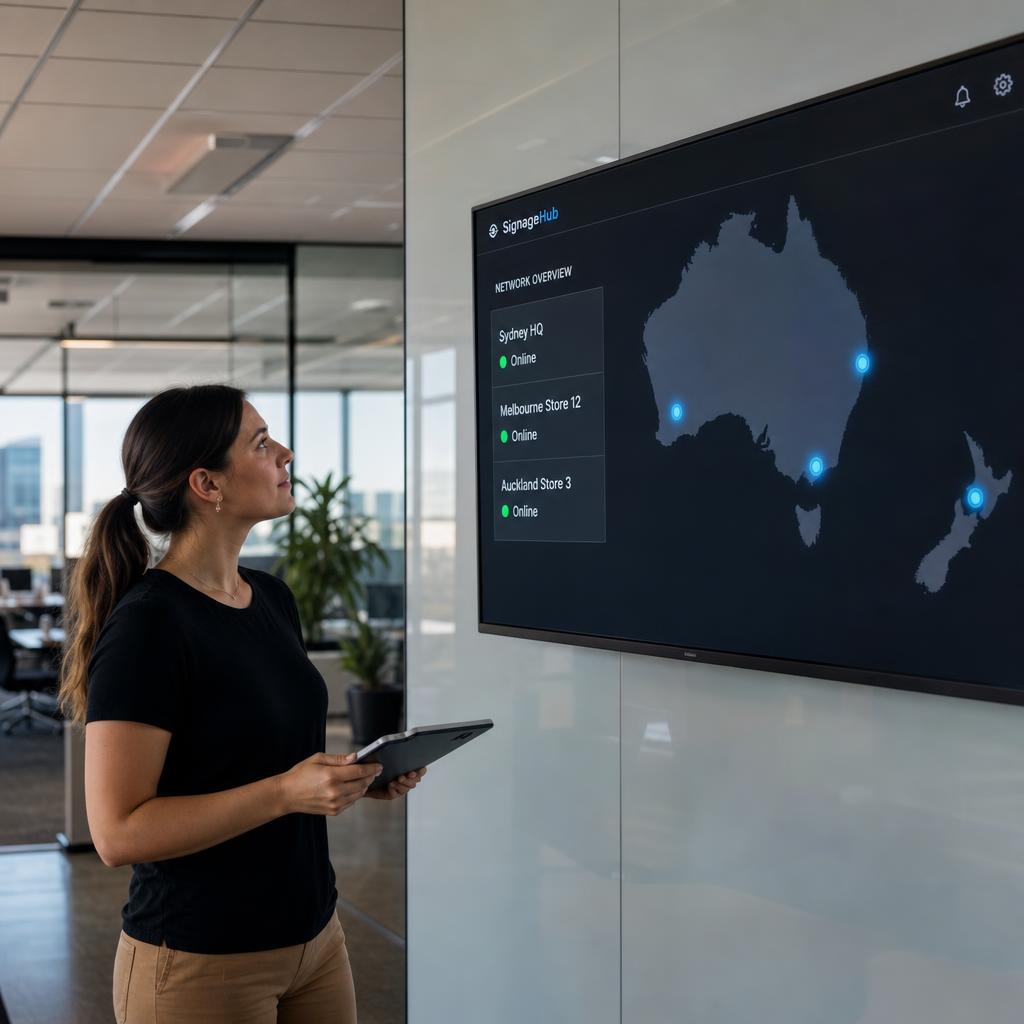
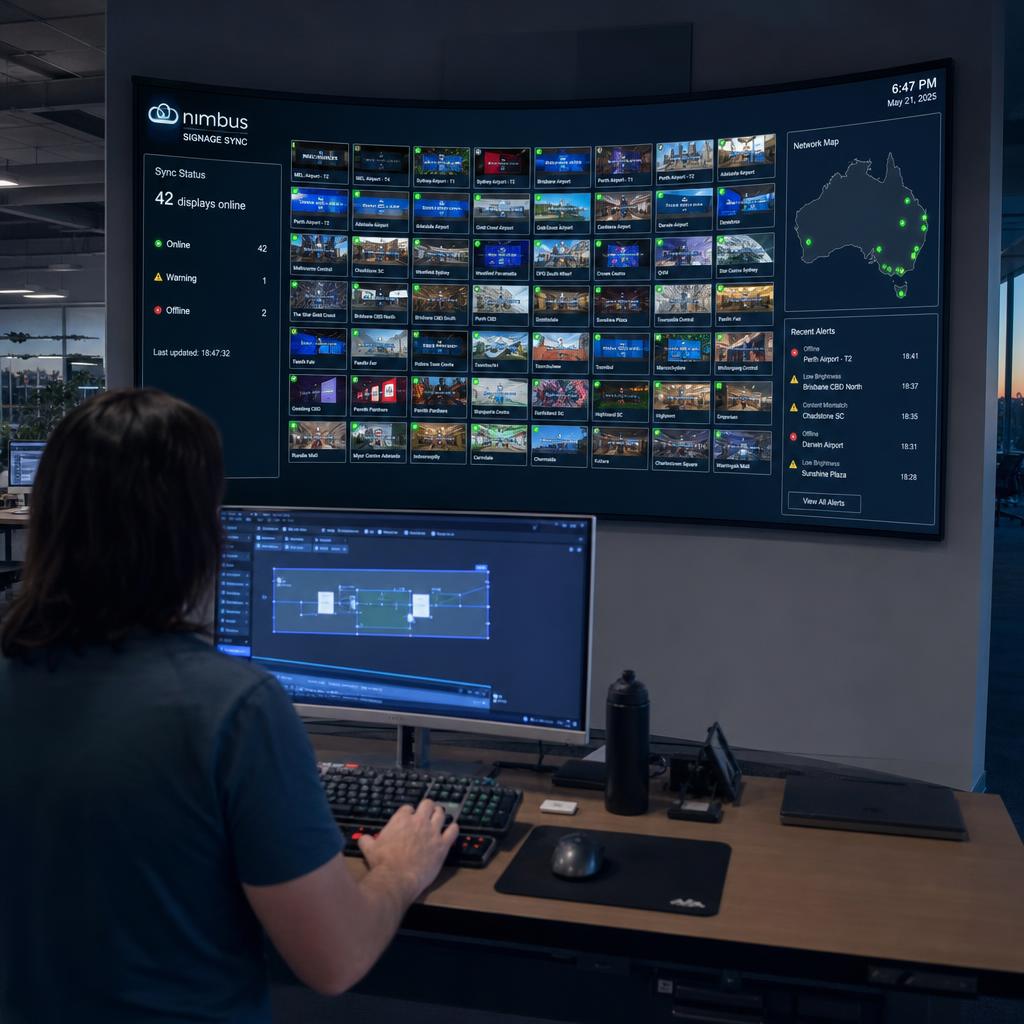
Centralised, remote control. One dashboard to manage content, scheduling, device health, and playback across every screen in the estate, regardless of location. For a business running signage across multiple sites — retail stores, branches, campuses — this is what makes the difference between a manageable network and a maintenance headache, particularly when screens are spread across different cities or states.
None of these three capabilities is exotic on its own. Basic digital signage software can usually do simple scheduling, and most CMS tools offer some form of remote management. What an ICCP-style platform is built for is doing all three reliably, together, at scale — which is a different engineering bar than running a single screen in a shopfront window.
There is a fourth thing worth naming, even though it is not a headline feature: reliability under load.
Synchronising content across a handful of screens is easy. Doing it across hundreds of devices on different networks — some of which will drop offline, need a restart, or sit behind a flaky store connection — is the actual engineering problem.
An ICCP-style platform has to handle that gracefully:
- Devices reconnecting and catching up
- Content queuing correctly
- A dashboard that tells you honestly which screens are up, which are not, and why
Rather than assuming the network is perfect.
What "Immersive" Doesn't Mean
The word gets used differently elsewhere in tech, so worth clarifying.
"Immersive" in ICCP does not mean augmented reality, virtual reality or headset-based experiences.
It describes physical display setups designed to surround, wrap or dominate a viewer's field of vision:
- Video walls
- Curved or multi-panel installations
- Floor-to-ceiling screens in a lobby
— as opposed to a single flat panel on a wall. It is a description of the display hardware and how content is mapped across it, not a claim about VR or interactive technology.
If you came looking for AR/VR software, this is not that. It is about coordinating physical screens.
ICCP vs Basic Digital Signage CMS
The table below is a rough guide, not a hard industry standard — vendors blur these lines constantly, and plenty of "basic" CMS tools have added stronger sync and multi-screen features over time. But it captures the general distinction we're pointing at with the ICCP framing.
| Capability | Basic digital signage CMS | ICCP-style platform |
|---|---|---|
| Content updates | Scheduled, may take minutes to propagate | Real-time or near-real-time across the network |
| Multi-screen layouts | Usually single-screen playlists | Video walls, multi-panel canvases, mixed orientations |
| Scale | Handles a handful to dozens of screens comfortably | Built for hundreds of screens across multiple sites |
| Control | Per-screen or per-group management | Centralised control across the entire estate |
| Typical use case | Single shopfront, reception screen, small cafe menu board | Retail chains, corporate campuses, transport hubs, control rooms |
If you want the broader picture of how digital signage CMS platforms work in general — including the basics of scheduling, playlists, and content management — that's covered in our digital signage CMS explainer. This post is specifically about the more demanding, multi-display, real-time end of that spectrum.
Who Actually Needs This
Not every business needs ICCP-level capability, and there's no shame in that. A single café menu board or a reception screen running a slideshow is well served by simple scheduling software — buying more platform than you need just adds cost and complexity.
Where the real-time, multi-display, centralised approach earns its place is in situations like:
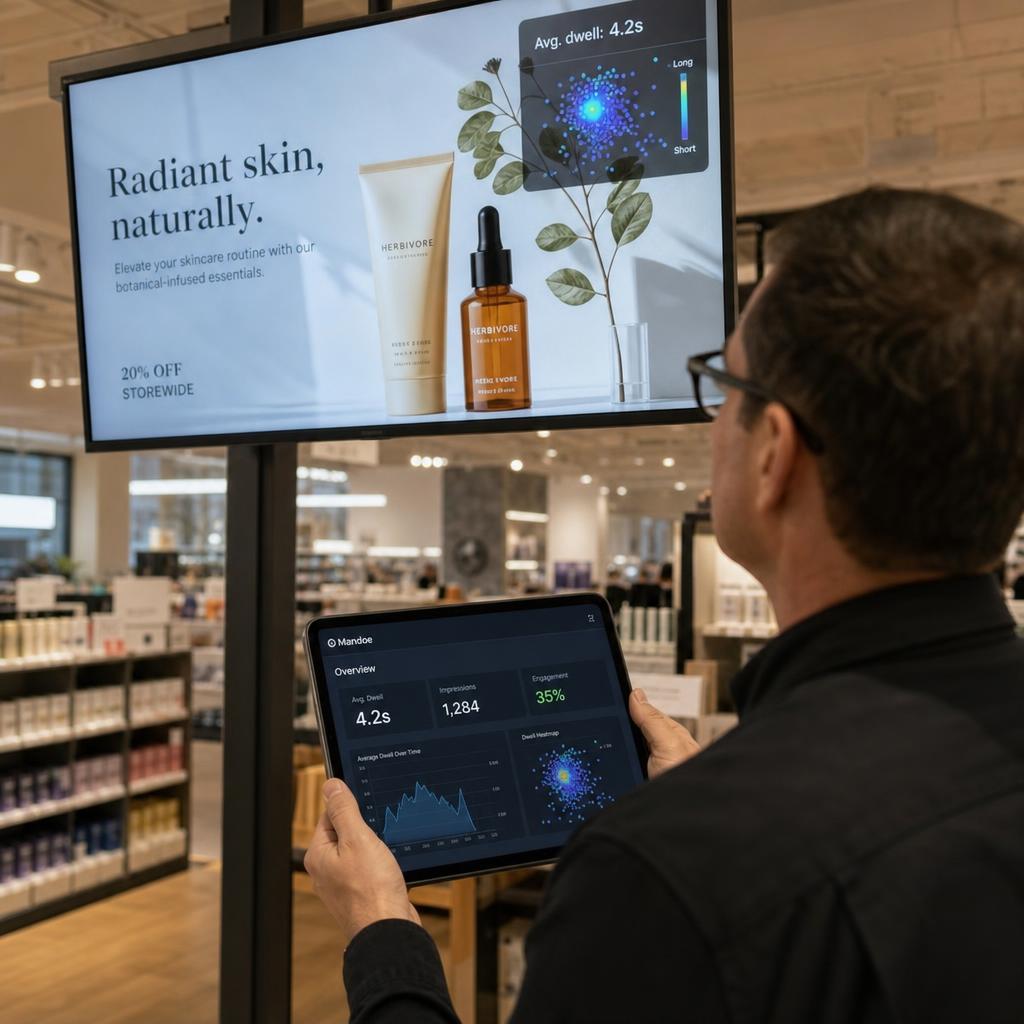
- Retail chains running synchronised promotions or brand campaigns across many stores, where inconsistent timing looks unprofessional or breaks a coordinated launch.
- Corporate and campus environments with video walls in lobbies, wayfinding across multiple buildings, or all-hands content that needs to hit every screen in a building at once.
- Transport and hospitality venues where information (arrivals, wait times, safety messaging) has to update instantly and consistently across many screens in a public space.
- Control rooms and operations centres where large-format, multi-panel video walls display live data and need pixel-accurate synchronisation across the whole array.
- Any multi-site organisation managing screens across different physical locations from a single team, where remote visibility and control replace on-site troubleshooting.
A useful test: if a fault on one screen, or a delay in one location, would be genuinely disruptive or embarrassing to the business, you're probably in ICCP territory. If a screen going down or updating a few minutes late is a non-event, a basic CMS is likely all you need.
If your signage footprint is small and simple, a lighter-weight CMS will likely serve you better and cost less. Our guide to enterprise display management goes into more detail on when scale and centralisation start to matter.
How SPARC Approaches This
SPARC's platform is built around the three capabilities above: real-time content sync, support for video walls and immersive multi-screen layouts, and a single dashboard for managing displays across sites — hosted on AWS infrastructure in Sydney for Australian and regional deployments. We didn't set out to invent a new acronym; ICCP is just the clearest way we've found to describe what the platform does for organisations whose signage needs have outgrown a basic CMS.
Basic CMS territory, or immersive multi-screen territory? Three questions decide it:
- How many screens are you managing?
- How tightly do they need to be synchronised?
- Are video walls or non-standard layouts involved?
Take a look at the SPARC platform for the full feature set, or book a demo and we will walk through your specific screen setup with you.
ICCP and digital signage CMS FAQs
Is ICCP an official industry term?
No. ICCP (Immersive Content Control Platform) is a term SPARC uses to describe a category of digital signage capability — real-time sync, immersive/multi-display control, and centralised management — rather than a recognised industry standard or acronym you'd find in AV certifications. Most of the industry uses terms like "digital signage software," "digital signage CMS," or "enterprise display management" to describe similar or overlapping capabilities.
How is an ICCP different from a regular digital signage CMS?
The core difference is scope and intensity, not a different technology altogether. A basic CMS typically handles scheduled content updates and single-screen playlists well. An ICCP-style platform is built to handle real-time synchronisation across many screens, video walls and multi-panel layouts, and centralised control at scale — capabilities a basic CMS may offer only partially or not at all.
Do I need an ICCP-level platform for a single screen?
Probably not. If you're running one or two screens — a reception display, a single menu board — a straightforward digital signage CMS with basic scheduling is usually the right fit. The real-time, multi-display, centralised capabilities that define ICCP-style platforms tend to matter once you're managing many screens, multiple sites, or non-standard display setups like video walls.
What counts as "real-time" synchronisation?
In this context, it means content changes propagate to relevant screens within moments, rather than on a delayed refresh cycle. This matters most where multiple screens need to change together — a video wall showing one continuous image, or a retail chain switching a promotion across every store at the same time.
Does SPARC only work with large enterprise deployments?
SPARC's platform is built to scale to large, multi-site, multi-screen deployments, which is where the ICCP framing is most relevant. That said, the underlying platform can support smaller signage networks too — the right fit depends on your specific screen count, locations, and whether you need multi-display or video wall support now or plan to in future.
Where can I learn more about how the platform works?
The SPARC platform page covers the full feature set in detail, and you can book a demo to see real-time sync and multi-display control in action against your own use case. For background on digital signage CMS fundamentals, see our digital signage CMS guide; for scaling signage across multiple sites, see enterprise display management.