What Do Healthcare Facilities Actually Need From Digital Signage?
Healthcare digital signage has to do two jobs at once:
- Everyday work — wayfinding, patient information, staff messaging
- Priority messaging, the moment a facility's incident response requires it
The second job is where most general-purpose platforms fall short. Not because the screens fail, but because the software cannot be trusted to:
- Update instantly
- Hold a message with authority over local overrides
- Come back online automatically after a network blip
This guide covers uptime expectations for a clinical environment, how override and priority messaging should behave, wayfinding design under stress, and where signage sits alongside a facility's real emergency management plan.
Being direct about scope from the outset: digital signage is a communication layer, not a safety system.
What it can do: display information a facility's emergency plan tells it to display — faster and more visibly than a printed notice or a PA announcement alone.
What it cannot do:
- Detect a fire
- Trigger a lockdown
- Make a clinical decision
And it should never be positioned, internally or to regulators, as a substitute for the fire indicator panels, PA/EWIS systems and emergency procedures a healthcare facility is already required to maintain.
What Uptime Should a Clinical Environment Expect?
A retail chain can tolerate a screen going dark for twenty minutes while someone reboots it. A hospital corridor screen or an aged care facility's daily program board is operating in a context where staff and visitors are already under some degree of stress, and an unreliable screen erodes trust in every other screen on the network.
Practically, this means a few things worth checking with any vendor:
- Player-level resilience. Screens should keep displaying their last-confirmed content if the network drops, rather than going black. A local cache on the player device, not just cloud dependency, is the baseline.
- Automatic recovery. If a player restarts, it should reconnect and resume the correct playlist without a staff member physically walking to the device.
- Monitoring and alerting. Facilities teams need visibility into which screens are offline right now, not a report that surfaces the outage the next morning.
- Data residency and hosting. For an Australian healthcare provider, hosting infrastructure located in Australia tends to simplify both latency and the governance conversations that come up during procurement.
None of this guarantees a screen will never go dark — hardware fails, ISPs have outages, power gets cut. What it does is put realistic bounds around how quickly normal service resumes, which is the number facilities managers actually need for their own risk documentation.
How Should Emergency Override Messaging Actually Work?
This is the feature most often asked about and least often implemented well. "Emergency override" sounds simple in a sales conversation and is genuinely difficult to get right.
The core requirement is a messaging hierarchy. A small number of authorised users need to:
- Push a message to some or all screens
- Have it take precedence over whatever is currently scheduled
- Have it persist until deliberately cleared — not until the next scheduled playlist item happens to roll around
A workable priority-messaging setup typically includes:
- A defined authority list. Not every staff member should be able to trigger a facility-wide override. Role-based permissions, tied to actual position (facility manager, security control room, nurse unit manager, communications team), keep this from becoming too locked-down to use or too open to misuse.
- Zone-level targeting. A single-building message and a single-ward message are different use cases. An authorised user should be able to choose exactly which screens receive an override — a wing, a building, or the whole campus — rather than an all-or-nothing broadcast.
- Persistence over automation. An override should stay up until someone with the right permission clears it, not get quietly replaced by the next scheduled playlist item, and it should survive a player reboot.
- A clear return-to-normal step. Just as important as pushing the message is confirming it's been taken down cleanly afterwards, across every screen it reached.
- An audit trail. Who pushed what, to which screens, and when it was cleared — useful for after-action review and for demonstrating process to auditors or accreditors.
The genuinely useful version — discussed more generally in our piece on real-time screen control — is one where pushing an update takes seconds, not a scheduled content refresh cycle.
In healthcare specifically, that speed only matters paired with the governance controls above. Fast and uncontrolled is arguably worse than slow and reliable.
How Do You Design Hospital Wayfinding for Anxious Visitors?
Hospital wayfinding has a harder job than retail or corporate signage. Visitors are:
- Anxious
- Unfamiliar with the building
- Navigating while worried about someone else, not themselves
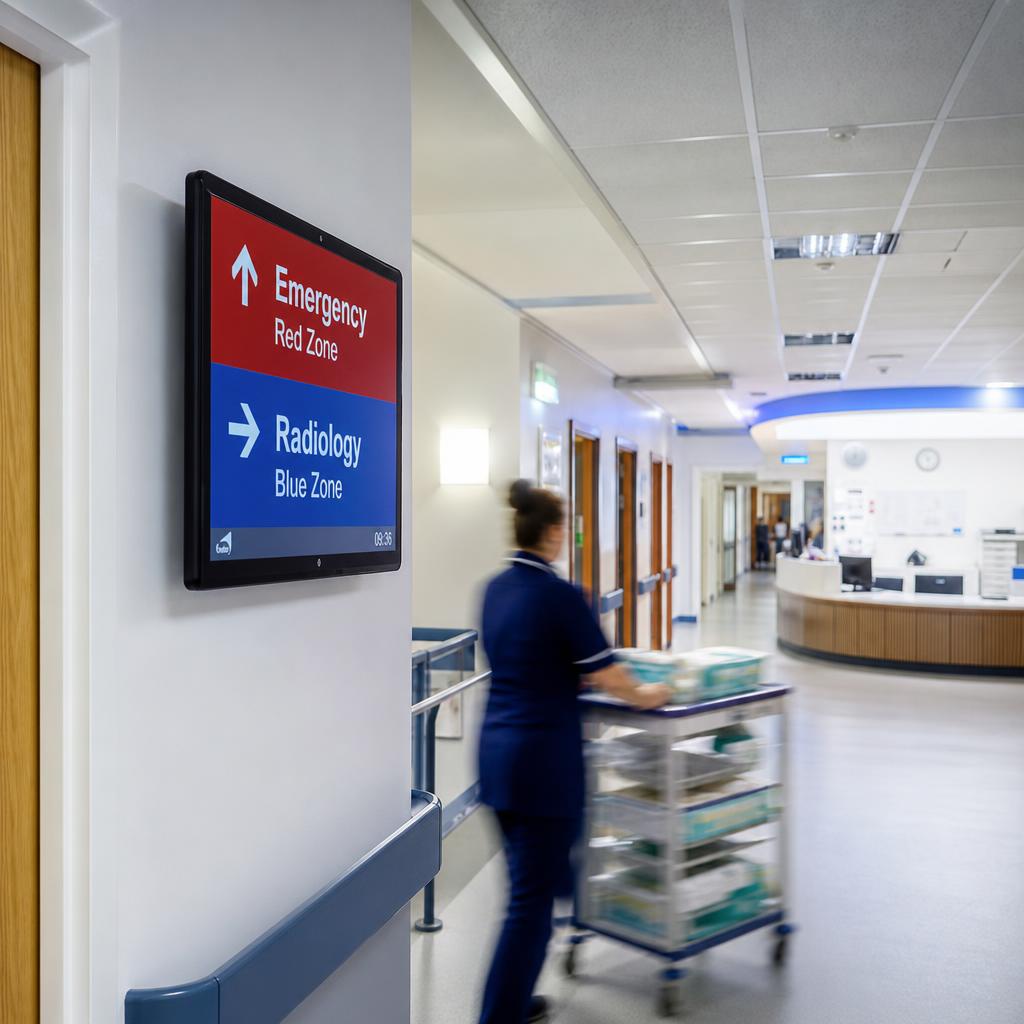
Digital wayfinding genuinely improves on static signage here — but only if it is designed with that stress in mind, rather than treated as a screen-shaped replacement for a printed directory.
A few design principles that hold up in practice:
- Consistency over cleverness. The same icon, colour coding, and terminology should appear on every screen and every printed sign in the building. A wayfinding system that contradicts the static signage around it is worse than no digital signage at all.
- Legibility from a distance and at an angle. Corridor screens get viewed side-on by people walking past, often while pushing a wheelchair or a trolley. Font size, contrast, and placement need to account for that, not just for someone standing directly in front.
- Minimal cognitive load during an update. If a wing is temporarily closed, the update should be a small, clear addition to the existing wayfinding view — not a full-screen takeover that forces a visitor to re-orient from scratch.
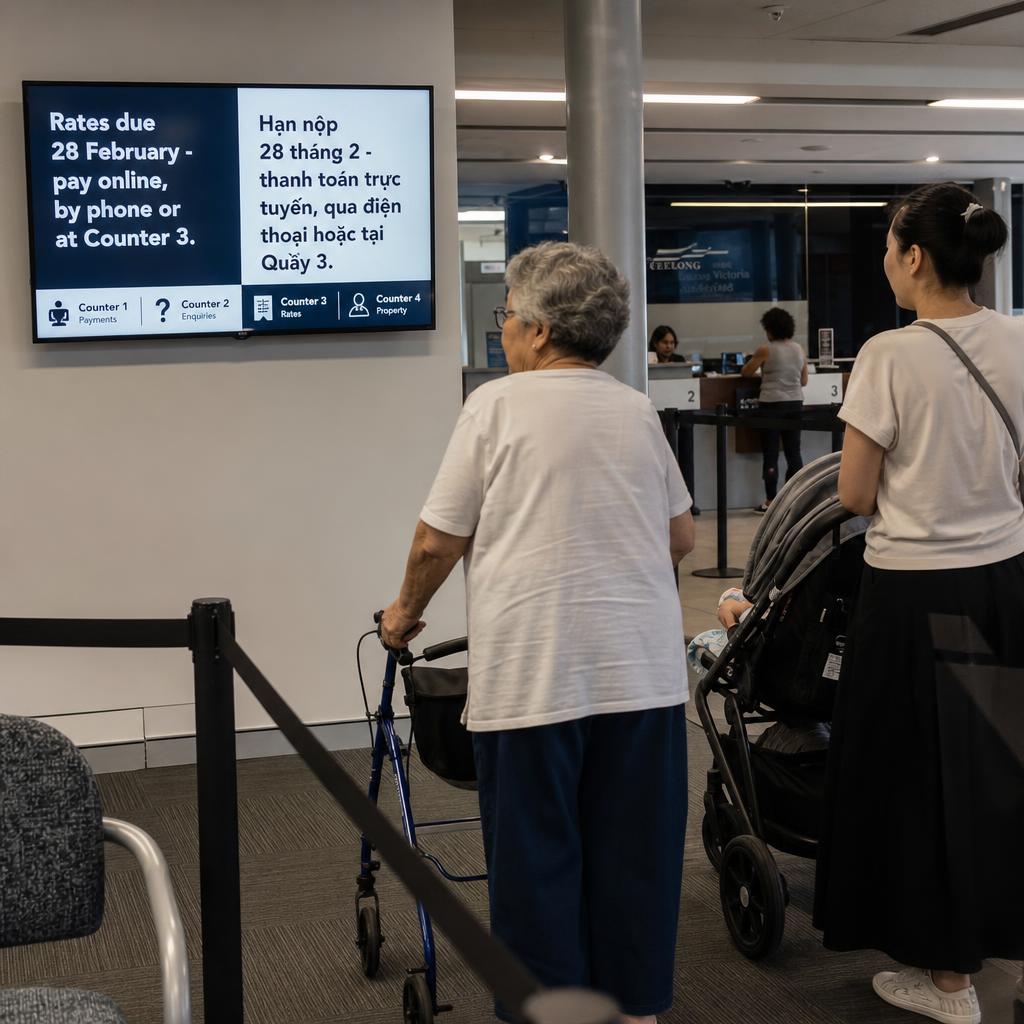
- Multilingual and accessibility support. Larger metropolitan facilities serve visitors across many first languages and abilities. Content that can rotate through key languages, or adjust for larger text, is increasingly an expectation rather than a nice-to-have.
Wayfinding is also where the platform proves its day-to-day value. A facility that only touches its signage during a drill or an incident will not have staff who are confident using it when it matters.
Systems built into daily operations are the ones staff actually reach for when something changes quickly:
- Cleaning schedules
- Ward status
- Visiting hours
These principles apply to any high-stress, high-traffic facility, not just healthcare — our broader guide to wayfinding signage best practices covers the underlying design fundamentals in more depth, and our piece on airport digital wayfinding looks at how the same principles play out in another high-stress, time-pressured environment.
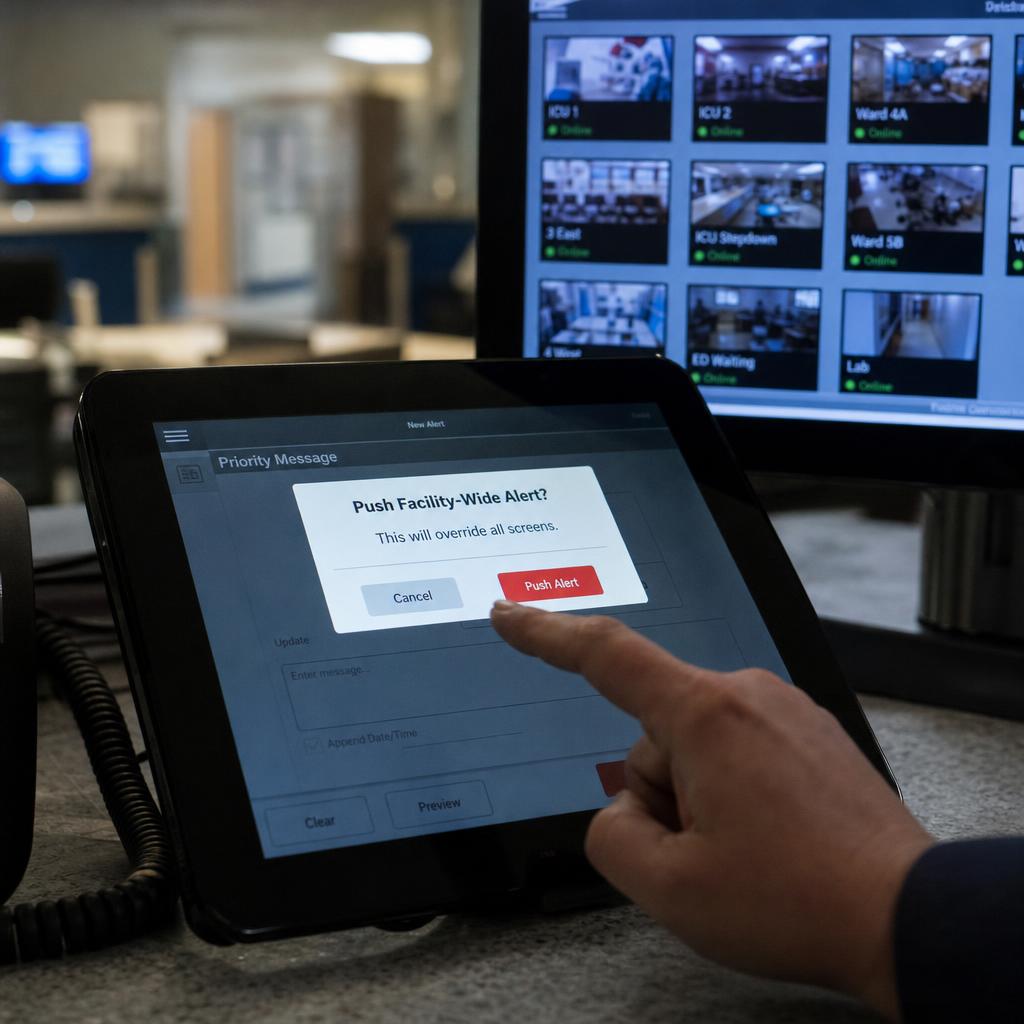
Can Signage Be Triggered by the Fire Panel or EWIS?
Some facilities want signage triggered automatically by an existing alert system, rather than a staff member logging in to push content during an incident. The usual candidates:
- A fire indicator panel
- An emergency warning and intercommunication system (EWIS)
- A mass notification platform
- A security management system
Where this integration is available, it's typically built through an API or webhook connection: the alert system sends a signal, the signage platform receives it and displays a pre-configured message for that alert type. A few things are worth understanding before treating this as a plan:
- It should be additive, not load-bearing. The facility's actual emergency response — evacuation, lockdown, code activation — has to work correctly whether or not the signage update fires. Signage integration is a convenience layer on top of the compliant systems already in place, not a replacement for any of them.
- Pre-configured messages, tested in advance. Automated triggers work best with a small library of pre-approved templates rather than freeform text generated on the fly during a live event.
- Integration scope is facility-specific. What's technically possible depends on the alert system already installed and its willingness to expose triggers to third-party software — a conversation for engineering and compliance teams in consultation with the signage vendor, not a checkbox on a sales sheet.
- Regular testing, not "set and forget." An integration that hasn't been tested since installation is a liability, and belongs in the same testing cadence as the rest of the facility's emergency systems.
For background on the compliance landscape this integration work needs to sit inside — Australian standards, testing obligations, and how digital signage fits into a facility's broader documentation — see our overview of digital signage compliance in Australia.
Who Should Be Allowed to Trigger Which Messages?
Not every piece of content on a healthcare signage network carries the same weight, and treating it all the same — same approval process, same update cadence, same access controls — usually means either everyday content is too slow to update or override content is too loosely controlled. It helps to separate the two categories explicitly.
| Consideration | Everyday wayfinding & information content | Emergency-override content |
|---|---|---|
| Who can publish | Communications or facilities team, standard workflow | Small, named list of authorised roles only |
| Approval process | Scheduled review, brand and accuracy checks | Pre-approved templates, no live drafting during an event |
| Update speed required | Hours to days (schedules, notices, campaigns) | Seconds, with confirmed delivery |
| How long it stays up | Runs on a schedule or until manually changed | Persists until deliberately cleared by an authorised user |
| Audit requirement | General content log | Full timestamped record: who, what, where, cleared when |
| Testing cadence | Reviewed as part of routine content upkeep | Tested on the same cycle as other emergency systems |
Getting this split right is as much a governance exercise as a technical one. Two things to do:
- Document explicitly in the facility's signage policy which roles can trigger which category of content
- Fold that document into the same review process used for the facility's other emergency communication procedures
The reason is recognition: staff, auditors and accreditation bodies should see digital signage as one governed piece of the puzzle, not an ungoverned addition.
What Should You Ask a Vendor Before Committing?
Procurement conversations for healthcare signage tend to focus on screen specs and content templates, and undersell the operational questions that determine whether the system holds up in year two. Worth asking directly:
- What happens to a screen's display if it loses network connectivity for an hour? For a day?
- How is content pushed to screens — polling on a schedule, or genuine real-time push? What's the actual delay between an authorised user clicking "publish" and a screen updating?
- Who, technically, can send a facility-wide override, and how is that access controlled and logged?
- Can screens be grouped and targeted by zone, ward, or building, or is it all-screens-or-nothing?
- Where is the platform hosted, and what does that mean for data governance and support hours in Australian time zones?
- What hardware does the platform support, and is hardware control (rebooting a stuck player, checking device health, scheduling firmware updates) available remotely? Our hardware control features page covers what this looks like in practice.
- What does the vendor's own testing and support cadence look like, and can they demonstrate it rather than just describe it?
A facility that works through these questions before signing a contract generally ends up with a system that's easier to govern, easier for staff to trust, and easier to justify to an accreditation body than one selected on aesthetics alone.
Healthcare digital signage FAQs
Can digital signage replace a hospital's fire alarm or emergency warning system?
No. Digital signage is a communication display, not a life-safety system, and should never be relied on as a substitute for a facility's fire indicator panels, EWIS, or other compliant emergency infrastructure. At most, it can be integrated to display a message alongside those systems, as one additional channel within a broader emergency response plan.
How fast can a message actually reach every screen during an incident?
This depends on the platform's architecture. Systems built on genuine real-time push can update screens within seconds of an authorised user publishing. Systems that rely on scheduled polling can lag by minutes, which matters when the whole point of the message is timeliness. Ask any vendor to demonstrate this delay rather than take a spec sheet's word for it.
Who should be allowed to trigger an emergency override on hospital signage?
As few people as operations genuinely require — typically facility or security management, and a small number of senior clinical or communications staff, assigned by role rather than individual login. Every trigger should be logged with who, what, where, and when it was cleared.
Does healthcare digital signage need to integrate with our existing alert systems?
Not necessarily. Integration with a facility alert system or EWIS is a useful convenience where it's technically available and properly tested, but many healthcare facilities run effective signage programs using manually triggered override messaging alone, provided the authorisation and speed requirements above are met.
What's the difference between hospital wayfinding signage and general retail wayfinding?
The underlying navigation problem is similar, but hospital visitors are more often stressed, unfamiliar with the building, and moving with mobility aids or a companion in distress. Wayfinding content needs higher legibility, terminology consistent with printed signage, and minimal disruption when updates roll out on top of the existing directory.
How often should emergency-override functionality be tested?
On the same cycle the facility already uses for testing its other emergency communication systems, not as a one-off during installation. An override path that hasn't been tested recently should be treated as unverified, regardless of whether it worked when first configured.
Is this suitable for aged care facilities as well as hospitals?
Yes, with the same caveats. Aged care facilities generally have a smaller footprint but often serve residents with higher rates of mobility or cognitive impairment, which raises the bar on legibility and simplicity. The same governance principles — clear authority list, tested override path, integration as a convenience rather than a dependency — apply regardless of facility size.
Digital signage genuinely improves how a facility communicates day to day, and how fast it can display approved information during an incident — provided it is built and governed as one channel within a broader emergency communications plan, not treated as the plan itself.
To see how SPARC handles uptime, override permissions and hardware control for healthcare environments, visit our healthcare industry page — or book a demo and we will walk it through against your own facility's requirements.
For the wider picture beyond emergencies, see our practical guide to hospital digital signage and our guide to digital signage for medical clinic waiting rooms.